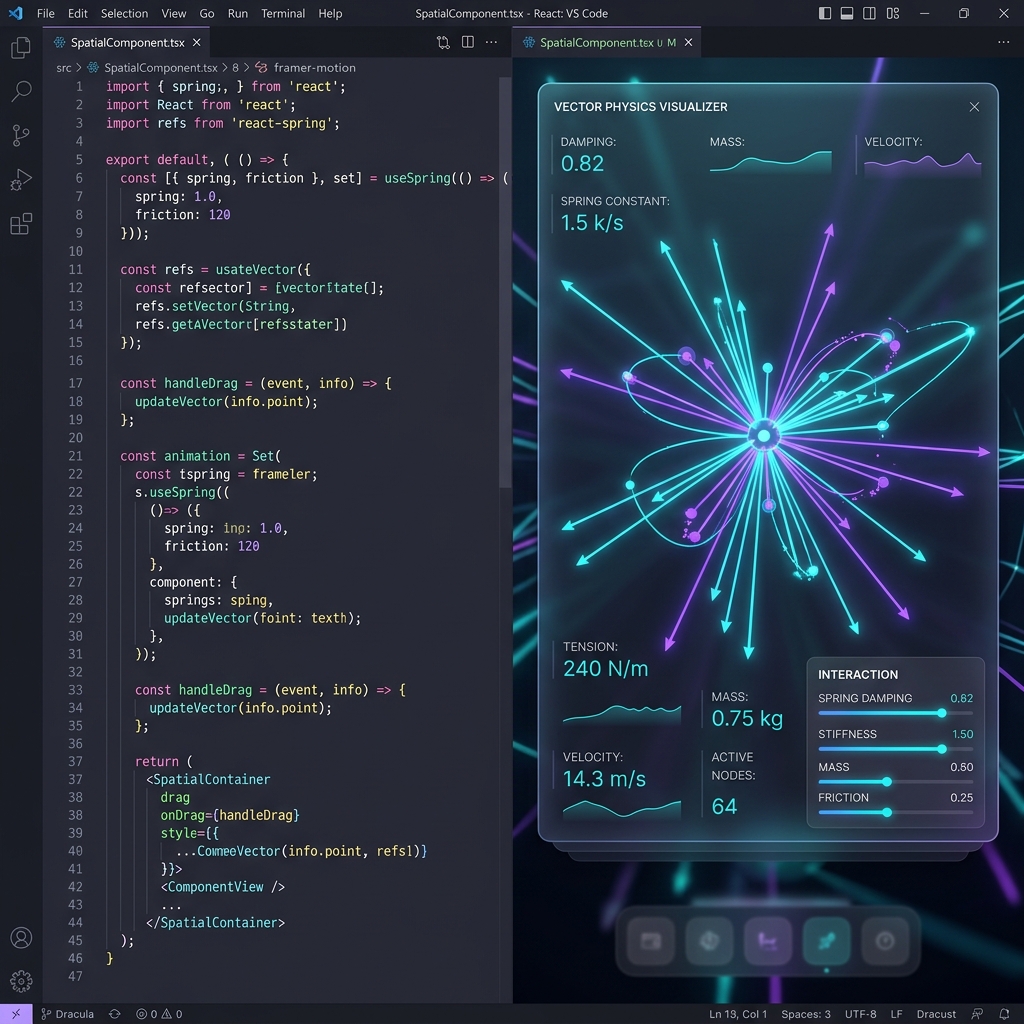
Every developer who has worked with high-end digital designers knows the pain of implementing custom animations.
A designer hands over a beautiful spring animation prototype in Figma or a keyframe timeline in Rive. But when it comes to coding, the developer is forced to recreate it from scratch. You install heavy libraries like Framer Motion or react-spring, write complex pointer event listeners, calculate mouse velocity vectors, and spend hours tweaking damping and stiffness values.
For a single interactive slider or magnetic button, a developer can easily write over 500 lines of complex CSS math and state hooks.
ExodeUI eliminates this manual translation entirely. Using Luma, our zero-drift export engine, we compile design layout structures and physical models directly into clean, performant React code. Here is how it works under the hood.
The Cost of Traditional CSS/JS Animation Math
To understand the value of Luma, let’s look at what is required to build a simple "magnetic floating button" (where the button is drawn toward the cursor and snaps back on release using realistic spring physics):
- Event Listeners: Tracking mouse coordinates relative to the component bounds.
- Delta Calculations: Finding the distance vector ($dx$, $dy$) between the pointer and the button center.
- Physics Equations: Writing integration loops for Hooke's Law ($F = -kx$) and damping forces ($F_d = -c v$).
- State updates: Syncing these coordinate changes to React state at 60fps or 120fps.
This results in a massive block of boilerplate code:
// A typical custom spring magnet component in React
import { useState, useEffect, useRef } from 'react';

export function MagneticButton({ children }) {
  const ref = useRef(null);
  const [position, setPosition] = useState({ x: 0, y: 0 });

  // physics state...
  const velocity = useRef({ x: 0, y: 0 });
  const target = useRef({ x: 0, y: 0 });

  useEffect(() => {
    let frameId;
    const updatePhysics = () => {
      // Damping & stiffness coefficients
      const k = 0.15; // stiffness
      const c = 0.08; // damping

      const ax = (target.current.x - position.x) * k - velocity.current.x * c;
      const ay = (target.current.y - position.y) * k - velocity.current.y * c;

      velocity.current.x += ax;
      velocity.current.y += ay;

      // Update state...
      setPosition(prev => ({
        x: prev.x + velocity.current.x,
        y: prev.y + velocity.current.y
      }));

      frameId = requestAnimationFrame(updatePhysics);
    };
    frameId = requestAnimationFrame(updatePhysics);
    return () => cancelAnimationFrame(frameId);
  }, [position]);

  // Handle pointer movements and mouse leaves...
  // plus styles, transforms, and absolute offsets...
}
This is hard to maintain, difficult to optimize, and prone to design drift—the final animation never feels quite identical to the designer's original intent.
Enter Luma: Declarative physics compilation
ExodeUI represents visual elements and physics behaviors as a unified declarative JSON graph.
When you configure design layouts and snapping behaviors inside Exode, you aren't writing script code. You are connecting vector nodes to physics properties.
Luma, our compiler, reads this graph and compiles it into a lightweight, static React component. Instead of generating hundreds of lines of JS calculation code, Luma outputs a clean JSX structure wrapping our native WebGL/WASM engine.
Here is an example. Move your pointer over the damping controller below. The sliders, knobs, and tension values react instantly using our declarative physics engine, running completely in the GPU thread:
Exode spec file not found:
blog_104_developers_save_css_math_luma_exports.exode
Eliminating Layout Drift
Because Luma utilizes our native web runtime, layout calculations are handled directly on the graphics processor. You copy the exported <ExodeUICanvas> component, drop it into your React code, and it runs.
Benefits include:
- Zero Layout Thrashing: Bypasses React's reconciliation engine during active animations, keeping CPU usage near 0%.
- Pixel-Perfect Fidelity: What the designer built in the editor runs precisely the same in production. No more manual tuning of spring coefficients in code files.
- Fewer Dependencies: No need to import massive animation runtimes or coordinate multiple React animation systems.
By using ExodeUI's Figma imports and Zion AI presets, developers can save thousands of lines of boilerplate physics code across a design system while guaranteeing high-end, responsive aesthetics on every single build.
Ready to streamline your frontend handoff? Download the Exode CLI or check out our React Integration Guide.