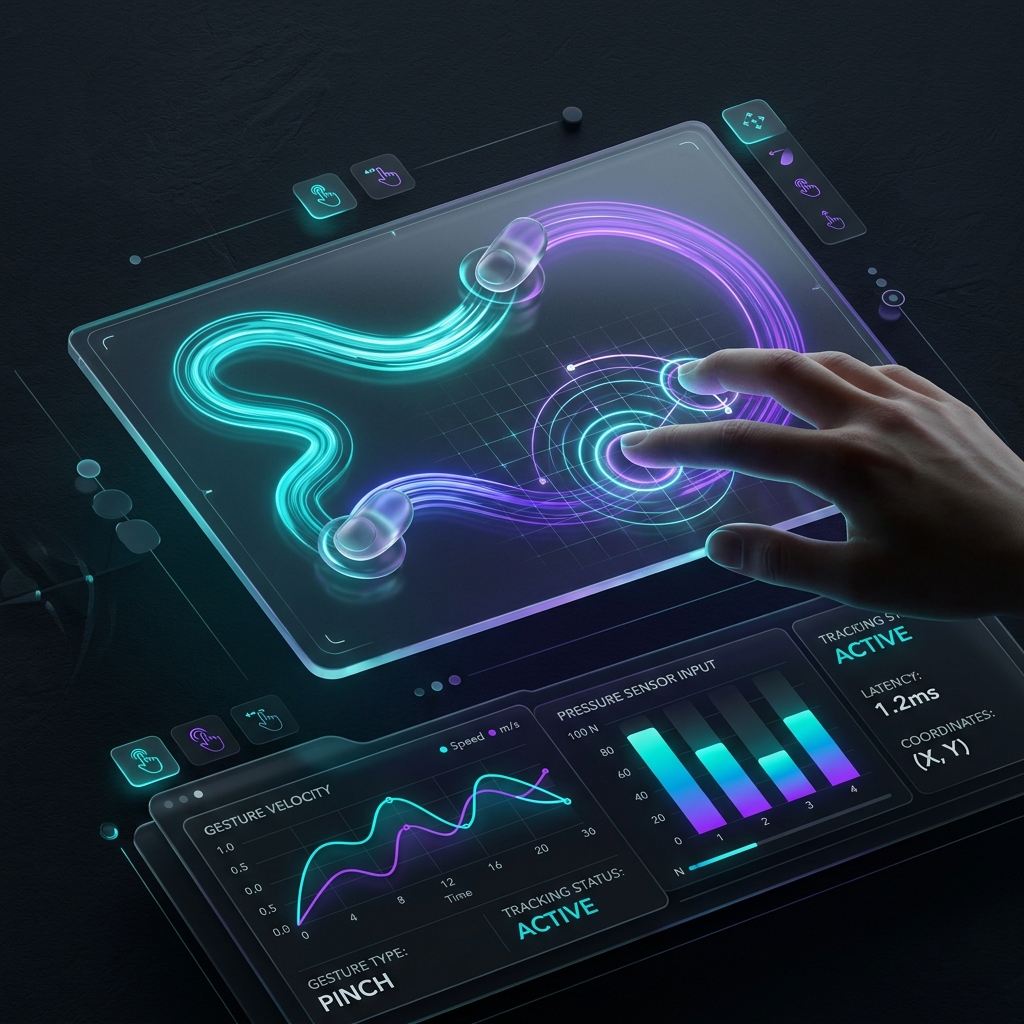
Modern application design is rapidly moving away from simple tap-and-click interactions.
With the rise of spatial computing, foldables, and rich gesture-driven mobile screens, developers must build complex, multi-modal gesture inputs: continuous dragging, pinch-to-zoom, elastic rotations, and directional velocity swings.
Traditionally, testing these gestures in code has been a major pain point. A designer builds a mockup in Figma, or exports an interactive timeline using a Rive alternative. However, once the component reaches React, Swift, or Flutter, developers have no clean way to test the physical responses and boundaries of the gesture without running manual device emulation.
ExodeUI solves this with a design-tool agnostic gesture testing runtime that runs directly within your React codebase.
Why Gesture Testing is Broken
When you implement a pinch-to-zoom image viewer or a swipe-to-dismiss card stack in standard React, you are scripting gesture capture manually:
// Capturing multitouch gesture events manually
function handleTouchMove(e) {
  if (e.touches.length === 2) {
    const dx = e.touches[0].clientX - e.touches[1].clientX;
    const dy = e.touches[0].clientY - e.touches[1].clientY;
    const distance = Math.sqrt(dx * dx + dy * dy);

    // How do you simulate or unit-test this distance delta
    // across varying screen DPIs and damping ranges?
  }
}
Because these calculations are bound directly to the browser's DOM event loop, testing them requires:
- Opening a physical device emulator.
- Manually dragging cursors.
- Looking at console logs to measure animation latency.
This manual testing loop introduces design drift and delays production builds.
The ExodeUI Solution: Agnostic Simulation
ExodeUI decouples visual rendering and gesture physics. Whether your assets were imported from Figma or generated via Aura AI and Zion AI, the underlying physical behaviors are defined declaratively.
This layout-agnostic specification means you can simulate, record, and unit-test input events programmatically:
- Deterministic Inputs: You can write automated tests that simulate exact touch coordinates ($x, y$), pressures, and velocities over a time series.
- Deterministic Outputs: Because the physical spring models are compiled deterministically by Luma, the output coordinates are 100% predictable. You can assert that a swipe at $1.5\text{ m/s}$ will trigger a dismiss state, while a swipe at $0.8\text{ m/s}$ will snap the card back.
Here is our live gesture capture board demo. Drag your mouse inside the pad to see active multi-touch trace emulation running with sub-millisecond physical updates:
Exode spec file not found:
blog_105_design_tool_agnostic_spatial_gesture_testing.exode
Benefits for Enterprise Teams
By integrating spatial gesture testing directly into your CI/CD pipelines, engineering teams can:
- Eliminate Manual QA: Test layout bounds, edge-swipes, and bounce-back physics before the code is deployed to staging.
- Support Multiple Frameworks: Write gesture specs once and execute them across web (React), desktop, and mobile (Swift/Kotlin) using the unified Exode runtime.
- Achieve Zero Design Drift: Designers can verify that their original spring behaviors are preserved exactly, even under stress-testing conditions.
As UI design moves beyond the flat grid layout, having a robust gesture testing engine is no longer optional—it is a core requirement for modern frontend pipelines.
Want to see gesture testing in action? Check out our Gesture API Documentation or read our lovable alternatives comparisons.