
Scenes & illustrations
Day and night scene toggle
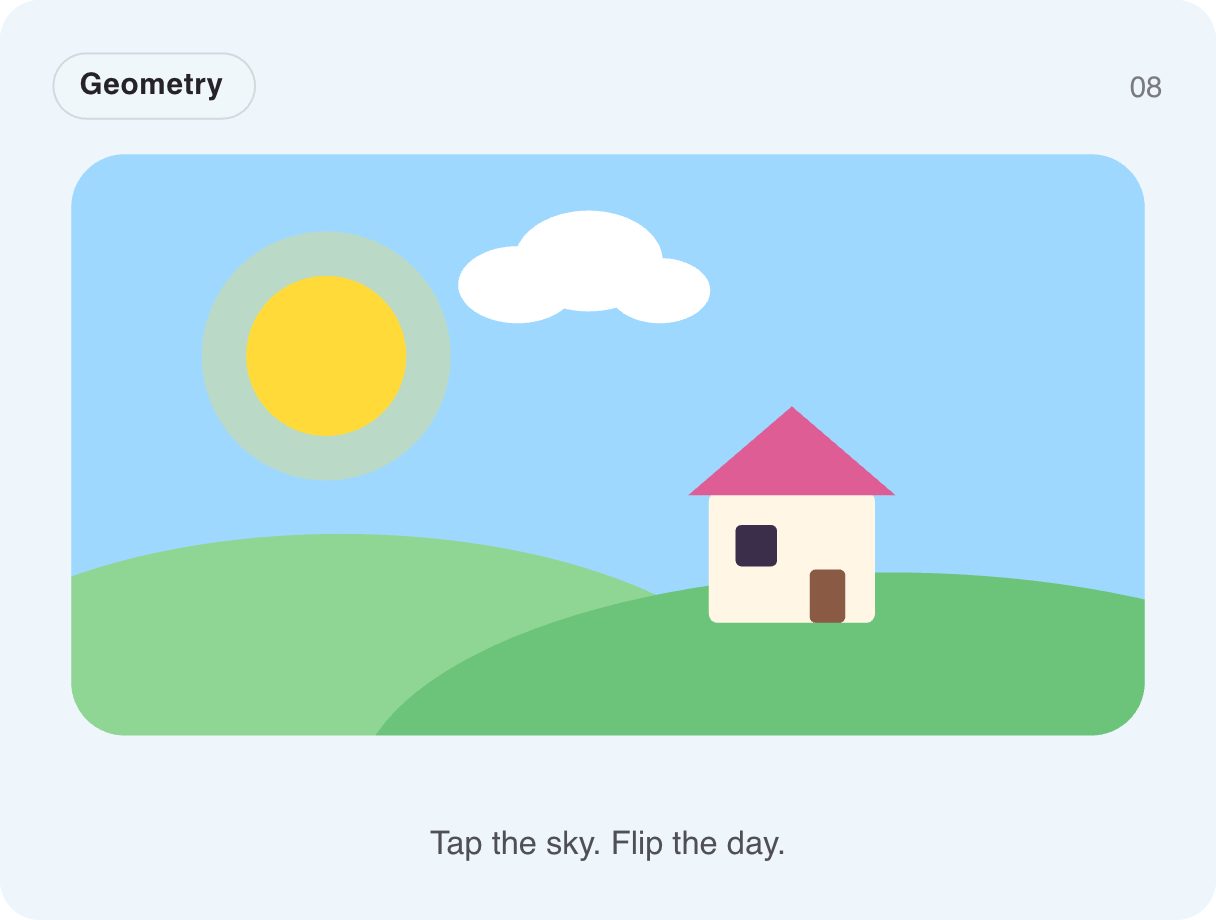
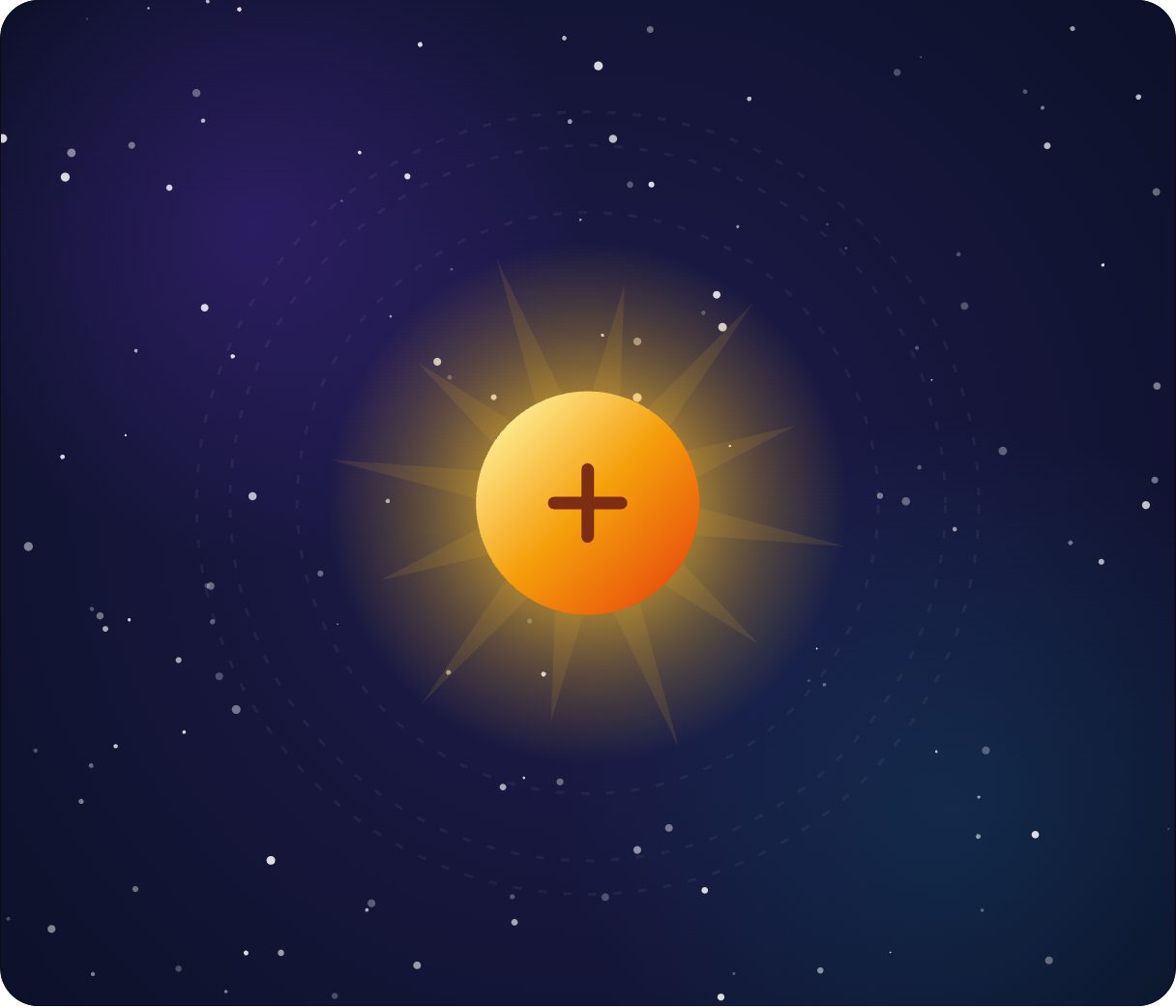
Tap the sky and the whole scene turns: the sun sinks, the sky darkens, stars come out. Clouds drift and stars twinkle the whole time. It is a theme toggle told as a story — ideal for weather, travel and calm, homey products.
- 101.1 KB compiled
- 410 × 310 artboard
- 1 input
- 9 runtimes
How it works
- A Trigger input, night, switches between day and night.
- Day → night and night → day are separate timelines, so each direction can feel different.
- An Ambient layer keeps clouds drifting and stars twinkling underneath.
| Input | Type | What it does |
|---|---|---|
night | Trigger | Switches between day and night. |
When to use it
- Light / dark theme switches
- Weather and travel apps
- Smart-home dashboards
Accessibility
If it changes the site theme, also expose a standard theme control; the scene itself can be decorative.
Also searched as: theme toggle animation · day night animation · animated illustration
Use it in your app
One component, one file. Pick your stack:
import { ExodeUICanvas } from 'exodeui';

export function DayNightToggleScene() {
  return (
    <ExodeUICanvas
      src="/gallery-08-day-night.bexode"
      autoPlay
      onReady={(engine) => {
        // drive it from your own UI:
        // engine.fireTrigger('night');
      }}
    />
  );
}
React loads the compact .bexode; the other runtimes load the .exode JSON source — both come from the same design.
Questions
Why is this one bigger than the others?
It is a detailed scene with many shapes and stars — about 101 KB, still smaller than most hero images.
Can it follow the user's system theme?
Yes. Fire night when prefers-color-scheme is dark.
More scenes & illustrations
Make it yours in ExodeUI.
Change the colours, the timing, the logic — then ship the same file.