
Menus & navigation
Neon circuit menu
Press the chip and current races along the traces to light up five neon nodes. It is a menu for products with a technical or gaming edge — developer tools, crypto, esports, hardware — where a plain hamburger would feel off-brand.
- 4.9 KB compiled
- 420 × 360 artboard
- 1 input
- 9 runtimes
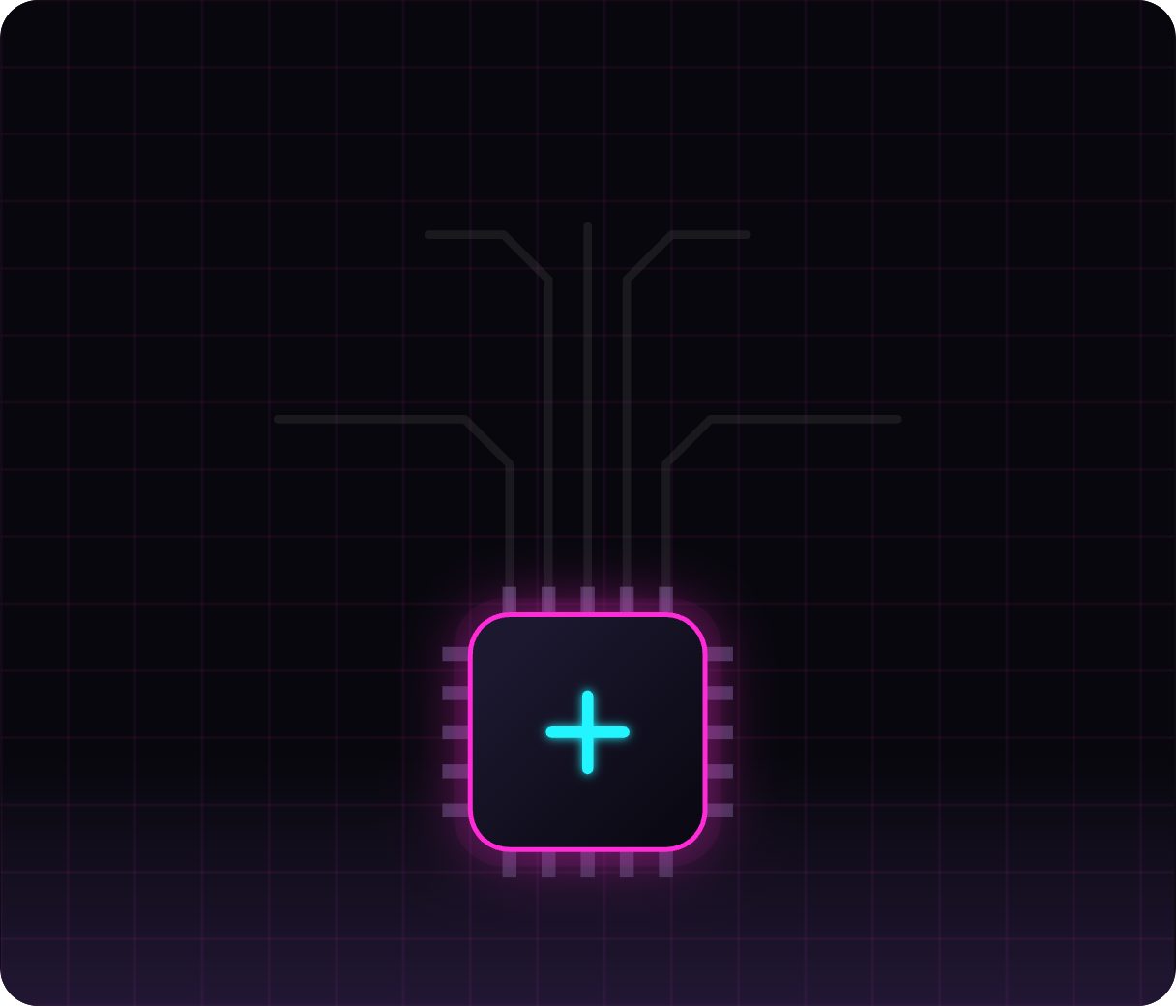
How it works
- isOpen flips the Closed and Open states.
- Opening lights up the traces and the five glowing nodes they connect.
- Nodes (Power, Signal, Core, Data, Bolt) each have their own click pulse.
| Input | Type | What it does |
|---|---|---|
isOpen | Boolean | Powers the circuit on (true) or off (false). |
When to use it
- Developer-tool and SaaS dashboards with a dark theme
- Gaming, esports and streaming sites
- Hardware and IoT product pages
Accessibility
Glow alone should not carry meaning — keep labels on each node available as hidden text and ensure contrast against the dark background.
Also searched as: neon menu · cyberpunk navigation · glowing menu animation
Use it in your app
One component, one file. Pick your stack:
import { ExodeUICanvas } from 'exodeui';

export function NeonCircuitMenu() {
  return (
    <ExodeUICanvas
      src="/neon-circuit-menu.bexode"
      autoPlay
      onReady={(engine) => {
        // drive it from your own UI:
        // engine.setInputBool('isOpen', true);
      }}
    />
  );
}
React loads the compact .bexode; the other runtimes load the .exode JSON source — both come from the same design.
Questions
Does the glow use heavy effects?
No. The whole menu is about 4.9 KB and renders with shapes and strokes in the Exode runtime.
Can it open from code?
Yes — set isOpen to true from any button or keyboard shortcut.
More menus & navigation

Make it yours in ExodeUI.
Change the colours, the timing, the logic — then ship the same file.