Halloween UI Animations

20 free Halloween micro-interactions: spooky micro-interactions for buttons, toggles, loaders, menus, 404 pages and forms, each a small live file you can drop into a site or app.

Updated November 2026

What are these Halloween UI animations?

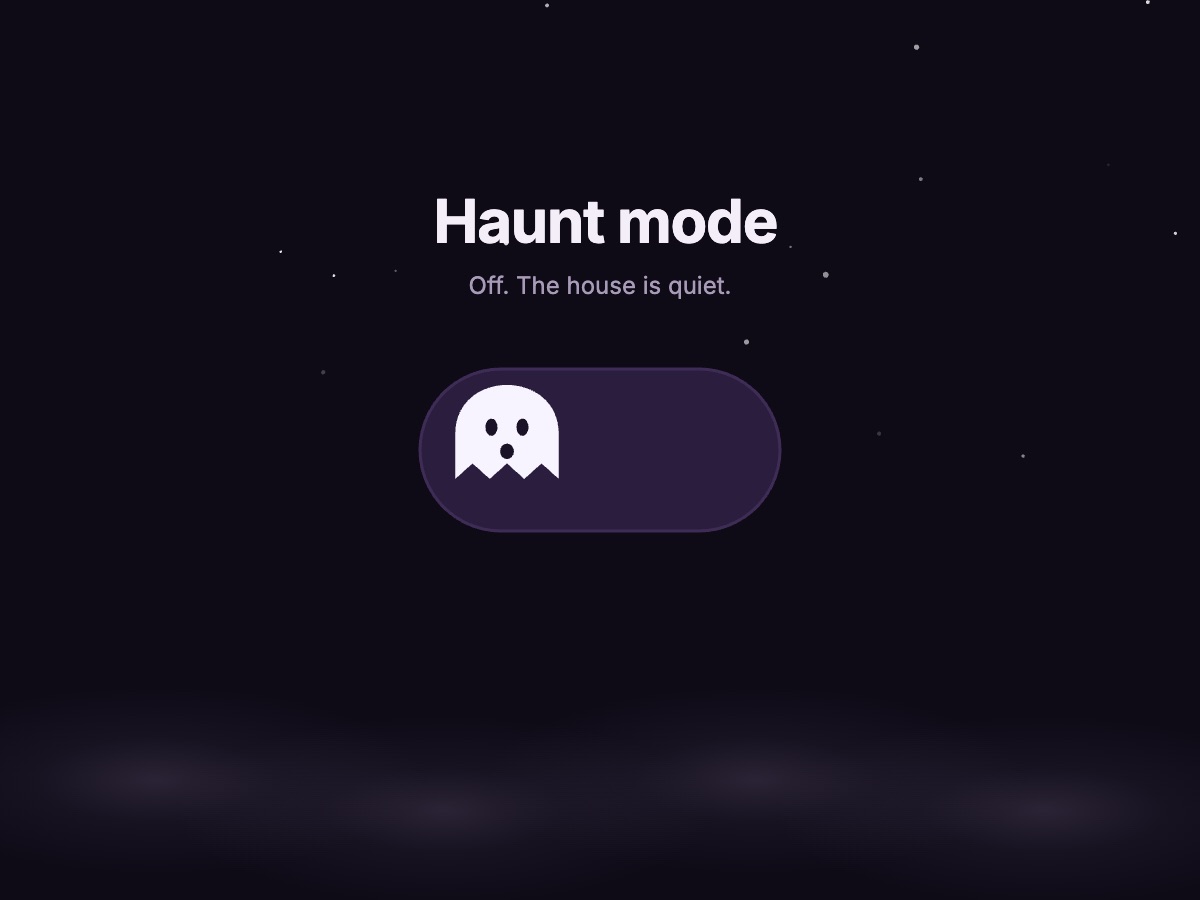
They are 20 small, ready-made micro-interactions for spooky season: a ghost toggle switch, a pumpkin like button, a spider loading animation, a graveyard 404 page, a bat menu, a crystal-ball notification and more. Each is a real ExodeUI file with its own states and triggers, so a tap or a hover does something on the first try. Open any of them in the editor to change the copy, colours and timing, or download the file and ship it as it is.

Where to use them

Seasonal landing pages

Swap your usual hero for the haunted door or the full moon switch for October, then switch back in November without a redeploy of your styles.

Ecommerce in October

The cauldron add-to-cart, the coffin promo reveal and the trick-or-treat card turn a Halloween sale into something people actually click.

Empty and error states

A graveyard 404 page or a lights-out empty state turns a dead end into a small moment of delight.

Loading and progress

The spider loader, the slime progress bar and the bone skeleton screen keep people company while content loads.

All 20 Halloween micro-interactions

How to add a Halloween animation to your site

  1. Pick an animation above. Open it in ExodeUI to change its text and colours, or keep it as it is.
  2. Download the .bexode file and put it in your public folder.
  3. Install the runtime with npm i exodeui.
  4. Render it with ExodeUICanvas. Taps and hovers work out of the box.
import { ExodeUICanvas } from 'exodeui';

export function GhostToggle() {
  return (
    <ExodeUICanvas
      src="/ui-gallery/files/ghost-toggle.bexode"
      autoPlay
      style={{ width: 400, height: 300 }}
    />
  );
}

Frequently asked questions

Can I use these Halloween animations on my website for free?
Yes. Play with any of them here, download the .exode file or open it in ExodeUI on the free plan, and ship it with the runtime for React, Vue, Svelte, React Native, SwiftUI or Flutter.
Are these CSS animations?
No. Each one is a small ExodeUI file played by the ExodeUI runtime on a canvas. That lets a ghost, a spider or a door move along proper motion curves and react to taps without you writing keyframes or JavaScript for every state.
How big are the files?
The compiled .bexode files for these components are a few kilobytes each, smaller than most icon sprites and far smaller than a GIF or a video of the same motion.
Can I change the colours and text?
Yes. Open a component in ExodeUI and every shape, colour, label and timing is editable on the canvas, with its states and triggers intact in the Logic tab.
Will the spooky motion bother people who prefer less animation?
Most of these only move when someone hovers or taps. For the ambient ones (fog, blinking eyes, the spider loader), pause the canvas when the visitor has reduced motion turned on.