← All 20 Halloween UI animations

Slime Progress Bar: a Halloween micro-interaction

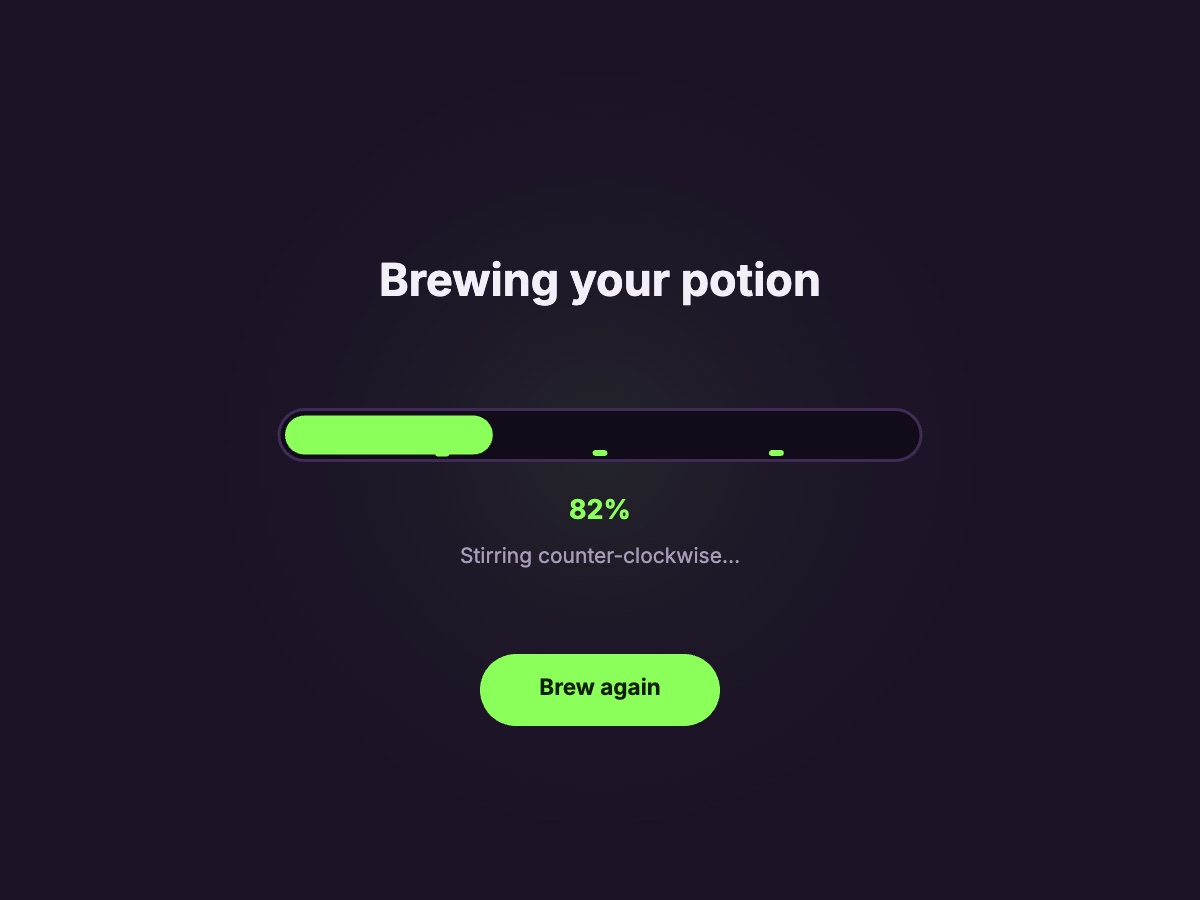
A potion brews in a dripping slime progress bar. A free, live loader for spooky season.

Updated November 2026

Add the Slime Progress Bar to React or Next.js

  1. Pick an animation above. Open it in ExodeUI to change its text and colours, or keep it as it is.
  2. Download the .bexode file and put it in your public folder.
  3. Install the runtime with npm i exodeui.
  4. Render it with ExodeUICanvas. Taps and hovers work out of the box.
import { ExodeUICanvas } from 'exodeui';

export function SlimeProgressBar() {
  return (
    <ExodeUICanvas
      src="/ui-gallery/files/slime-progress.bexode"
      autoPlay
      style={{ width: 400, height: 300 }}
    />
  );
}

Frequently asked questions

Is the Slime Progress Bar free to use?
Yes. Try it here, open it in ExodeUI on the free plan or download the .exode file, and ship it with any ExodeUI runtime.
What does the Slime Progress Bar do?
A potion brews in a dripping slime progress bar. Tap Brew again to see it.
Can I restyle the Slime Progress Bar for my brand?
Open it in ExodeUI and every colour, label, shape and timing is editable, with its states and triggers already wired in the Logic tab.
Does it work outside React?
The same file plays in the Vue, Svelte, Angular, React Native, SwiftUI and Flutter runtimes.