Tab Bars and Bottom Navigation: Design Rules That Hold Up
How to design tab bars and bottom navigation on iOS and Android: 3 to 5 destinations, navigation not actions, labels, badges, visibility and animated active states.
Core Takeaway
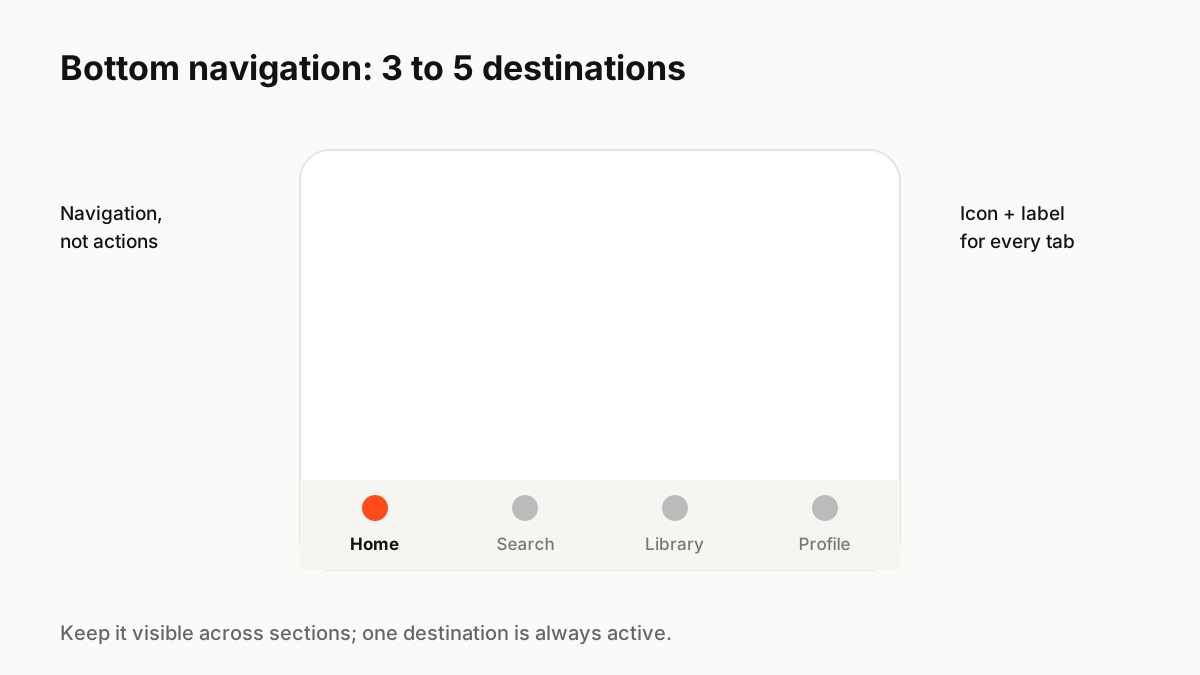
Use a tab bar or bottom navigation for three to five top-level destinations, not for actions. Give every tab an icon and a label, keep the bar visible as people move between sections, avoid overflow "More" tabs where you can, and use badges sparingly. Animate the active state subtly so people see where they are.
What the platforms say
Material Design 3 says navigation bars provide access to three to five destinations, each with an icon and label, and one destination is always active. Apple's guidelines say to use a tab bar for navigation, not to provide actions, to keep it visible as people move between sections (except when a modal covers it), and to avoid overflow tabs.
Choosing the tabs
Tabs represent the app's structure:
- Pick the sections people use most often, not every section you have.
- Use nouns for destinations ("Library"), not verbs for actions ("Upload").
- Put actions in the screen itself, in a toolbar or a floating action button.
- If you need more than five, reconsider your structure before adding a "More" tab.
Labels and badges
Icon-only tabs save space but force people to guess. Labels make navigation clearer, especially for less common icons. Badges should signal something people need to act on; a badge that is always present stops being noticed.
Preserve state per tab
Apple notes that tab bars let people switch sections while preserving the current navigation state within each section. Returning to a tab should show where they left off, not reset to the top.
Motion
A small transition on the active indicator, such as a pill that slides or an icon that fills, helps people track where they are. Keep it fast, under about 250 milliseconds, avoid bouncing every icon on every tap, and simplify it when reduced motion is on.
Key Principles to Remember
- Three to five top-level destinations
- Navigation, not actions
- Icon plus label for every tab
- Keep it visible and preserve each tab's state
- Subtle, fast active-state motion
Frequently Asked Questions
Sources
- Navigation bar guidelines — Material Design 3
- Tab bars — Apple Human Interface Guidelines