Cavalry vs ExodeUI: Motion Graphics vs Production UI Runtimes
Cavalry is procedural 2D motion graphics software; ExodeUI is for interactive UI that ships in apps. What each does, what it outputs, and when to use both.
Core Takeaway
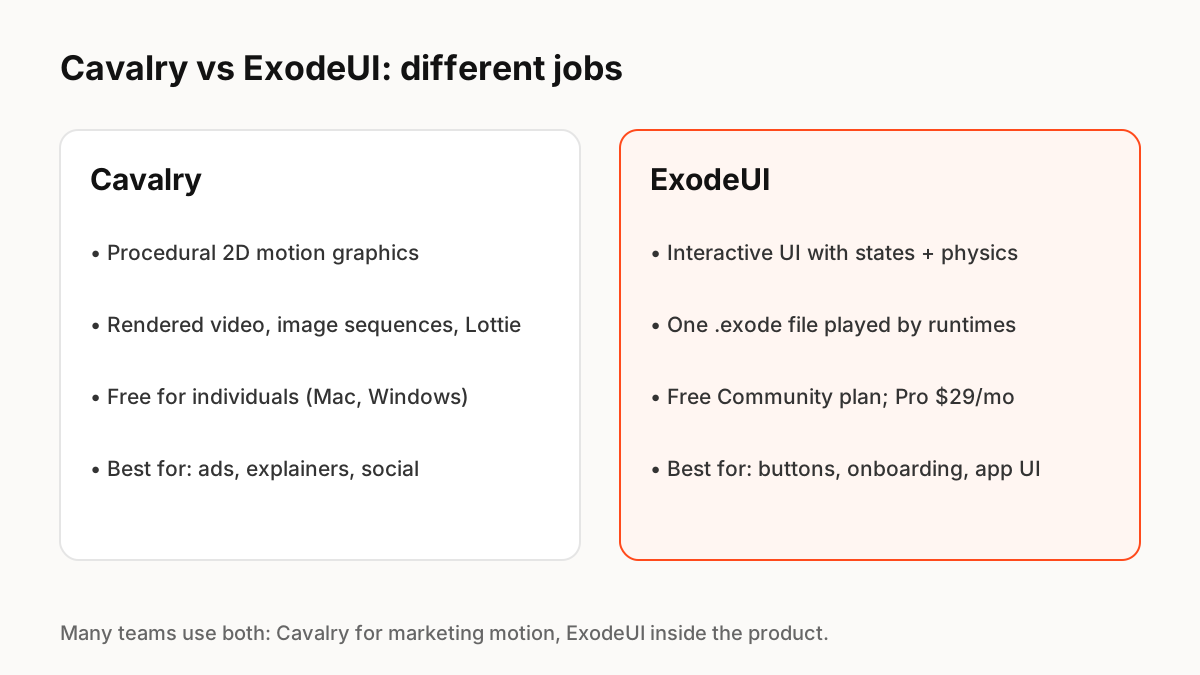
They do different jobs. Cavalry is free procedural 2D motion graphics software for Mac and Windows, best for ads, explainers and social video, with Lottie export. ExodeUI, which we make, is for interactive UI that runs inside apps: states, spring physics and logic in one file played by runtimes. Use Cavalry for marketing motion and ExodeUI for the product itself.
What Cavalry is for
Cavalry is professional, real-time 2D animation and motion graphics software. It is free for individuals, runs natively on macOS (Apple silicon and Intel) and Windows, and includes Lottie export. Its procedural tools make patterns, data-driven graphics and generative layouts fast to build. The output is mostly rendered video, image sequences or Lottie files.
What ExodeUI is for
ExodeUI is a browser and desktop tool for interactive UI and animation. You build buttons, toggles, loaders and onboarding screens with states, spring physics, inputs and events, and the same .exode file plays in React, Vue, Svelte, Angular, Solid, React Native, SwiftUI and Flutter. An MCP server lets AI coding tools edit it. The Community plan is free; Professional is $29 per month.
When to use which
Ask whether people will watch the motion or interact with it.
- Product launch video, ad, explainer, social post: Cavalry.
- Decorative loop that just plays in an app: Cavalry with Lottie export can work.
- Button, toggle, loader or onboarding that reacts to taps and app state: ExodeUI.
- Both in one team: Cavalry for marketing, ExodeUI for the product.
Where they overlap
The overlap is small: both can produce animation that appears in an app. A Lottie export from Cavalry plays a fixed animation; an ExodeUI file can change state when your code tells it to. If your animation never needs to respond, Cavalry's Lottie export may be all you need.
Key Principles to Remember
- Cavalry: free procedural 2D motion graphics for Mac and Windows, with Lottie export
- ExodeUI: interactive UI with states and physics, played by runtimes in apps
- Watched motion: Cavalry. Interactive motion: ExodeUI
- Lottie from Cavalry works for animations that only play
- Many teams use both
Frequently Asked Questions
Sources
- Cavalry: free 2D animation and motion graphics software — Cavalry
- lottie-web — GitHub (Airbnb)