
🐳 Free whale mascot generator
Animated whale mascots,free to make yours.
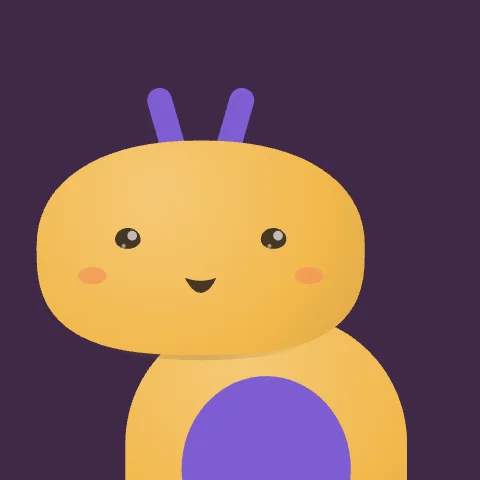
A big friendly shape with a little spout. Whale mascots feel calm, vast and dependable. Every one follows your cursor, blinks, breathes and plays 17 expressions. Customise it and embed it in one line.
- 200mascots
- 26animals
- 17expressions
- 14 KBeach
Live. Move your cursor, click to make them hop.
The generator
Pick your whale, make it yours
How it works
A whale mascot in three steps
- Pick a mascot
Browse 200 hand-picked characters across 26 animals. Filter by animal or by light and dark backgrounds, or search by name and colour.
- Make it yours
Recolour it, set its mood, tilt and ears, and try every expression. It keeps following your cursor while you edit.
- Put it to work
Copy one line of HTML or a React snippet, download the .bexode file, or open it in ExodeUI to animate it further.
Where a whale mascot fits
- containers and infra
- ocean causes
- data platforms
Each mascot is a real-time vector scene: it turns its head toward the cursor, blinks, breathes and reacts. A video or GIF can only play the same loop.
A mascot is about 14 KB as .bexode, smaller than most PNG logos, and it stays sharp at any size.
Wave, wink, love, laugh, party, think, cool and more, triggered by your code or by visitors.
Zippy, curious, chill, shy or sleepy: each mascot greets visitors and idles in character.
A web component that works in plain HTML, React, Next.js, Vue, Svelte, Webflow and WordPress.
Every mascot is an open ExodeUI file with bones, states and inputs you can change in the editor.
Expressions
17 moments in every mascot
Play them from your code, or let the mascot use them: it greets visitors in character and does something cute when the page is idle.
- Wave bye
wave - Smile
smile - Laugh
laugh - Wink
wink - Love
love - Kiss
kiss - Star-struck
starstruck - Cool
cool - Think
think - Surprise
surprise - Blep
blep - Nervous
nervous - Sleepy
sleepy - Cry
cry - Grumpy
grumpy - Dizzy
dizzy - Party
party
Integration
Add a mascot to your website
One script and one tag. Works in plain HTML and every framework, pauses off screen and respects reduced motion.
Gallery
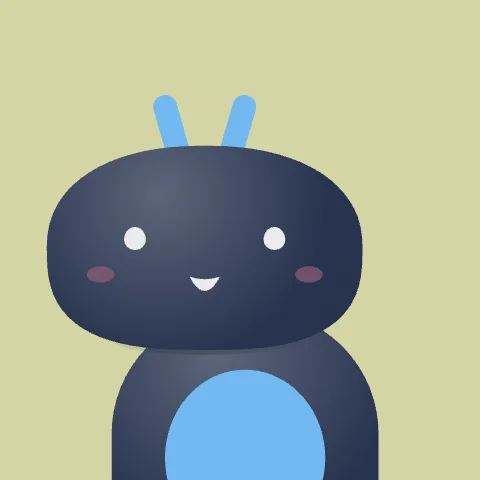
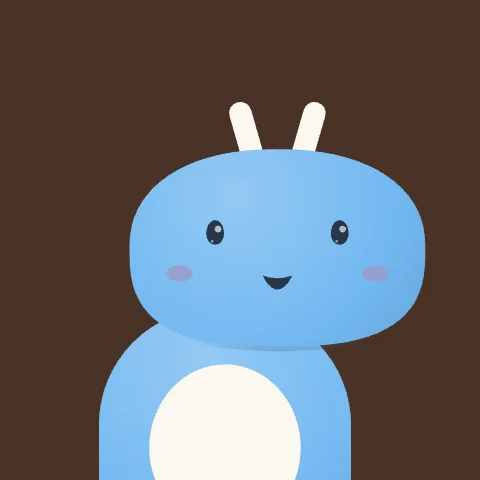
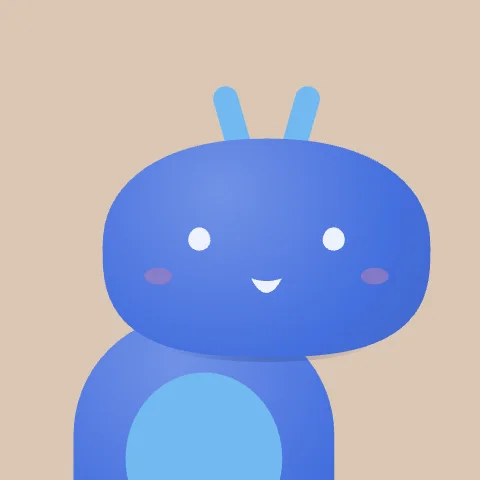
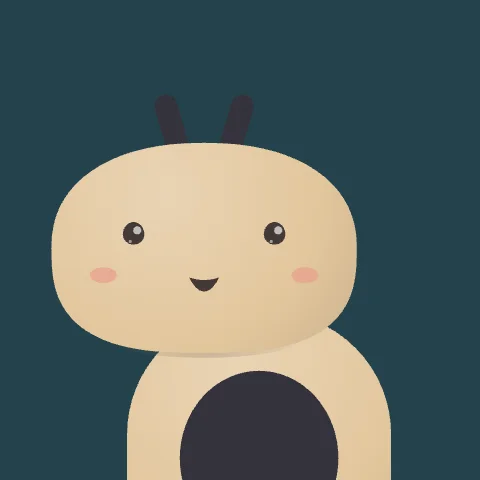
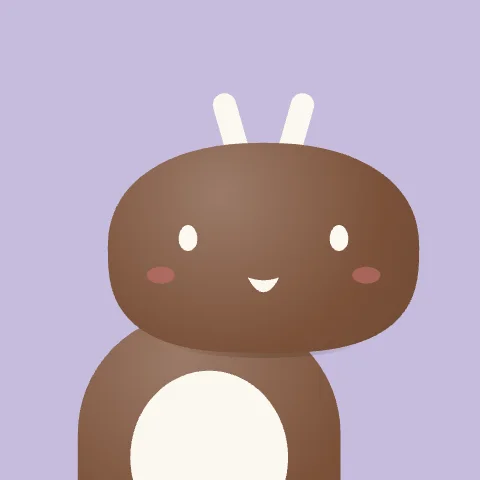
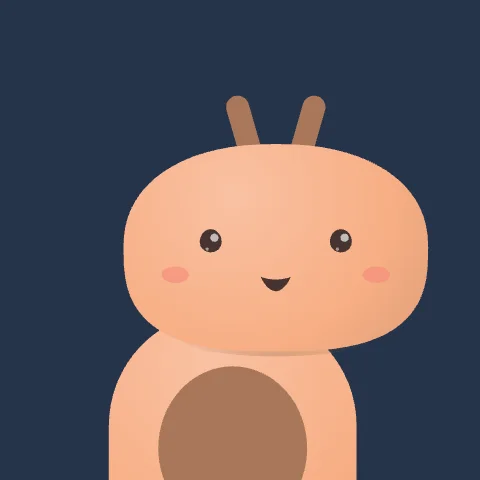
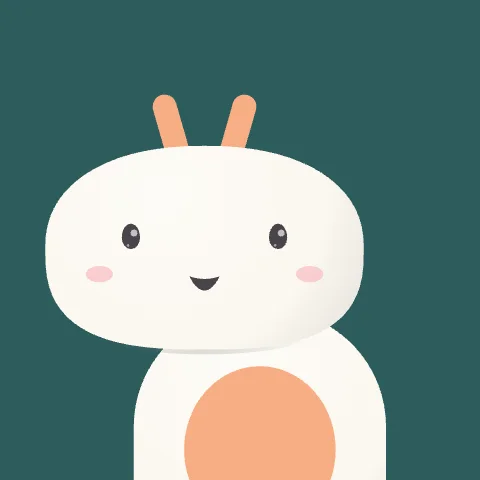
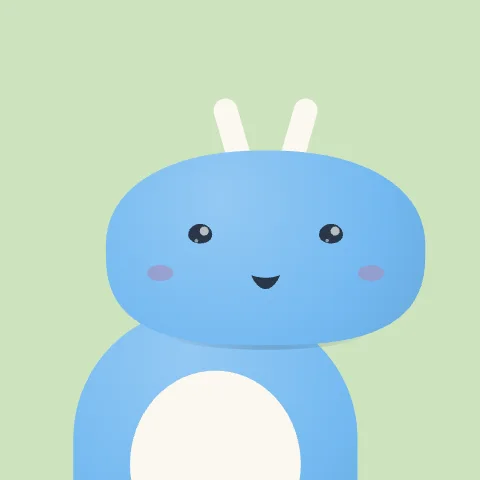
Free whale mascots
Use cases
Mascots for every product
Browse
Mascots by animal
Are these whale mascots free?
Yes. Every whale mascot is free to customise, download and use in your website or app, including commercial projects, with no sign-up.
Can I use a mascot on a commercial website or app?
Yes. The mascots are free to use in personal and commercial projects, including websites, apps, onboarding flows and product UI. Customise them as much as you like.
How is this different from an AI mascot generator?
AI generators give you a flat image. These mascots are interactive vector characters: they follow the cursor, blink, breathe and play expressions, and every part stays editable. They are built from simple, consistent design rules rather than generated pixels, so they stay clean at any size.
How do I add a mascot to my website?
Add the exode-mascot script once, then place an <exode-mascot mascot="ip-0001"> tag wherever you want a mascot. It works in plain HTML and any framework. React apps can also use the ExodeUICanvas component from the exodeui package.
Will a mascot slow my site down?
No. Each mascot file is about 14 KB, the runtime is about 140 KB gzipped and loads once for every mascot on the page, and mascots pause when they are off screen. They also respect the reduced-motion setting.
Can I trigger expressions from my code?
Yes. Call element.play("wave") (or any of the 17 expressions), and set mood, tilt and ears with attributes or element.set(). In React, use the engine passed to onReady.
What is a .bexode file?
.bexode is the compact, compressed form of an ExodeUI scene, made for production. The same mascot as editable .exode JSON is available from the editor.
Can I download a mascot as a PNG or SVG logo?
Every mascot is a vector scene, so it stays sharp at any size. Download the .bexode or .exode file to use it live, or open it in ExodeUI to export it for other formats. A still image of each mascot is also available from its card.
What is the best mascot for a chatbot or AI assistant?
Pick a calm, friendly animal such as an owl, fox or penguin, then play think while your bot answers and smile when it replies. See the chatbot mascot page for ideas.
Can I edit the animation itself?
Yes. Click Open in ExodeUI and the mascot opens in the editor with its bone rig, blend states and expressions, ready to restyle, re-animate or extend.
Want to animate your own mascot?
Every mascot here was built in ExodeUI with bones, blend states and triggers. Open one in the editor and make it entirely yours.