Best Easing Curve Generators in 2027 (CSS, Spring and Bezier)
An easing curve generator lets you shape how an animation speeds up and slows down, then gives you the value to paste into your code. Most tools make a CSS cubic-bezier(); newer ones also turn springs and bounces into CSS linear(). A full editor goes further and lets you ease every property of a real animation.
We make ExodeUI and rank it first because its graph editor shapes easing on the whole animation, not one curve at a time. Every other tool here is made by another company, and we say where each one is the better choice.
The best easing curve generator for real animation work is the ExodeUI graph editor (which we make): you shape the curve of each property by hand or switch to spring physics, and the result plays in your app. For a quick CSS cubic-bezier(), cubic-bezier.com is the classic. easings.net is the best cheat sheet, the linear() easing generator turns springs and bounces into CSS, and GSAP's Ease Visualizer is best if you use GSAP.
Our pick for animators
Why the ExodeUI graph editor is our easing pick
A single cubic-bezier() is one curve for one transition. Real motion needs different curves on position, scale and opacity, and sometimes a spring instead of a curve. ExodeUI lets you shape each one in a graph editor, preview it on your design and ship the file.
| What you need from the tool | ExodeUI | Curve websites |
|---|---|---|
| Shape a cubic-bezier curve by hand | ✓ | ✓ |
| Preview it on your own design, not a dot | ✓ | – |
| A different curve for each property | ✓ | – |
| Spring physics instead of a curveSome sites convert springs to CSS linear() | ✓ | ◐ |
| Ships as a file your app plays | ✓ | – |
| Copy one CSS value in seconds | ◐ | ✓ |
Curve websites means cubic-bezier.com, easings.net and the linear() easing generator. For one CSS transition, they are quicker.
Easing and springs on real interfaces
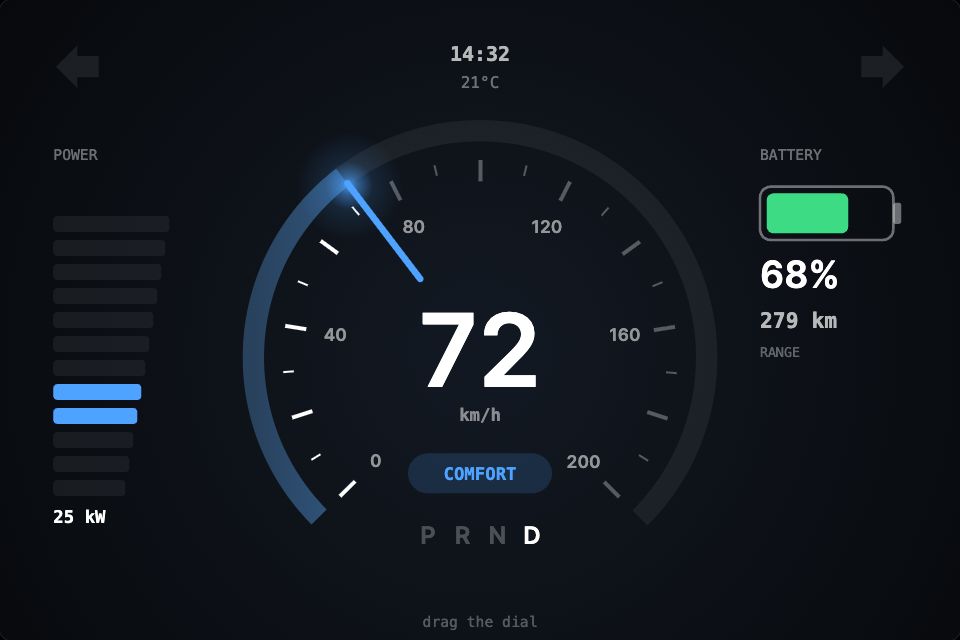
- EV clusterA car instrument cluster with a spring-driven needle and eased drive-mode changes.Drag the dial
 Open in ExodeUIFree
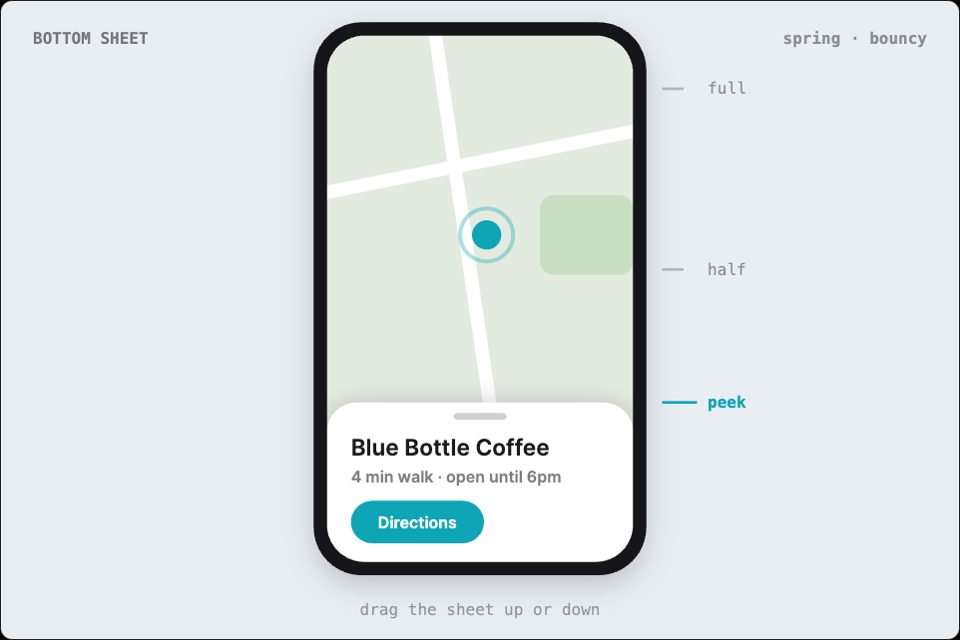
- Bottom sheetA bottom sheet that settles with a spring.Drag the sheetOpen in ExodeUIFree
- Like burstA like button with a spring pop.Tap itOpen in ExodeUIFree
Quick picks by job
| If you need | Use |
|---|---|
| Easing every property of a real animation | ExodeUI graph editor |
| A quick CSS cubic-bezier() value | cubic-bezier.com |
| Seeing all the standard easings side by side | easings.net |
| Springs and bounces in plain CSS | linear() easing generator |
| Custom eases in GSAP | GSAP Ease Visualizer |
| A free editor with copy-ready CSS | ExodeUI cubic-bezier editor |
Side-by-side comparison
| Tool | Makes | Springs | Price |
|---|---|---|---|
| ExodeUI graph editor | Eased animations in an .exode file | Yes | Free plan; $5/month billed yearly |
| cubic-bezier.com | CSS cubic-bezier() | No | Free |
| easings.net | Reference and CSS/keyframe code | No | Free |
| linear() easing generator | CSS linear() | Yes, as linear() | Free |
| GSAP Ease Visualizer | GSAP ease strings | Bounce and elastic eases | Free |
| ExodeUI cubic-bezier editor | CSS cubic-bezier() | No | Free |
How we compared them
- What you get out: a CSS value, a library ease or an eased animation
- Whether it handles springs and bounces
- How well you can preview the result
- Price
The 6 best easing curve generators, ranked
1. ExodeUI graph editor
Best for: Easing every property of a real animation, with springs when a curve is not enough
- Platforms
- Browser, macOS and Windows
- Price
- Free Community plan; Professional $5/month billed yearly
- Output
- An .exode file played by runtimes for React, Vue, Svelte, Angular, Solid, React Native, SwiftUI and Flutter
The graph editor in ExodeUI shows the easing curve of every animated property, so you can shape position, scale and opacity separately with Bezier handles. Switch a property to spring physics and set stiffness, damping and mass instead. You preview the result on your own design, and the eased animation ships in one file.
Pros and cons
- Per-property curves
- Spring physics built in
- Preview on your own design
- Free plan
- More than you need for one CSS transition
2. cubic-bezier.com
Best for: A quick CSS cubic-bezier() value
- Platforms
- Browser
- Price
- Free
- Output
- CSS cubic-bezier()
Made by Lea Verou, cubic-bezier.com is the classic easing curve generator. Drag two handles, preview and compare against ease, linear and other curves, save curves to a library, and import or export them.
Pros and cons
- Fast and focused
- Compare against standard curves
- Library with import and export
- No springs or bounces
- Previews a square, not your design
3. easings.net
Best for: A cheat sheet of standard easing functions
- Platforms
- Browser
- Price
- Free
- Output
- Reference plus CSS and @keyframes code
easings.net shows the common easing functions, from easeInSine to easeInOutBounce, with a graph for each and how to implement it in CSS, with @keyframes for bounce and elastic, and in PostCSS.
Pros and cons
- Every standard easing in one place
- Implementation notes for CSS
- A reference, not an editor
4. linear() easing generator
Best for: Springs and bounces in plain CSS
- Platforms
- Browser
- Price
- Free
- Output
- CSS linear() easing
This generator takes a JavaScript easing function, such as a spring with mass, stiffness and damping, and converts it to the CSS linear() function, so you get spring-like motion without a JavaScript library. It can also suggest a duration.
Pros and cons
- Spring and bounce easing in CSS
- Editable source function
- Needs browser support for linear()
- Code-first interface
5. GSAP Ease Visualizer
Best for: Picking and customising eases for GSAP
- Platforms
- Browser (GSAP docs)
- Price
- Free
- Output
- GSAP ease strings, including CustomEase
GSAP's docs include an Ease Visualizer for its built-in eases (power, back, bounce, elastic, expo and more) and for CustomEase, CustomBounce and CustomWiggle. Click a value to change it and copy the code.
Pros and cons
- Every GSAP ease with a live preview
- Custom, bounce and wiggle eases
- Only useful if you animate with GSAP
6. ExodeUI cubic-bezier editor
Best for: A free curve editor with copy-ready CSS
- Platforms
- Browser
- Price
- Free, no account
- Output
- CSS cubic-bezier()
Our free cubic-bezier editor gives you draggable handles, presets and a CSS value to copy. Use it when you need one curve, then move to the full graph editor when you need more.
Pros and cons
- Free, no sign-up
- Presets to start from
- One curve at a time
You have read the list. The one we make is one click away.
Free Community plan. One open .exode file that runs in React, Vue, Svelte, Angular, Solid, React Native, SwiftUI and Flutter.
Cubic bezier vs spring easing
A cubic-bezier curve has a fixed duration and always ends at the same moment. A spring is defined by stiffness, damping and mass, so it can overshoot and settle naturally and responds well when interrupted. Use curves for fades and simple moves, and springs for anything that should feel physical, such as toggles, drags and sheets.
Which easing curve should I use?
Ease-out for things entering the screen, ease-in for things leaving, and ease-in-out for things moving from one place to another on screen. Keep UI transitions short, and avoid linear easing for movement because it looks mechanical.