ExodeUI

EXODEUI DESKTOP

A little space for good ideas.

Choose your platform to get the official ExodeUI installer.

Looking for Intel Mac or other builds? Explore the web studio or check all download options.

Prefer the browser? Try for free in your browser →

New · @exodeui/cli

Interactive motion, from your terminal.

Create, preview, test and ship .exode files with one command line. It runs on the real ExodeUI engine, so your agent sees exactly what your users will.

30-day free trial on your ExodeUI account. Then Professional.

Real engineThe same renderer as the editor and runtimes
Plain-text testsStates, inputs and pixels, on a virtual clock
--json everywhereFor agents, scripts and CI
Rive & Lottie inConvert to native, editable objects

What the CLI can do

01 · Start

A project in one command

Start from a blank scene, a recipe (hero, pricing, dashboard, game, rigged character) or a finished example. Every project comes with tests, an AGENTS.md and an MCP config, so your AI agent can work in it straight away.

exode samples                              # what you can start from
exode create launch-card                   # the starter
exode create kip --from kip-character-rig  # a finished piece
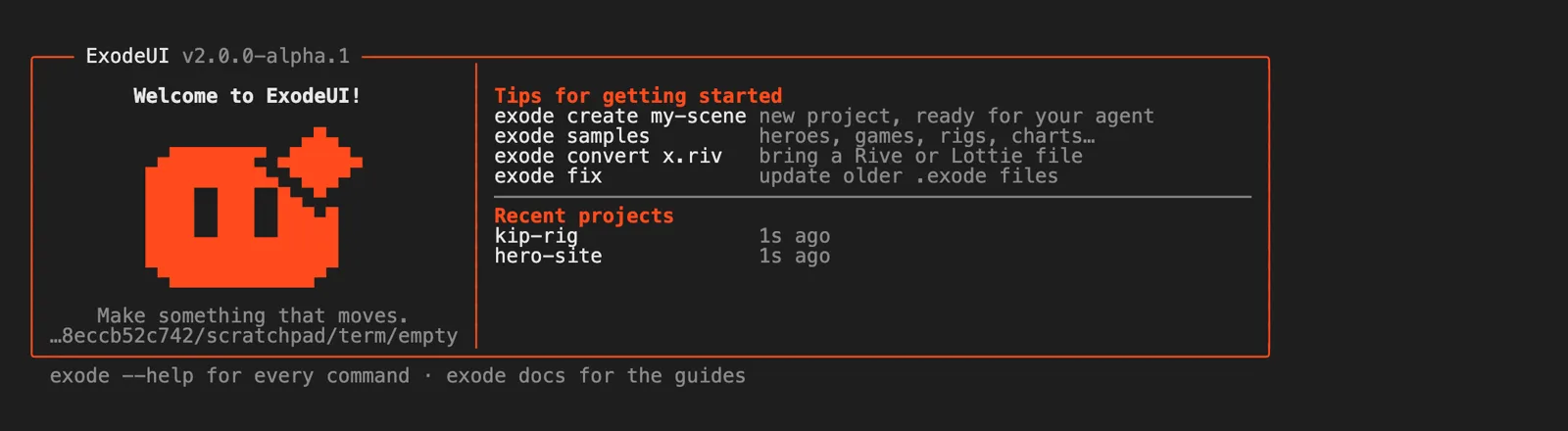
The exode welcome screen in a terminal: an orange box with the Exode logo, tips and recent projects

02 · Preview

Live preview on the real engine

exode dev opens the scene in your browser and rebuilds it every time you save. Change state machine inputs from the side panel, watch which states are active, and record a test by clicking around.

exode dev                  # http://localhost:4180
exode dev scene.exode      # works on .exode files too

03 · Drive

Drive it like a user, from the terminal

Hover, click, drag, press keys, set inputs and fire triggers, then save the frame. exode shot prints every layer state and input, reads pixel colours and diffs against a baseline image.

exode shot --do 'wait 2' --do 'hover "Trial button"' -o hover.png
#  states  Trial button interaction: Hover · Feedback: Rest

exode shot --compare baseline.png --max-diff 0.5
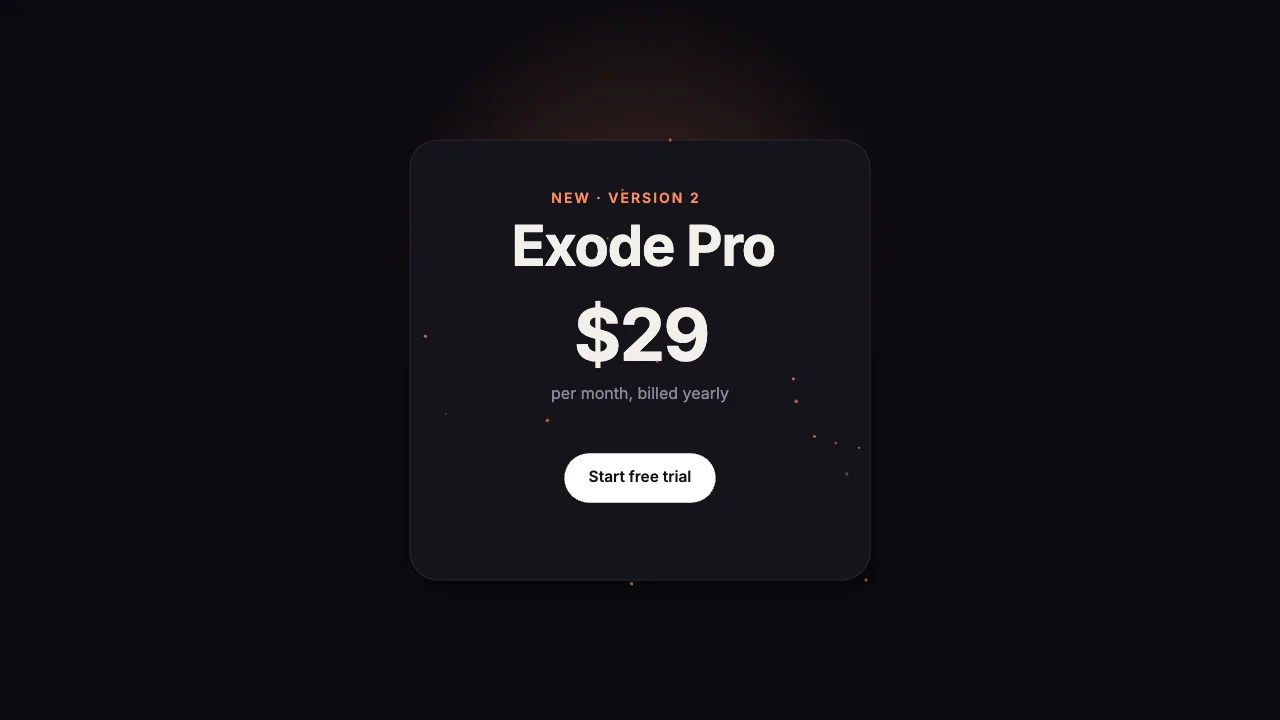
The pricing card with its button lifted in the hover state

04 · Test

Interaction tests in plain text

One action per line, with expectations for states, inputs, pixels and errors. Every case starts from a fresh scene on a virtual clock, so tests give the same result on every machine.

## the button answers hover and press
wait 1.5s
hover "Trial button"
expect state Hover
click "Trial button"
expect state Feedback=Bounce*
expect no-errors
$ exode test
  ok the price counts up to $29          1214ms
  ok the button answers hover and press   981ms
  ok 2 passed

05 · Render

Video, GIFs and contact sheets

Render MP4, WebM, GIF, MOV with alpha or a PNG sequence, at any size and pixel density, with sound mixed in. Frames are stepped, not recorded, so a render never drops a frame.

exode video -o card.mp4 --duration 4
exode video -o card.mov --transparent      # ProRes 4444 with alpha
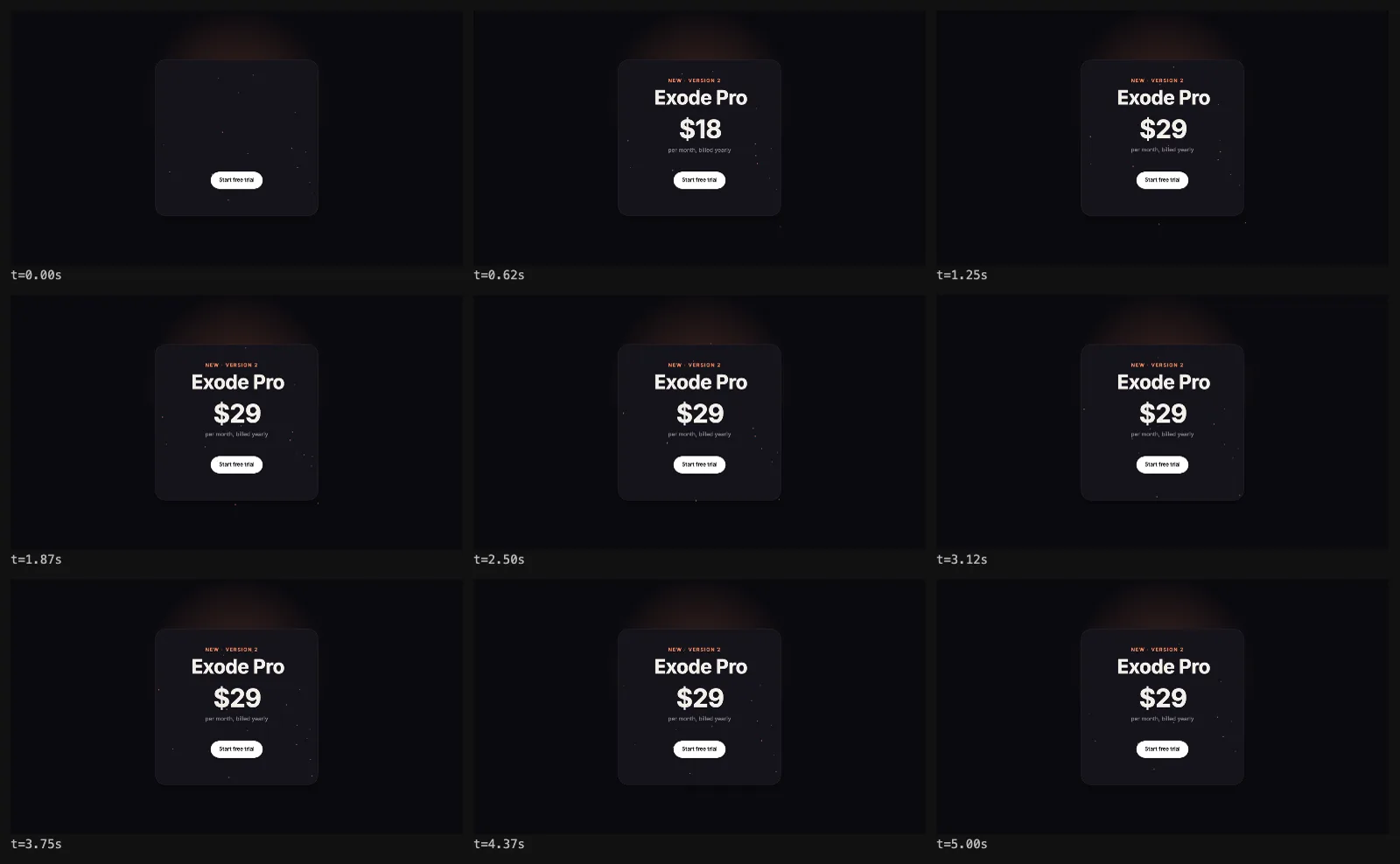
exode frames -o sheet.png                  # the whole animation at a glance
A contact sheet of nine frames showing the pricing card animate in

06 · Ship

One small file for every runtime

exode build compiles to .bexode, the binary every ExodeUI runtime loads, then plays it next to the source on the engine to prove nothing changed. Or export one offline HTML page that runs the project.

$ exode build
  ok dist/scene.bexode 1.4 KB (from 12.3 KB, −89%)
     verified on the engine: matches the source

$ exode export web
  ok Wrote dist/index.html, runs offline

07 · Import

Bring your Rive and Lottie files

Convert .riv and Lottie JSON into native, editable .exode objects with timelines and state machines, then preview, test and ship them like anything else.

exode convert bounce.json        # Lottie
exode convert knight.riv         # Rive
exode dev bounce.exode
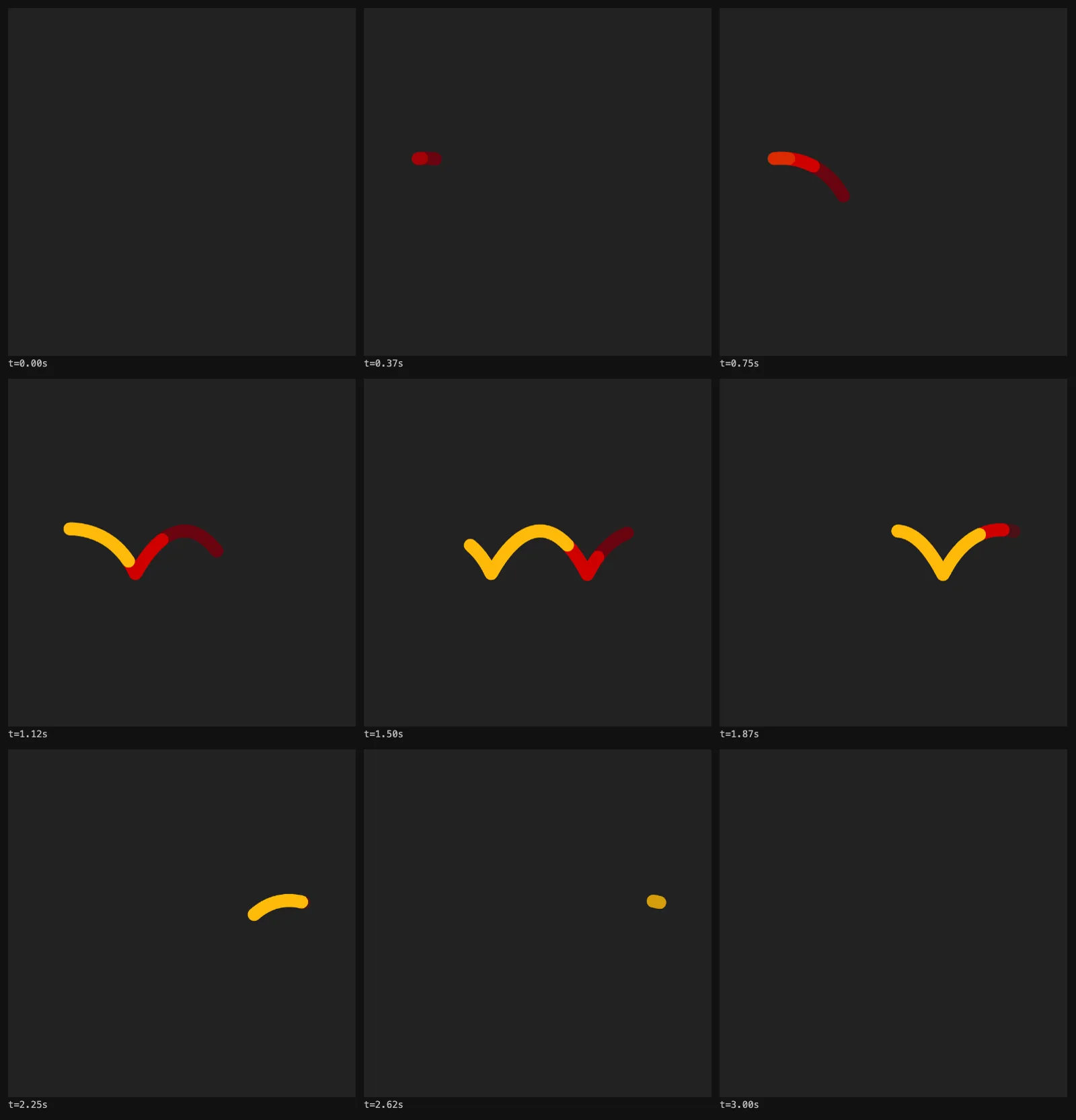
A converted Lottie animation of bouncing strokes, shown as a contact sheet

08 · AI agents

Made for your AI agent

Projects ship with AGENTS.md and an MCP config, so Claude Code, Cursor and other agents know the kit and the commands to run after every change. Every command takes --json, and output turns plain when an agent runs it.

cd launch-card
claude
> make the button glow on hover and add a test for it
# launch-card
After every change run:
  exode check   # build, validate, run
  exode test    # interaction tests
  exode shot    # look at a frame

Start in three steps

  1. Install and sign in
    npm i -g @exodeui/cli
    exode login
    Sign in with the same account as the editor. New accounts get 30 days free.
  2. Create and preview
    exode create my-scene
    cd my-scene && exode dev
    Edit scene.js or ask your agent. The preview updates on save.
  3. Test and ship
    exode test
    exode build
    Ship dist/scene.bexode to React, Vue, Svelte, React Native, SwiftUI or Flutter.

Every command and option is in the CLI documentation.

Questions

What is the ExodeUI CLI?

A command line tool for interactive motion. It creates projects, previews them live, drives them like a user, runs interaction tests, renders video and compiles the .bexode file the ExodeUI runtimes load. Everything runs on the same engine the editor uses.

Is it free?

Every ExodeUI account gets a 30-day free trial that covers the editor, the CLI and the MCP. After that the CLI needs a Professional plan: $5 a month billed yearly, or $8 month to month.

What do I need to install it?

Node 18.17 or newer and Google Chrome. ffmpeg is only needed for video. Install with npm i -g @exodeui/cli, sign in with exode login, and run exode doctor to check your setup.

Does it work with Claude Code and Cursor?

Yes. New projects include AGENTS.md, CLAUDE.md and a .mcp.json that connects the Exode MCP server, so agents can build, check and test scenes in the project.

How is it different from the Rive CLI?

Both let an agent build an interactive file from the terminal. The ExodeUI CLI adds a design review, video rendering, a verified .bexode build and Rive and Lottie import; the Rive CLI has previews on Android and iOS devices and push and pull with the Rive editor. See the full comparison.

Your next interface, tested before it ships.