
Menus & navigation
Constellation navigation menu
Each page is a star in the Big Dipper — Dubhe, Merak, Phecda, Megrez, Alioth, Mizar — and opening the menu draws the constellation between them. It suits astronomy, science, personal portfolios and any site that wants navigation to feel like discovery.
- 5.4 KB compiled
- 420 × 360 artboard
- 1 input
- 9 runtimes
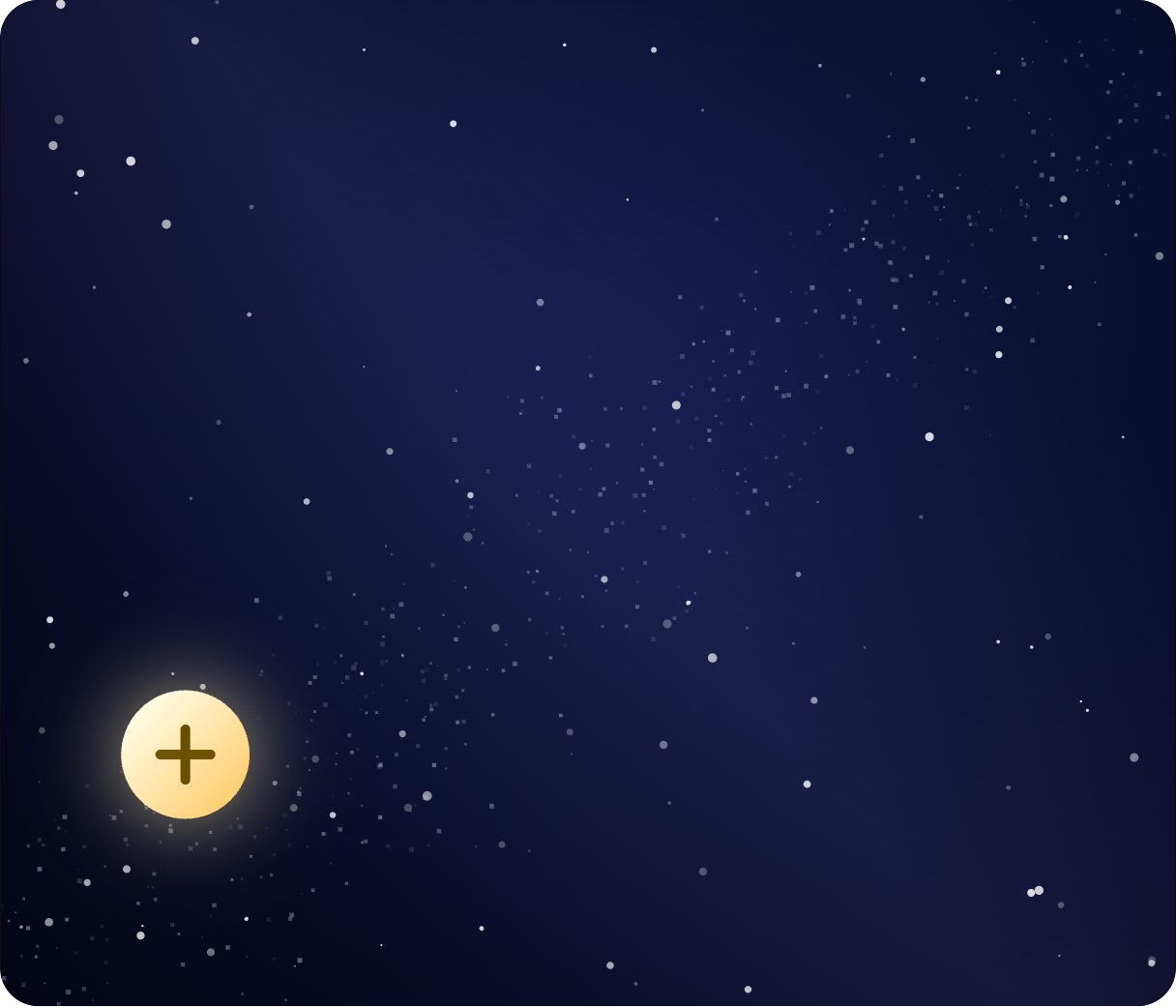
How it works
- isOpen toggles between Closed and Open.
- Opening reveals the stars and the lines that connect them into the constellation.
- Each star has a click animation tied to its page.
| Input | Type | What it does |
|---|---|---|
isOpen | Boolean | Reveals the constellation (true) or fades it out (false). |
When to use it
- Personal portfolios and blogs
- Science and education sites
- Night-mode or space-themed products
Accessibility
The star names are flavour; expose the plain page names (Home, Work, Lab, Blog, About, Mail) as the accessible labels.
Also searched as: star map menu · space navigation · celestial menu
Use it in your app
One component, one file. Pick your stack:
import { ExodeUICanvas } from 'exodeui';

export function ConstellationNavigationMenu() {
  return (
    <ExodeUICanvas
      src="/constellation-menu.bexode"
      autoPlay
      onReady={(engine) => {
        // drive it from your own UI:
        // engine.setInputBool('isOpen', true);
      }}
    />
  );
}
React loads the compact .bexode; the other runtimes load the .exode JSON source — both come from the same design.
Questions
Can I rearrange the stars?
Yes — move them in the editor and the connecting lines follow.
Is the background part of the file?
Yes. The night sky is included, so it works as a full-bleed panel.
More menus & navigation
Make it yours in ExodeUI.
Change the colours, the timing, the logic — then ship the same file.