
Menus & navigation
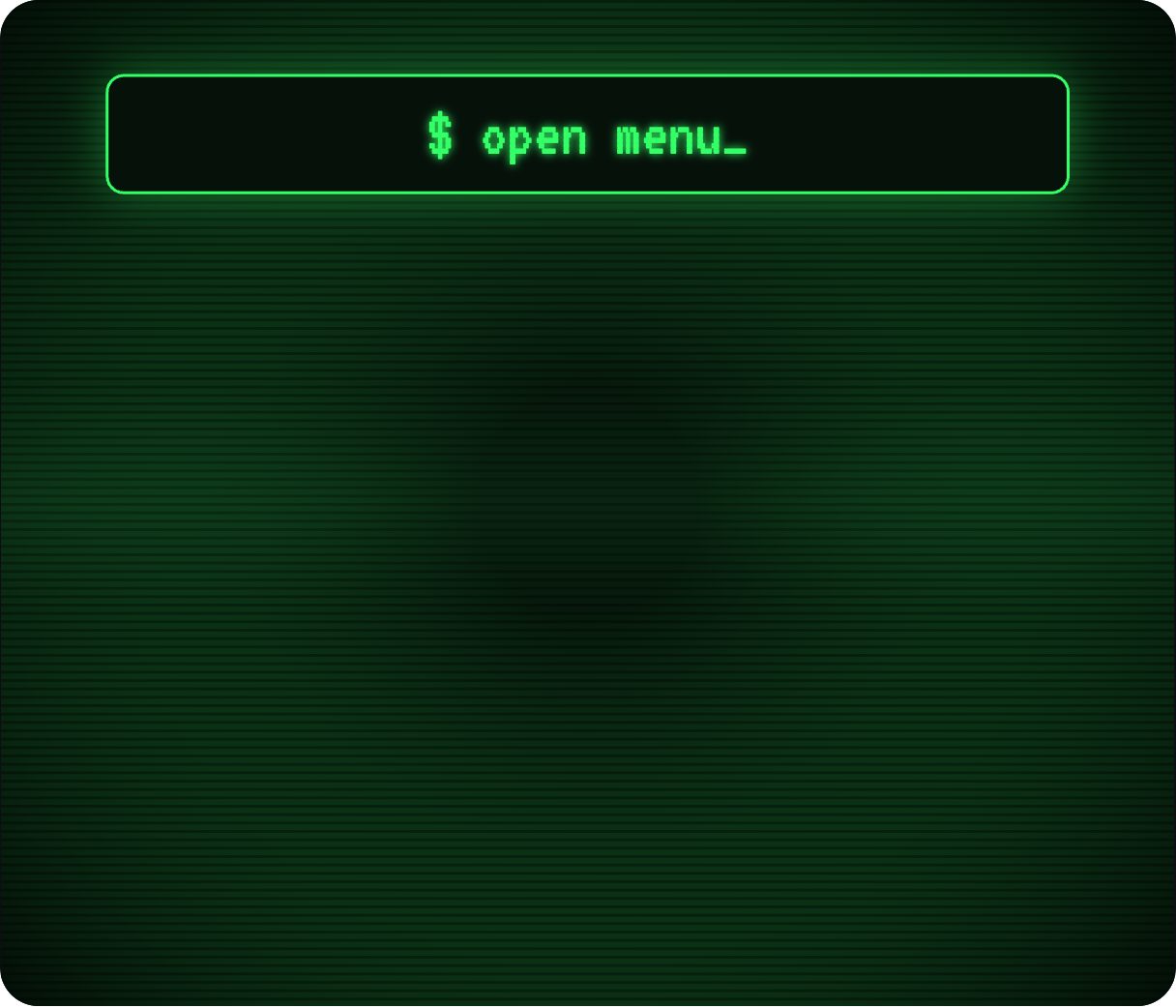
Terminal command menu
Navigation as a shell session: ~/projects, ~/about.md, ~/contact --mail, ~/journal and ./reboot.sh type themselves out line by line. Developers recognise it instantly, which makes it a favourite for engineering portfolios, dev tools and technical blogs.
- 4.9 KB compiled
- 420 × 360 artboard
- 1 input
- 9 runtimes
How it works
- isOpen opens and closes the terminal window.
- The command lines appear in the terminal window like a shell session.
- Clicking a command plays its run animation.
| Input | Type | What it does |
|---|---|---|
isOpen | Boolean | Opens (true) or closes (false) the terminal. |
When to use it
- Developer portfolios and personal sites
- Dev-tool and API product sites
- Technical blogs and docs
Accessibility
Use the readable page names as accessible labels rather than the path strings.
Also searched as: command line menu · terminal navigation · developer portfolio menu
Use it in your app
One component, one file. Pick your stack:
import { ExodeUICanvas } from 'exodeui';

export function TerminalCommandMenu() {
  return (
    <ExodeUICanvas
      src="/terminal-menu.bexode"
      autoPlay
      onReady={(engine) => {
        // drive it from your own UI:
        // engine.setInputBool('isOpen', true);
      }}
    />
  );
}
React loads the compact .bexode; the other runtimes load the .exode JSON source — both come from the same design.
Questions
Can I change the commands?
Yes — every line is a text object you can rename in the editor.
Does it need a monospace web font?
It uses the system monospace stack, so nothing extra loads.
More menus & navigation



Make it yours in ExodeUI.
Change the colours, the timing, the logic — then ship the same file.