
Text & inputs
Wiggle text input
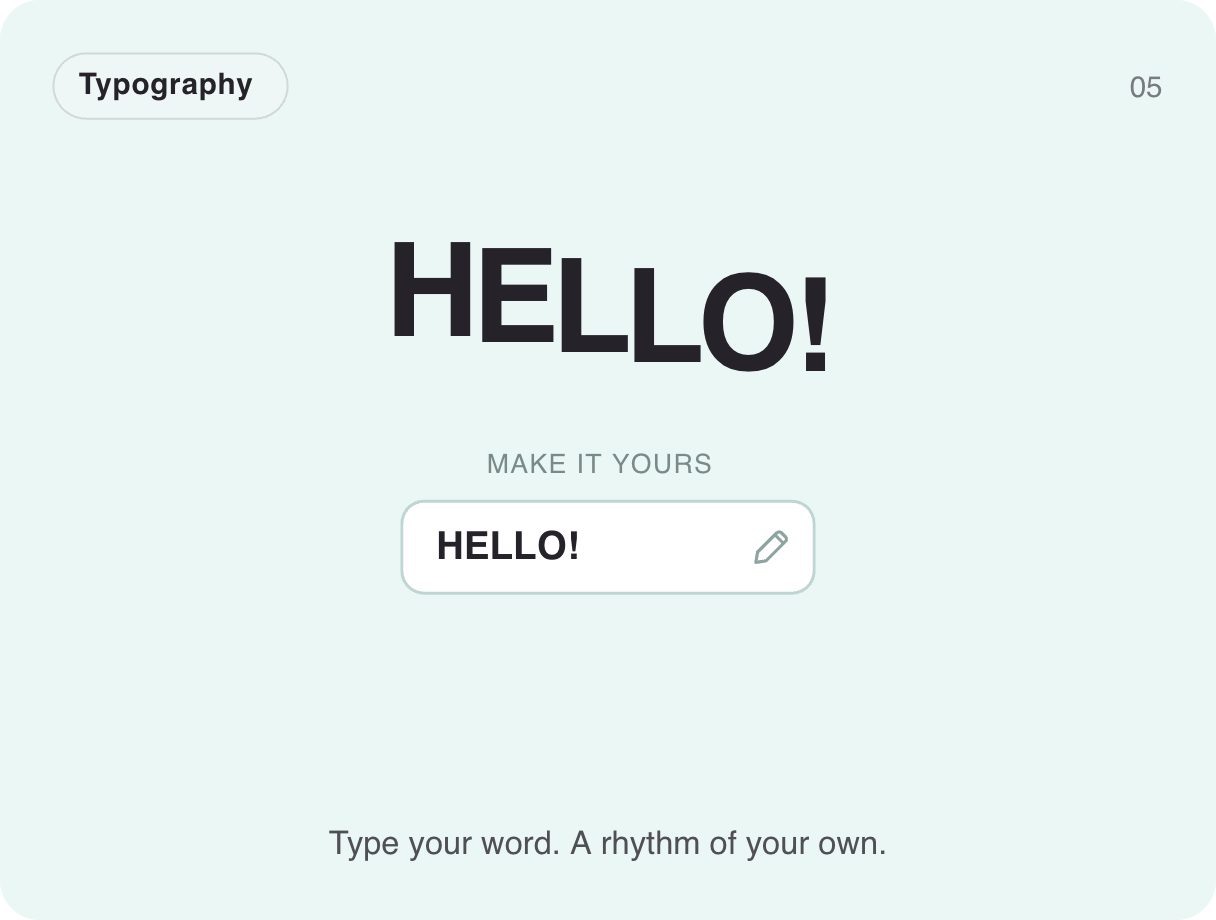
Type your own word and it springs to life in big, wiggling letters. A Text input is bound straight to the headline, which makes it a playful name tag, greeting or personalised hero — at just 1.3 KB.
- 1.3 KB compiled
- 410 × 310 artboard
- 1 input
- 9 runtimes
Live
How it works
- A Text input, word, is bound to the display text, so it updates as you type.
- The headline keeps a constant wiggle, so any word you type gets the same rhythm.
- The input field in the card is a real Exode input component.
| Input | Type | What it does |
|---|---|---|
word | Text | The word shown in the wiggling headline. |
When to use it
- Personalised greetings and onboarding
- Name tags and badges
- Playful hero headlines
Accessibility
Keep the typed word in real text for screen readers; the wiggle is presentation only.
Also searched as: kinetic typography · animated text · wiggle text effect
Use it in your app
One component, one file. Pick your stack:
import { ExodeUICanvas } from 'exodeui';

export function WiggleTextInput() {
  return (
    <ExodeUICanvas
      src="/gallery-05-words-with-wiggle.bexode"
      autoPlay
      onReady={(engine) => {
        // drive it from your own UI:
        // engine.setInputText('word', 'Hi!');
      }}
    />
  );
}
React loads the compact .bexode; the other runtimes load the .exode JSON source — both come from the same design.
Questions
Can my app set the word?
Yes — set the word input from your own state, for example the signed-in user's name.
Does it work with long words?
It fits short words best; keep it to one or two words for the effect.
More text & inputs

Make it yours in ExodeUI.
Change the colours, the timing, the logic — then ship the same file.