
Buttons & toggles
Animated send button
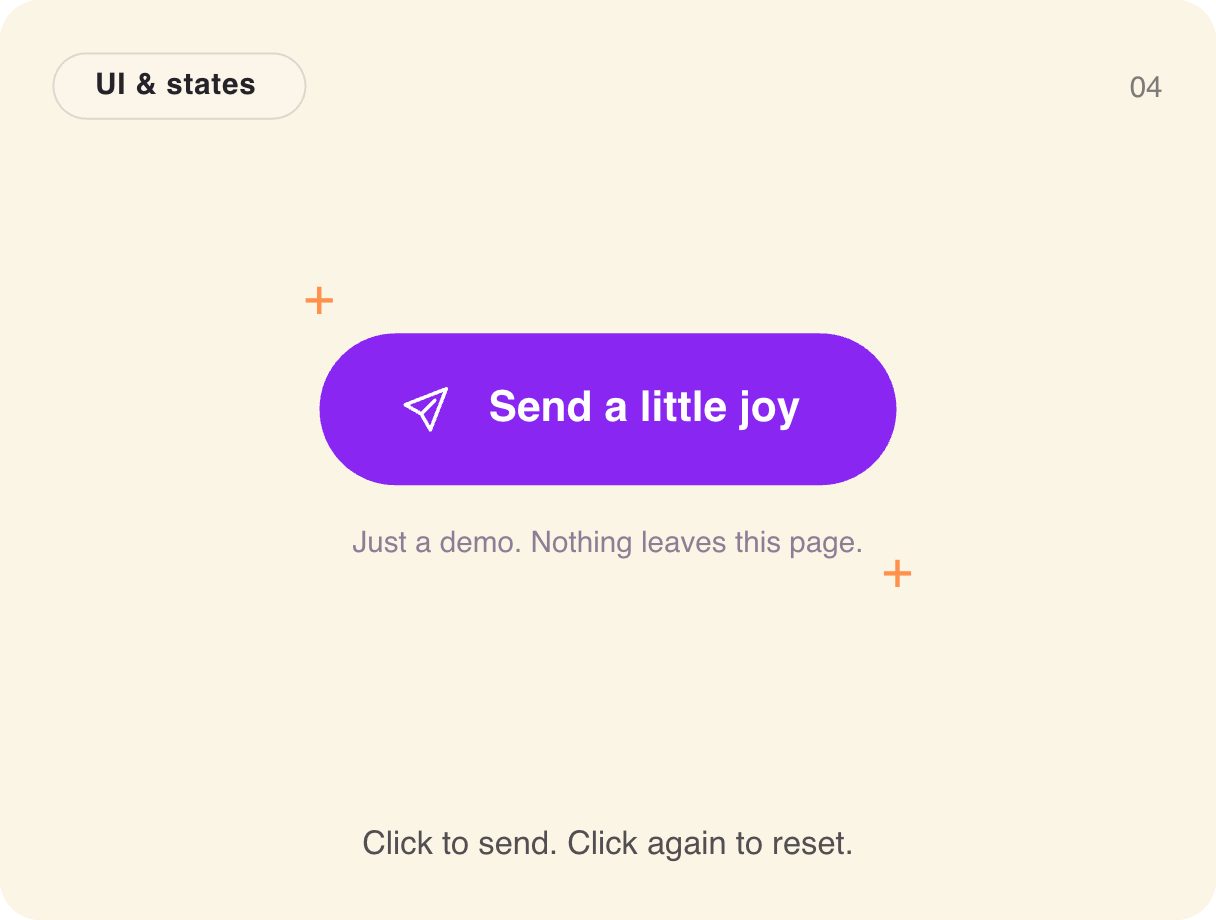
Press send and the button walks through its states — idle, sending, sent — with a paper plane and a burst of sparks at the end. It is the classic three-state submit button, designed once with real states instead of three static variants.
- 2.2 KB compiled
- 410 × 310 artboard
- 1 input
- 9 runtimes
How it works
- A Trigger input, sent, moves Idle → Sending → Sent; firing again resets it.
- The sending state animates the label and icon before landing on the confirmation.
- A separate Idle layer pulses and sparkles to invite the first press.
| Input | Type | What it does |
|---|---|---|
sent | Trigger | Starts the send sequence, or resets after sending. |
When to use it
- Contact and feedback forms
- Chat and message composers
- Newsletter sign-ups
Accessibility
Announce the result with an aria-live region in your app ("Message sent") rather than relying on the animation.
Also searched as: submit button animation · loading button · send button states
Use it in your app
One component, one file. Pick your stack:
import { ExodeUICanvas } from 'exodeui';

export function AnimatedSendButton() {
  return (
    <ExodeUICanvas
      src="/gallery-04-send-off.bexode"
      autoPlay
      onReady={(engine) => {
        // drive it from your own UI:
        // engine.fireTrigger('sent');
      }}
    />
  );
}
React loads the compact .bexode; the other runtimes load the .exode JSON source — both come from the same design.
Questions
Can I wait for a real network request?
Yes. Fire sent when the request starts and again to reset once you are done.
Why not three Figma variants?
Variants are static frames. Here the transitions between states are designed too, and ship as-is.
More buttons & toggles
Make it yours in ExodeUI.
Change the colours, the timing, the logic — then ship the same file.