
Buttons & toggles
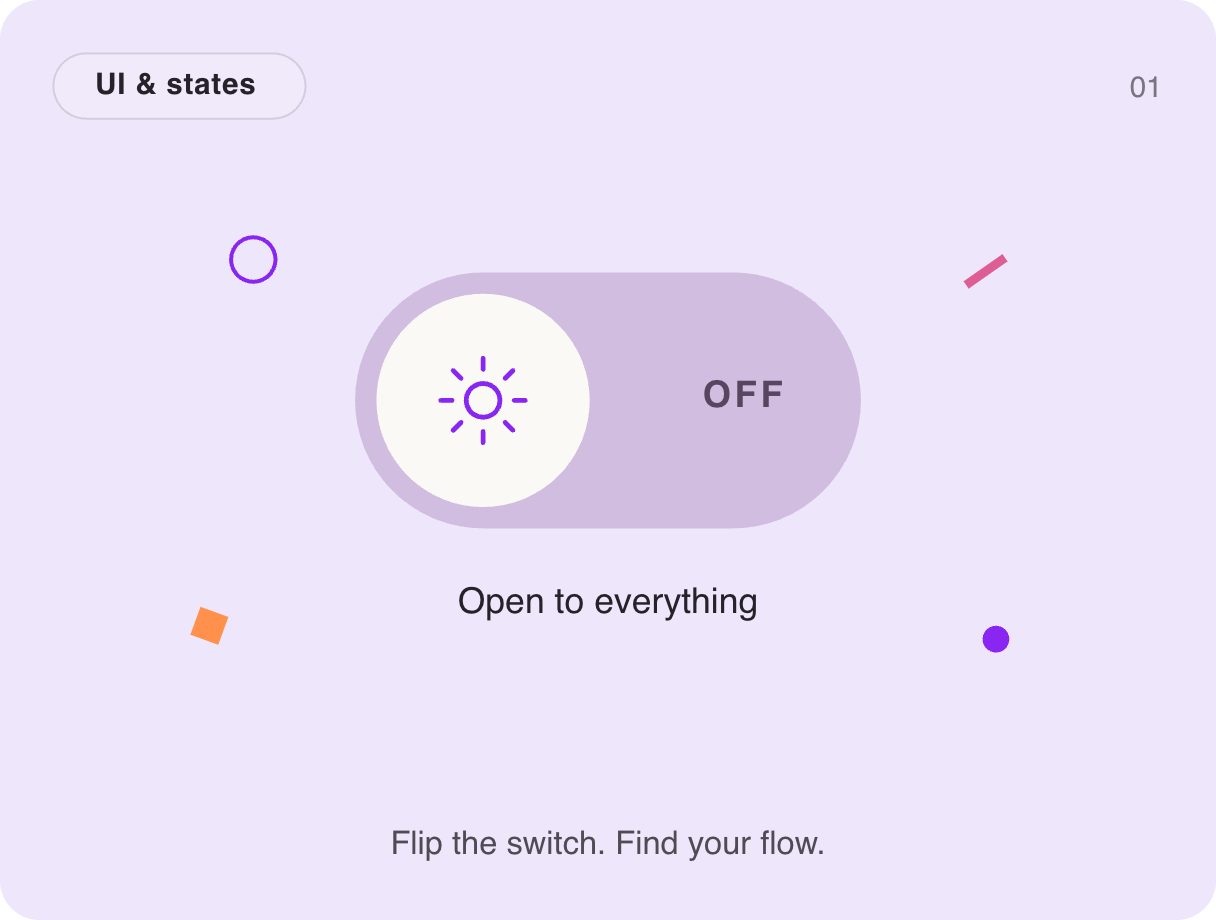
Sun and moon toggle switch
Flip the switch and the thumb rolls across, the sun turns into a moon and the busy shapes around it settle down. It is a focus-mode or dark-mode toggle that explains itself through motion — and it weighs about 2 KB.
- 2 KB compiled
- 410 × 310 artboard
- 1 input
- 9 runtimes
How it works
- A Trigger input, focus, flips the switch between its On and Off states.
- The thumb slides with a back-easing overshoot while the icon rotates and morphs from sun to moon.
- A separate Idle layer runs a gentle pulse that invites the first click.
| Input | Type | What it does |
|---|---|---|
focus | Trigger | Flips the switch each time it fires. |
When to use it
- Dark mode and theme toggles
- Focus, do-not-disturb or quiet modes
- Settings screens
Accessibility
Back it with a real role="switch" and aria-checked in your app so the state is announced.
Also searched as: dark mode toggle · day night switch · animated toggle
Use it in your app
One component, one file. Pick your stack:
import { ExodeUICanvas } from 'exodeui';

export function SunMoonToggleSwitch() {
  return (
    <ExodeUICanvas
      src="/gallery-01-focus-mode.bexode"
      autoPlay
      onReady={(engine) => {
        // drive it from your own UI:
        // engine.fireTrigger('focus');
      }}
    />
  );
}
React loads the compact .bexode; the other runtimes load the .exode JSON source — both come from the same design.
Questions
Can I use it as a dark mode toggle?
Yes — fire focus when your theme changes and it animates to match.
Why a trigger instead of a Boolean?
Each fire flips the switch, which keeps clicks on the canvas and calls from code in sync.
More buttons & toggles
Make it yours in ExodeUI.
Change the colours, the timing, the logic — then ship the same file.