
Buttons & toggles
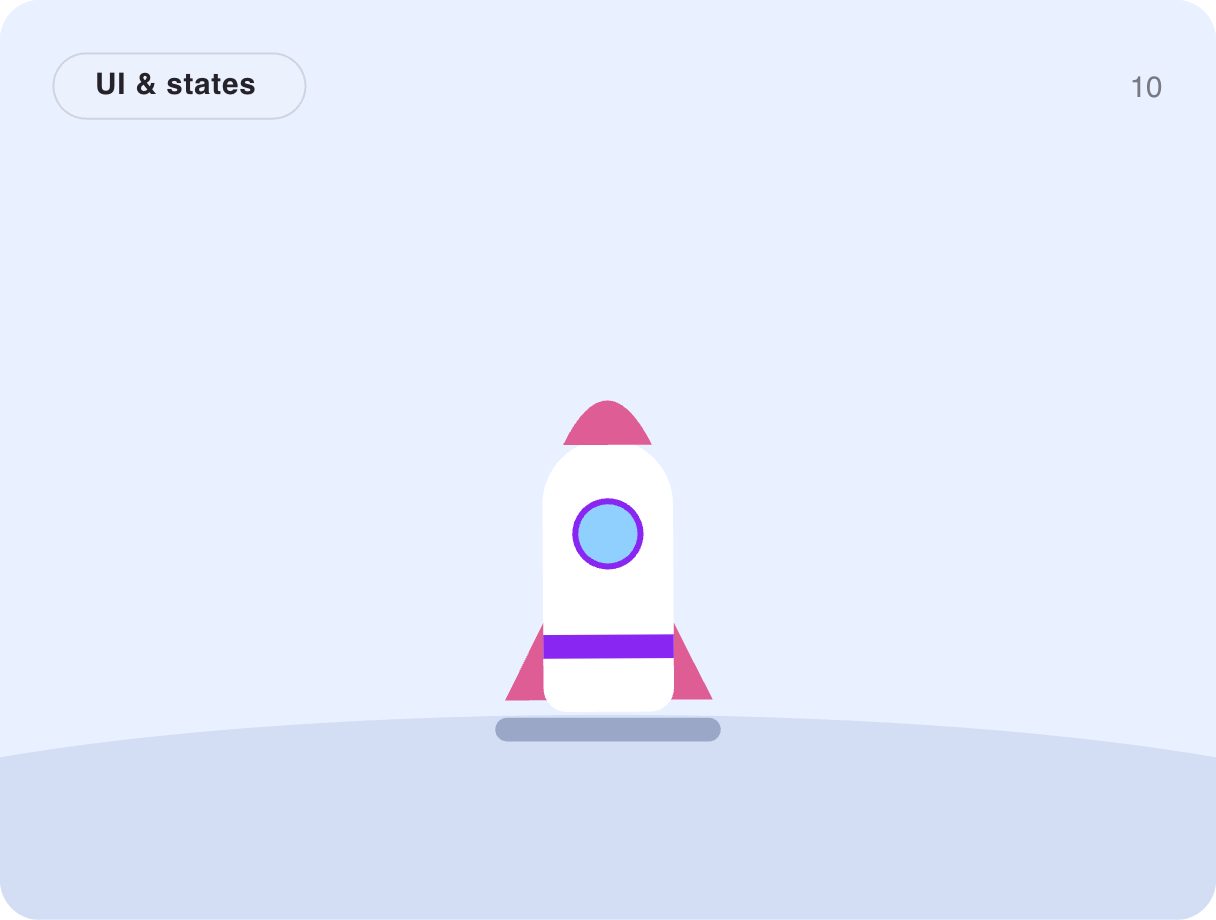
Rocket launch button
Click the rocket: a 3-2-1 countdown, a flicker of flame and lift-off. Click again and it lands. It is the launch or publish button you want on a big moment — shipping a release, publishing a post, starting a campaign.
- 75.8 KB compiled
- 410 × 310 artboard
- 1 input
- 9 runtimes
How it works
- A Trigger input, launched, toggles between launching and landing.
- The launch timeline runs the countdown digits, then the lift-off with exhaust.
- An Ambient layer keeps the rocket gently swaying with a flickering flame.
| Input | Type | What it does |
|---|---|---|
launched | Trigger | Launches the rocket, or lands it if it is up. |
When to use it
- Publish and deploy buttons
- Launch-day landing pages
- Gamified milestones and rewards
Accessibility
Announce the action result in text; the countdown is decorative and should not delay the real action for assistive tech.
Also searched as: launch animation · publish button · countdown animation
Use it in your app
One component, one file. Pick your stack:
import { ExodeUICanvas } from 'exodeui';

export function RocketLaunchButton() {
  return (
    <ExodeUICanvas
      src="/gallery-10-rocket-launch.bexode"
      autoPlay
      onReady={(engine) => {
        // drive it from your own UI:
        // engine.fireTrigger('launched');
      }}
    />
  );
}
React loads the compact .bexode; the other runtimes load the .exode JSON source — both come from the same design.
Questions
Can the countdown wait for a real deploy?
Yes. Fire launched when your action starts and land it when it finishes.
Can I change the countdown?
The digits are text objects on the timeline — edit them in ExodeUI.
More buttons & toggles
Make it yours in ExodeUI.
Change the colours, the timing, the logic — then ship the same file.