
Characters & mascots
Shy owl character
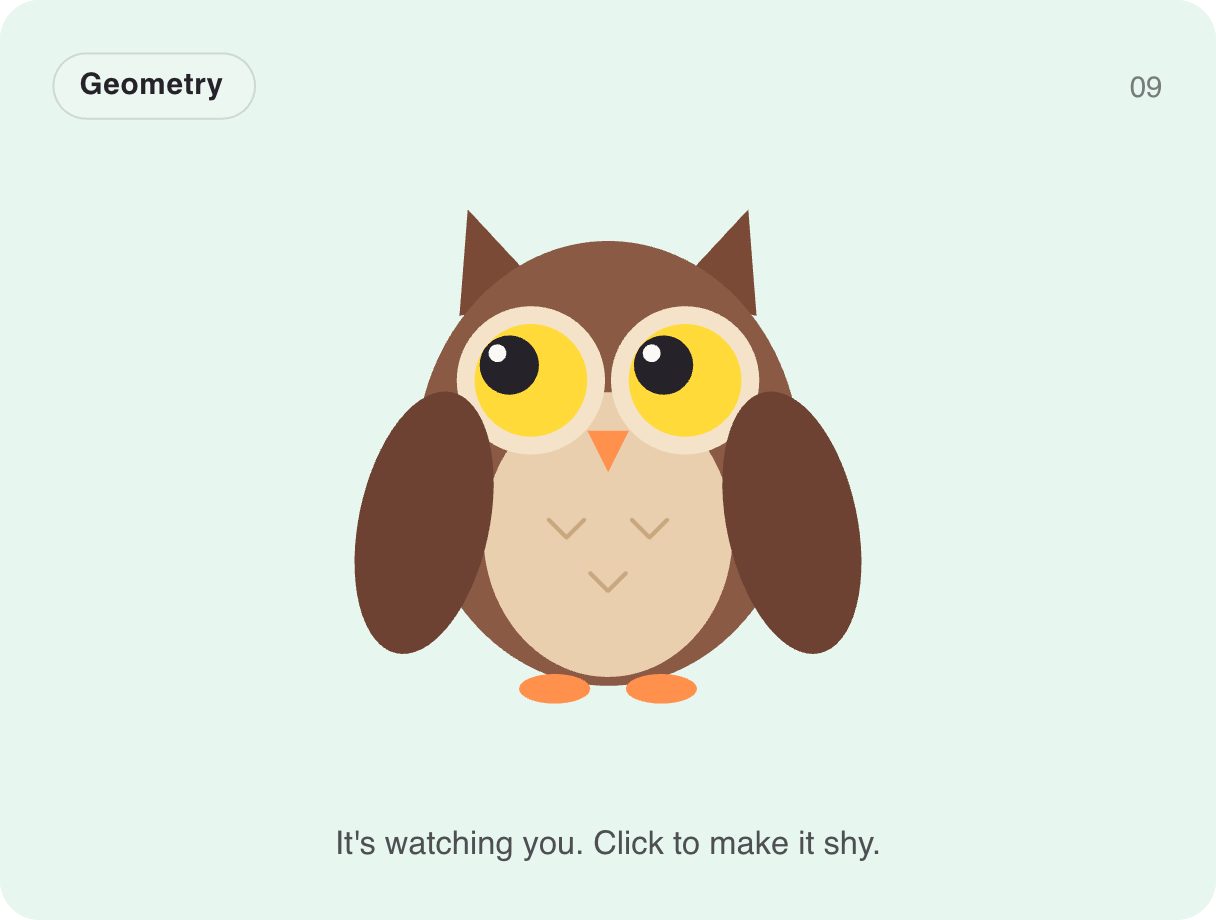
The owl watches your cursor with big round eyes. Click it and it gets shy — "eek!" — covering its eyes with its wings. It is perfect for password fields (it looks away while you type), privacy screens and friendly error pages.
- 59 KB compiled
- 410 × 310 artboard
- 1 input
- 9 runtimes
How it works
- A Look layer follows the pointer with blended poses, like the mascot.
- A Trigger input, shy, toggles the shy pose with wings over the eyes.
- An Ambient layer adds breathing and small movements.
| Input | Type | What it does |
|---|---|---|
shy | Trigger | Toggles the shy, eyes-covered pose. |
When to use it
- Password fields that look away
- Privacy and permission screens
- Friendly error and 404 pages
Accessibility
Keep any instruction it implies ("we won't peek") as real text near the field.
Also searched as: password field animation · interactive owl · mascot character
Use it in your app
One component, one file. Pick your stack:
import { ExodeUICanvas } from 'exodeui';

export function ShyOwlCharacter() {
  return (
    <ExodeUICanvas
      src="/gallery-09-shy-owl.bexode"
      autoPlay
      onReady={(engine) => {
        // drive it from your own UI:
        // engine.fireTrigger('shy');
      }}
    />
  );
}
React loads the compact .bexode; the other runtimes load the .exode JSON source — both come from the same design.
Questions
Can it hide its eyes while typing a password?
Yes — fire shy when the password field gets focus and again when it loses focus.
Does it follow touch on mobile?
It follows the pointer, so on touch screens it looks toward where you last tapped.
More characters & mascots
Make it yours in ExodeUI.
Change the colours, the timing, the logic — then ship the same file.