1
Rolodex Drum Vue list view
3D & Perspective
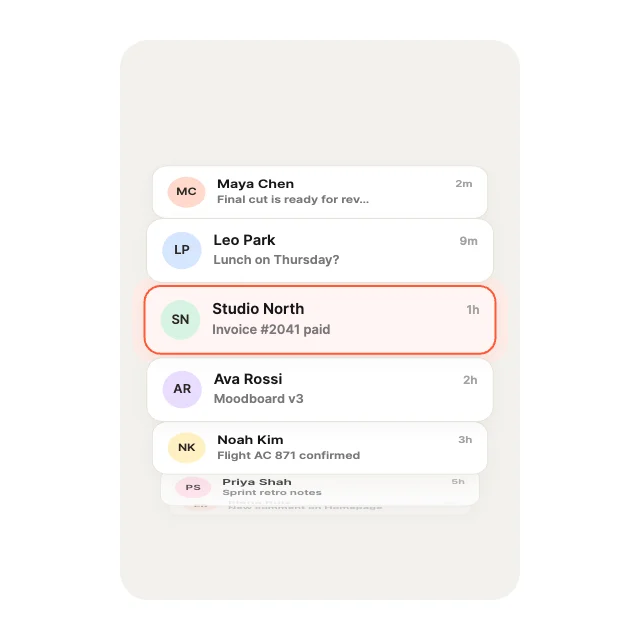
Rows wrap a horizontal drum that turns toward you; the front row snaps into the lens. Our first pick: a 3d & perspective list view with 11 inputs your Vue code can drive, in a 2.1 KB file.
Vue · List views · Updated November 2026
Need a Vue list view component with real motion? These five animated list views play in Vue from one .exode file, chosen from the 100 in Exode Galleries. Each one is live below: try it, then open it in ExodeUI and drop it into your Vue app with the code at the end.
3D & Perspective
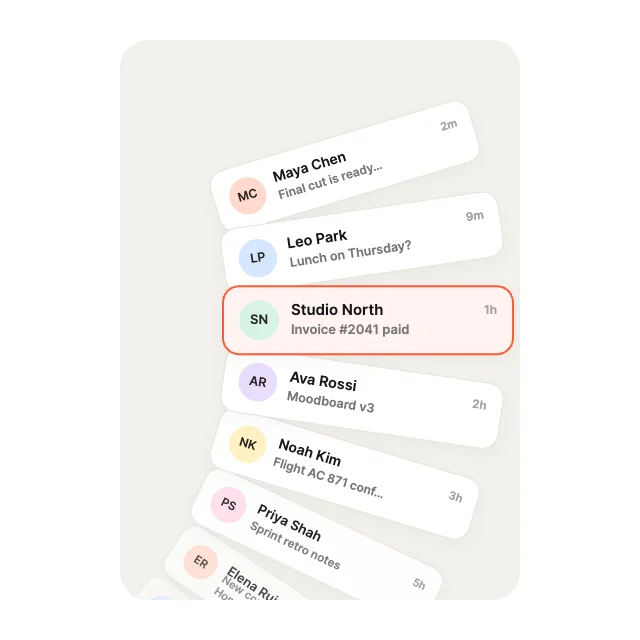
Rows wrap a horizontal drum that turns toward you; the front row snaps into the lens. Our first pick: a 3d & perspective list view with 11 inputs your Vue code can drive, in a 2.1 KB file.
Loops & Marquees
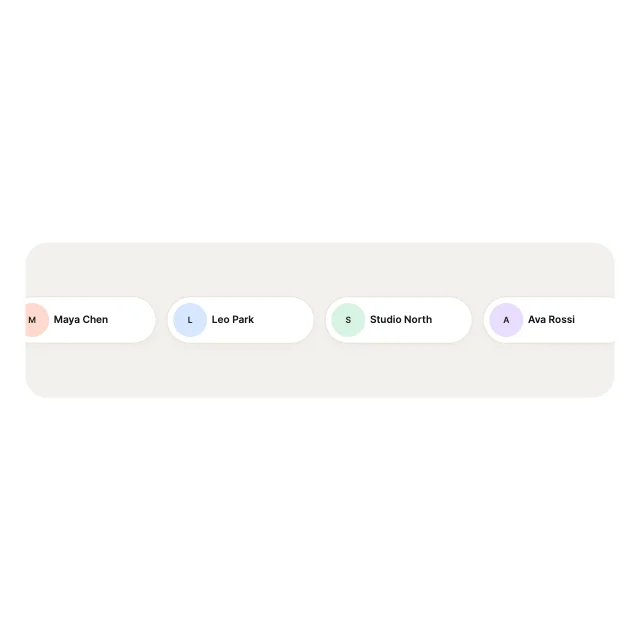
A horizontal strip that loops forever with no seam. Drag to nudge it. It is a loops & marquees list view with 11 inputs your Vue code can drive, in a 1.8 KB file.
Curves & Paths
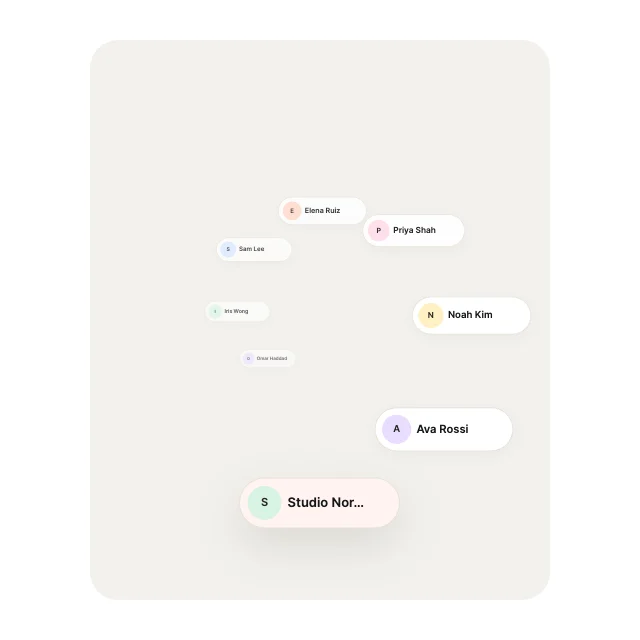
Rows rotate around a pivot off the left edge, like a watch crown menu. Drag or scroll; it snaps to the nearest row. It is a curves & paths list view with 11 inputs your Vue code can drive, in a 2.3 KB file.
Curves & Paths
Rows wind along a spiral and shrink toward its centre; drag to unwind it. It is a curves & paths list view with 11 inputs your Vue code can drive, in a 3.4 KB file.
Stacks & Depth
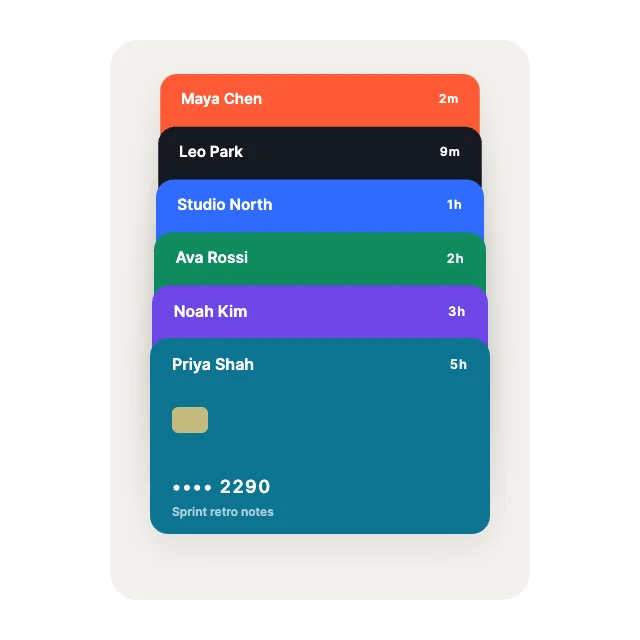
Collapsed card headers; tap to fan the whole wallet open, tap again to fold it. It is a stacks & depth list view with 9 inputs your Vue code can drive, in a 1.7 KB file.
Use it as a checklist when you compare the picks above. Each one is a native list view in ExodeUI, so whatever is missing you change in the editor instead of rewriting Vue code.
| # | Design | Category | Inputs | File |
|---|---|---|---|---|
| 1 | Rolodex Drum | 3D & Perspective | 11 | 2.1 KB |
| 2 | Seamless Marquee | Loops & Marquees | 11 | 1.8 KB |
| 3 | Radial Wheel | Curves & Paths | 11 | 2.3 KB |
| 4 | Spiral Coil | Curves & Paths | 11 | 3.4 KB |
| 5 | Wallet Fan | Stacks & Depth | 9 | 1.7 KB |
The code for #1, Rolodex Drum, with its real file and input names. Every pick works the same way.
npm install exodeui-vue<script setup>
import { ref } from 'vue';
import { ExodeUICanvas } from 'exodeui-vue';
const inputs = ref({
"Rolodex Drum · Selected row": 7,
"Rolodex Drum Titles": myItems,
});
</script>
<template>
<ExodeUICanvas src="/rolodex.bexode" :inputs="inputs" />
</template>Pick a design here, open it in ExodeUI and change it, then export a .bexode file. Install exodeui-vue (npm install exodeui-vue) and load the file with the runtime; the code below uses the first pick’s real file and input names. The motion, states and springs live in the file, so your Vue code only sets and reads inputs.
It depends on the job: Rolodex Drum (3d & perspective), Seamless Marquee (loops & marquees), Radial Wheel (curves & paths) cover different styles. These five are our picks from the 100 list views in Exode Galleries, chosen for range, for how much is wired to inputs and for how well they read small. They are not a survey of other libraries.
They replace it where you want custom motion. Keep the built-in one where the platform default is right, and use an ExodeUI file where the list view is part of your brand.
Yes. They come from List View Studio, built into the ExodeUI editor and included in the free Community plan. The Vue runtime is free too.
Yes. Open one in ExodeUI and every part is a native layer: colours, type, motion and logic. The input names stay the same, so your code keeps working.
Free to start. Every studio behind this library is built into the editor, and everything it makes stays native and editable.
Try ExodeUI for free