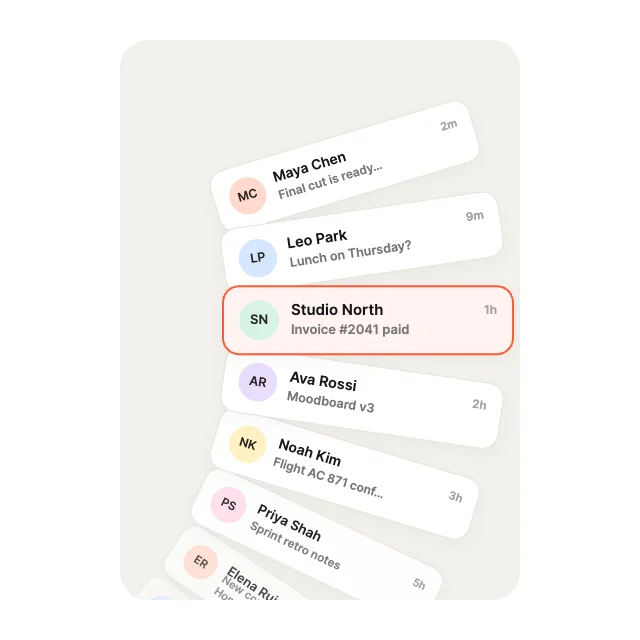
Radial WheelCurves & Paths
List View Studio · 100 designs
Animated list views. Coverflow, drums, decks, lenses, springs and marquees on one native ListView.
Every list runs on one native ListView. Its rows come from Array variables your app fills, and the selected row, springs and triggers are inputs.
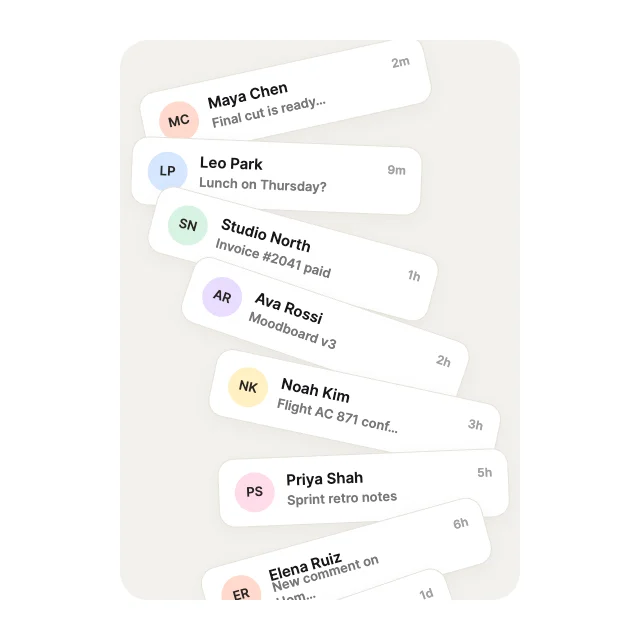
Serpentine S-CurveCurves & Paths
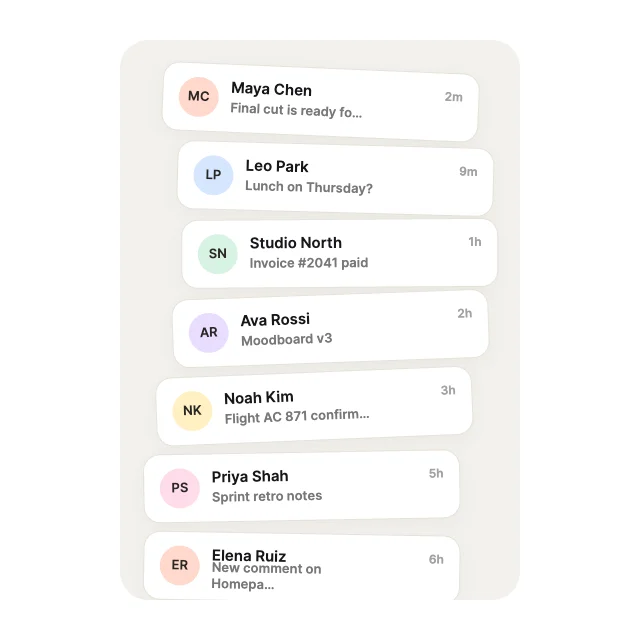
Sine UndulatorCurves & Paths
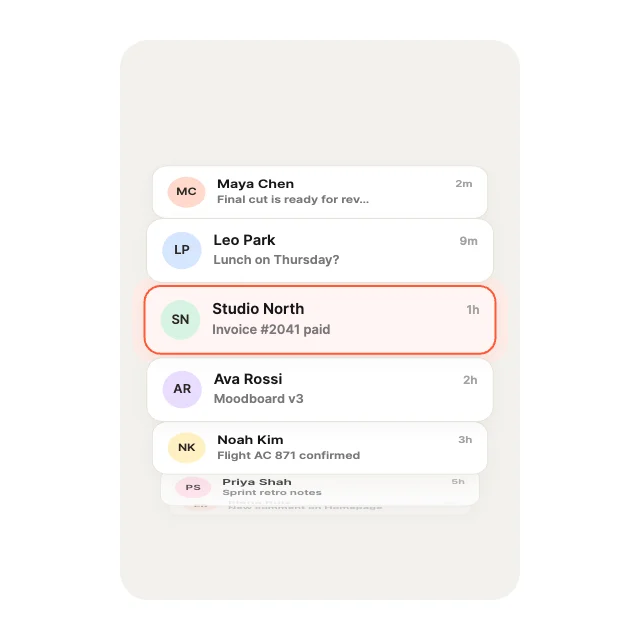
Rolodex Drum3D & Perspective
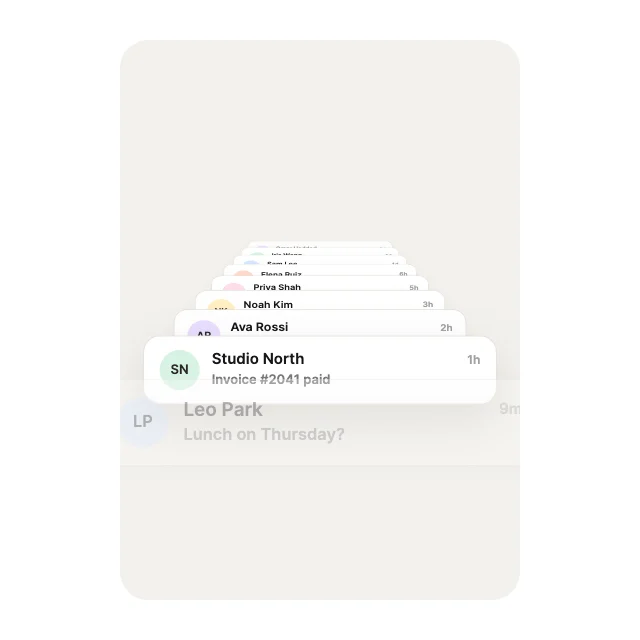
Perspective Plane3D & Perspective
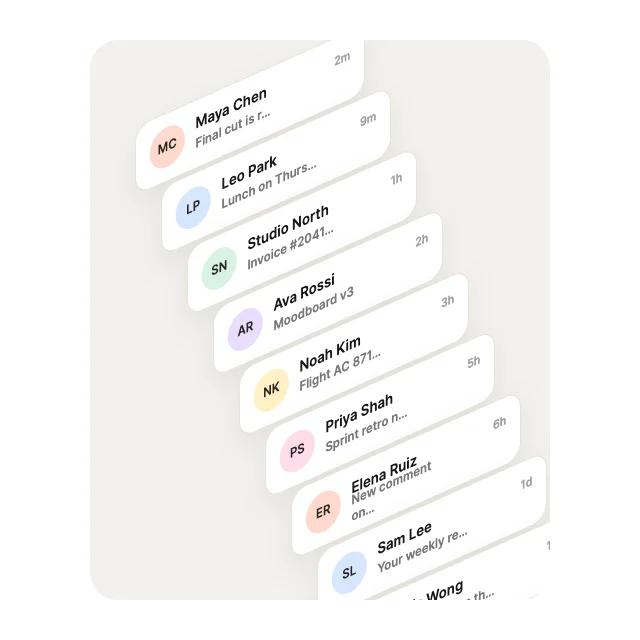
Isometric Steps3D & Perspective
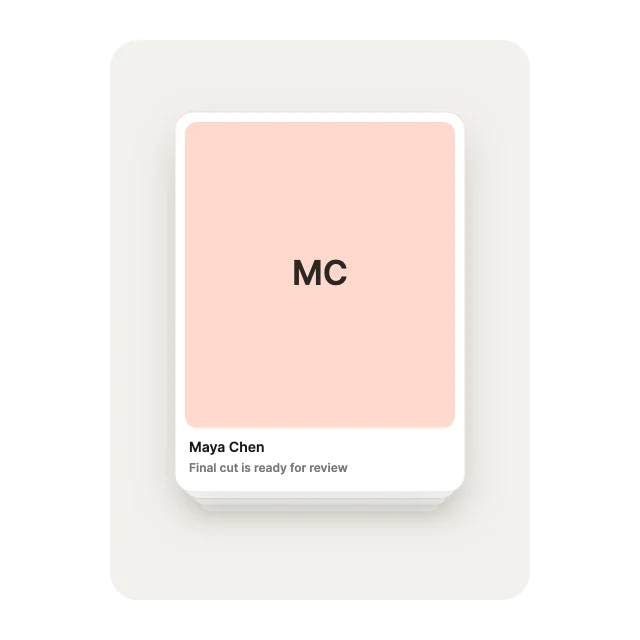
Swiper StackStacks & Depth
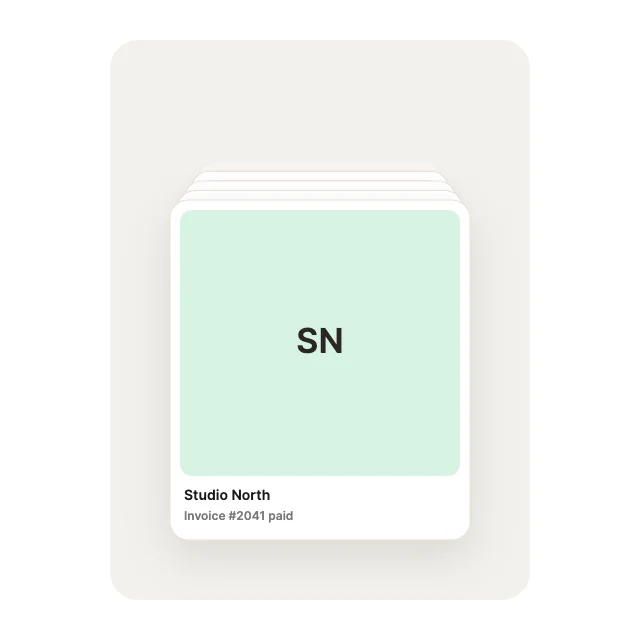
Concentric DeckStacks & Depth
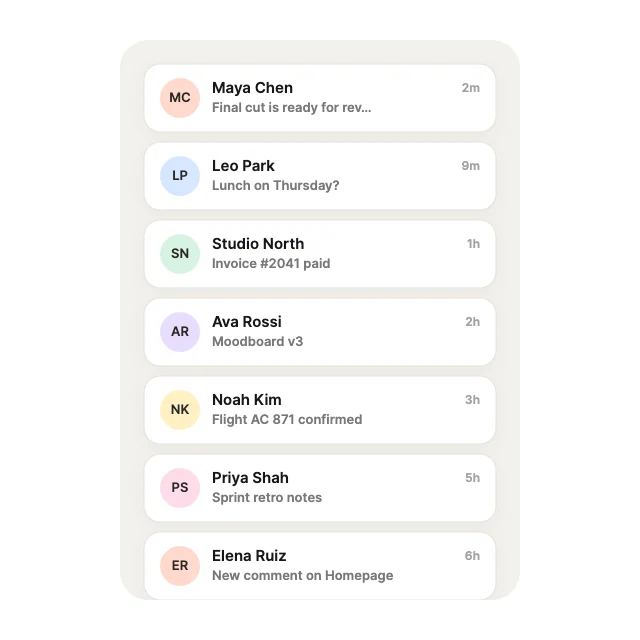
Elevated LayerStacks & Depth
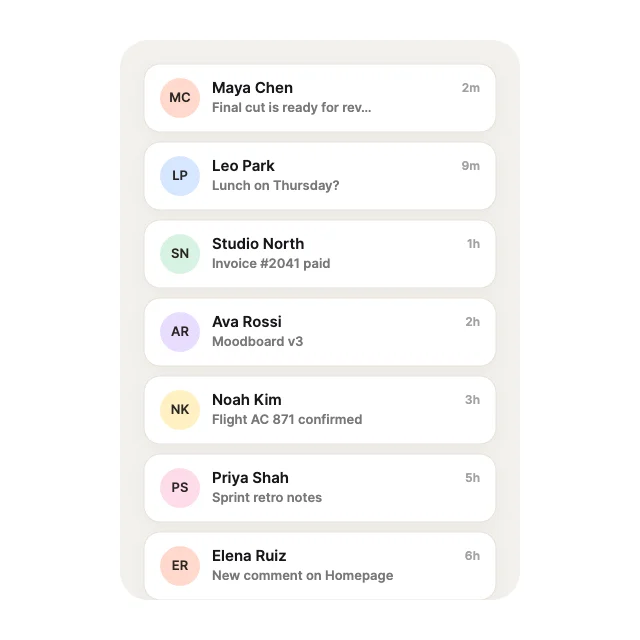
Expanding SlatsStacks & Depth
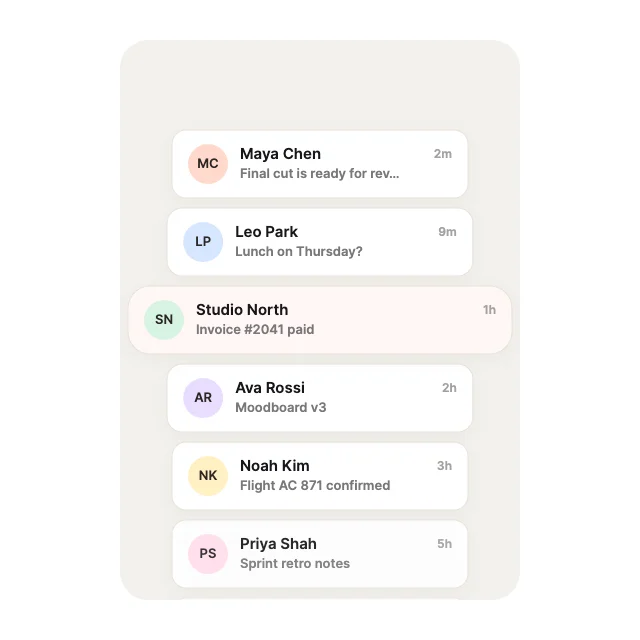
Centre BulgeLens & Scale
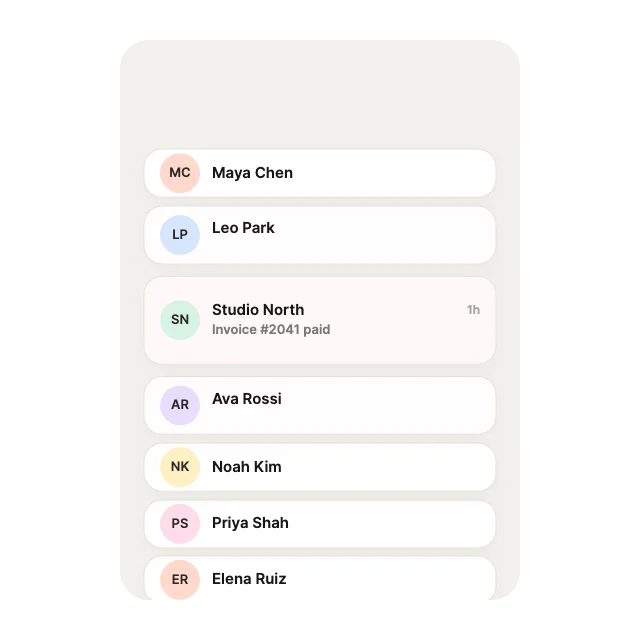
Optical HeightLens & Scale
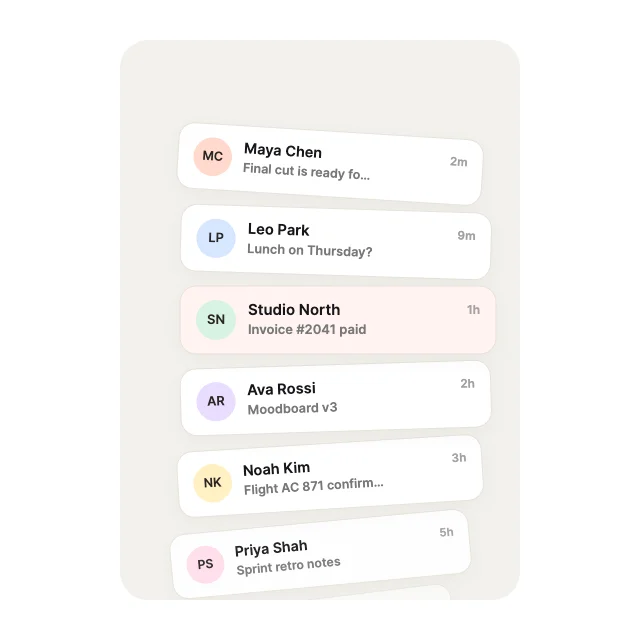
Convex Thumb ArcCurves & Paths
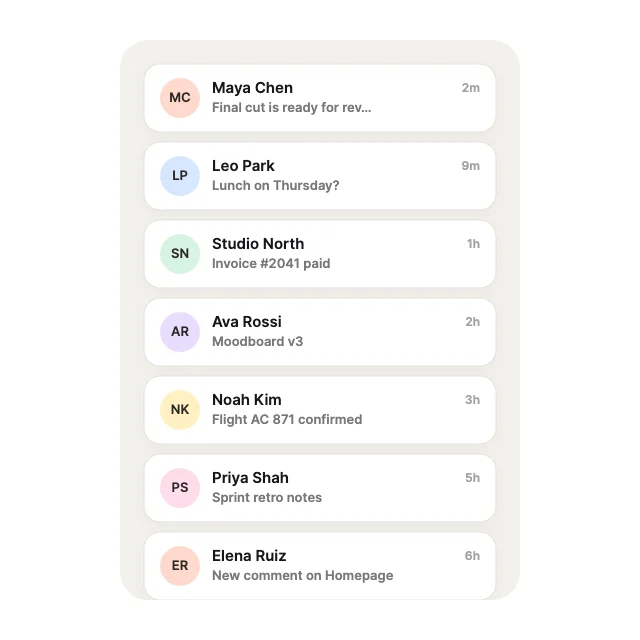
Parabolic SlingCurves & Paths
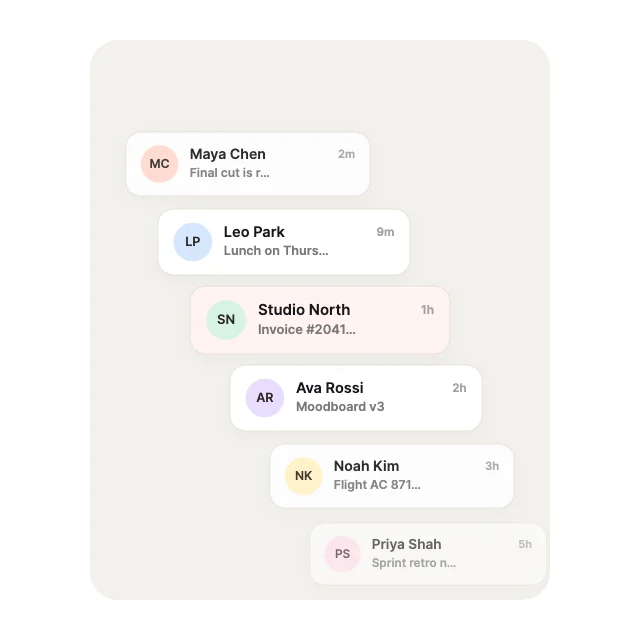
Diagonal InclineCurves & Paths
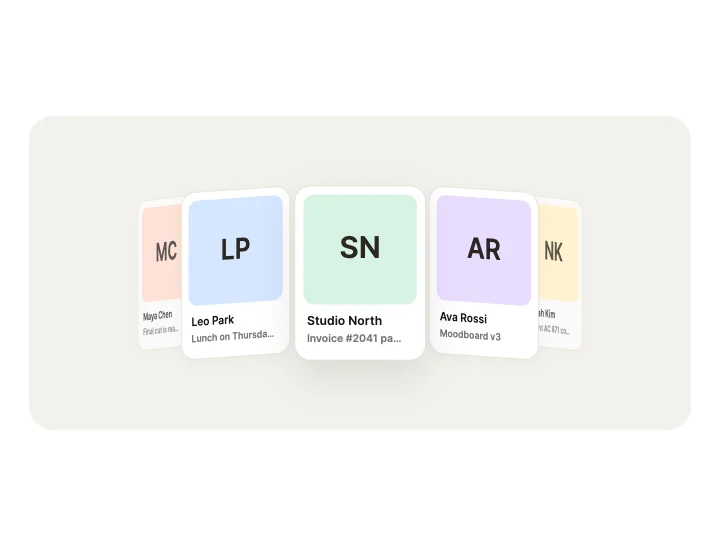
Slot Tumbler3D & Perspective
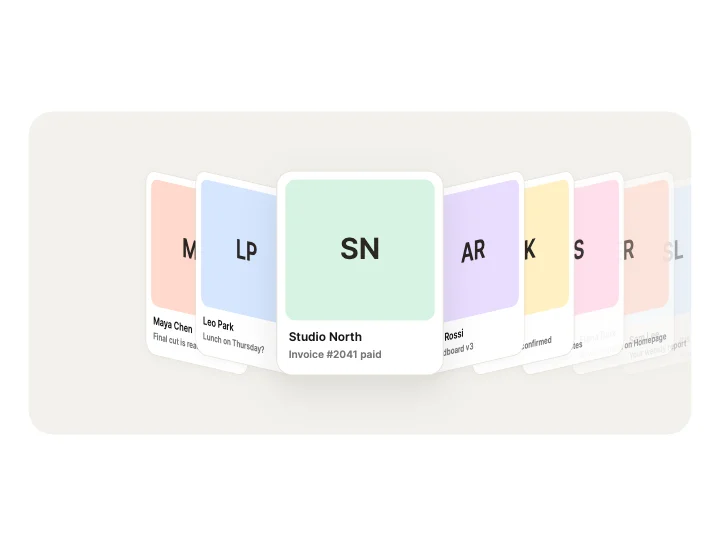
Classic Coverflow3D & Perspective
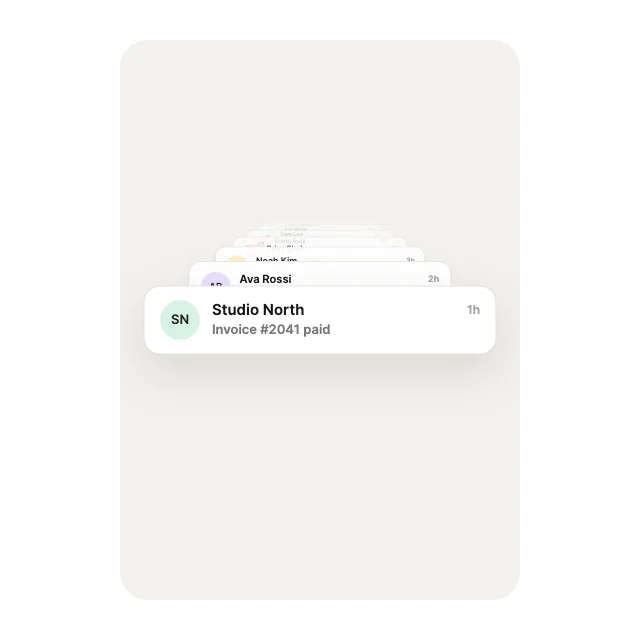
Z-Tunnel Zoom3D & Perspective
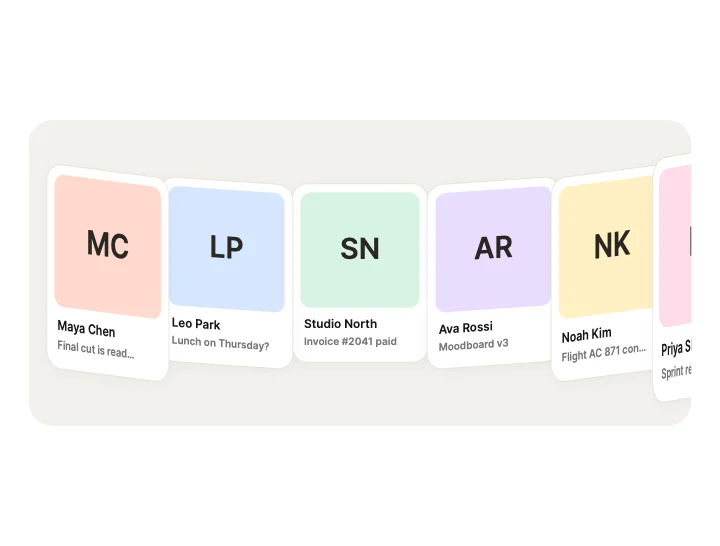
Curved Wall3D & Perspective
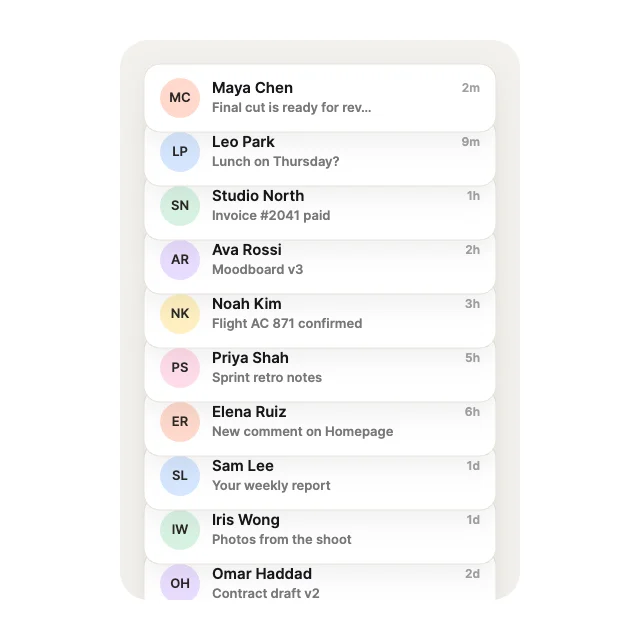
Cascading DeckStacks & Depth
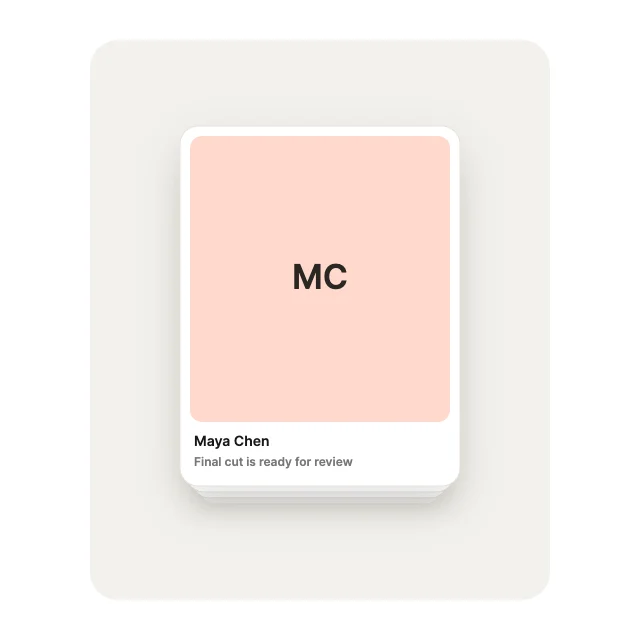
Shuffled DeckStacks & Depth
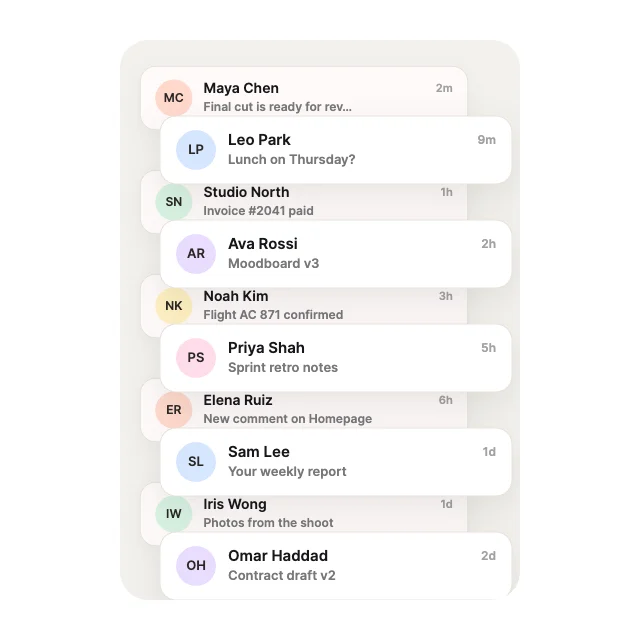
Dovetail StackStacks & Depth
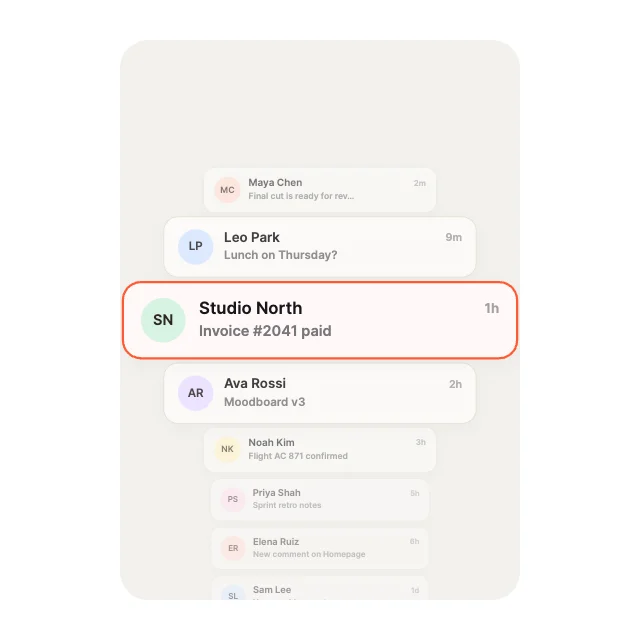
Fisheye LensLens & Scale
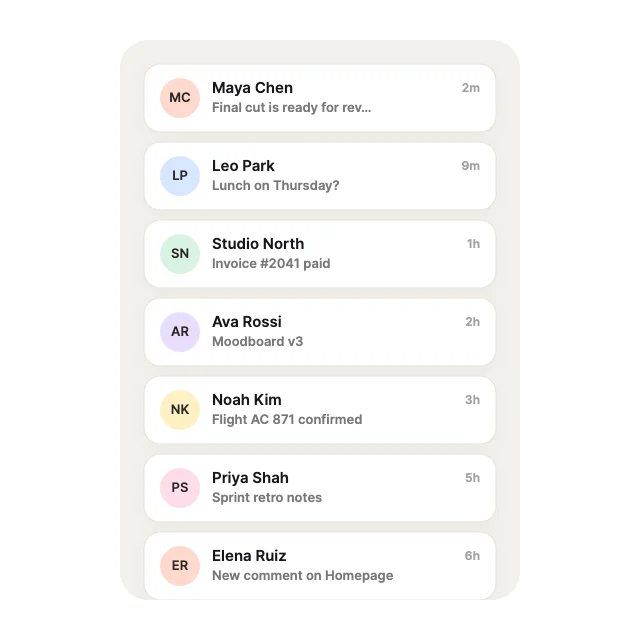
Magnetic PinchLens & Scale
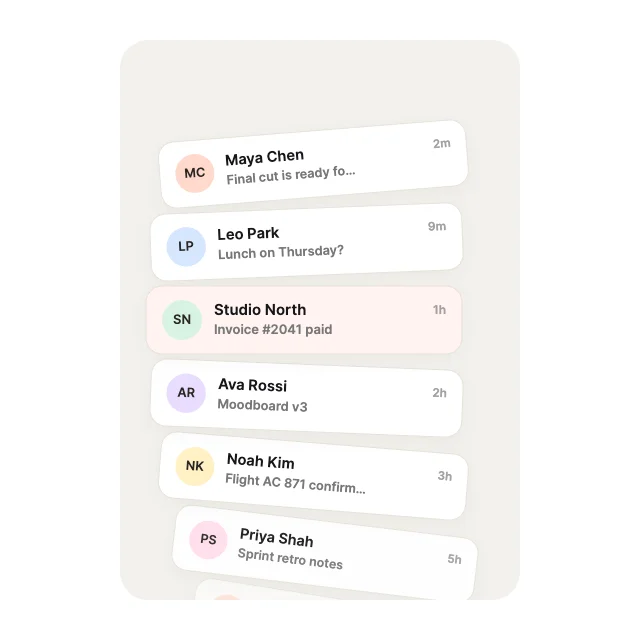
Concave CrescentCurves & Paths
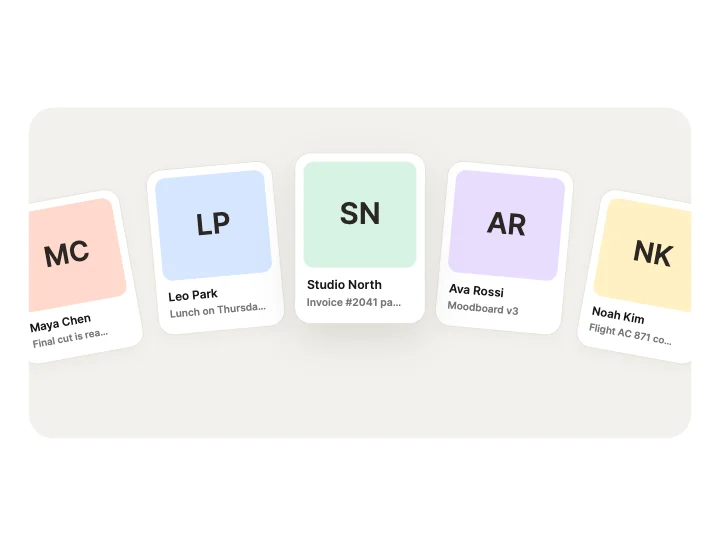
Arch BridgeCurves & Paths
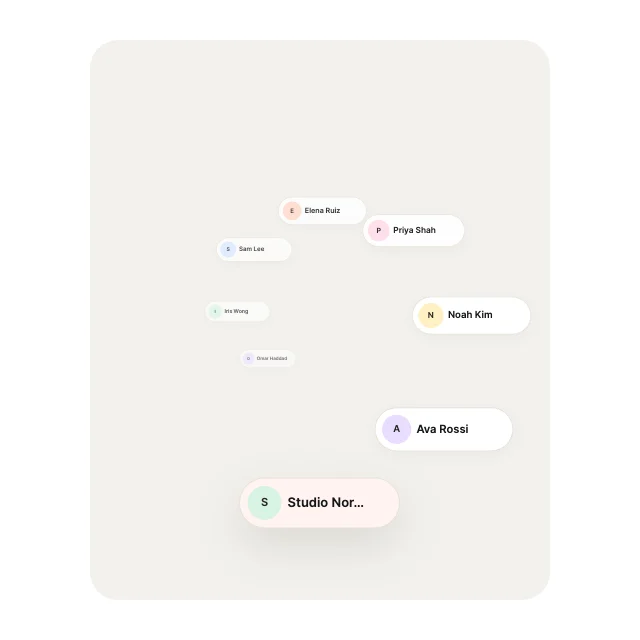
Spiral CoilCurves & Paths
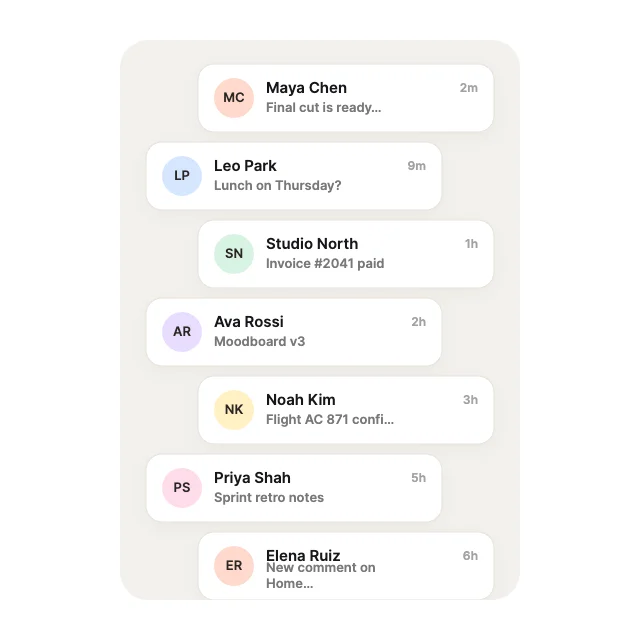
Zig-Zag TrackCurves & Paths
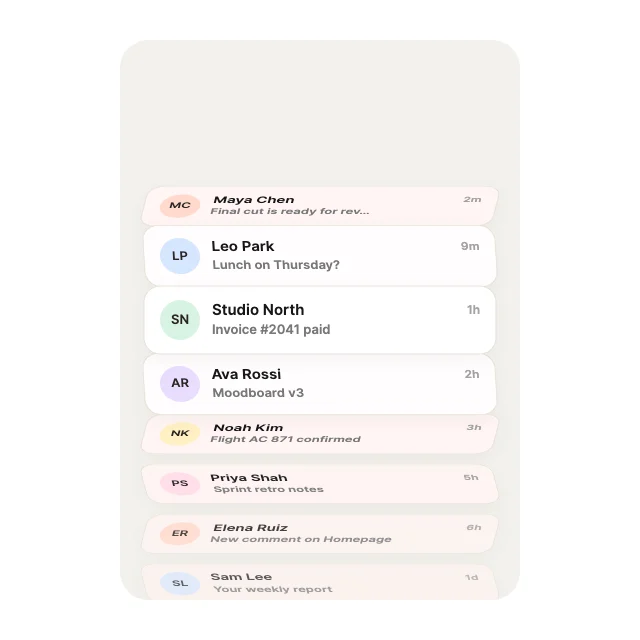
Origami Fan Fold3D & Perspective
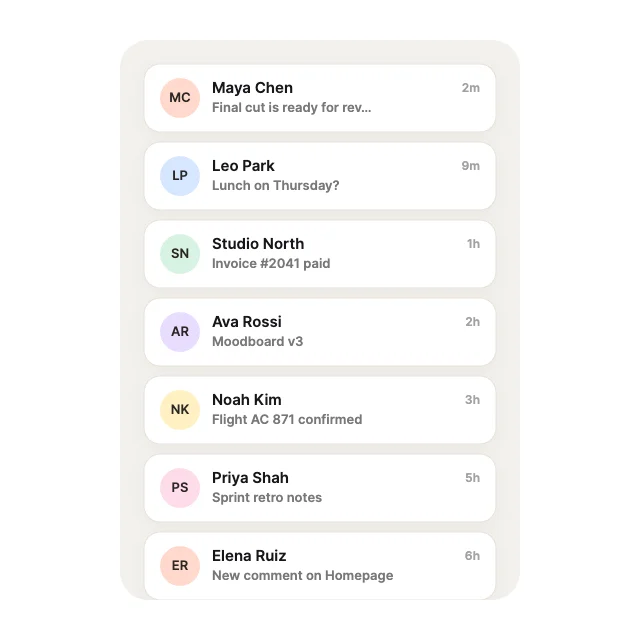
Venetian Blind3D & Perspective
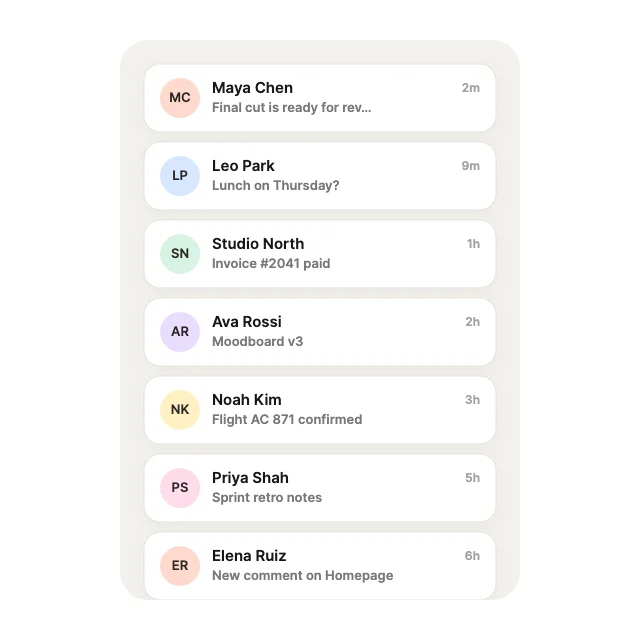
Dual-Face Rows3D & Perspective
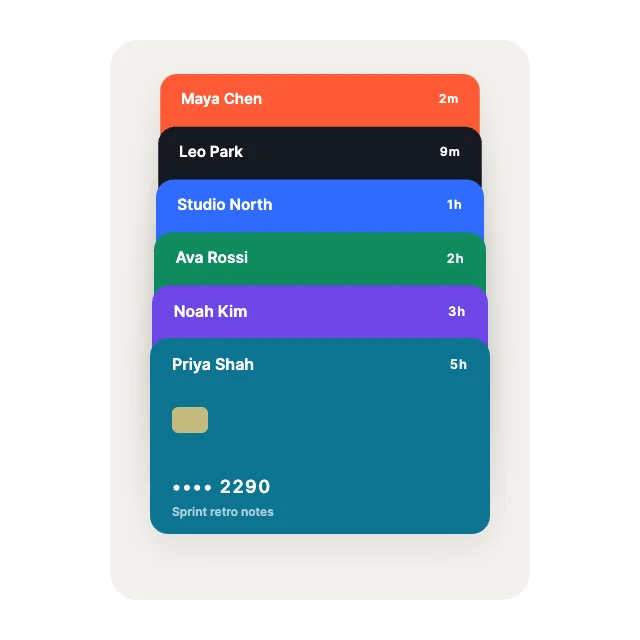
Wallet FanStacks & Depth
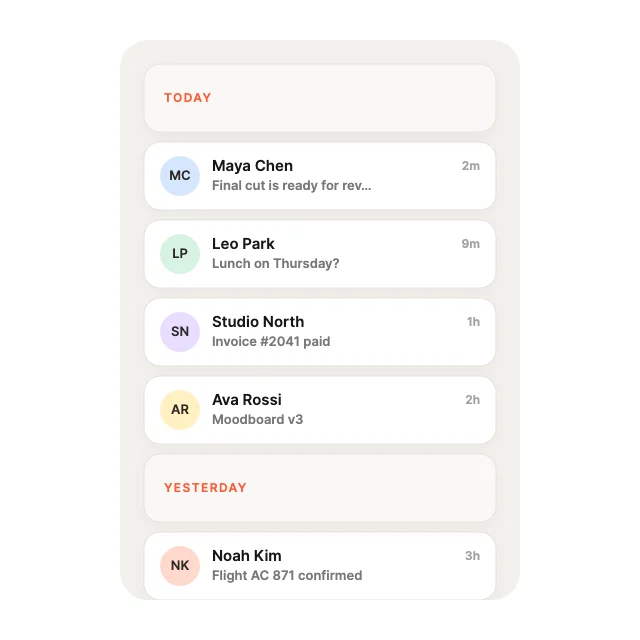
Sticky SectionsStacks & Depth
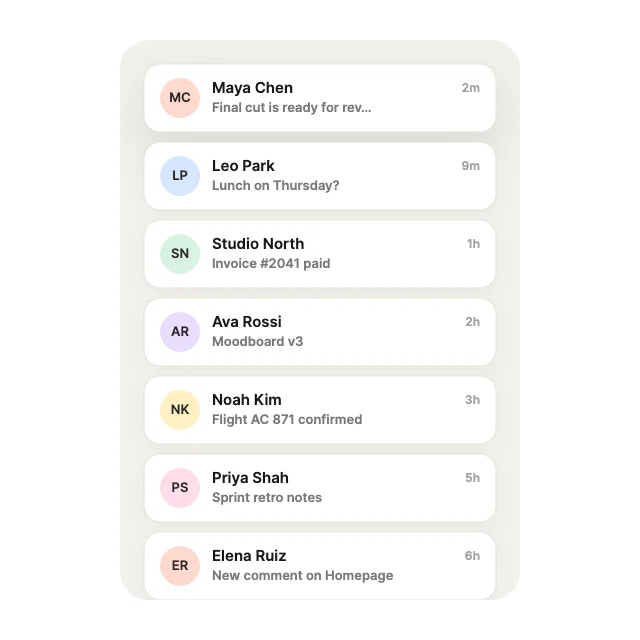
Tuck-Under DrawerStacks & Depth
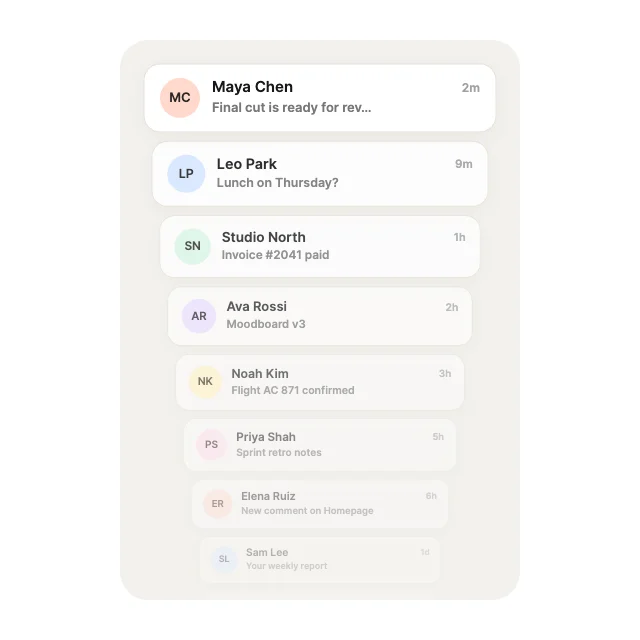
Distance DecayLens & Scale
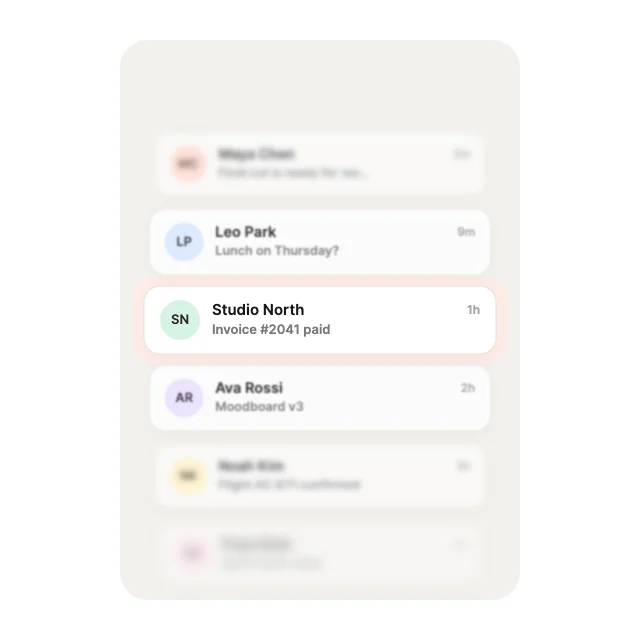
Depth of FieldLens & Scale
Loading more… 36 of 100
How to use them
- Open List View Studio
It is in the Plugins menu of the editor.
- Pick a motion
Choose from 10 categories, then a theme, an accent and sample content.
- Insert
It lands as one ListView with its rows bound to variables.
- Connect your data
Fill the row arrays and listen for item clicks.
Best list views, by runtime
Questions
How do I use these list views in my app?
Open one in ExodeUI, export the file and play it with the ExodeUI runtime for your stack. Drag or scroll it, tap a row. Rows come from Array variables.
Are these list views free?
Yes. List View Studio is built into the ExodeUI editor and included in the free Community plan.
Can I change the design?
Yes. Every part is a native layer in the editor: colours, type, motion and logic, and the input names your code uses stay the same.
More kinds
Make your own in ExodeUI
Free to start. Every studio behind this library is built into the editor, and everything it makes stays native and editable.
Try ExodeUI for free