1
Night Pulse React Native map
Places
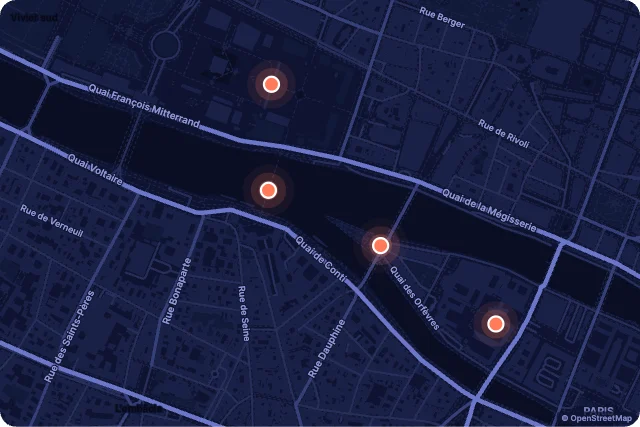
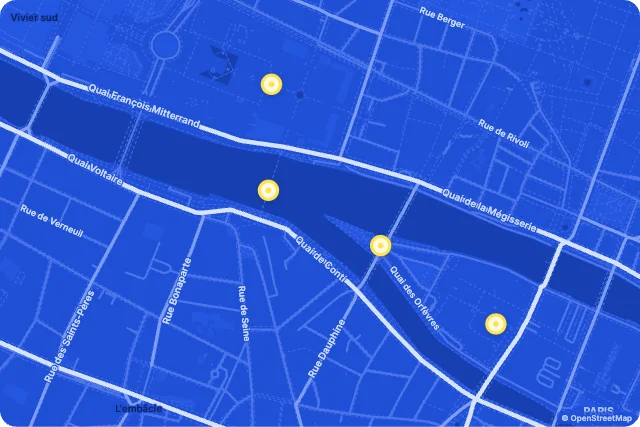
Sonar dots on a night city; it tours the places and spotlights each one. Our first pick: a places map with 10 inputs your React Native code can drive, in a 101.4 KB file.
React Native · Maps · Updated November 2026
Need a React Native map component with real motion? These five animated maps play in React Native from one .exode file, chosen from the 18 in Exode Galleries. Each one is live below: try it, then open it in ExodeUI and drop it into your React Native app with the code at the end.
Places
Sonar dots on a night city; it tours the places and spotlights each one. Our first pick: a places map with 10 inputs your React Native code can drive, in a 101.4 KB file.
Journeys
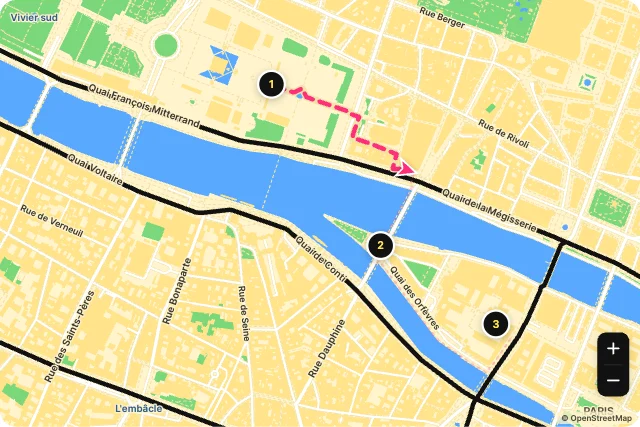
Marching dashes and an arrow, with numbered stops. It is a journeys map with 13 inputs your React Native code can drive, in a 102.0 KB file.
Places
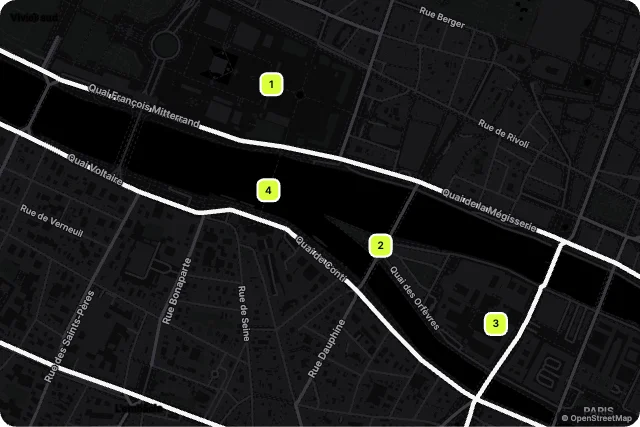
Dark, high-contrast squares. Every few seconds the next place takes the light. It is a places map with 10 inputs your React Native code can drive, in a 101.4 KB file.
Showcase
Every street draws on like ink on a plan. It is a showcase map with 10 inputs your React Native code can drive, in a 101.3 KB file.
Journeys
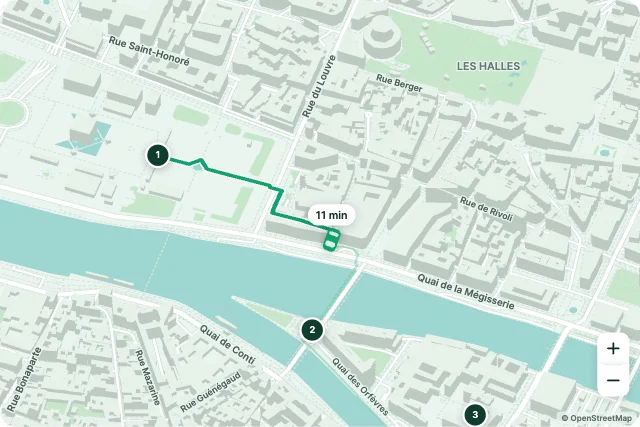
A courier drives the route with a live ETA; the camera follows it. It is a journeys map with 13 inputs your React Native code can drive, in a 102.1 KB file.
Use it as a checklist when you compare the picks above. Each one is a native map in ExodeUI, so whatever is missing you change in the editor instead of rewriting React Native code.
| # | Design | Category | Inputs | File |
|---|---|---|---|---|
| 1 | Night Pulse | Places | 10 | 101.4 KB |
| 2 | Road Trip | Journeys | 13 | 102.0 KB |
| 3 | Spotlight Tour | Places | 10 | 101.4 KB |
| 4 | Blueprint | Showcase | 10 | 101.3 KB |
| 5 | Live Delivery | Journeys | 13 | 102.1 KB |
The code for #1, Night Pulse, with its real file and input names. Every pick works the same way.
npm install exodeui-react-nativeimport { ExodeUIView } from 'exodeui-react-native';
export function NightPulse() {
return (
<ExodeUIView
src="https://cdn.your.app/night-pulse.bexode"
inputs={{
"Night Pulse · Selected place": 1.8,
}}
style={{ width: '100%', aspectRatio: 1.5 }}
/>
);
}Pick a design here, open it in ExodeUI and change it, then export a .bexode file. Install exodeui-react-native (npm install exodeui-react-native) and load the file with the runtime; the code below uses the first pick’s real file and input names. The motion, states and springs live in the file, so your React Native code only sets and reads inputs.
It depends on the job: Night Pulse (places), Road Trip (journeys), Spotlight Tour (places) cover different styles. These five are our picks from the 18 maps in Exode Galleries, chosen for range, for how much is wired to inputs and for how well they read small. They are not a survey of other libraries.
They replace it where you want custom motion. Keep the built-in one where the platform default is right, and use an ExodeUI file where the map is part of your brand.
Yes. They come from Map Studio, built into the ExodeUI editor and included in the free Community plan. The React Native runtime is free too.
Yes. Open one in ExodeUI and every part is a native layer: colours, type, motion and logic. The input names stay the same, so your code keeps working.
Free to start. Every studio behind this library is built into the editor, and everything it makes stays native and editable.
Try ExodeUI for free