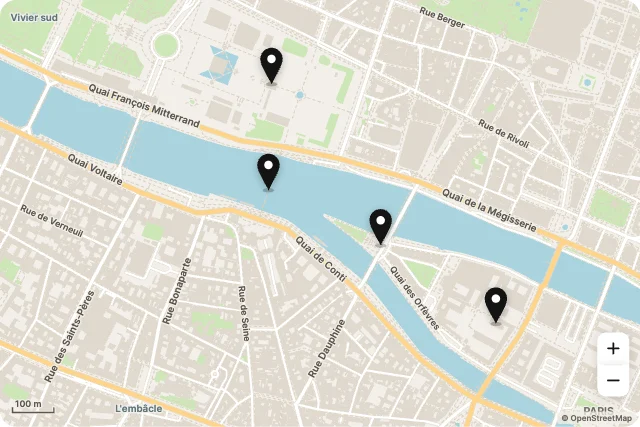
Pin RainPlaces
Map Studio · 18 designs
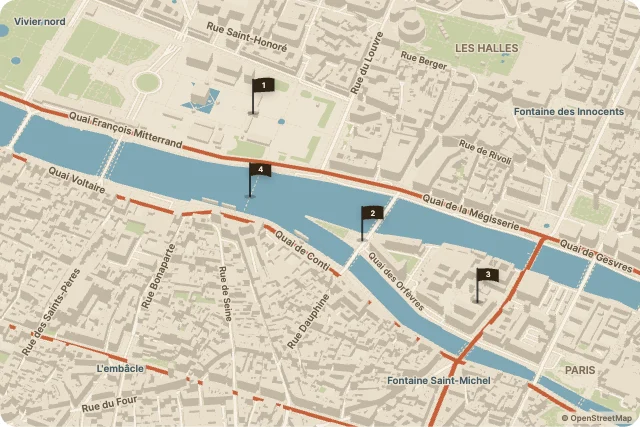
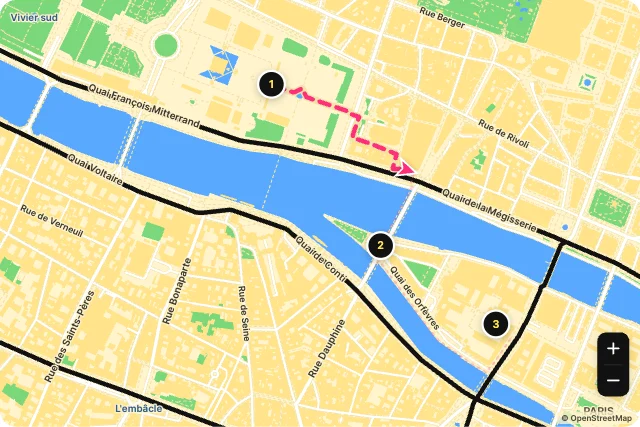
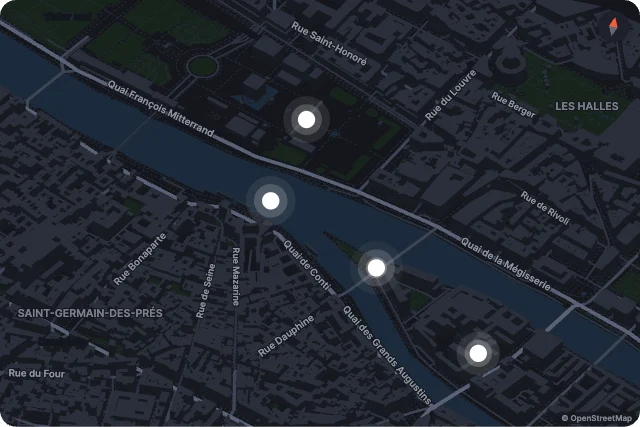
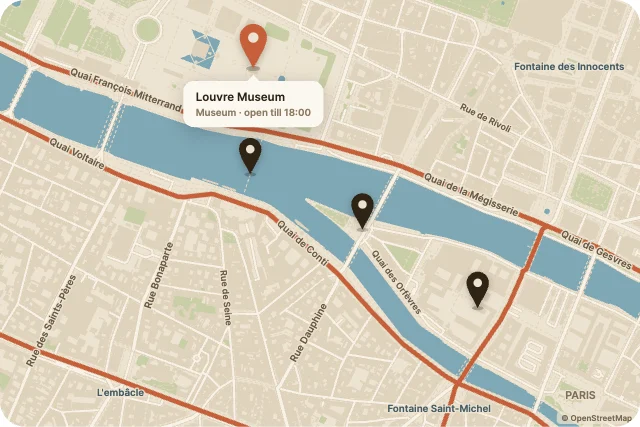
Animated maps. Pin drops, store locators, live delivery routes, rising 3D cities and flyovers.
Every map is a native Map widget with real OpenStreetMap streets, water, parks and buildings baked into the file, so it runs offline. Selected place, zoom, tilt and route progress are inputs.
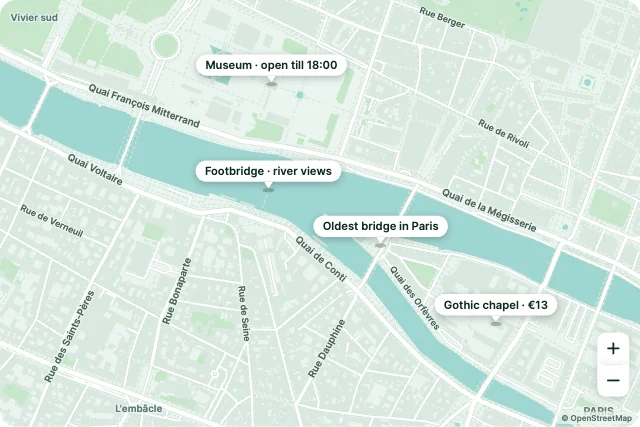
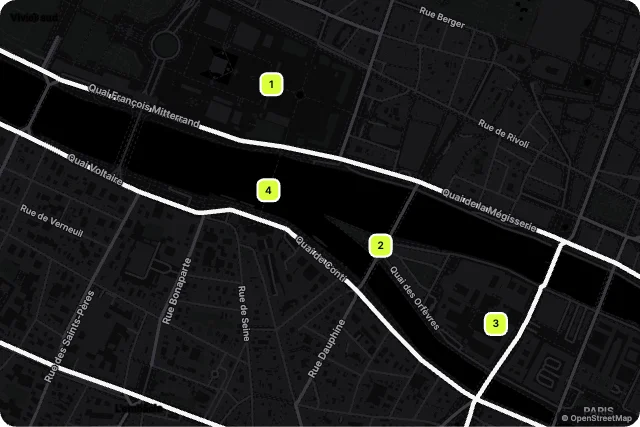
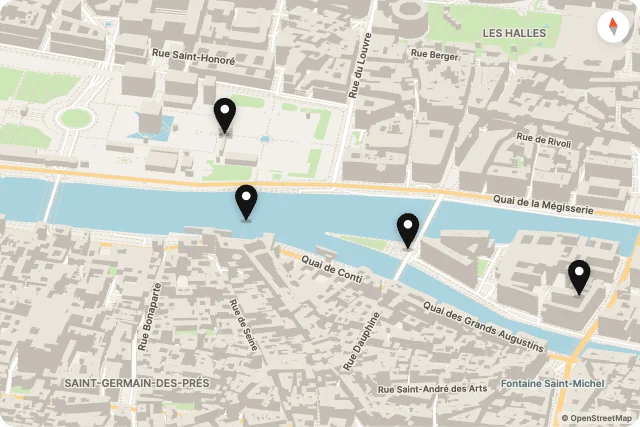
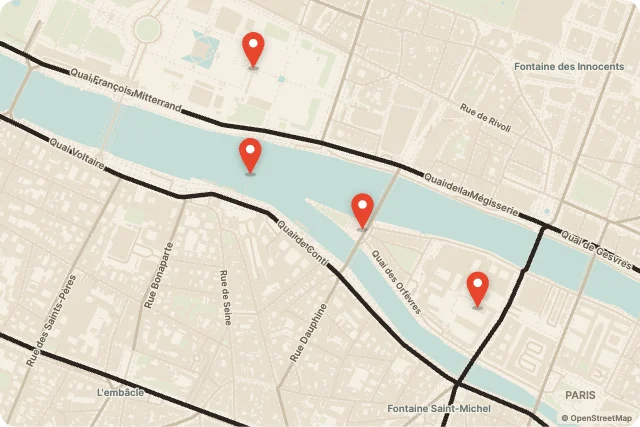
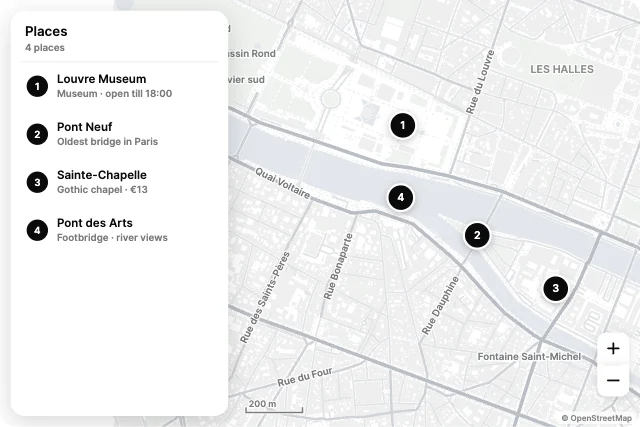
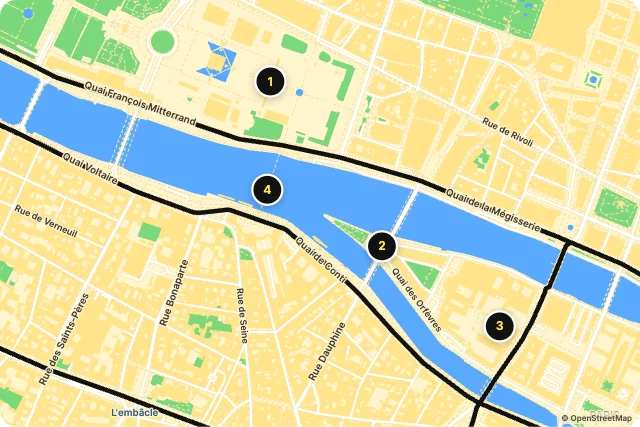

Night PulsePlaces
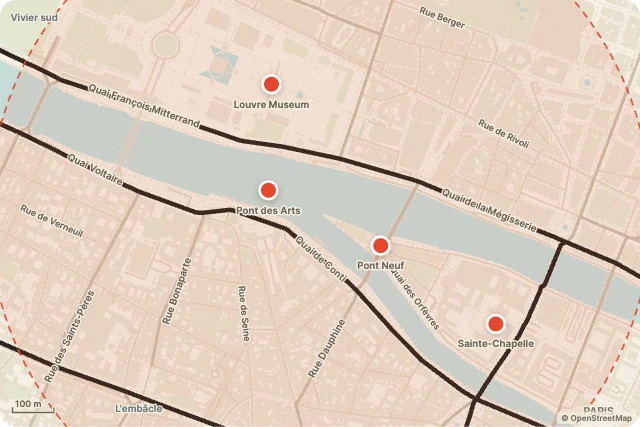
Within ReachPlaces
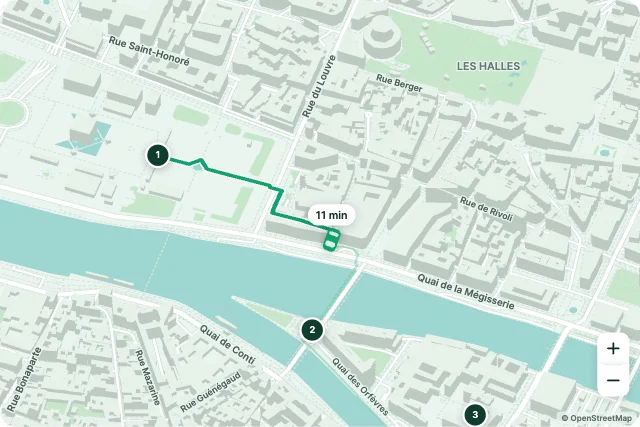
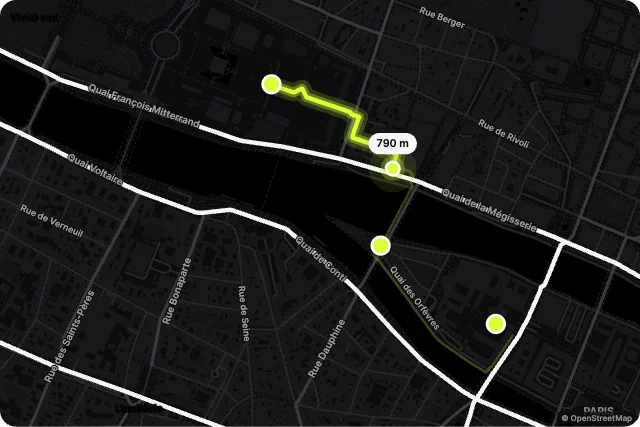
Live DeliveryJourneys
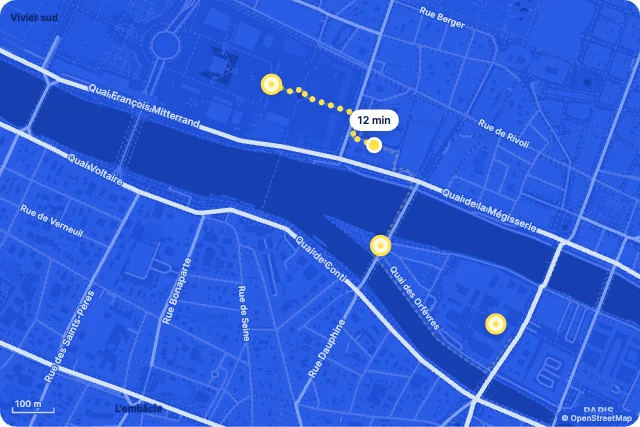
CommuteJourneys

BlueprintShowcase
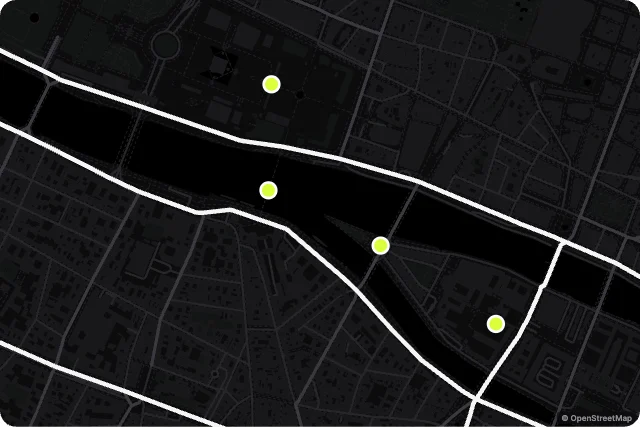
NoirShowcase
How to use them
- Open Map Studio
It is in the Plugins menu of the editor. Nothing to install.
- Pick a design
Browse by category and insert. It lands as a native widget with its inputs.
- Make it yours
Change colours, type and motion. The inputs keep their names.
- Connect it
Set and read its inputs from your code in any runtime.
Best maps, by runtime
Questions
How do I use these maps in my app?
Open one in ExodeUI, export the file and play it with the ExodeUI runtime for your stack. Tap a pin, drag and scroll. Selected place, zoom and route progress are inputs.
Are these maps free?
Yes. Map Studio is built into the ExodeUI editor and included in the free Community plan.
Can I change the design?
Yes. Every part is a native layer in the editor: colours, type, motion and logic, and the input names your code uses stay the same.
More kinds
Make your own in ExodeUI
Free to start. Every studio behind this library is built into the editor, and everything it makes stays native and editable.
Try ExodeUI for free