React Native · Charts · Updated November 2026

5 best animated React Native chart components

Need a React Native chart component with real motion? These five animated charts play in React Native from one .exode file, chosen from the 100 in Exode Galleries. Each one is live below: try it, then open it in ExodeUI and drop it into your React Native app with the code at the end.

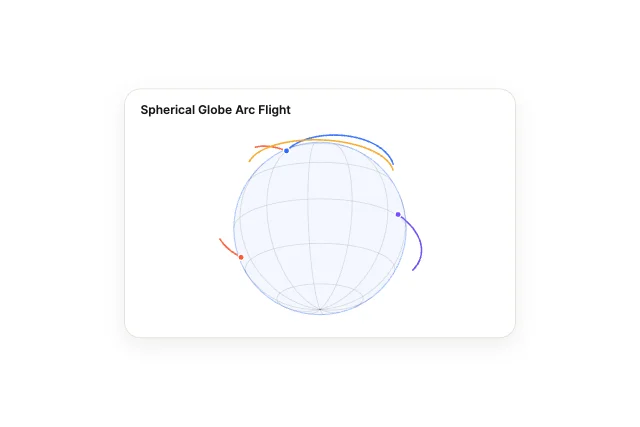
  1. 1Spherical Globe Arc Flight
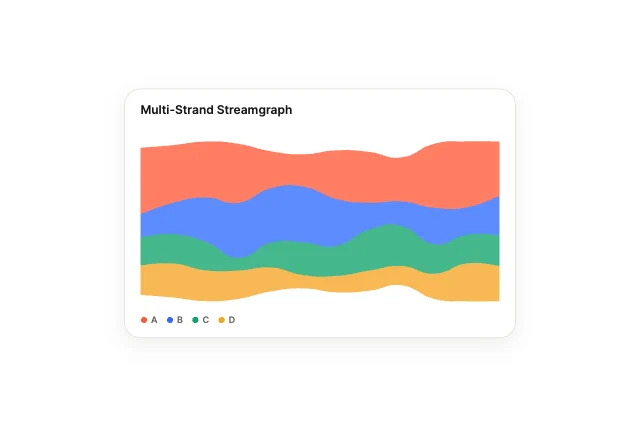
  2. 2Multi-Strand Streamgraph
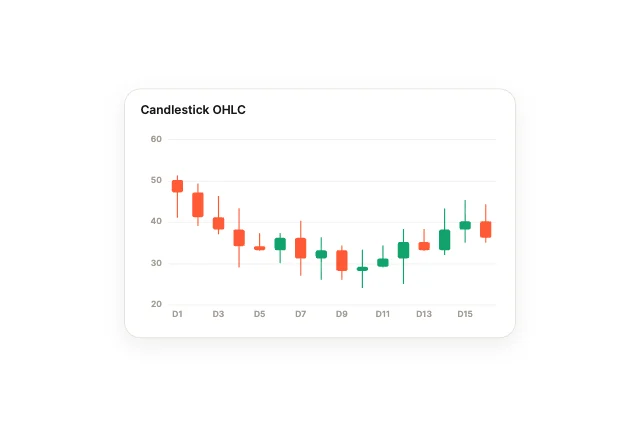
  3. 3Candlestick OHLC
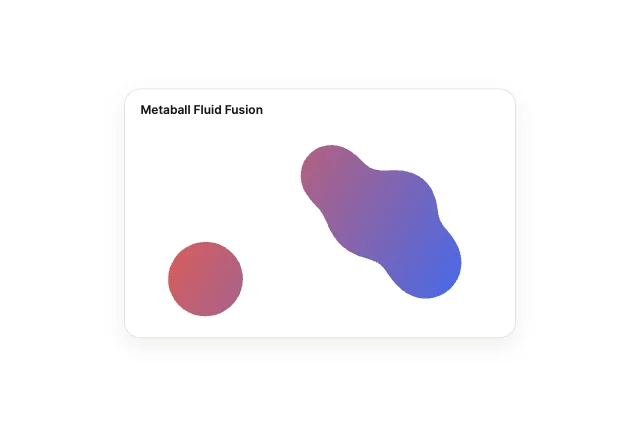
  4. 4Metaball Fluid Fusion
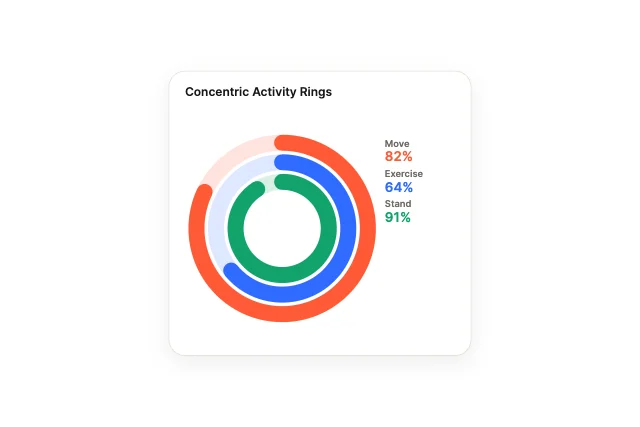
  5. 5Concentric Activity Rings

What makes a good React Native chart

  • Data as an input, so new numbers animate in.
  • Hover and tap that return the point under the finger.
  • Labels that stay readable at small sizes.
  • Motion that explains the change, not decoration.

Use it as a checklist when you compare the picks above. Each one is a native chart in ExodeUI, so whatever is missing you change in the editor instead of rewriting React Native code.

Side by side

#DesignCategoryInputsFile
1Spherical Globe Arc Flight3D, Perspective & Isometric13894 B
2Multi-Strand StreamgraphCurves, Lines & Areas12948 B
3Candlestick OHLCStatistical & Multivariate13979 B
4Metaball Fluid FusionKinetic & Simulated10764 B
5Concentric Activity RingsRadial & Circular9744 B

Use it in React Native

The code for #1, Spherical Globe Arc Flight, with its real file and input names. Every pick works the same way.

npm install exodeui-react-native
import { ExodeUIView } from 'exodeui-react-native';

export function GlobeArcs() {
  return (
    <ExodeUIView
      src="https://cdn.your.app/globe-arcs.bexode"
      inputs={{
        "Spherical Globe Arc Flight · Selected item": -1,
      }}
      style={{ width: '100%', aspectRatio: 1.5 }}
    />
  );
}

Questions

How do I make a custom animated chart in React Native?

Pick a design here, open it in ExodeUI and change it, then export a .bexode file. Install exodeui-react-native (npm install exodeui-react-native) and load the file with the runtime; the code below uses the first pick’s real file and input names. The motion, states and springs live in the file, so your React Native code only sets and reads inputs.

What is the best React Native chart component?

It depends on the job: Spherical Globe Arc Flight (3d, perspective & isometric), Multi-Strand Streamgraph (curves, lines & areas), Candlestick OHLC (statistical & multivariate) cover different styles. These five are our picks from the 100 charts in Exode Galleries, chosen for range, for how much is wired to inputs and for how well they read small. They are not a survey of other libraries.

Can I use these charts with React Native’s built-in chart?

They replace it where you want custom motion. Keep the built-in one where the platform default is right, and use an ExodeUI file where the chart is part of your brand.

Are they free?

Yes. They come from Chart Studio, built into the ExodeUI editor and included in the free Community plan. The React Native runtime is free too.

Can I change them?

Yes. Open one in ExodeUI and every part is a native layer: colours, type, motion and logic. The input names stay the same, so your code keeps working.

Related searches

Make your own in ExodeUI

Free to start. Every studio behind this library is built into the editor, and everything it makes stays native and editable.

Try ExodeUI for free
ExodeUI

EXODEUI DESKTOP

A little space for good ideas.

Choose your platform to get the official ExodeUI installer.

Looking for Intel Mac or other builds? Explore the web studio or check all download options.

Prefer the browser? Try for free in your browser →