1
Now Playing free liquid glass component
Control Center
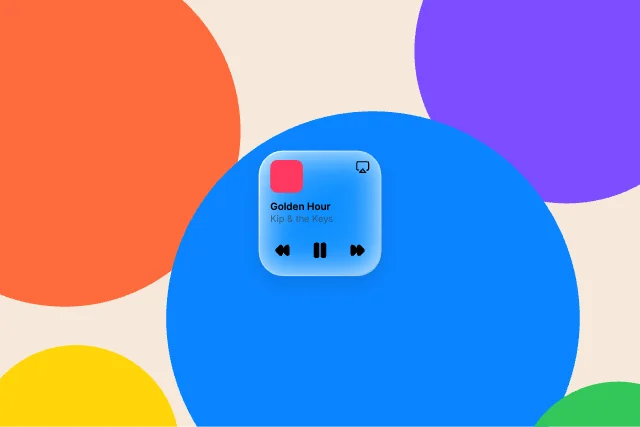
Control Center media tile with artwork, title and transport controls. Our first pick: a control center liquid glass component with no inputs to wire, it just plays, in a 2.5 KB file.
Free · Liquid glass · Updated November 2026
Five animated liquid glass components you can use for free, chosen from the 24 in Exode Galleries. Each one is live below. Open it in ExodeUI, change anything, and play the same file in React, Vue, Svelte, Angular, Solid, React Native, SwiftUI and Flutter.
Control Center
Control Center media tile with artwork, title and transport controls. Our first pick: a control center liquid glass component with no inputs to wire, it just plays, in a 2.5 KB file.
Bars & navigation
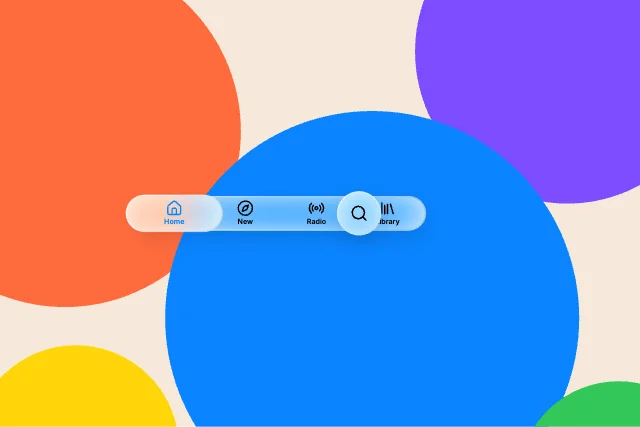
Floating capsule tab bar with a raised selected tab and a separate search button. It is a bars & navigation liquid glass component with no inputs to wire, it just plays, in a 2.6 KB file.
Lock Screen
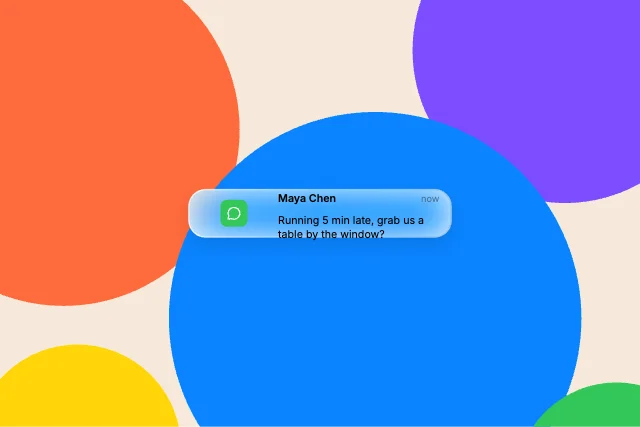
Lock Screen notification on clear glass: app icon, title, time and message. It is a lock screen liquid glass component with no inputs to wire, it just plays, in a 2.2 KB file.
Controls
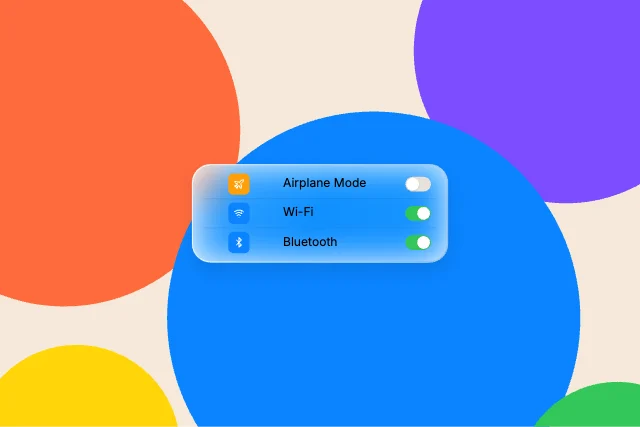
Grouped glass card of settings rows with live native switches. It is a controls liquid glass component with no inputs to wire, it just plays, in a 2.5 KB file.
Lock Screen
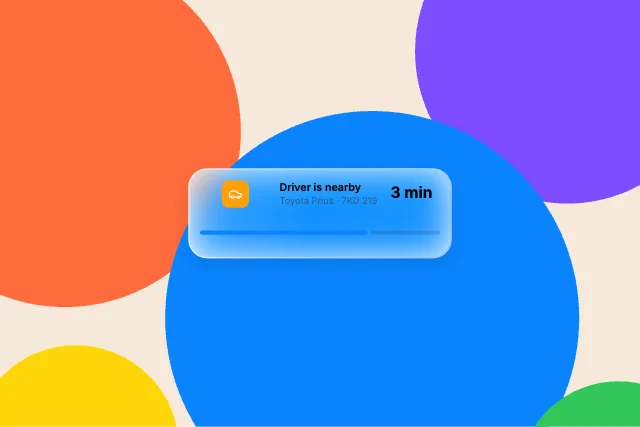
Live Activity card with status, ETA and a progress track. It is a lock screen liquid glass component with no inputs to wire, it just plays, in a 2.2 KB file.
Use it as a checklist when you compare the picks above. Each one is a native liquid glass component in ExodeUI, so whatever is missing you change in the editor instead of rewriting code.
| # | Design | Category | Inputs | File |
|---|---|---|---|---|
| 1 | Now Playing | Control Center | 0 | 2.5 KB |
| 2 | Tab bar | Bars & navigation | 0 | 2.6 KB |
| 3 | Notification | Lock Screen | 0 | 2.2 KB |
| 4 | Toggle list | Controls | 0 | 2.5 KB |
| 5 | Live Activity | Lock Screen | 0 | 2.2 KB |
The code for #1, Now Playing, with its real file and input names. Every pick works the same way.
npm install exodeuiimport { useEffect } from 'react';
import { ExodeUICanvas, useExodeUI } from 'exodeui';
export function CcNowPlaying() {
const { engine, setEngine, updateInput, fireTrigger } = useExodeUI();
useEffect(() => {
}, [engine]);
return (
<>
<ExodeUICanvas src="/cc-now-playing.bexode" onReady={setEngine} />
</>
);
}Yes. They come from Liquid Glass Studio, which is built into the ExodeUI editor and included in the free Community plan, and every runtime is free.
All 24 liquid glass in Exode Galleries are live on the page and free to open. This list is our top five.
From the 24 liquid glass in Exode Galleries, for range (each pick moves differently), for how much of the design is wired to inputs your code can use, and for how well it reads at small sizes. These are our picks from our own library, not a survey of other products.
Each one is a single .exode file that plays in React, Vue, Svelte, Angular, Solid, React Native, SwiftUI and Flutter.
Yes. Open one in ExodeUI and every part is a native layer: colours, type, motion and logic. The input names stay the same, so your code keeps working.
Free to start. Every studio behind this library is built into the editor, and everything it makes stays native and editable.
Try ExodeUI for free