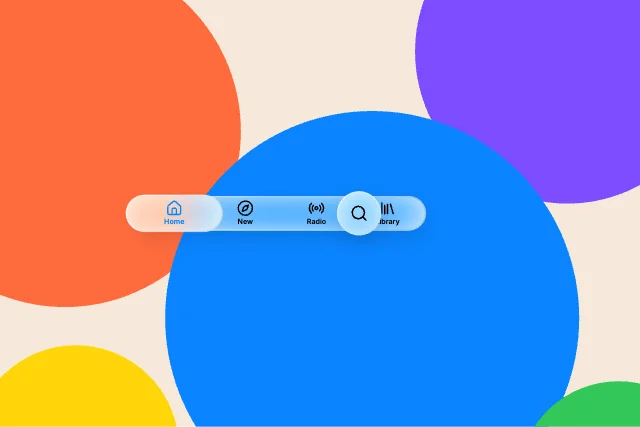
Tab barBars & navigation
Liquid Glass Studio · 24 designs
Animated liquid glass. iOS-style tab bars, toolbars, Control Center tiles and notifications that refract what moves behind them.
Each component is native layers with a liquid glass material that bends, frosts and lights whatever is behind it, in every runtime. Here the wallpaper drifts on a loop so you can see the lens work.
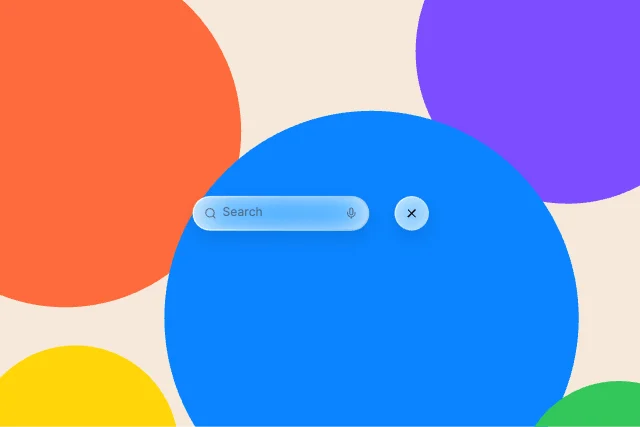
Search barBars & navigation
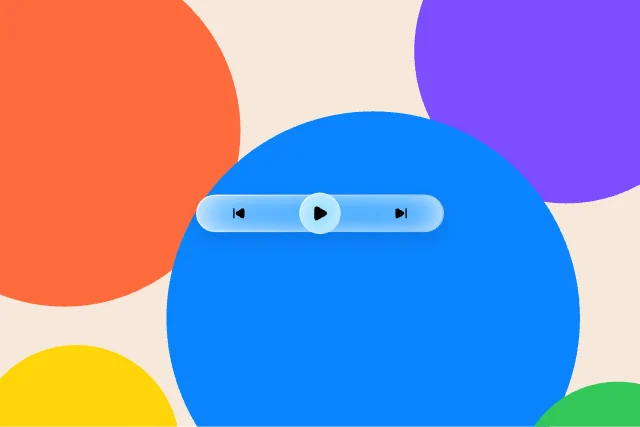
Grouped buttonsButtons
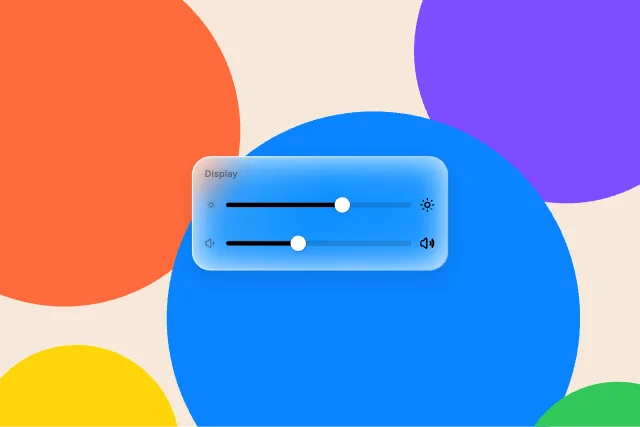
Slider cardControls
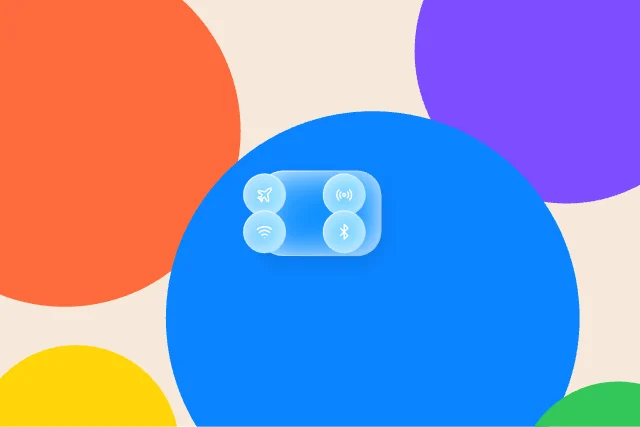
ConnectivityControl Center
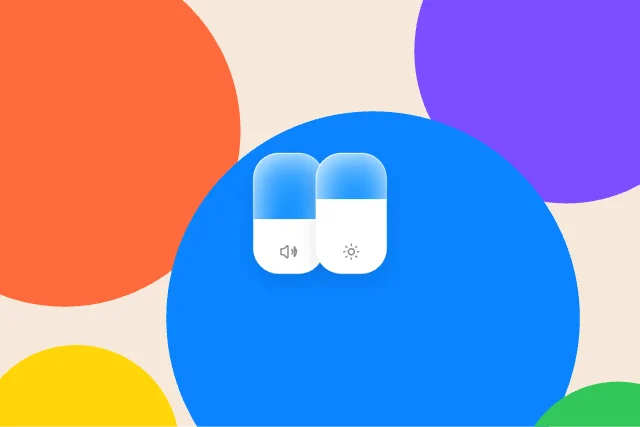
Tall slidersControl Center
Lock Screen buttonsLock Screen
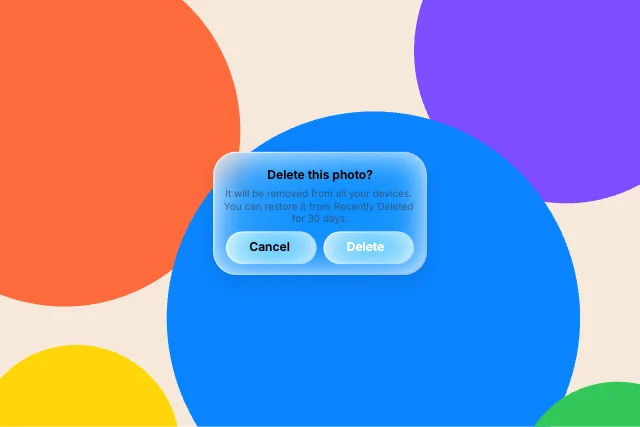
AlertMenus & sheets
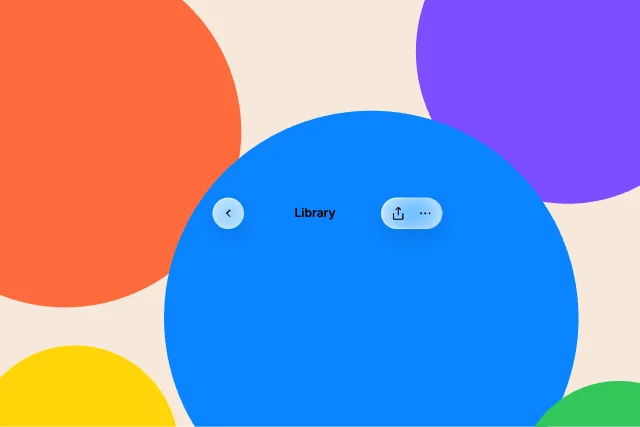
Navigation barBars & navigation
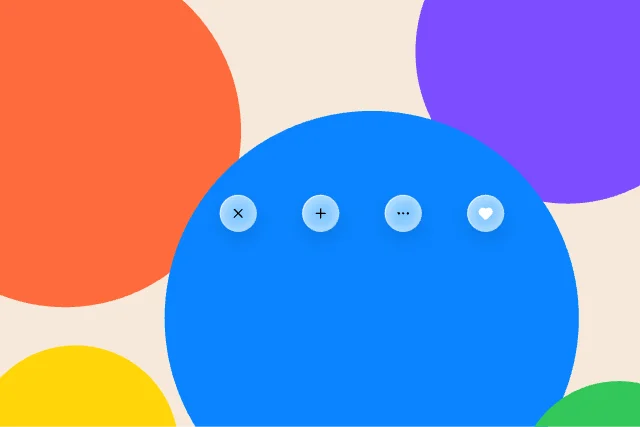
Round buttonsButtons
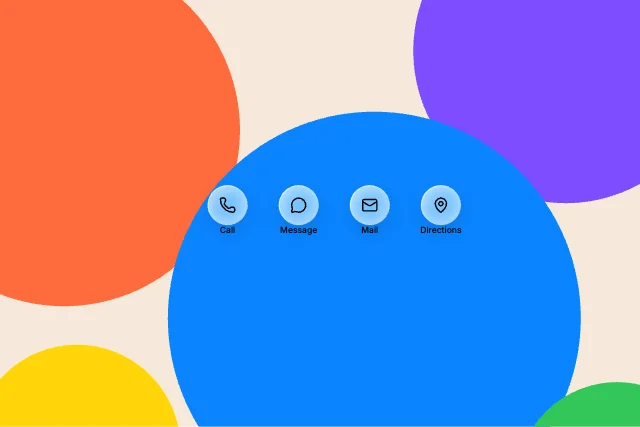
Labelled buttonsButtons
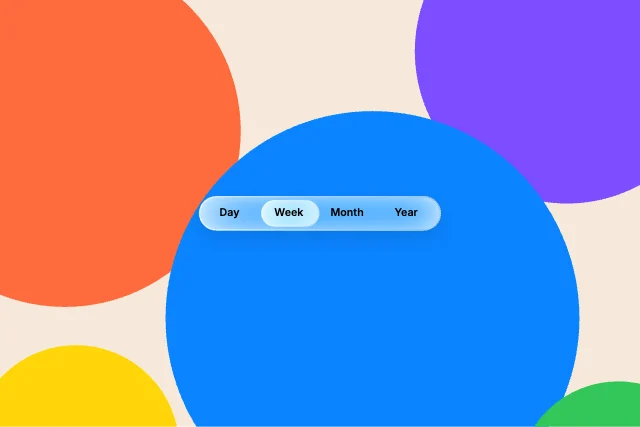
Segmented controlControls
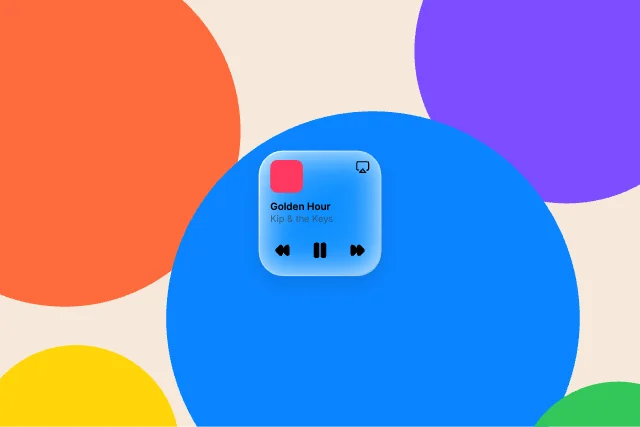
Now PlayingControl Center
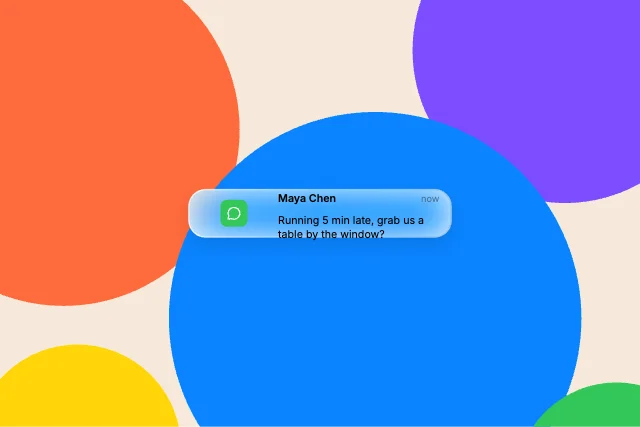
NotificationLock Screen
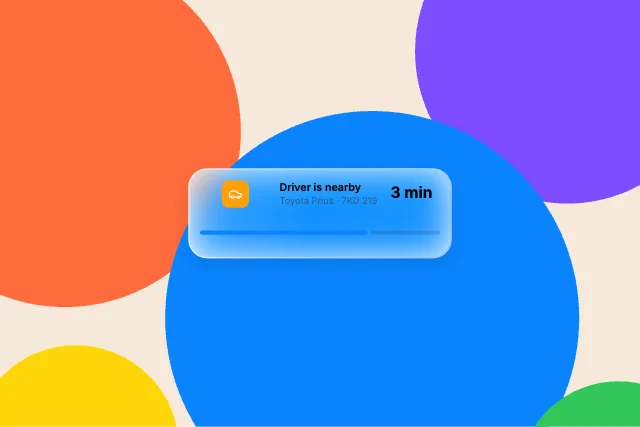
Live ActivityLock Screen
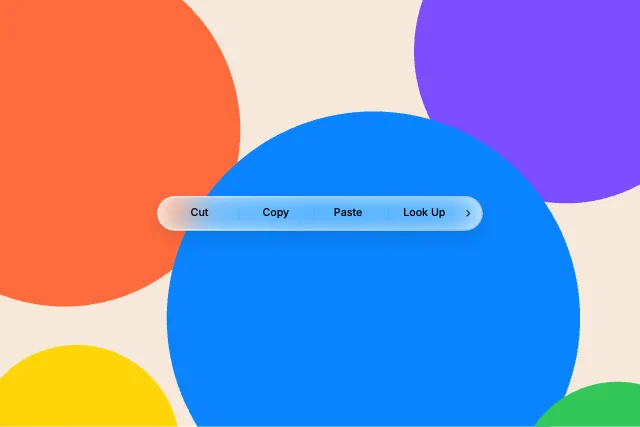
Edit menuMenus & sheets
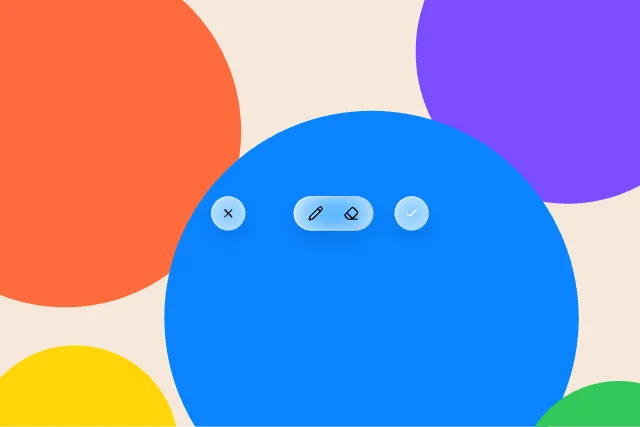
ToolbarBars & navigation
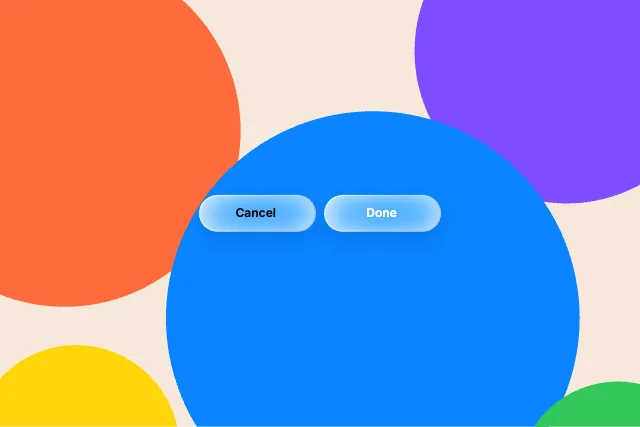
Capsule buttonsButtons
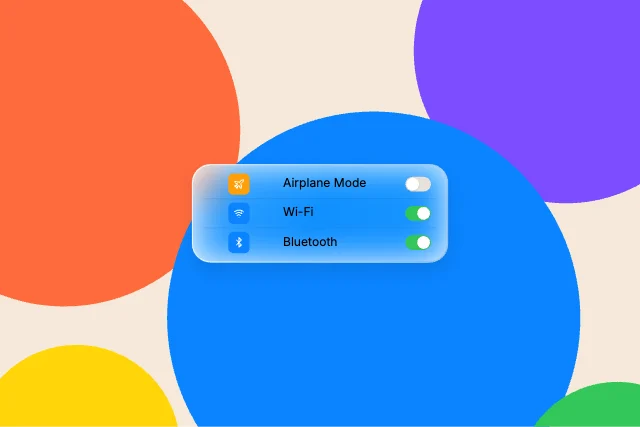
Toggle listControls
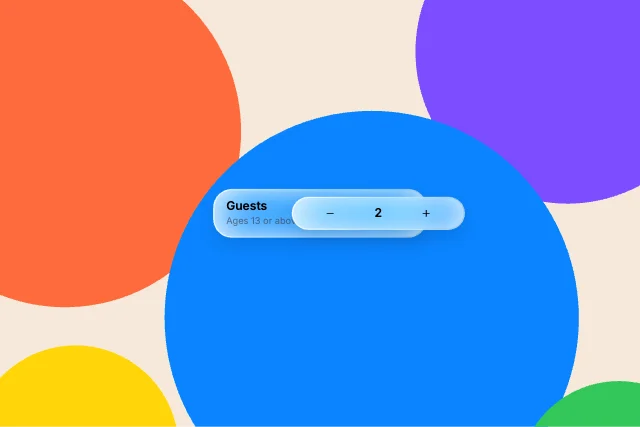
StepperControls
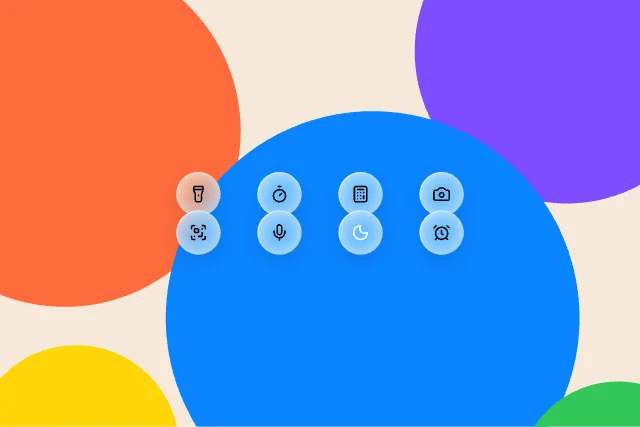
Round controlsControl Center
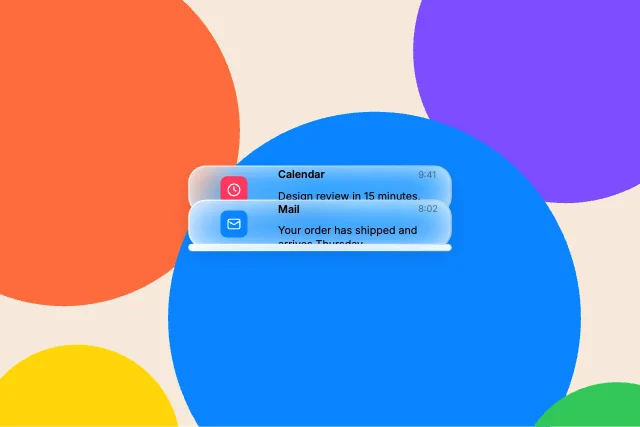
Notification stackLock Screen
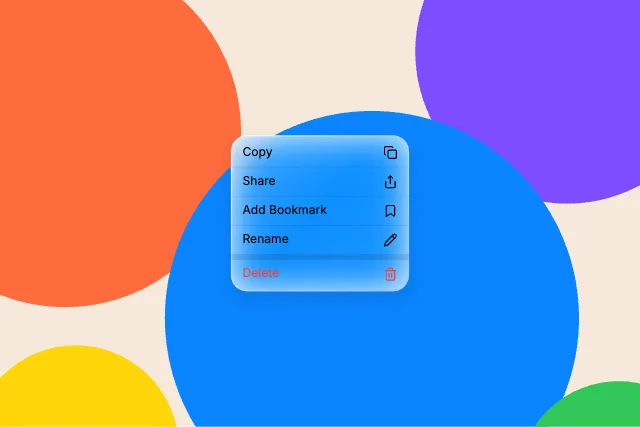
Context menuMenus & sheets
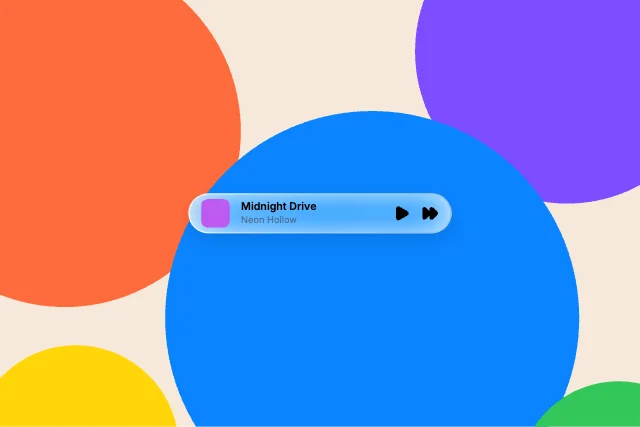
Mini playerMenus & sheets
How to use them
- Open Liquid Glass Studio
It is in the Plugins menu of the editor.
- Pick a component
Bars & navigation, Buttons, Controls, Control Center, Lock Screen or Menus & sheets.
- Set appearance and accent
Light or dark, an accent colour, and optionally a wallpaper behind it.
- Insert and edit
Change the labels and icons, then animate.
Best liquid glass, by runtime
Questions
How do I use these liquid glass in my app?
Open one in ExodeUI, export the file and play it with the ExodeUI runtime for your stack. Press the buttons. The wallpaper drifts so the glass refracts live.
Are these liquid glass free?
Yes. Liquid Glass Studio is built into the ExodeUI editor and included in the free Community plan.
Can I change the design?
Yes. Every part is a native layer in the editor: colours, type, motion and logic, and the input names your code uses stay the same.
More kinds
Make your own in ExodeUI
Free to start. Every studio behind this library is built into the editor, and everything it makes stays native and editable.
Try ExodeUI for free