Smooth Light and Dark Mode Transitions: Tokens, CSS and Motion
How to build a light/dark theme switch that respects the system setting, avoids a flash on load, styles native controls and animates without hurting accessibility.
Core Takeaway
Build themes on semantic tokens, follow the system setting with prefers-color-scheme by default, let people override it, and set the color-scheme property so form controls and scrollbars match. Apply the saved theme before the page renders to avoid a flash. Keep the switch animation short, such as a quick cross-fade or a View Transition, and skip it when reduced motion is on.
Start from the system setting
The prefers-color-scheme media feature tells you whether the user has asked their operating system for a light or dark theme. Use it as the default, and add an in-app switch that overrides it and is remembered.
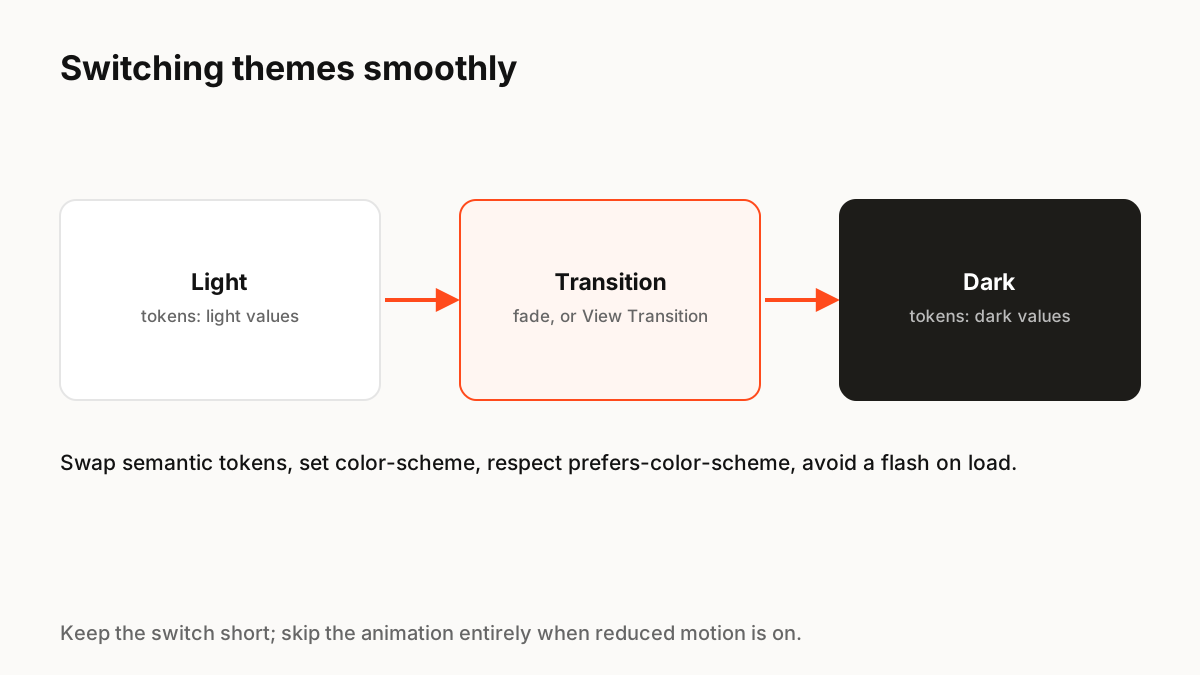
Theme with tokens, not overrides
Define colours as semantic tokens (surface, text, border, accent) and give each theme its own values, usually as CSS custom properties on the root element. Components then never change between themes; only the token values do. This is the same three-tier token approach used for multi-brand design systems.
Do not forget native controls
MDN explains that the color-scheme property tells the browser which schemes an element supports, which changes the default colours of form controls, scrollbars and other built-in UI. Without it, a dark page can show bright white inputs and scrollbars.
Avoid the flash on load
If the saved theme is applied by JavaScript after the page renders, people see a flash of the wrong theme. Apply it as early as possible, with a small inline script in the document head or a server-rendered attribute, before the stylesheet paints.
Animate the switch carefully
A short cross-fade, around 150 to 250 milliseconds, makes the change feel deliberate. Avoid transitioning every colour property on every element, which can be slow on large pages; a single View Transition snapshot is often smoother. Make the toggle itself clear, with a label or tooltip, and remove the animation when reduced motion is on.
Production Implementation Snippet
/* Tokens per theme */
:root { color-scheme: light dark; --surface: #ffffff; --text: #121212; }
@media (prefers-color-scheme: dark) {
  :root:not([data-theme="light"]) { --surface: #121212; --text: #f2f2f2; }
}
:root[data-theme="dark"] { color-scheme: dark; --surface: #121212; --text: #f2f2f2; }
:root[data-theme="light"] { color-scheme: light; }

body { background: var(--surface); color: var(--text); }

// Switch with a View Transition where supported, instantly otherwise
function setTheme(theme) {
  const apply = () => { document.documentElement.dataset.theme = theme; localStorage.setItem('theme', theme); };
  const reduce = matchMedia('(prefers-reduced-motion: reduce)').matches;
  if (!document.startViewTransition || reduce) return apply();
  document.startViewTransition(apply);
}
Key Principles to Remember
- Default to prefers-color-scheme; let people override and remember it
- Theme with semantic tokens, not per-component overrides
- Set color-scheme so native controls match
- Apply the saved theme before first paint
- Keep the switch animation short and respect reduced motion
Frequently Asked Questions
Sources
- prefers-color-scheme — MDN Web Docs
- color-scheme — MDN Web Docs
- View Transition API — MDN Web Docs