The Tactile Comeback: Depth, Glass and Physical Feedback in Modern UI
Why depth, translucency and physical motion are back in UI design after flat design, what Apple's Liquid Glass and Material 3 Expressive changed, and how to keep it usable.
Core Takeaway
After a decade of flat design, depth and physical feedback are back. In 2025 Apple introduced Liquid Glass, a translucent material for controls and navigation, and Google introduced Material 3 Expressive, backed by research on more emotional design. Used well, depth shows what is interactive and motion confirms actions; used carelessly, translucency lowers contrast and hurts readability.
What changed in 2025
On June 9, 2025, Apple announced its broadest software design update, built around a new material called Liquid Glass. It is translucent, reflects and refracts what is behind it, and extends across iOS 26, iPadOS 26, macOS Tahoe 26, watchOS 26 and tvOS 26. Google, meanwhile, described Material 3 Expressive as its most researched design system update, based on 46 studies with more than 18,000 participants. Google reports that participants spotted key UI elements up to four times faster in the expressive designs, and that preference was strongest, up to 87%, among 18-to-24-year-olds.
Depth with a job to do
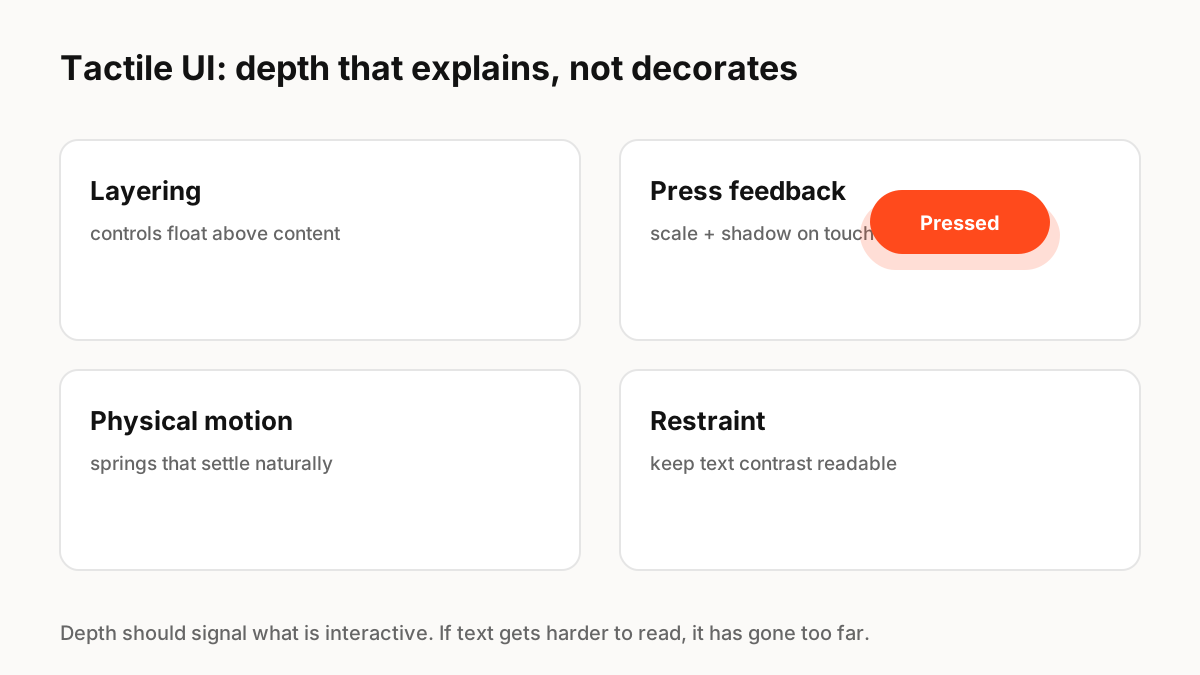
Apple's guidelines are specific about where the material belongs: Liquid Glass forms a functional layer for controls and navigation that floats above content, and should not be used in the content layer itself. That is the useful principle behind the whole trend: depth should explain structure, separating what you can act on from what you read.
The usability cost
Not everyone is convinced. Nielsen Norman Group argued that Liquid Glass in iOS 26 obscures content and that anything placed on top of something else becomes harder to see, especially text over busy backgrounds. The practical lesson is that translucency needs guardrails: test contrast on real content, increase blur or opacity behind text, and support the system settings for reduced transparency and increased contrast.
Physical feedback is the durable part
Visual trends come and go, but physical feedback lasts because it helps people. A button that compresses slightly when pressed, a sheet that follows the finger and settles with a spring, or a toggle that snaps into place all confirm that an action registered. Spring physics is the natural tool for this, because it responds to interruptions and gesture speed the way real objects do.
How to adopt it carefully
Start with feedback, not decoration:
- Add press, drag and release feedback to the controls people use most.
- Use layering and shadows to separate controls from content.
- Check text contrast on top of any translucent surface.
- Respect reduced motion, reduced transparency and increased contrast settings.
- Keep effects consistent through motion and elevation tokens.
Key Principles to Remember
- Apple introduced Liquid Glass in June 2025; Google introduced Material 3 Expressive
- Depth works when it separates controls from content
- Translucency can hurt contrast and readability; test with real content
- Physical feedback (press, drag, spring settle) is the durable part of the trend
- Respect reduced motion, reduced transparency and increased contrast
Frequently Asked Questions
Sources
- Apple introduces a delightful and elegant new software design — Apple Newsroom (June 9, 2025)
- Materials — Apple Human Interface Guidelines
- Liquid Glass Is Cracked, and Usability Suffers in iOS 26 — Nielsen Norman Group
- Expressive Design: Google's UX Research — Google Design