ExodeUI iOS app: your motion designs, live on iPhone.
The ExodeUI iOS app plays the interactive designs you publish from the ExodeUI editor on your iPhone, on the same engine your users will run. Preview animations, state machines and physics, test inputs, and open the files people share with you. It is free.
Free · iPhone · iOS 17 or later · Updated November 2026
Real engineNot a video. Tap, drag and scroll it
Live inputsTriggers, toggles and numbers while it runs
Shared with youOpen invites from clients and teammates
794 + 153Live gallery designs and starters
Preview animations on iPhone, the way users will feel them
01 · Preview
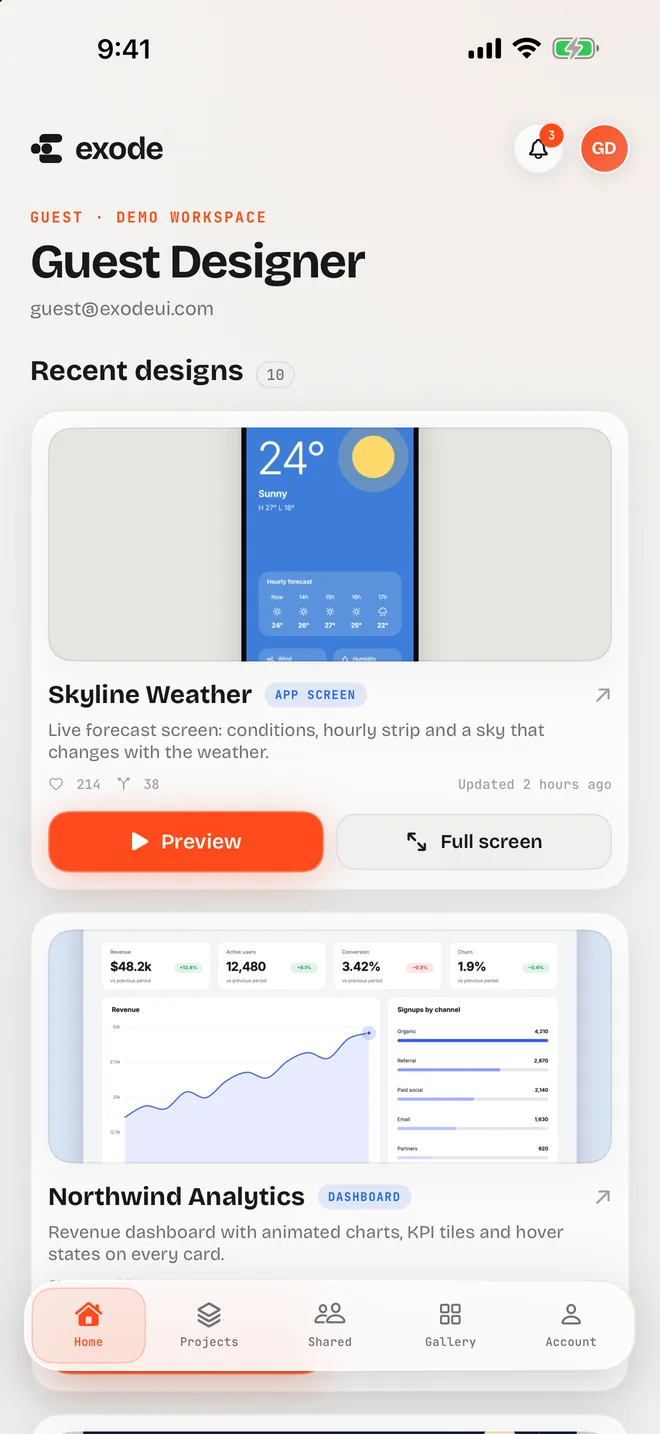
Every design you publish, on your iPhone
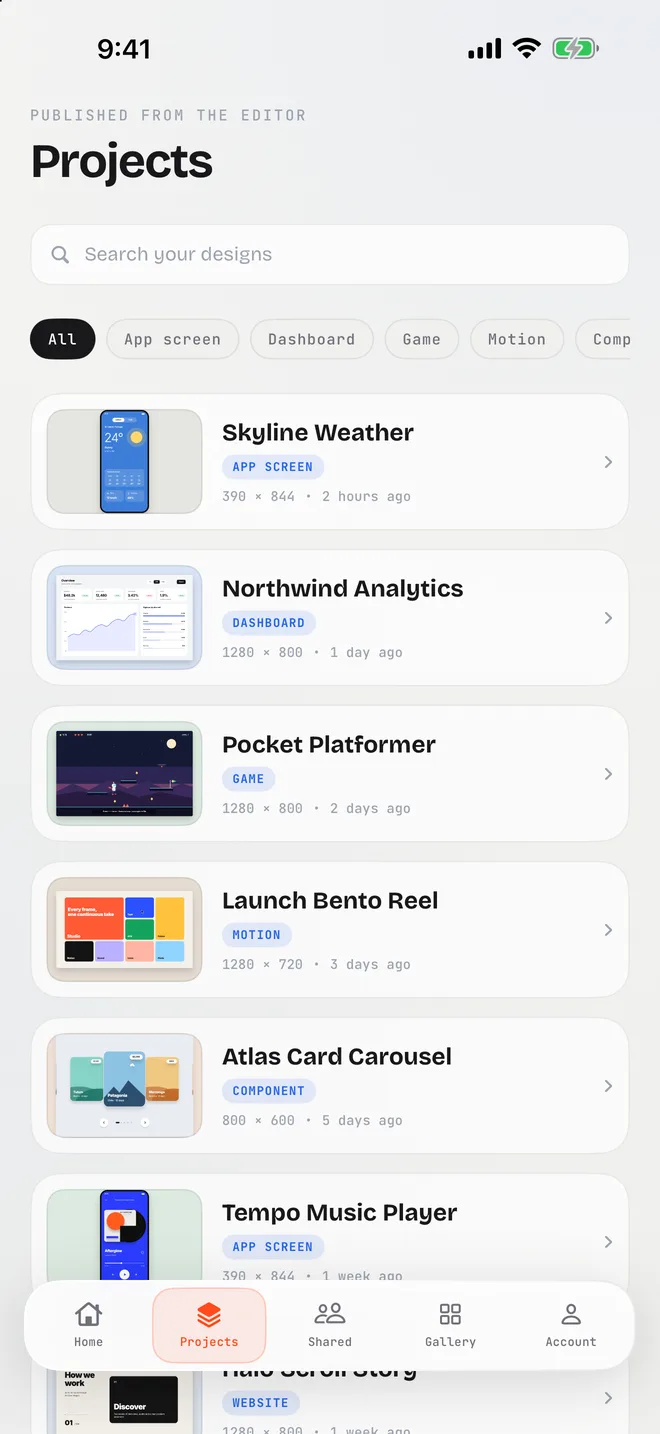
Publish a project from the ExodeUI editor and it shows up on Home and in Projects. Open it full screen in portrait or landscape, with play, restart and mute. It runs on the real Exode engine, so what you see is not a video or a screenshot: you can tap, drag and scroll it like the finished app.
02 · Test
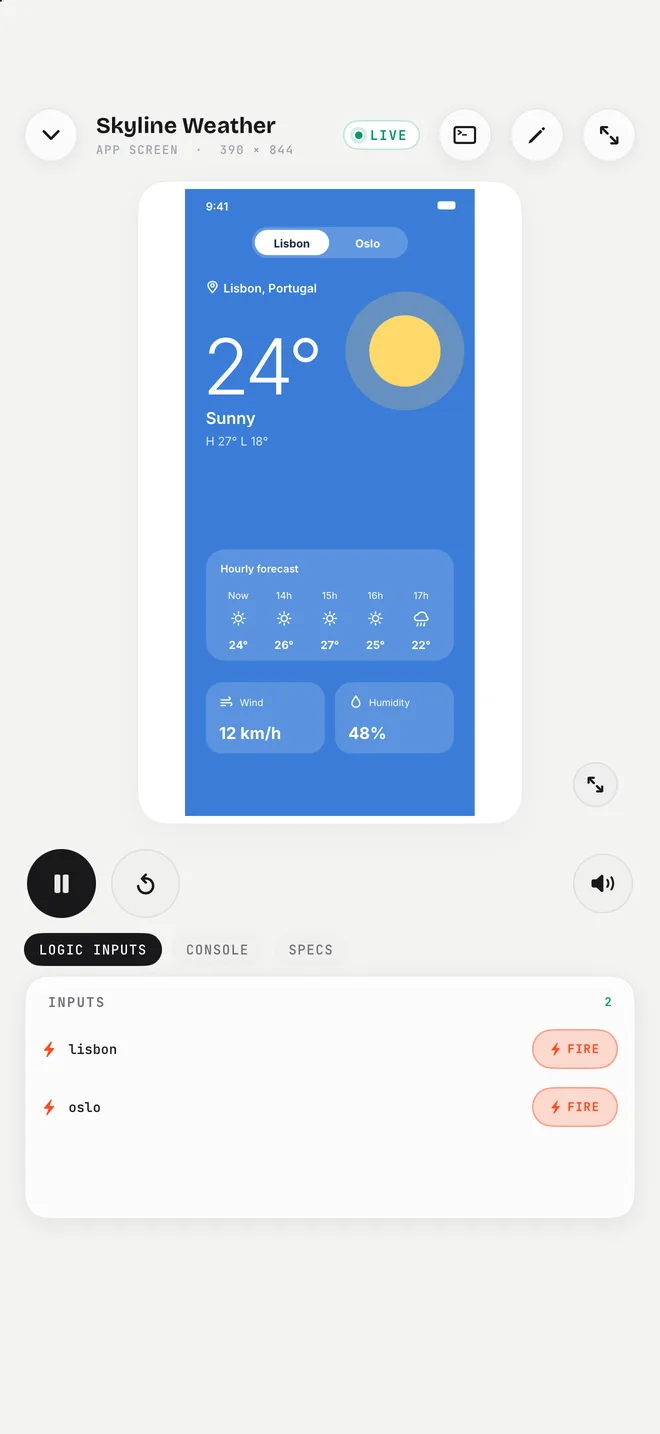
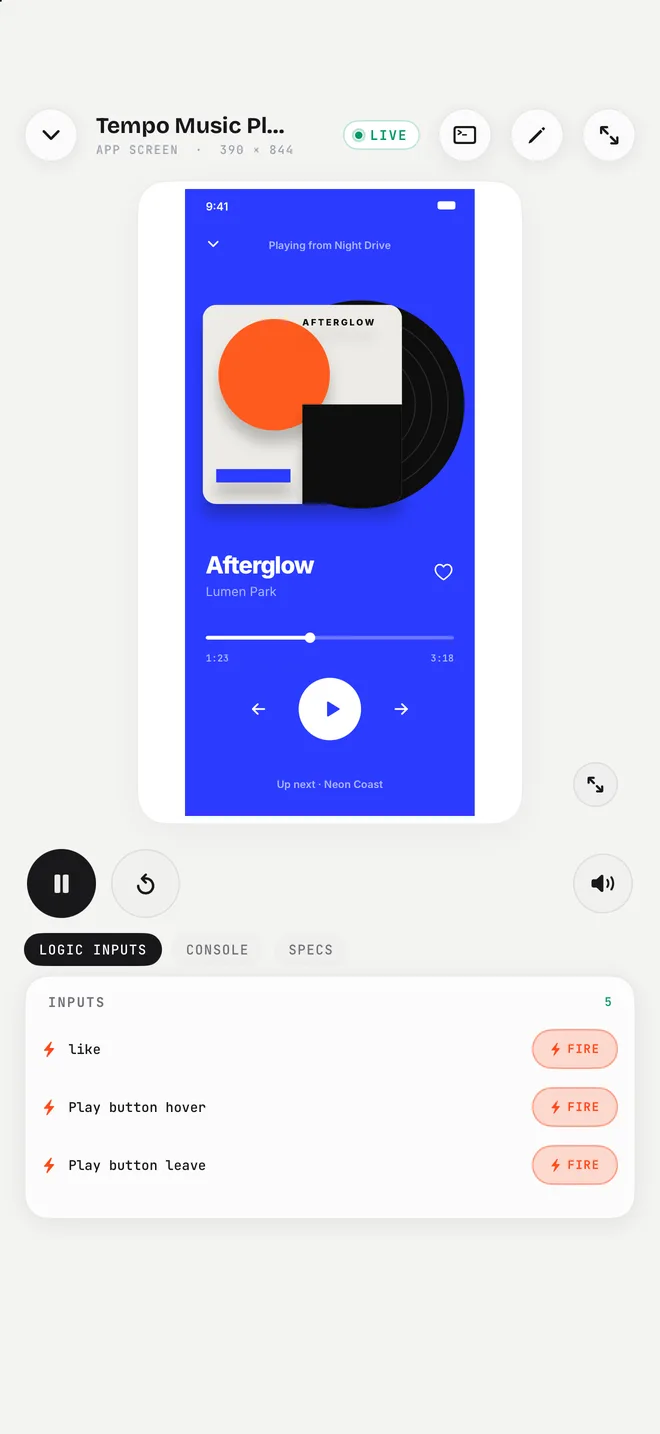
Change inputs while the design runs
Fire triggers, flip toggles and drag number inputs from the panel under the canvas and watch the state machine react. The runtime console and the specs sit in the next tabs, so a developer can check a design before writing a line of code.
03 · Share
Shared files and a public link in one tap
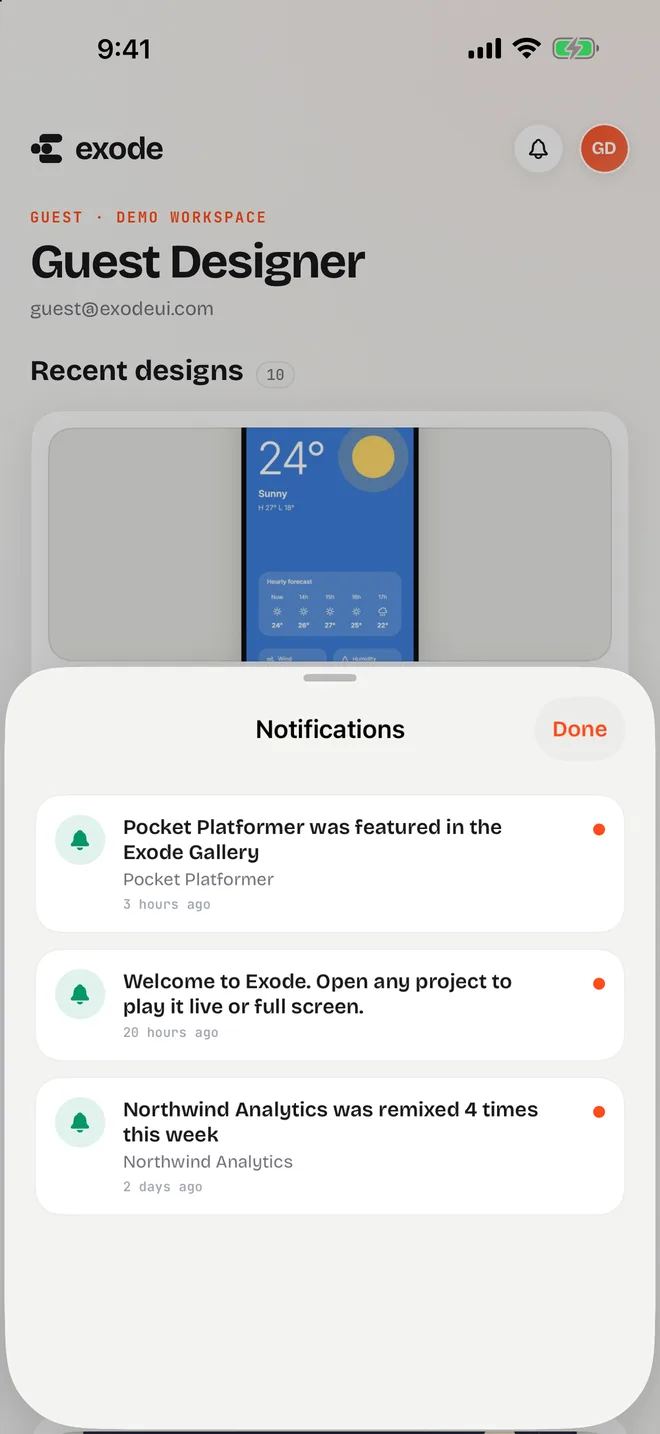
The Shared tab lists the projects other people invited you to, so a client or teammate can open your work on their own phone. Share any published project as a public link, and get notified about invites, likes and plan changes in one inbox.
04 · Explore
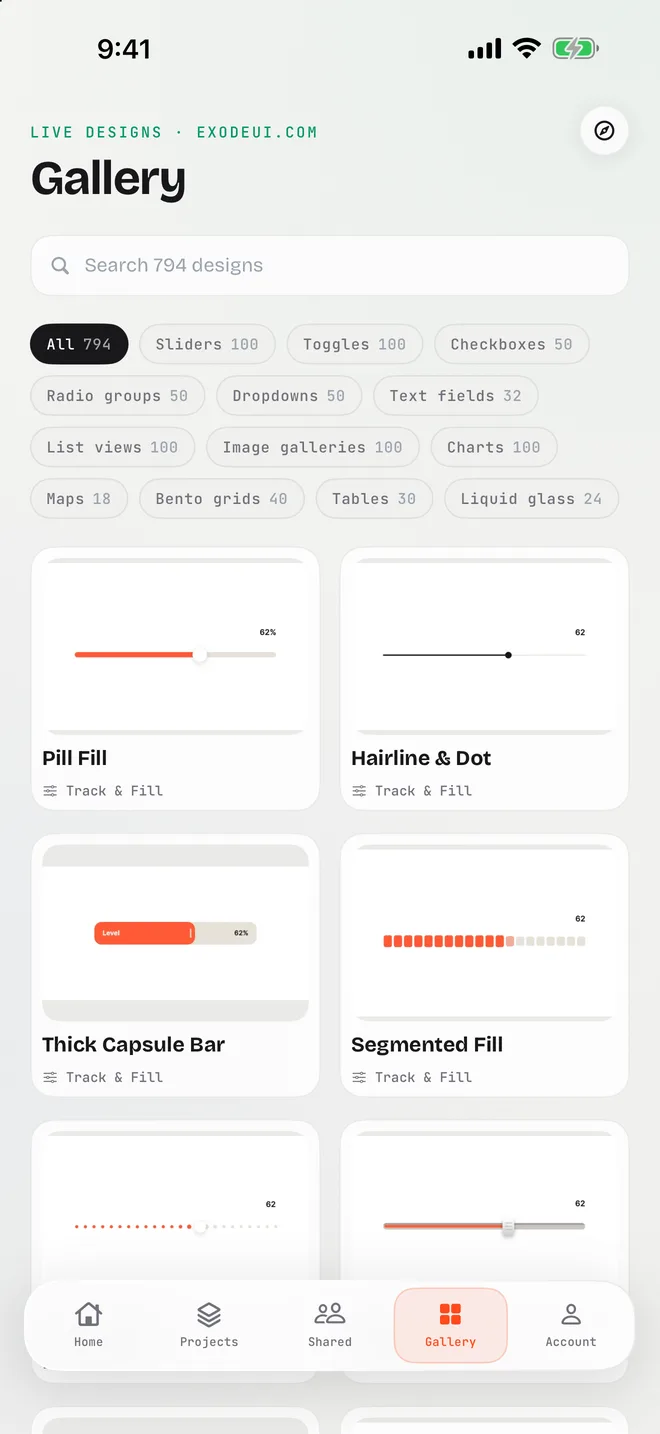
794 live designs to play with
The Gallery holds the same 794 designs as the website: sliders, toggles, checkboxes, charts, list views, maps, bento grids, liquid glass and more. All of them are interactive, so it doubles as a reference for how a control should feel under your thumb.
05 · Start
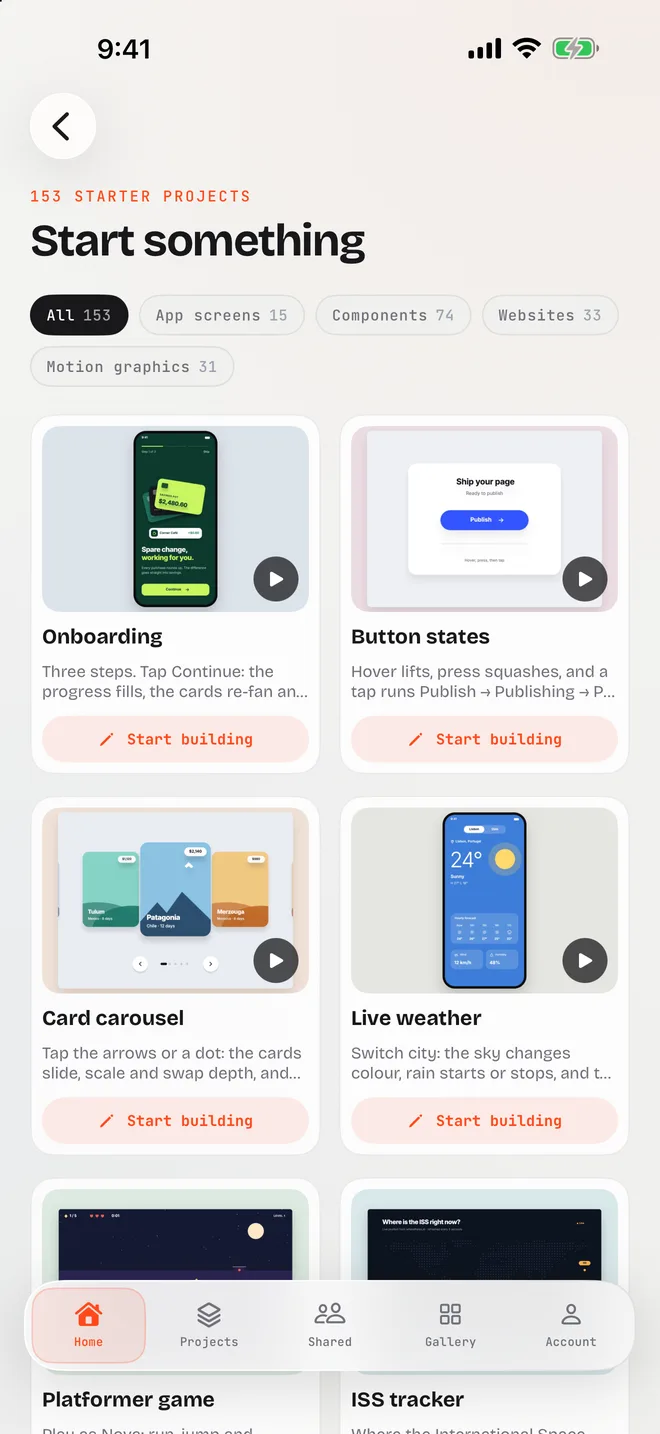
153 starters, one tap to build
App screens, websites, components and motion graphics. Preview a starter on your phone, then tap Start building to open it in the ExodeUI editor, ready to edit.
06 · Ship
From preview to your own app
Each project has a step-by-step guide for using it in React, React Native, Flutter and SwiftUI, with code built from the design's real inputs. Save the .exode file from the share sheet and hand it to your developer.
From the editor to your phone in three steps
Design in the editorBuild an interactive component, screen or animation in the ExodeUI editor.Open the editor ›
PublishPublish the project from the editor. It appears in the app under Home and Projects.
Open it on your iPhoneSign in with the same account, tap the project and play it live, full screen.
Building a native app? The same .exode file plays in your own code with the SwiftUI runtime, plus React Native and Flutter.
Yes. The app is free on the App Store with no in-app purchases. Your ExodeUI account plan (free Community or Professional) is the same one you use in the editor.
What does the ExodeUI iPhone app do?
It previews the interactive designs you publish from the ExodeUI editor, live on your iPhone. You can play them full screen, change their inputs while they run, open projects that were shared with you, share a public link and browse 794 gallery designs and 153 starters.
Can I edit designs in the app?
No. Version 1.0 is a viewer and test bench. You design in the ExodeUI editor in your browser or on Mac and Windows; Start building and Edit open the editor with the file loaded.
Which devices does it run on?
iPhone with iOS 17 or later. iPad can run it in iPhone mode; an iPad layout is not available yet.
How do I see a file someone shared with me?
Sign in with the same account the invite was sent to and open the Shared tab. The project opens in the live preview, the same way your own projects do.
Do I need an account to try it?
No. Tap Explore as guest on the sign-in screen to try a demo workspace with sample projects. Sign in with Google or Apple to see your own published work.
Is there an Android app?
Not yet. On Android you can open published projects in the browser, and the ExodeUI React Native and Flutter runtimes play .exode files in your own Android app.