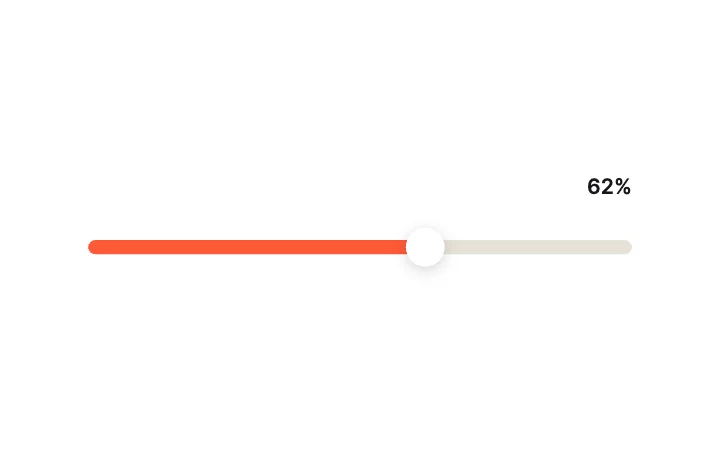
Pill FillTrack & Fill
Slider Studio · 100 designs
Animated sliders. Fills, squashy thumbs, knobs, dials, ranges, faders and liquids.
Every slider runs on a native Slider widget. Its value is a state machine input, so your code sets it and reads it back, and the spring that moves the thumb is a setting, not code.
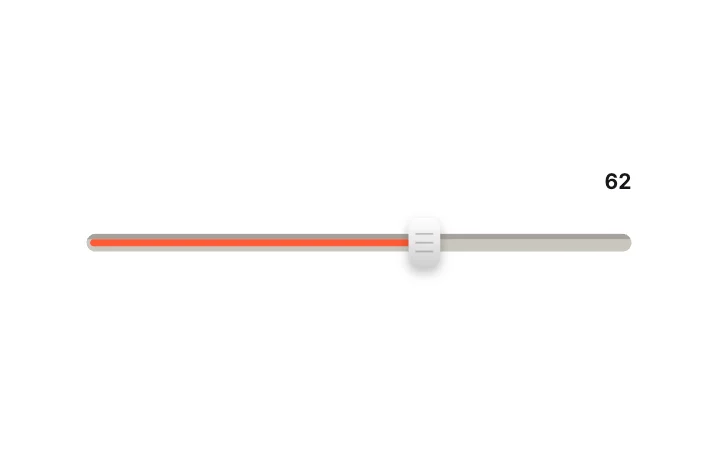
Inset GrooveTrack & Fill
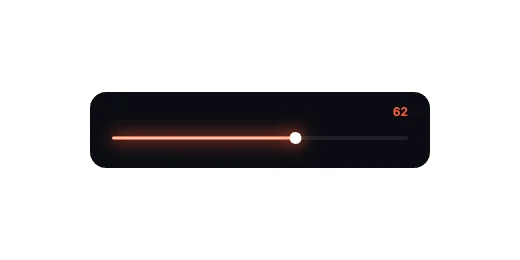
Neon LineTrack & Fill
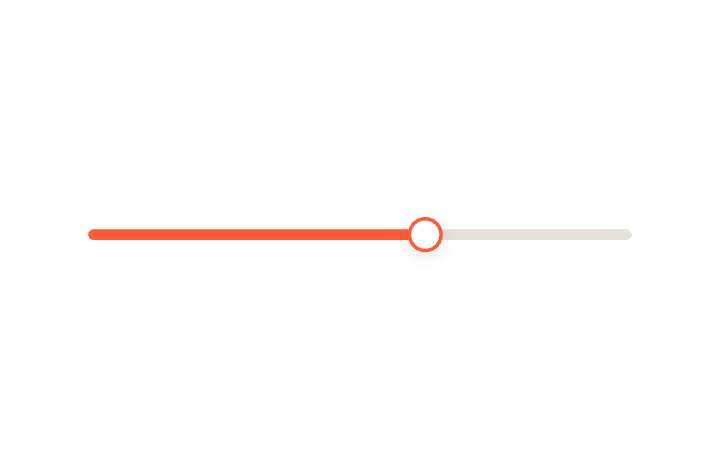
Expanding ThumbThumb Mechanics
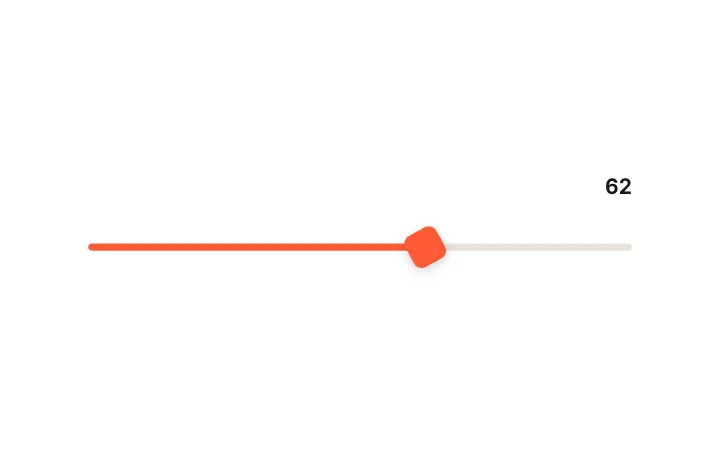
Rotating SquareThumb Mechanics
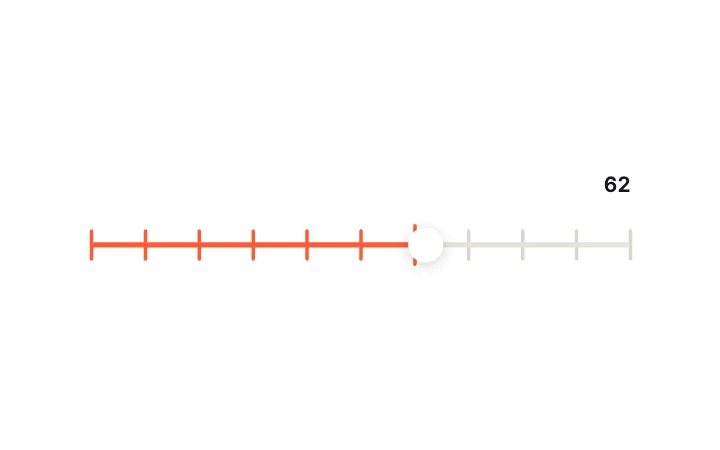
Magnetic TicksThumb Mechanics
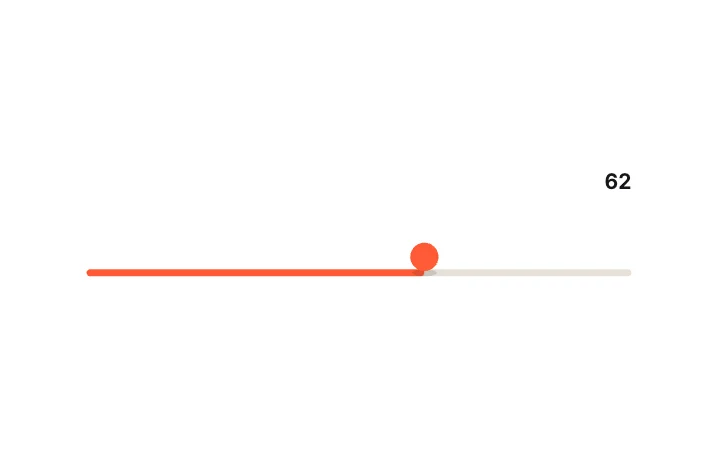
Bouncing Ball ThumbThumb Mechanics
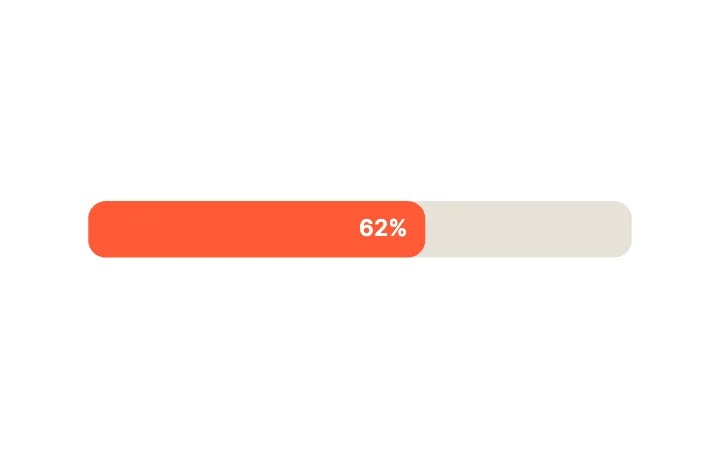
Inline PercentageValue Display
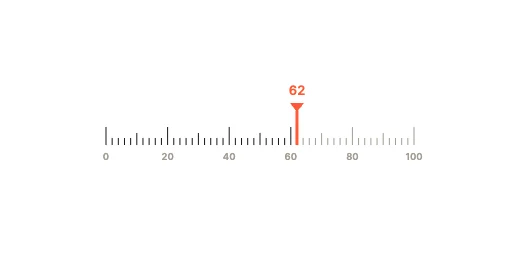
Ruler with TicksValue Display
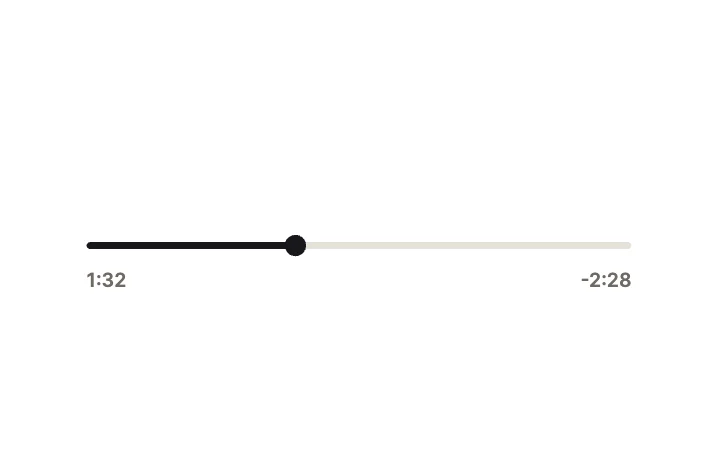
Time ScrubberValue Display
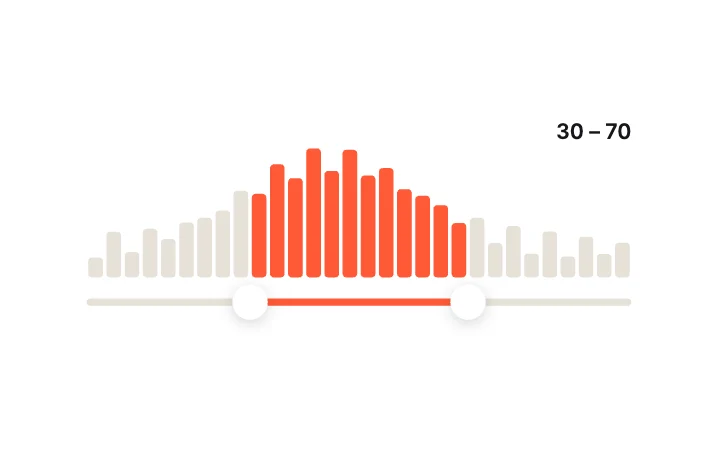
Range with HistogramRange & Multi-Thumb
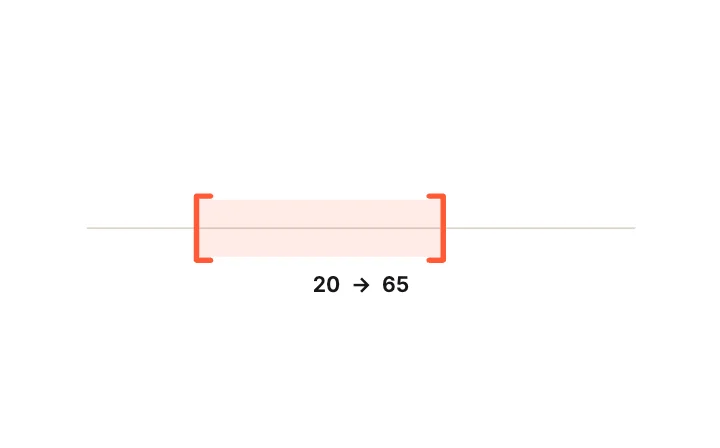
Bracket RangeRange & Multi-Thumb
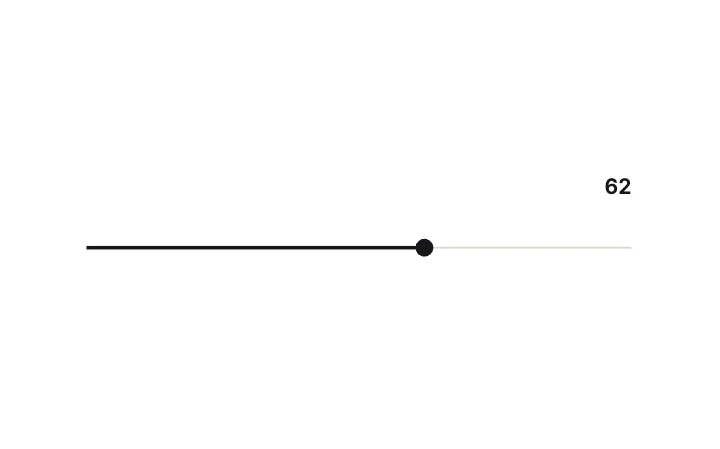
Hairline & DotTrack & Fill
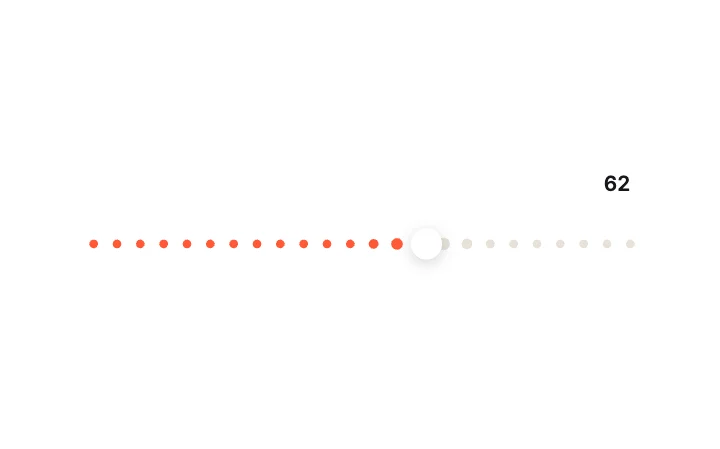
Dotted RailTrack & Fill
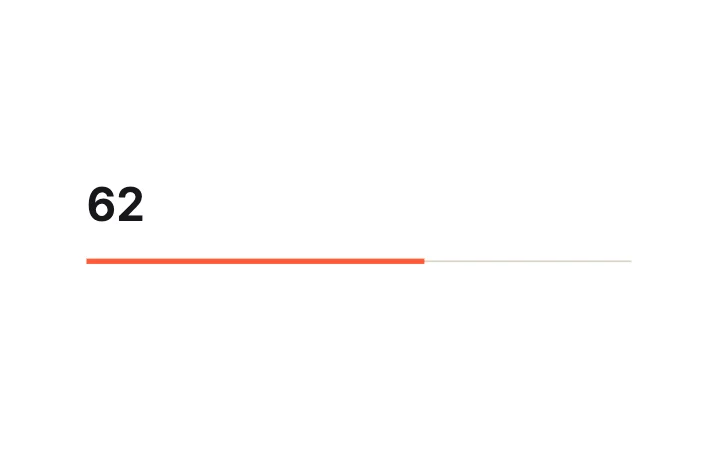
Underline MinimalTrack & Fill
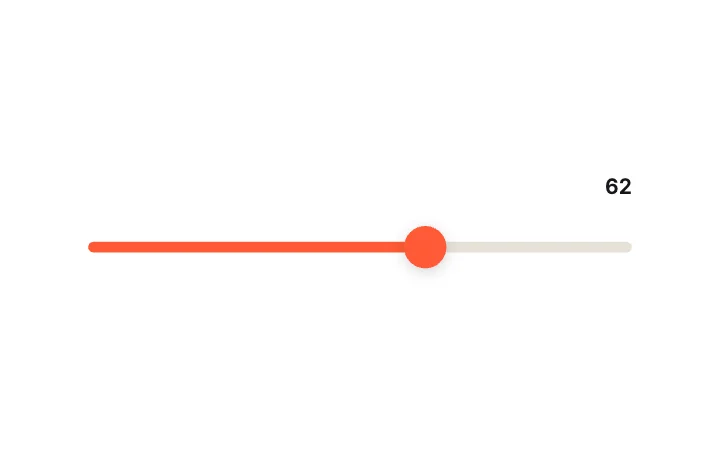
Squash & Stretch ThumbThumb Mechanics
Value Bubble ThumbThumb Mechanics
Elastic OvershootThumb Mechanics
Odometer ReadoutValue Display
Hero NumberValue Display
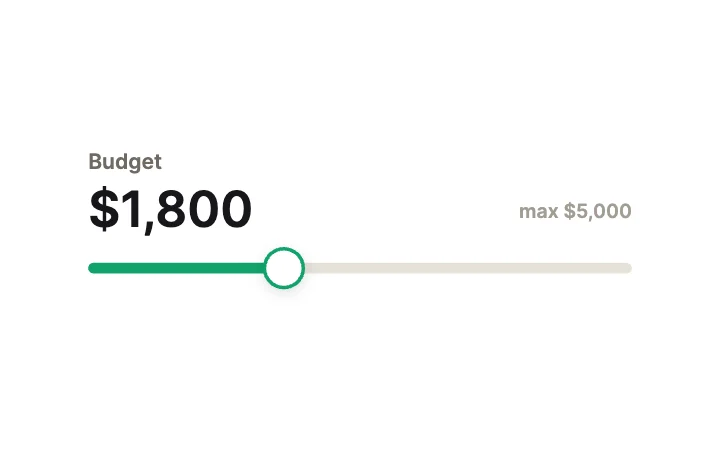
Price SliderValue Display
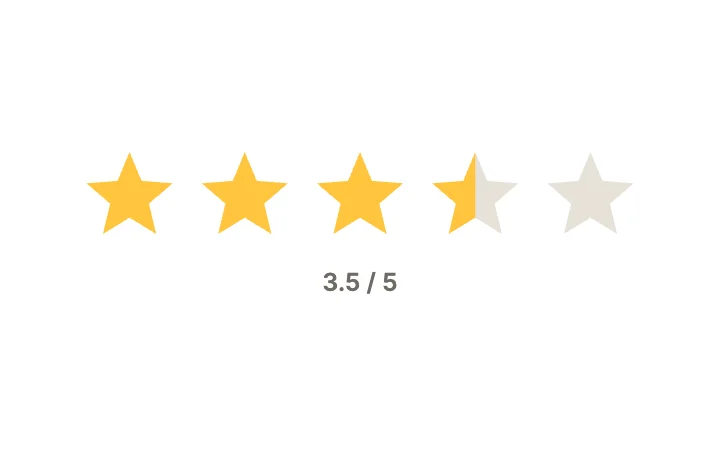
Star Rating SliderValue Display
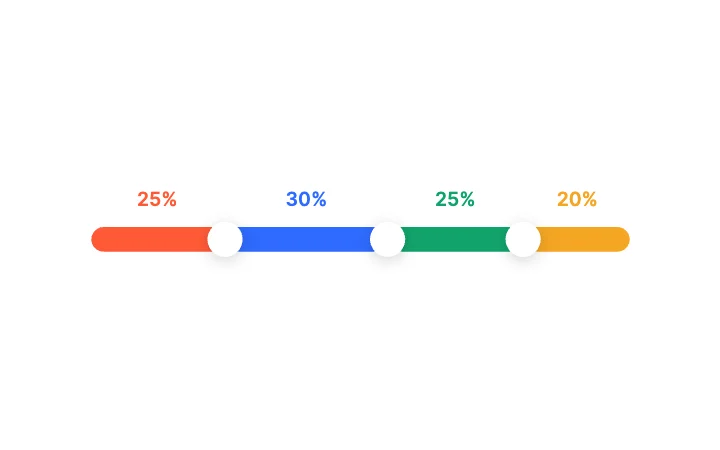
Three-Way SplitRange & Multi-Thumb
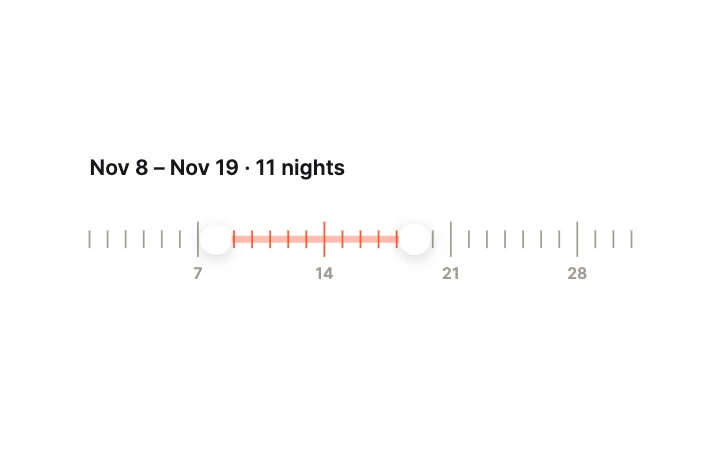
Date Range RulerRange & Multi-Thumb
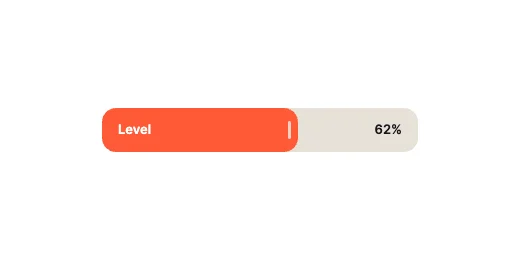
Thick Capsule BarTrack & Fill
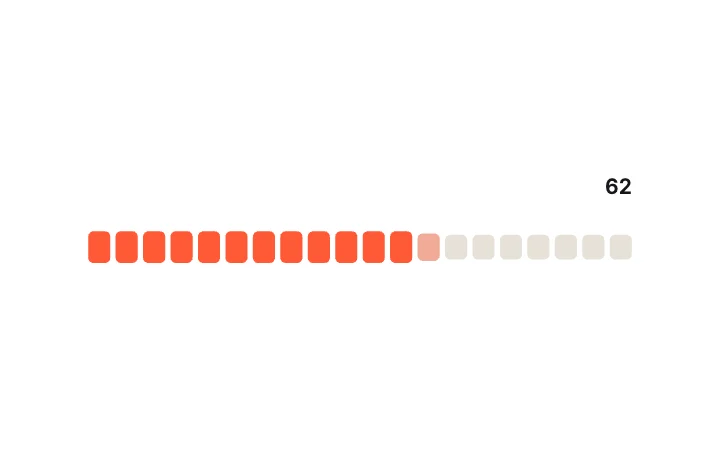
Segmented FillTrack & Fill
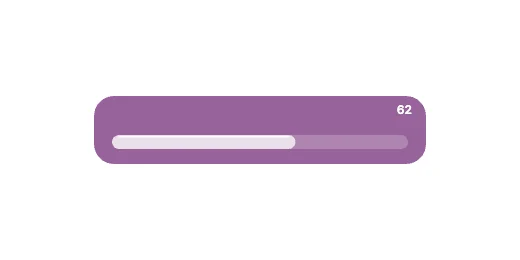
Glass TrackTrack & Fill
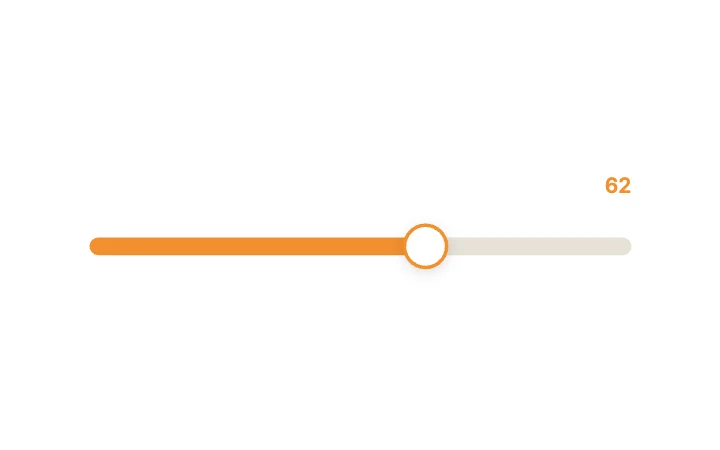
Heat Shift FillTrack & Fill
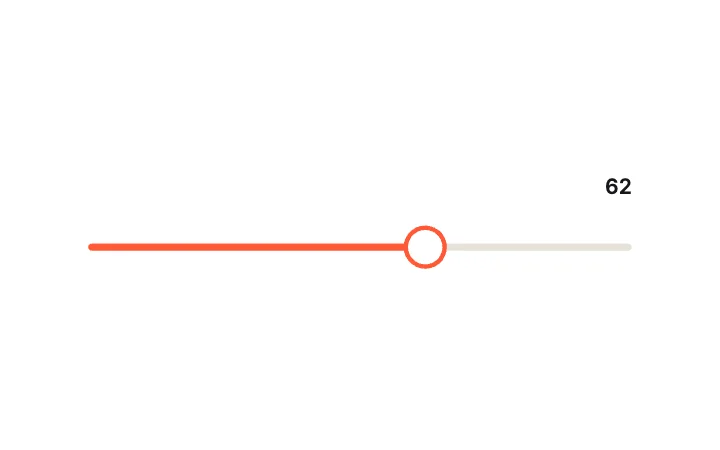
Ring ThumbThumb Mechanics
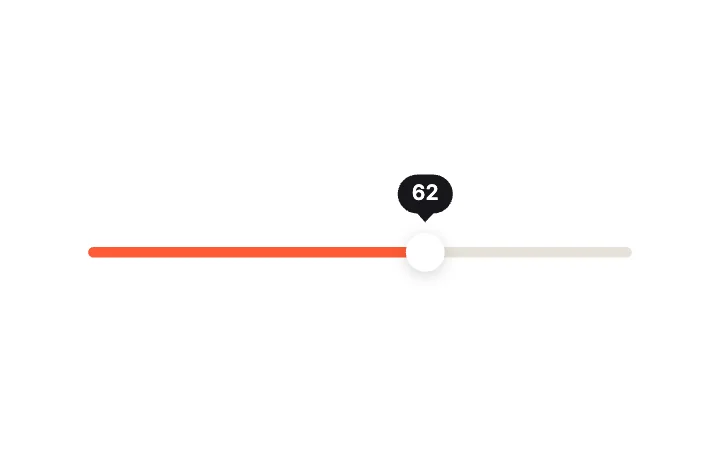
Lagging TooltipThumb Mechanics
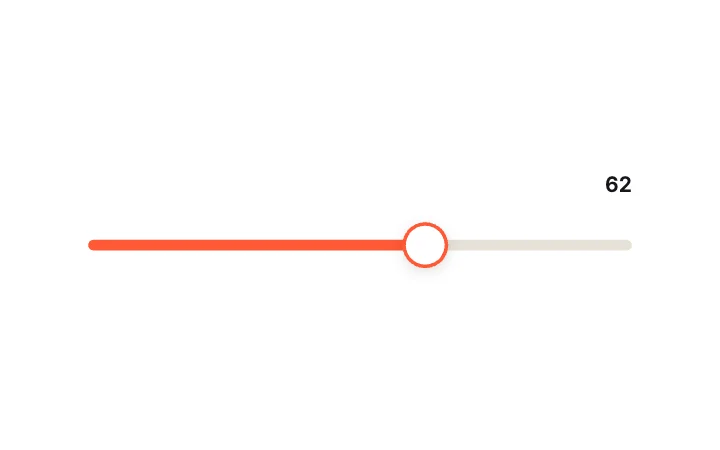
Inertia FlingThumb Mechanics
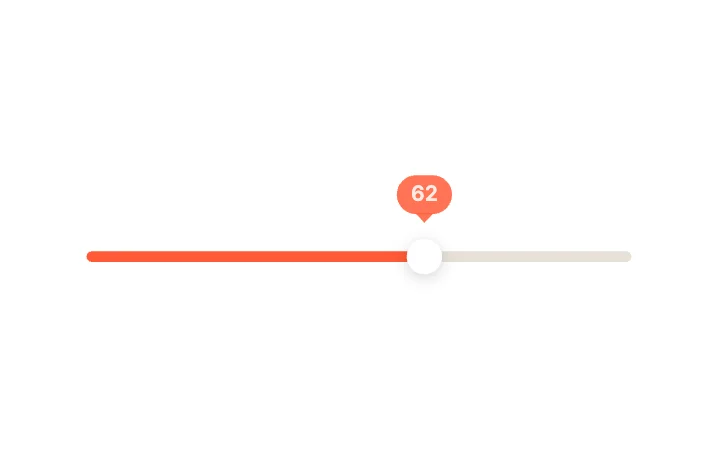
Pop LabelValue Display
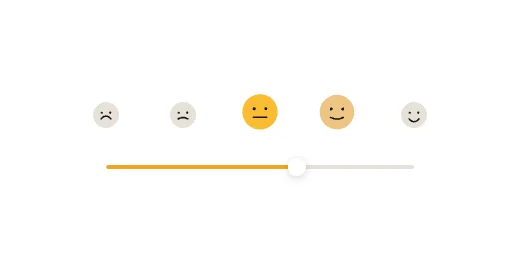
Emoji Mood ScaleValue Display
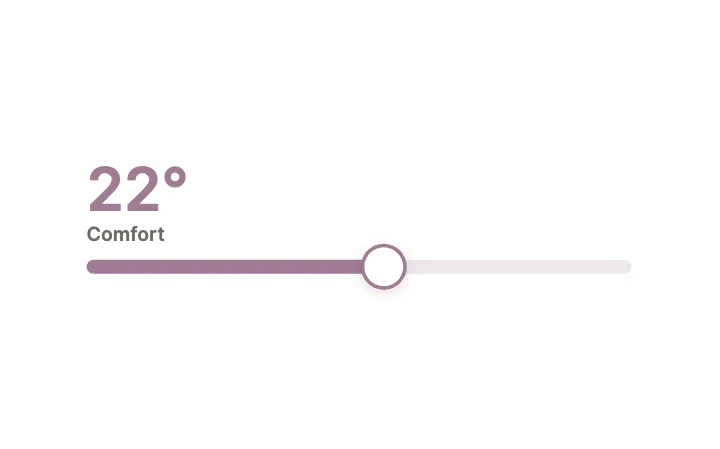
TemperatureValue Display
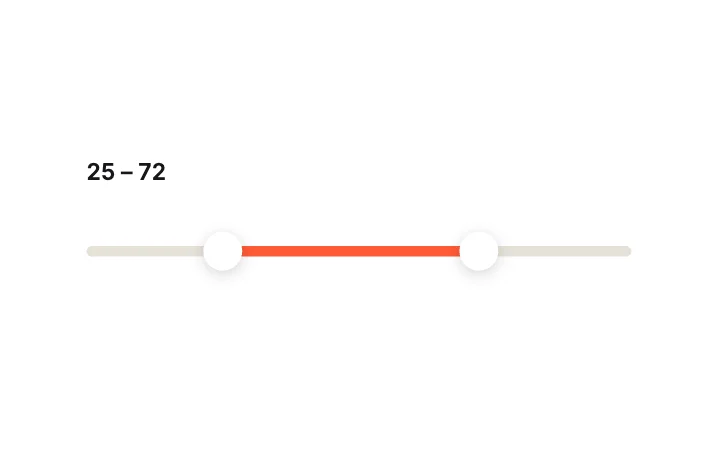
Dual RangeRange & Multi-Thumb
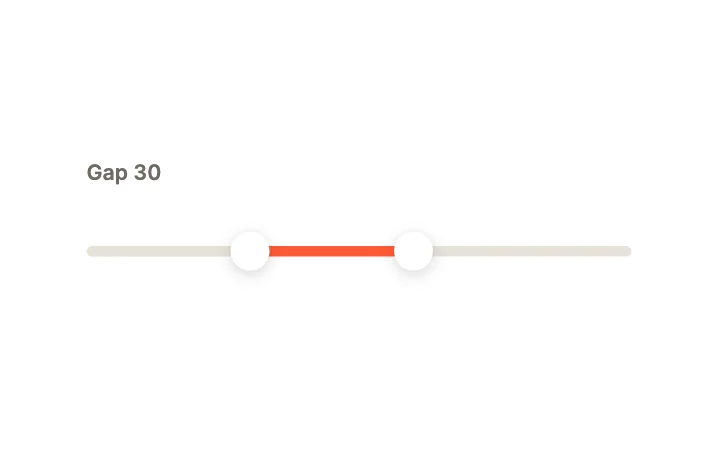
Minimum GapRange & Multi-Thumb
Loading more… 36 of 100
How to use them
- Open Slider Studio
It is in the Plugins menu of the editor. Nothing to install.
- Pick a category and a design
Track & Fill, Thumb Mechanics, Value Display, Range & Multi-Thumb, Vertical, Circular & Radial, Stepped, Physics & Fluid, Media or Expressive.
- Set the theme and accent
Choose a theme and an accent colour, then insert.
- Connect it to your app
Set and read the Value input from your code, or bind it to other parts of the state machine.
Best sliders, by runtime
Questions
How do I use these sliders in my app?
Open one in ExodeUI, export the file and play it with the ExodeUI runtime for your stack. Drag it. Your app reads the Value input, or sets it to move the thumb.
Are these sliders free?
Yes. Slider Studio is built into the ExodeUI editor and included in the free Community plan.
Can I change the design?
Yes. Every part is a native layer in the editor: colours, type, motion and logic, and the input names your code uses stay the same.
More kinds
Make your own in ExodeUI
Free to start. Every studio behind this library is built into the editor, and everything it makes stays native and editable.
Try ExodeUI for free