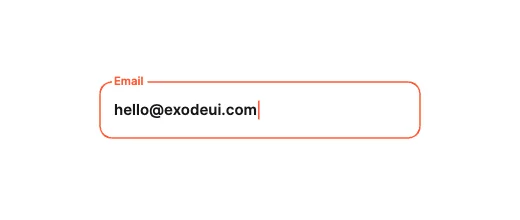
Notch CutoutLabel & Frame Morphing
Input Box Studio · 32 designs
Animated text fields. Floating labels, glowing borders, spring shakes, PIN cubes and password meters.
Each field is a native InputBox: real typing, with focus, error and valid states as inputs, so validation in your code drives the motion.
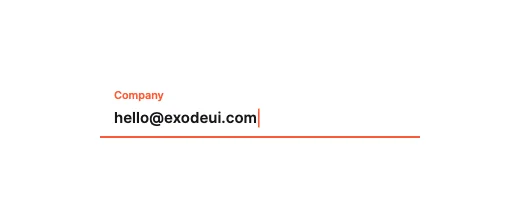
Underline Center-BloomLabel & Frame Morphing
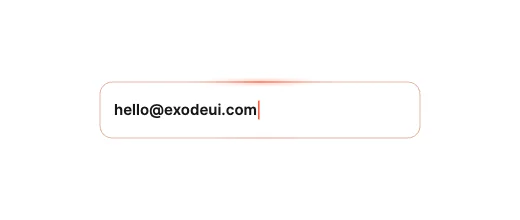
Cursor-Tracking GlowReactive Border & Light
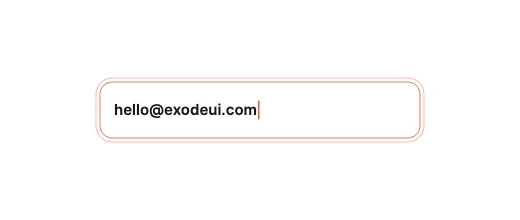
Dual-Line Kinetic OffsetReactive Border & Light
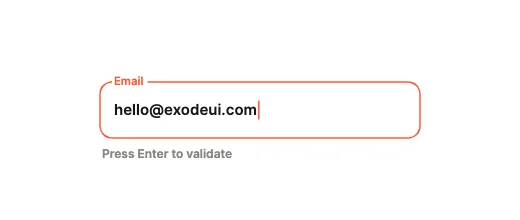
Harmonic Spring ShakePhysics & Validation
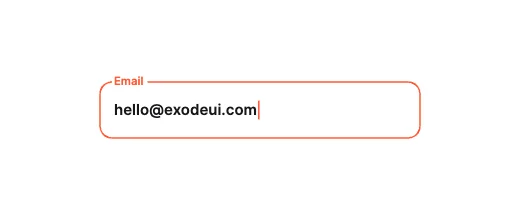
Spark Particle BurstPhysics & Validation
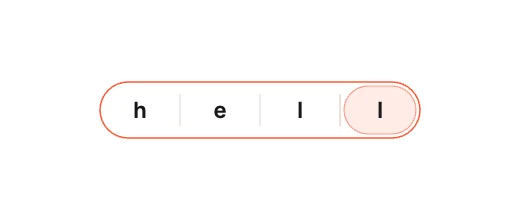
Joined Segmented CapsuleSegmented & Stepped
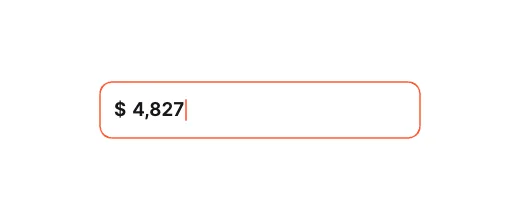
Prefix Currency ClampSegmented & Stepped
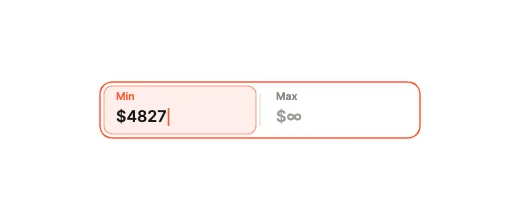
Split Dual-Value InputShape-Shifting Containers
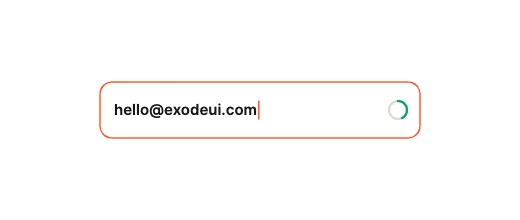
Circular Radial MeterMicro-Metrics & Passwords
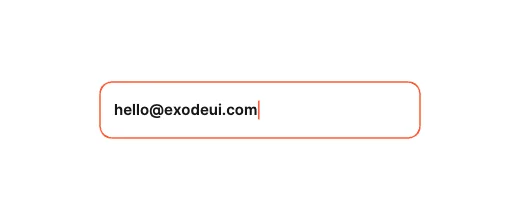
Cipher DecryptMicro-Metrics & Passwords
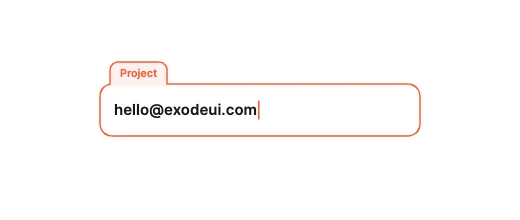
Tab Header ExtrusionLabel & Frame Morphing
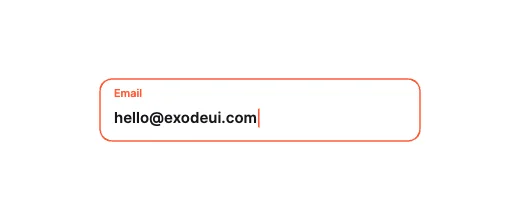
Icon-to-Label MorphLabel & Frame Morphing
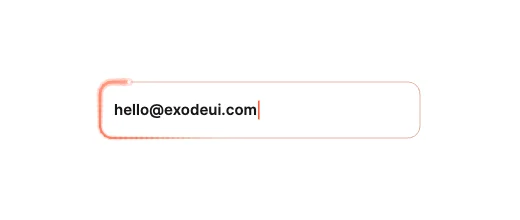
Conic Orbit BeamReactive Border & Light
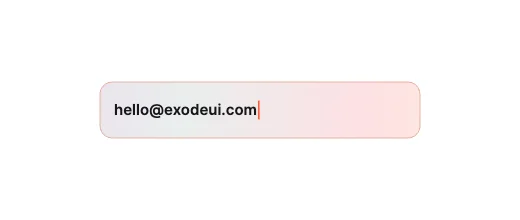
Liquid Gradient FillReactive Border & Light
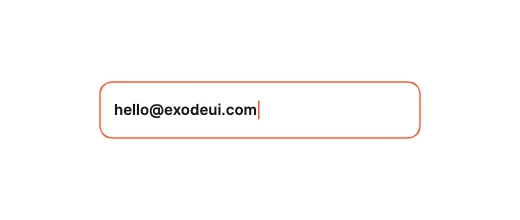
Tactile Squish PressPhysics & Validation
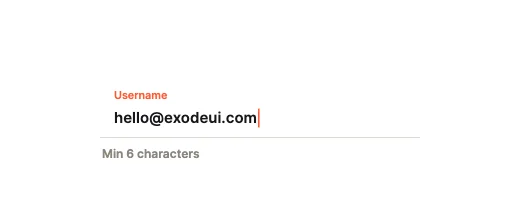
Red-Line Pulse BleedPhysics & Validation
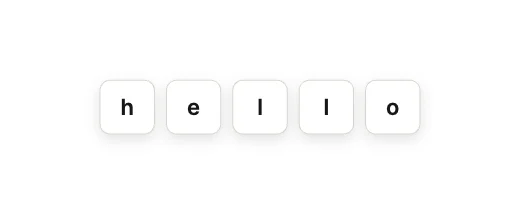
Dashes to Solid PillSegmented & Stepped
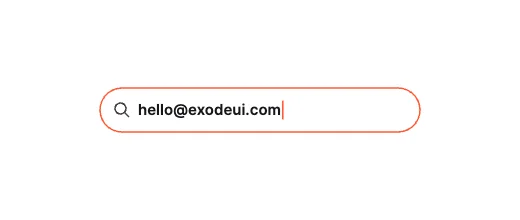
Pill-to-Bar SearchShape-Shifting Containers
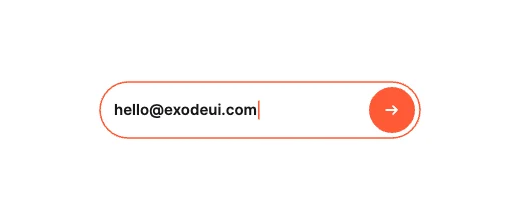
Sliding Submit TrayShape-Shifting Containers
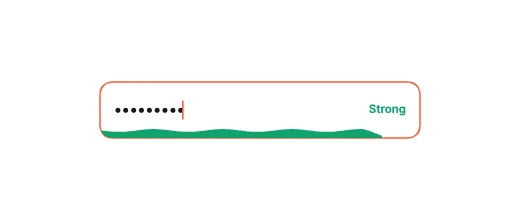
Fluid Password WaveMicro-Metrics & Passwords
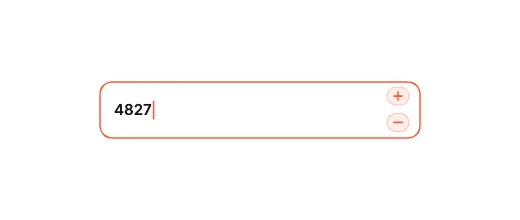
Floating Stepper BubblesMicro-Metrics & Passwords
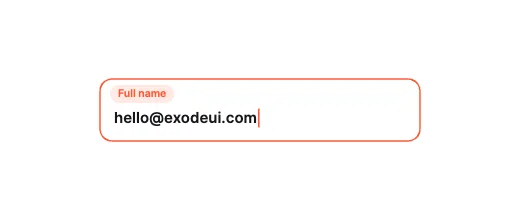
Pill-Badge AbsorptionLabel & Frame Morphing
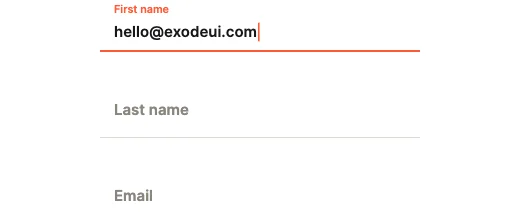
Sliding Underline RailLabel & Frame Morphing
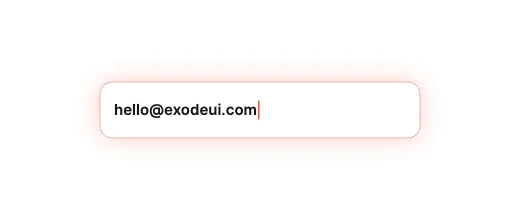
Breathing Ambient GlowReactive Border & Light

Frosted Prism GlassReactive Border & Light
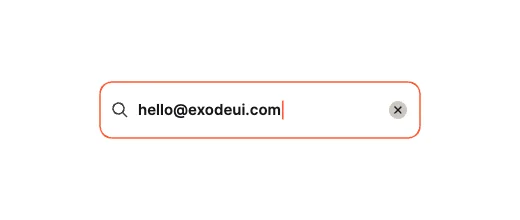
Elastic Rebound ClearPhysics & Validation
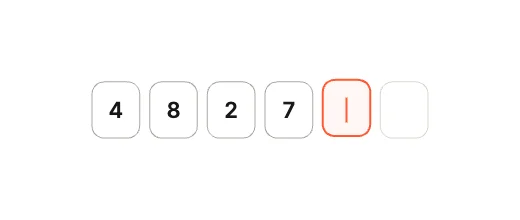
PIN Cubes, Flying CaretSegmented & Stepped
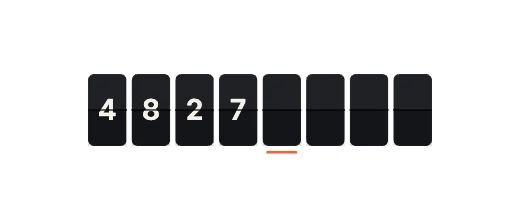
Split-Flap DisplaySegmented & Stepped
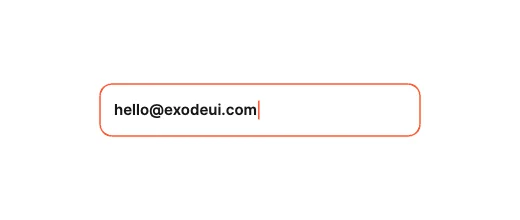
Fluid Auto-Grow TextareaShape-Shifting Containers
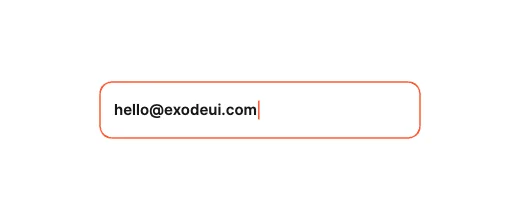
Fold-Out Suggestion DrawerShape-Shifting Containers
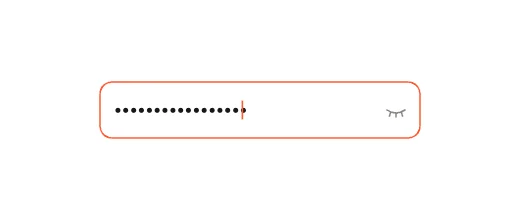
Interactive Masking EyeMicro-Metrics & Passwords
How to use them
- Open Input Box Studio
It is in the Plugins menu of the editor.
- Pick a design
Label & Frame Morphing, Reactive Border & Light, Physics & Validation, Segmented & Stepped, Shape-Shifting Containers or Micro-Metrics & Passwords.
- Set the look
Theme and accent, then insert.
- Connect it
Read the value, and set Error or Valid from your own validation.
Best text fields, by runtime
Questions
How do I use these text fields in my app?
Open one in ExodeUI, export the file and play it with the ExodeUI runtime for your stack. Click and type. Focus, Error and Valid are inputs.
Are these text fields free?
Yes. Input Box Studio is built into the ExodeUI editor and included in the free Community plan.
Can I change the design?
Yes. Every part is a native layer in the editor: colours, type, motion and logic, and the input names your code uses stay the same.
More kinds
Make your own in ExodeUI
Free to start. Every studio behind this library is built into the editor, and everything it makes stays native and editable.
Try ExodeUI for free