Use case · Websites
Interactive website animation built visually, shipped as code.
Updated November 2026
ExodeUI lets you build interactive website animation that visitors play with, without hand-writing the animation code. A hero can follow the cursor, a product can tilt toward the visitor and a button can pull toward the pointer. Publish it as a live link, export HTML, or drop it into a React, Vue, Svelte, Angular or Solid site as a component.
- A hero people play withCursor depth, magnetic buttons and word-by-word headlines, built visually.
- Copy tests without a redesignHeadline, colour and theme are inputs, so a new test is a prop change.
- Fits your stackOne component for React, Vue, Svelte, Angular or Solid, or plain HTML.
Free Community plan · Browser, macOS and Windows

 Open in ExodeUIFree
Hand-coded heroes cost you every iteration
The usual way
- A developer hand-writes cursor tracking, parallax layers and a magnetic button in JavaScript.
- The designer's timing gets lost in the handover and tuned again by guesswork.
- Every copy test or colour change goes back through a developer.
With ExodeUI
- The designer builds the hero, its layers and its timing in the editor.
- The site renders it with one component and passes headline, accent and dark.
- Marketing can test new words by changing an input.
What happens in the demo
The hero is one file on the page. The site passes in the words, the brand colour and the theme; the motion and the cursor behaviour live in the file.
- The page loads
headline: "Plants that grow with you"The headline rises in word by word, then the line under it fades in - The visitor moves the cursor
pointerThe plant, the colour blob and the tags shift at different depths, so the scene feels 3D - The cursor gets near the button
addToCartThe button pulls toward it, then ripples on click and says Added - The visitor's system is in dark mode
dark: trueEvery colour blends to the dark palette instead of snapping - You test a new headline
headline: "Grow a jungle indoors"The words animate in again with the new text, no redesign needed
Build a hero like this one
Start from a template or your Figma frame, add cursor depth and a button state, then paste the component into your site.
Free Community plan to start. Professional is $5 a month, billed yearly.
What you can build with interactive website animation
Hero sections
A headline, product or illustration that responds to hover, cursor position and clicks, like the demo.
Product launch pages
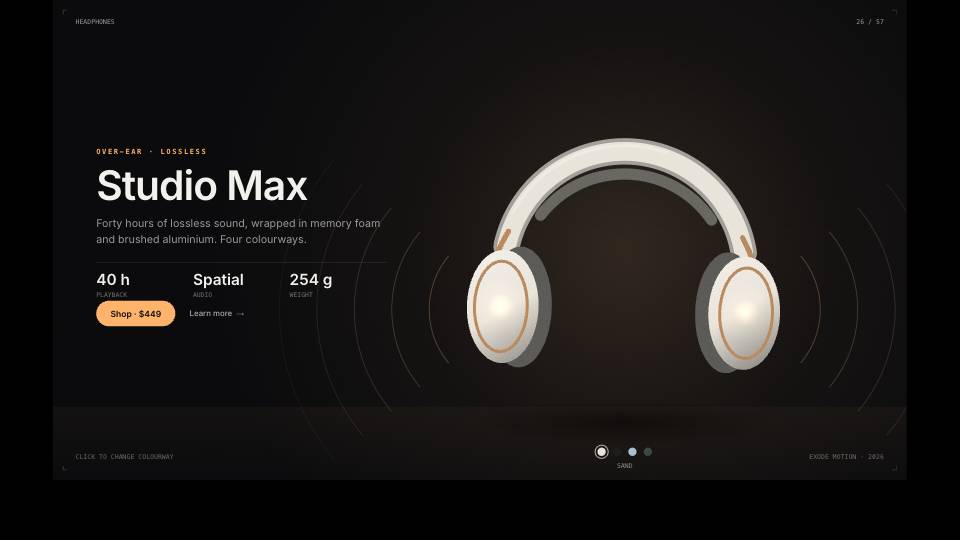
A product that tilts toward the cursor, switches colourways on click and shows details on hover.
Scroll stories
Scenes that start when they scroll into view, or follow the scroll position step by step.
Pricing pages
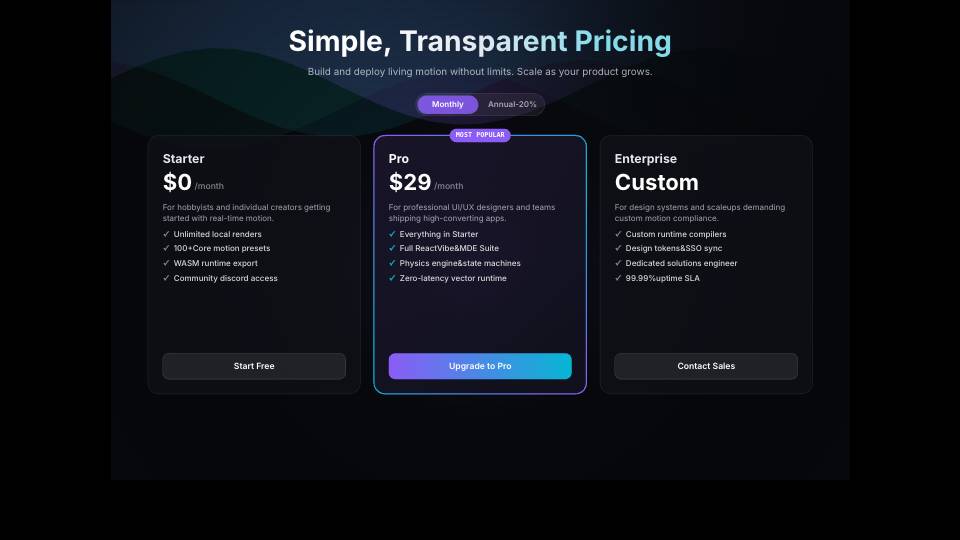
Monthly and yearly toggles and plan cards that react when someone picks a plan.
Portfolio sites
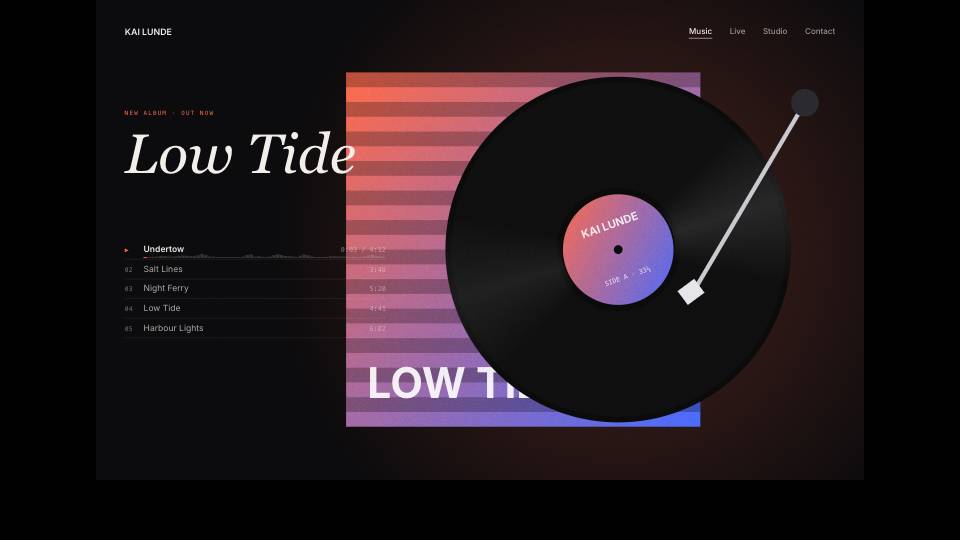
Whole one-page sites with navigation and hover states, made and published from the editor.
Buttons and micro-interactions
Send, like, copy and subscribe buttons with feedback that feels physical.
Drive it from your code
These are the real inputs and events of the demo above. Your app sets the inputs; the file decides how each change looks.
| Name | Type | What it does |
|---|---|---|
headline | Text | The headline. The last word takes the brand colour. |
accent | Text | The brand colour, as a hex value. |
dark | Boolean | Switches to the dark theme with a smooth blend. |
addToCart | Event | Fires when the visitor clicks the button. |
import { ExodeUICanvas } from 'exodeui';

export function Hero({ headline, prefersDark, addToCart }) {
  return (
    <div style={{ width: '100%', aspectRatio: '3 / 2' }}>
      <ExodeUICanvas
        src="/hero.bexode"
        autoPlay
        fit="Layout"
        inputs={{ headline, accent: '#1f9a5b', dark: prefersDark }}
        onTrigger={(name) => name === 'addToCart' && addToCart('fern')}
      />
    </div>
  );
}
How you build it
- 1Start from a template or Figma
Pick a hero or site from the examples, or import your Figma frame.
- 2Add motion and triggers
Hover, click, scroll into view and scroll position become triggers and inputs.
- 3Publish or embed
Share a hosted link, export HTML, or install the runtime and render the file in your framework.
Features for cursor and scroll animation on the web
Logic nodes read mouse and scroll position, so motion can follow the visitor.
Link screens with fade or slide transitions for multi-section pages.
React (npm package exodeui), Vue, Svelte, Angular and Solid.
The file stays open JSON, so you can change timing or copy later without redoing the work.
More live examples
When another tool is the better fit
For simple hover effects and fades on an existing page, plain CSS transitions or a small JavaScript library will load less and are easier to maintain. Choose ExodeUI when a section needs illustration, depth, physics, a character or several states that a designer wants to own.
Questions
How do I add interactive animation to a website?
You can write it with CSS or a JavaScript library, or design it visually in a tool like ExodeUI and embed the result. The visual route suits illustrated or stateful scenes; code suits small effects.
Will it work with my React site?
Yes. Install the exodeui package from npm and render the file with the ExodeUICanvas component, as in the code above. Vue, Svelte, Angular and Solid runtimes are also available.
Can animation start on scroll?
Yes. Use the scroll-into-view trigger to start a scene, or read the scroll position in the logic graph to tie motion to scrolling.
Can I change the text without opening the editor?
Yes, when the text is an input. Pass new values through the inputs prop, like the headline in the demo.
Can AI coding tools help build it?
Yes. The ExodeUI MCP server lets tools such as Claude Code and Cursor create and edit animations from plain-language prompts.
Will it slow my page down?
Any canvas animation adds a runtime and a file to load, so measure it in your own build. Keep the file small, show a poster image while it loads, and load it later if it sits below the fold.
Does it work on phones?
Yes, it runs in a canvas in modern mobile browsers. Hover effects have no hover on touch screens, so give the scene a tap or idle state too, like the demo does when nobody is using it.
Related reading
Give your homepage a hero people play with.
Free to start. Your .exode files are open JSON that you own.
Other use cases: mobile apps, product design, ai coding agents, design systems, games, game ui, character animation, automotive, broadcast & streaming, film & tv, education & science.