Use case · Film & TV
Screen graphics for film and TV that change on cue.
Updated November 2026
ExodeUI is a practical tool for screen graphics for film and TV, so actors play against real, responsive screens instead of a fixed video. Phones, laptops and consoles in a scene run live on set and change on cue, and the result is in camera. When post needs footage, export MP4, WebM or PNG frames.
- The screen waits for the actorEach cue fires when the scene is ready.
- Changes between takesNames, colours and outcomes are inputs.
- Footage for postExport MP4, WebM or PNG frames.
Free Community plan · Browser, macOS and Windows
 Open in ExodeUIFree
Playback clips that make actors hit marks
The usual way
- The screen plays a fixed video, so the actor has to hit marks to match it.
- A missed beat means rewinding the clip, or a green screen and replacement in post.
- A changed line in the script means a new render.
With ExodeUI
- The operator cues each beat live, when the actor is ready.
- Names, colours and results change between takes.
- The same file exports MP4, WebM or PNG frames if post needs them.
What happens in the demo
On set, the playback operator sits off camera with a cue list. Each cue changes one input, and the screen does the rest in time with the actor.
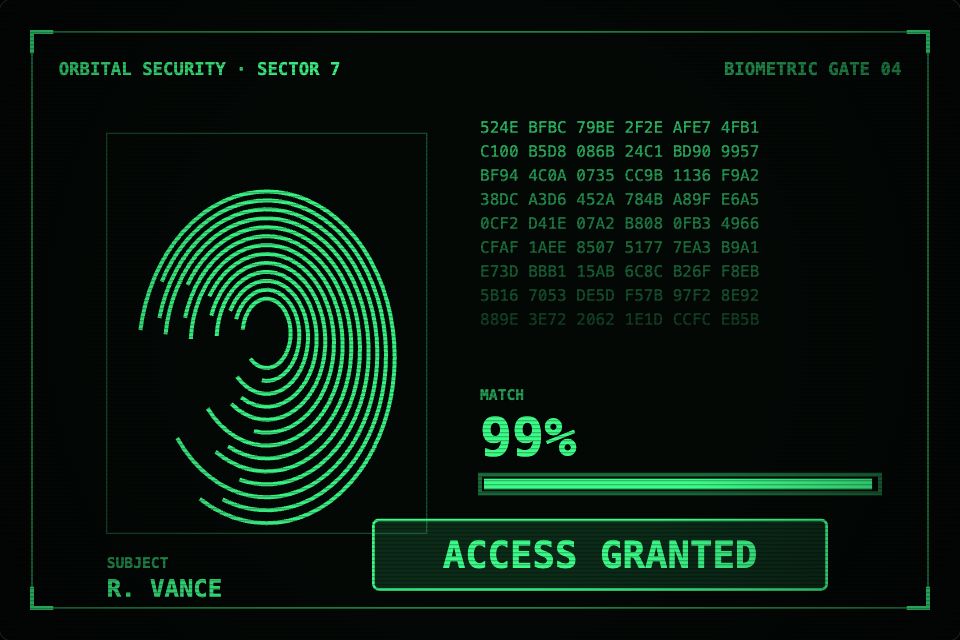
- The actor presses a finger to the pad
status: "scanning"The print fills line by line, a scan bar sweeps and data scrolls - The script says the door opens
status: "granted"The match climbs to 99% and ACCESS GRANTED stamps in - Take two: the guard is refused
status: "denied"The screen turns red, glitches and flashes ACCESS DENIED - The director wants another name or colour
name · colorThe subject name and phosphor colour change between takes - The camera needs a reset
resultA click on the screen restarts the scan
Build your first cue-driven screen
Take one screen from the script, give each beat its own state, and run a cue list from a laptop off camera.
Free Community plan to start. Professional is $5 a month, billed yearly.
What you can build as screen graphics for film and TV
Fictional interfaces (FUI)
Security screens, ship consoles and lab software with believable motion, like the demo.
On-set phone and laptop screens
Messages, calls and apps that change on an operator's key press.
Title cards and credits
Kinetic type openers and end cards exported as video.
News and in-world broadcasts
Tickers and lower thirds for a show within the show.
Pitch and preview animatics
Quick motion studies to sell a look to a director.
Promo graphics
Social cutdowns and trailer graphics from the same files.
Drive it from your code
These are the real inputs and events of the demo above. Your app sets the inputs; the file decides how each change looks.
| Name | Type | What it does |
|---|---|---|
status | Text | auto, scanning, granted or denied. |
name | Text | The subject name on screen. |
color | Text | The screen colour, as a hex value. |
result | Event | Fires when the scan lands on granted or denied. |
// The operator's cue list: the space bar fires the next cue.
// `engine` is the one passed to the runtime's onReady callback.
const CUES = ['scanning', 'granted', 'scanning', 'denied'];
let i = 0;

export function wireCues(engine) {
  engine.setInputText('in_name', 'R. VANCE');
  window.addEventListener('keydown', (e) => {
    if (e.code !== 'Space') return;
    engine.setInputText('in_status', CUES[i++ % CUES.length]);
  });
}
How you build it
- 1Design the screen
Lay out the fictional app or title, with the script's text as inputs.
- 2Add the cues
Map clicks or keys to inputs so each beat plays when the scene needs it.
- 3Play live or render
Run it on the set screen, or export frames for compositing.
Features for FUI and on-set playback
Advance states on a key press from off camera.
Change names, dates and messages between takes.
MP4, WebM, GIF and PNG frames.
Glitch, film grain, VHS and hologram looks among the built-in presets.
More live examples
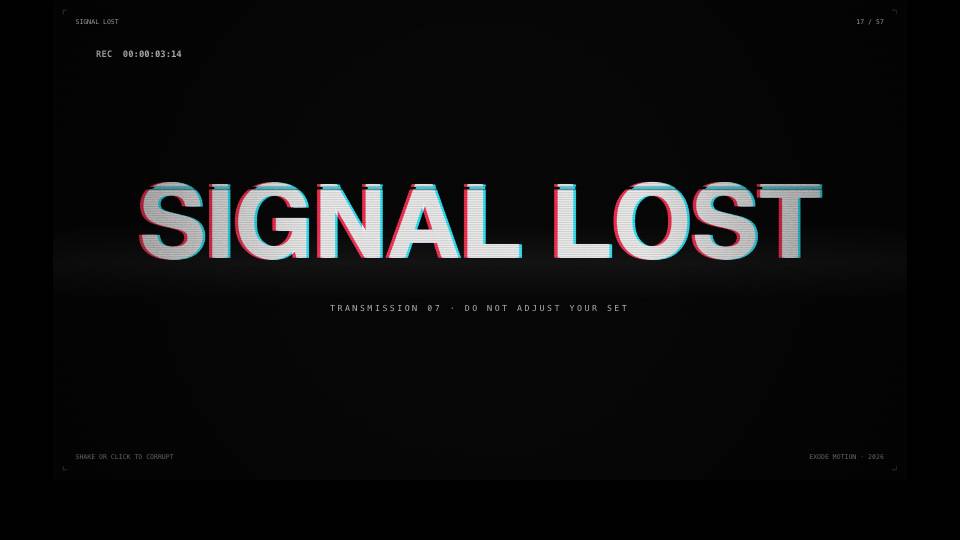
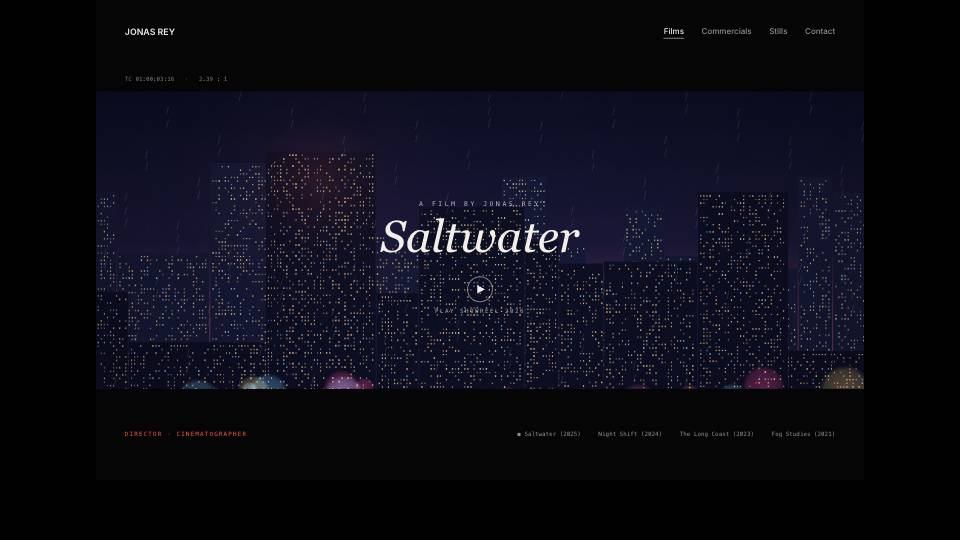
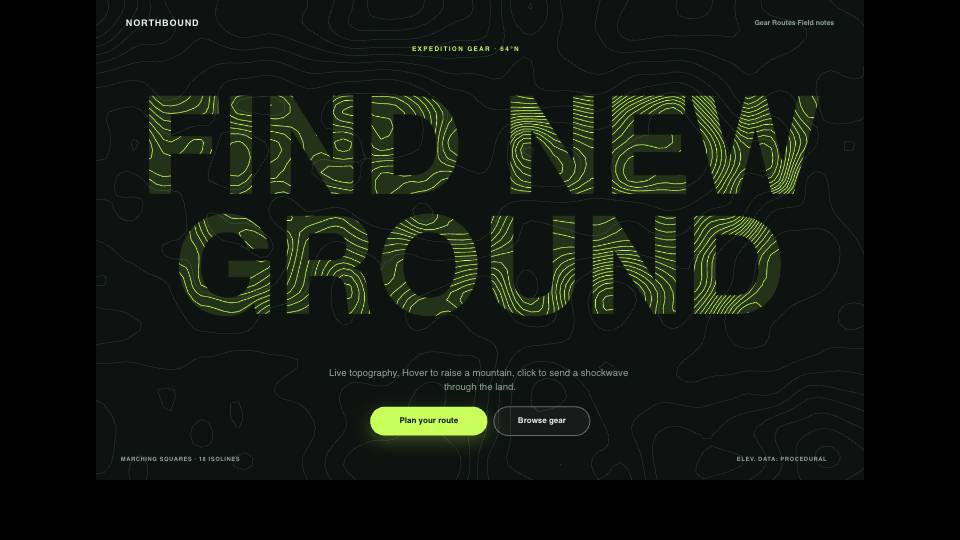
When another tool is the better fit
For compositing, tracking, screen replacement and 3D VFX, use a compositing or 3D package. ExodeUI makes the screen content itself, live or as rendered frames that those tools take in.
Questions
What are screen graphics in film?
They are the images shown on phones, computers and other screens in a scene, often fictional interfaces (FUI) designed to tell the story clearly.
Can graphics play live on set?
Yes. Run the file in a browser or the desktop app and advance it with clicks or key presses from off camera, as in the code above.
Can I export for post-production?
Yes. Export MP4, WebM, GIF or PNG frames.
Can I change the text between takes?
Yes. Text inputs let you change names, messages and numbers without editing the design.
Does ExodeUI do compositing or 3D VFX?
No. Use a compositing or 3D tool for that. ExodeUI makes the screen content.
How does the playback operator control it?
With clicks, keys or a small cue-list script that sets the inputs, like the code sample on this page.
What if the director changes the scene on the day?
Text, names, colours and outcomes are inputs, so most changes are a new value rather than a new render.
Related reading
Put a screen on set that follows the scene.
Free to start. Your .exode files are open JSON that you own.
Other use cases: mobile apps, websites, product design, ai coding agents, design systems, games, game ui, character animation, automotive, broadcast & streaming, education & science.