Use case · Character animation
Interactive character animation that reacts to people.
Updated November 2026
ExodeUI is a 2D tool for interactive character animation, for mascots and characters that react to people instead of looping. A character can watch the cursor, jump when tapped, fall asleep when ignored and take a mood from your app. You rig with bones and IK, connect the behaviours with a state machine, and your code sends the mood or the line to say.
- A character that notices peopleIt looks, reacts and idles on its own.
- One rig, every reactionBones and IK, with states instead of separate files.
- Your app gives it a voiceSend a mood or a line from code.
Free Community plan · Browser, macOS and Windows
 Open in ExodeUIFree
A looping mascot vs one that reacts
The usual way
- The mascot is a looping video or GIF that cannot look at anything or react.
- Each reaction is a separate file, and the app swaps files and hopes they line up.
- A developer writes timers and edge cases for every behaviour.
With ExodeUI
- One file holds every behaviour and the rules between them.
- Watching, waking and sleeping happen on their own.
- The app sends mood and say only when it has something to say.
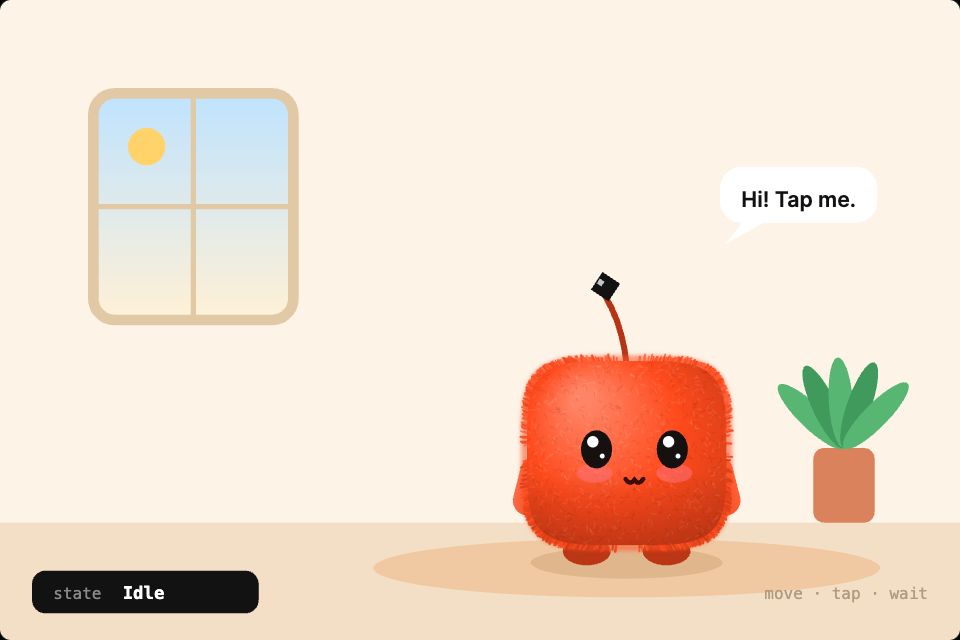
What happens in the demo
A good interactive character has a few clear behaviours and moves between them on its own. Your app only steps in for the moments that matter.
- The cursor comes close
Look stateKip's eyes follow it, Kip leans in and waves - Someone taps Kip
tapKip jumps with squash and stretch, and hearts float up - Three taps in a row
Dizzy stateKip gets dizzy and stars circle overhead - Nobody moves for a while
Sleep stateKip falls asleep, the window turns to night and Zzz drifts up - Your app has news
mood: "happy" · say: "You did it!"Kip changes mood and says the line you send
Give your mascot three reactions
Rig it, then start with look, tap and sleep. Those three already make it feel aware of the person using your product.
Free Community plan to start. Professional is $5 a month, billed yearly.
What you can build with interactive character animation
App mascots
A guide character that waves, thinks and celebrates at the right moments, like Kip.
Login and form helpers
A character that watches the cursor and covers its eyes for passwords.
Game characters
Heroes and enemies with layered clips for movement and actions.
Explainer hosts
A presenter character for product tours and lessons.
Brand characters
A brand character with an approved set of poses and reactions.
Avatars and customisers
Swap hats, colours and parts with inputs.
Drive it from your code
These are the real inputs and events of the demo above. Your app sets the inputs; the file decides how each change looks.
| Name | Type | What it does |
|---|---|---|
mood | Text | auto, happy, sad, wow or sleep. auto lets the character decide. |
say | Text | The line in the speech bubble. Empty hides it. |
color | Text | The character's colour, as a hex value. |
tap, state | Event | Fire on a tap and whenever the state changes. |
import { ExodeUICanvas } from 'exodeui';

// The guide cheers when a form is done and worries on errors.
export function Guide({ status, message }) {
  const mood = status === 'done' ? 'happy' : status === 'error' ? 'sad' : 'auto';
  return (
    <div style={{ width: 360, height: 240 }}>
      <ExodeUICanvas
        src="/guide.bexode"
        autoPlay
        fit="Layout"
        inputs={{ mood, say: message }}
      />
    </div>
  );
}
How you build it
- 1Rig the character
Add bones and IK, then use auto-weights or paint weights by hand.
- 2Animate the clips
Start from skeleton presets such as idle, walk, run, jump and wave, then adjust.
- 3Wire the reactions
Use state machine layers so breathing, actions and expressions mix.
Features for 2D character rigging and skeletal animation
Bone chains, IK targets with limits, and bone snapping.
Auto-weights, weight painting and mesh deformation.
Walk, run, idle breathe, jump, sit, crouch, fall and wave.
Run an idle layer and an action layer at the same time.
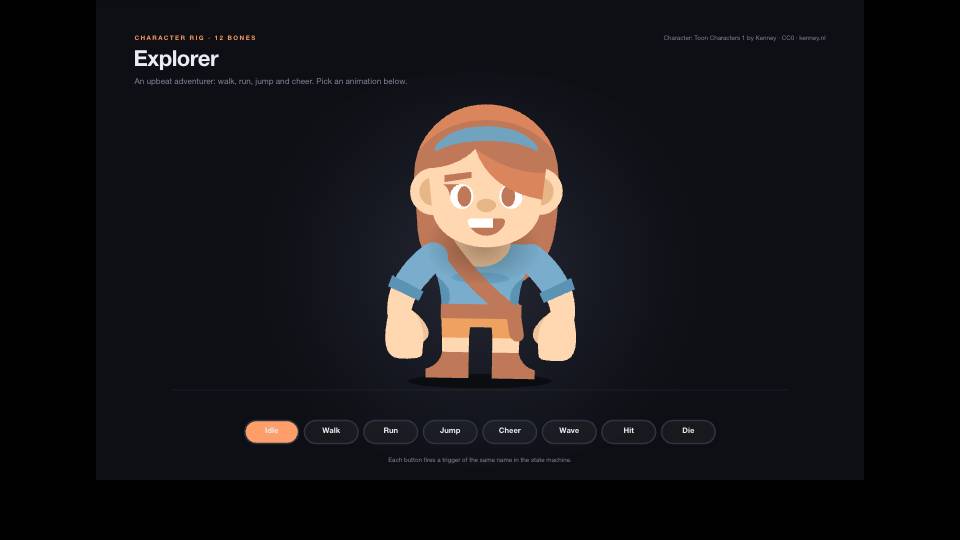
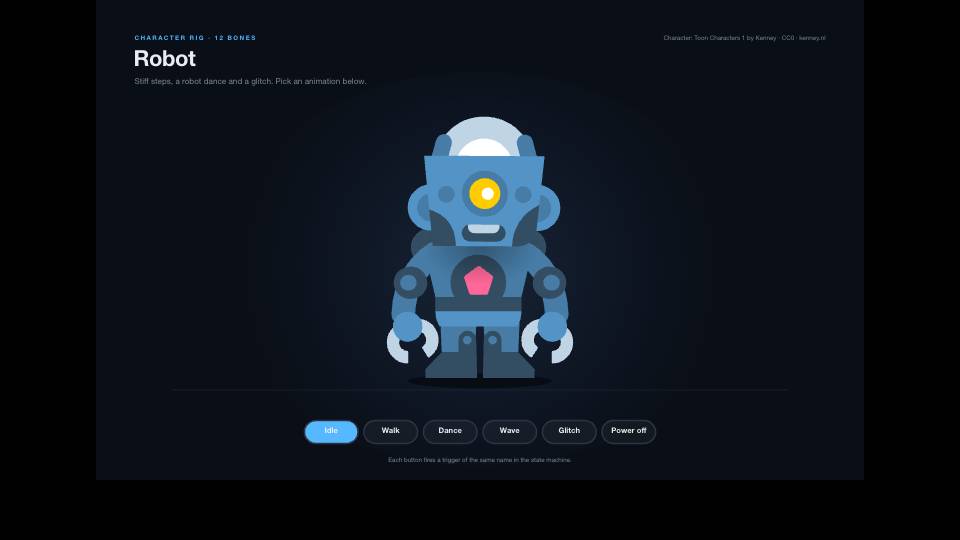
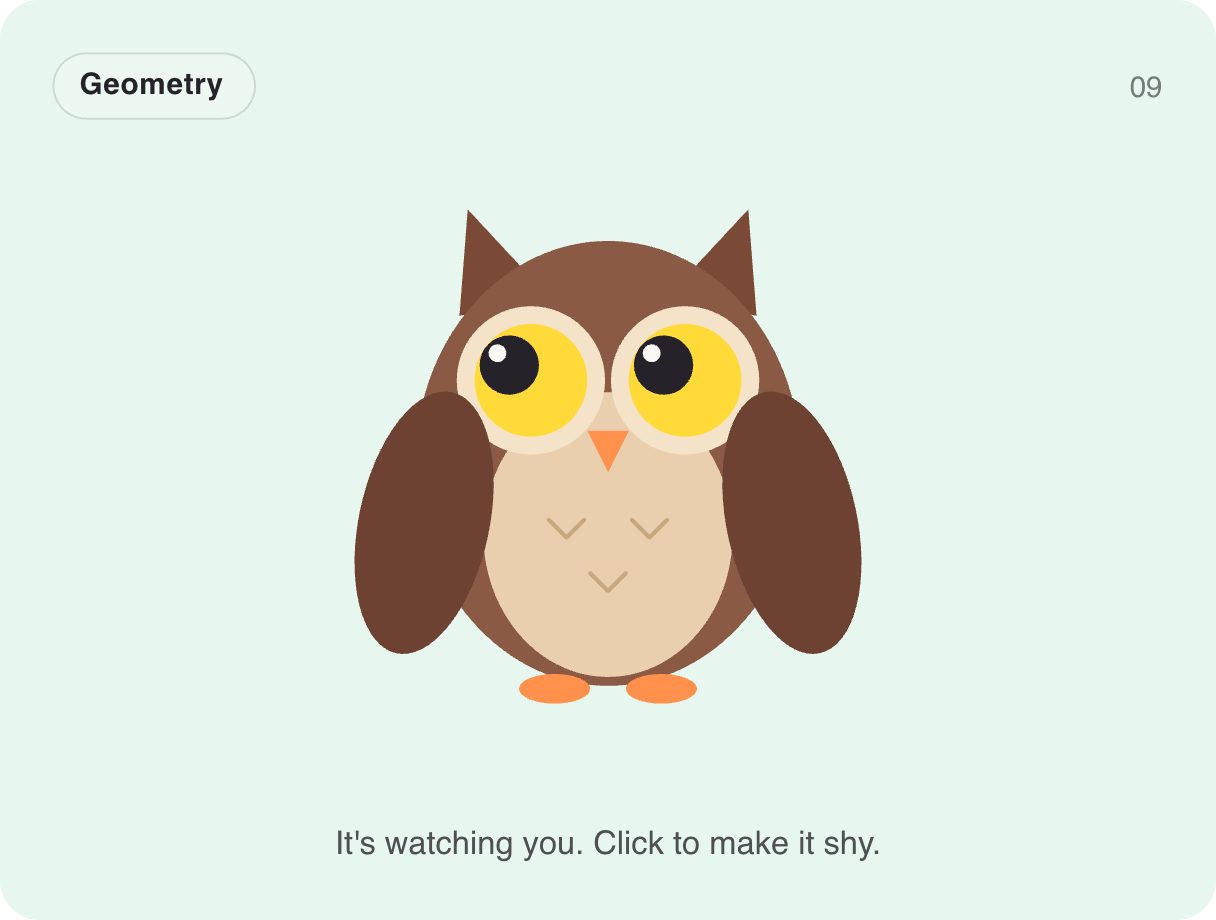
More live examples
When another tool is the better fit
For long frame-by-frame or hand-drawn animation for a series or film, a dedicated 2D animation package is the better fit. For 3D characters, use a 3D tool. ExodeUI is built for characters that live inside interfaces and react in real time.
Questions
What is interactive character animation?
It is character animation that responds to input at runtime, such as a cursor, a tap or an app event, instead of playing as a fixed video.
Does ExodeUI support bones and IK?
Yes. It has bones, bone chains, an IK solver with limits, auto-weights and weight painting.
How does my app tell the character what to do?
Set inputs such as mood and say, as in the code above, or fire a trigger for a one-off action like a wave.
Can I export character animation as video?
Yes. The editor exports MP4, WebM, GIF and PNG frames, as well as live files for apps.
Can I make a mascot without rigging from scratch?
Yes. Start from a character template or the free mascot generator and change it.
I can draw but have never rigged. Can I still do this?
Yes. Skeleton presets give you a starting rig, and you can begin with simple reactions like a blink and a look before adding more states.
Will a mascot distract from the product?
It can if it moves all the time. Keep it calm when idle and save the big reactions for moments that matter, such as a finished task or an error.
Related reading
Give your mascot something to react to.
Free to start. Your .exode files are open JSON that you own.
Other use cases: mobile apps, websites, product design, ai coding agents, design systems, games, game ui, automotive, broadcast & streaming, film & tv, education & science.