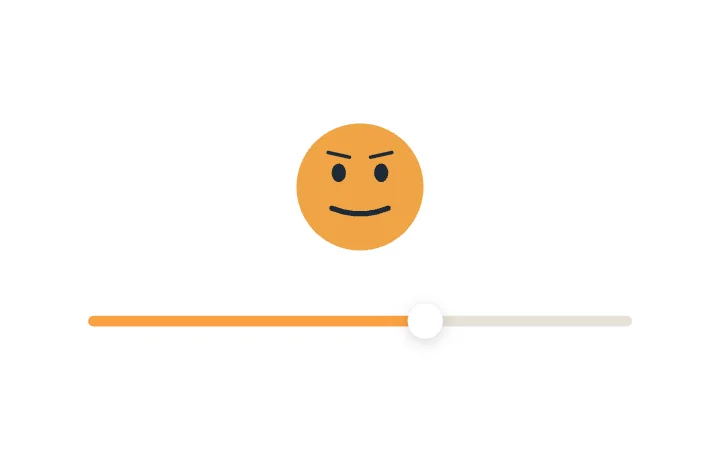
Face MorphSlider · Expressive & Kinetic
Free · Live demos · Updated November 2026
Free animated components for React
These 52 free animated components run in React with the exodeui npm package. Each one is live below. Pick one, install exodeui, load its file with ExodeUICanvas and set or read its inputs with useExodeUI. The motion stays in the file, so your React code stays short.
React animation libraries give you tools to build motion. These are finished components with the motion already in them, which suits teams that want a designed control without writing the animation.
We make ExodeUI. Every component on this page comes from our own library.
Try them live 52
Every component below is running. Drag, tap or type to try it, then open it in ExodeUI or see its inputs and code.
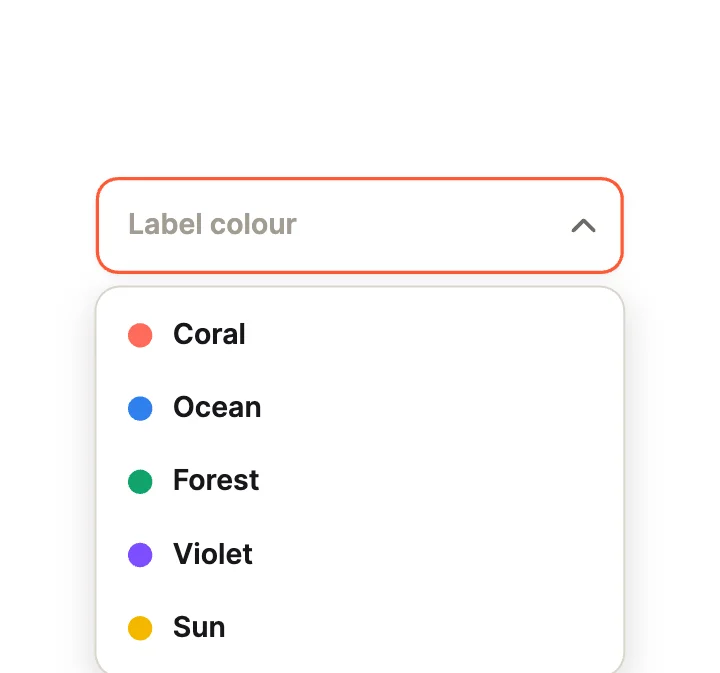
Colour LabelsDropdown · Rich Items
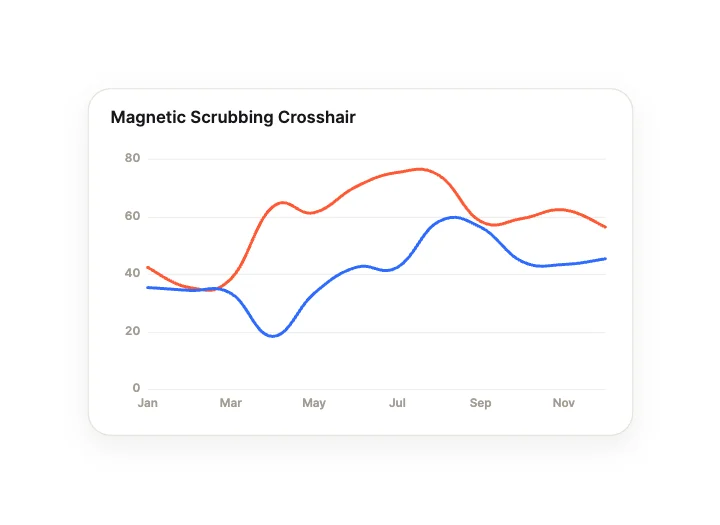
Magnetic Scrubbing CrosshairChart · Interactive & Gestural
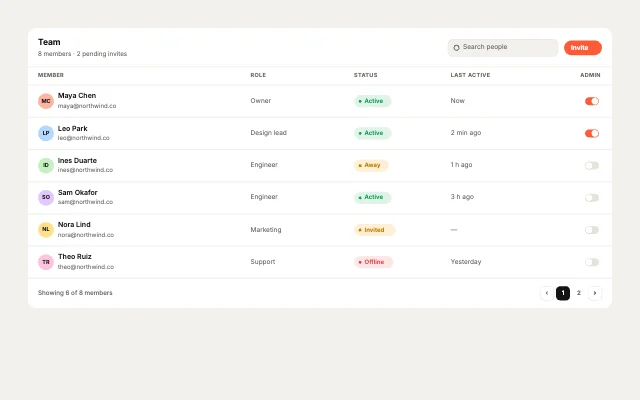
Team membersTable · People & access
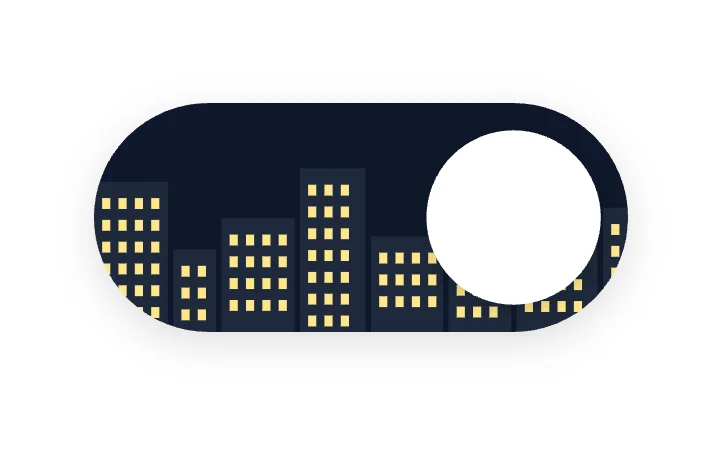
City LightsToggle · Scenery
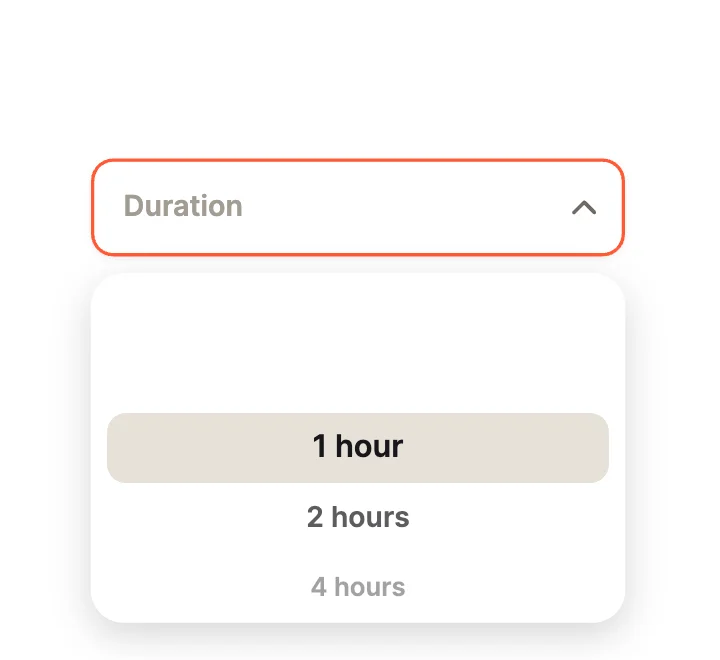
Wheel PickerDropdown · Pickers
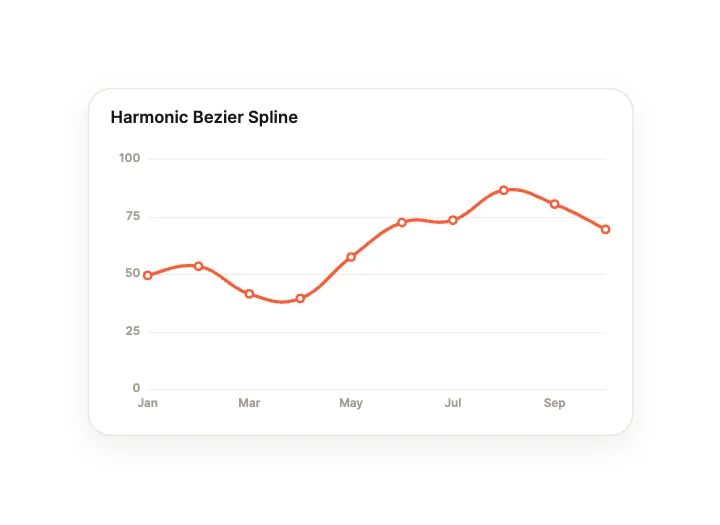
Harmonic Bezier SplineChart · Curves, Lines & Areas
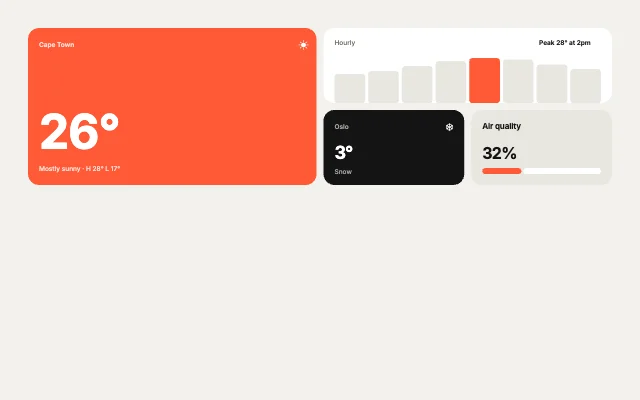
Weather AppBento grid · App showcases
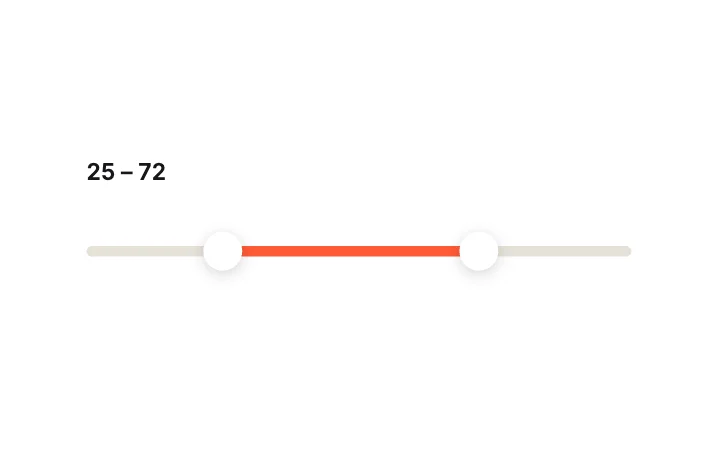
Dual RangeSlider · Range & Multi-Thumb
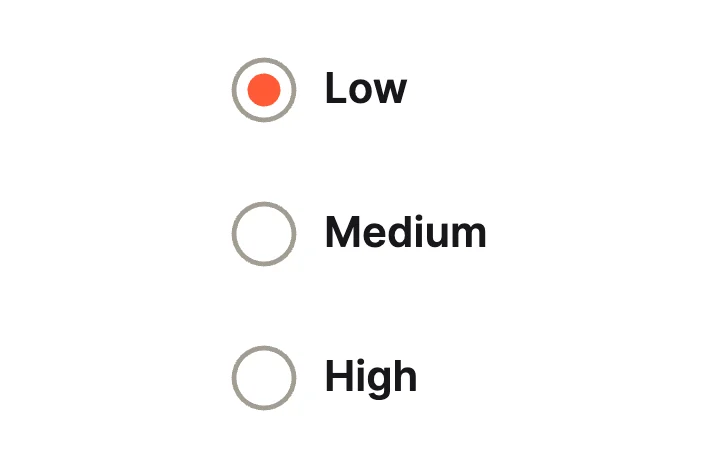
Liquid BlobRadio group · Motion
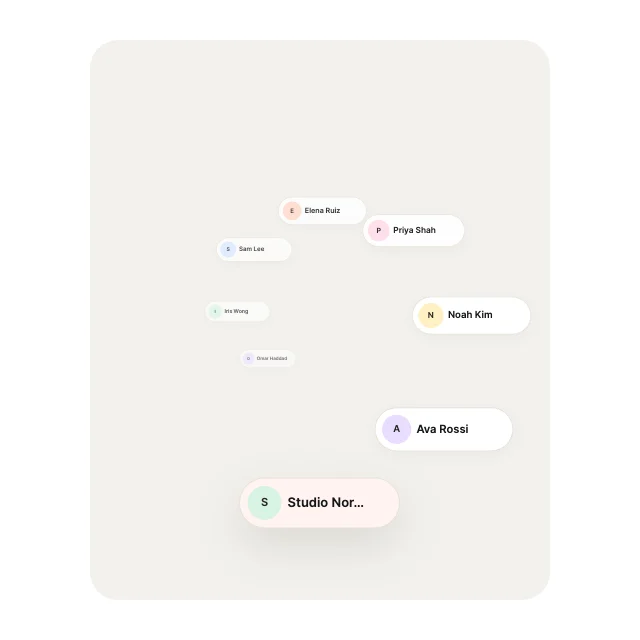
Spiral CoilList view · Curves & Paths
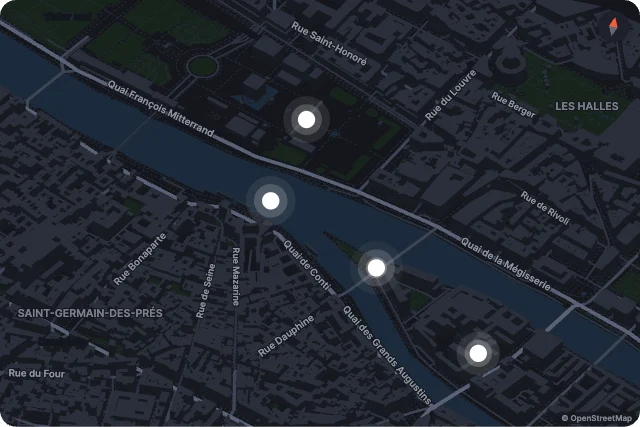
FlyoverMap · Showcase
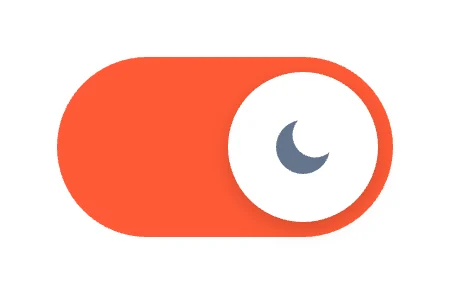
Sun / MoonToggle · Icon Morph
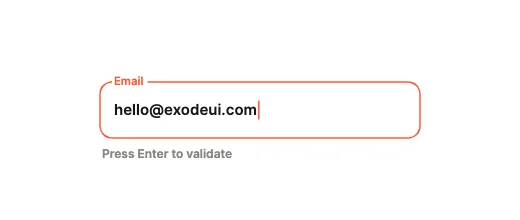
Harmonic Spring ShakeText field · Physics & Validation
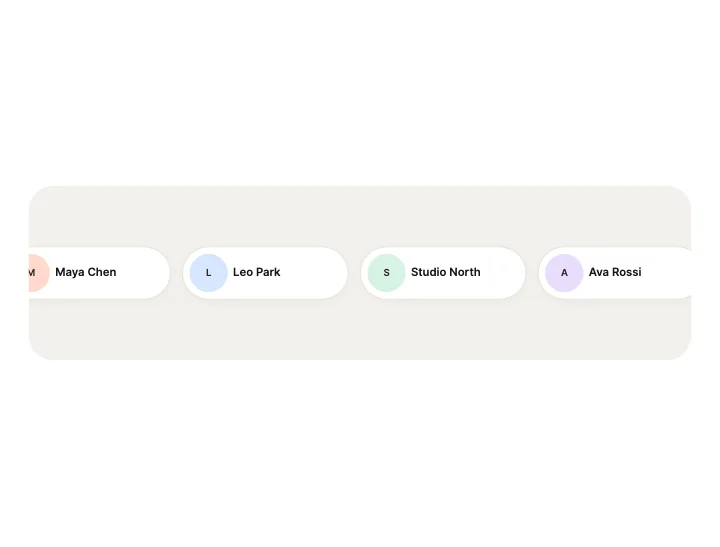
Seamless MarqueeList view · Loops & Marquees
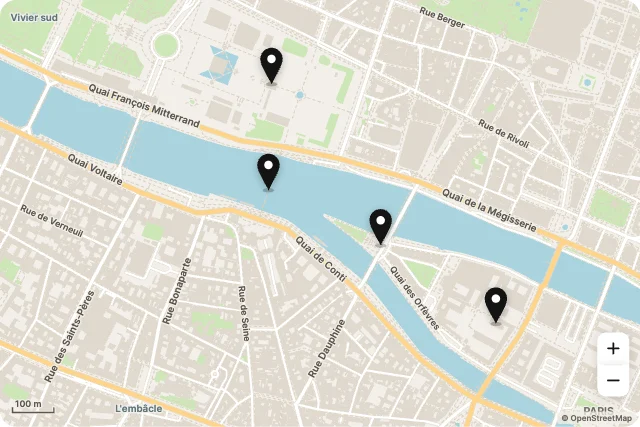
Pin RainMap · Places
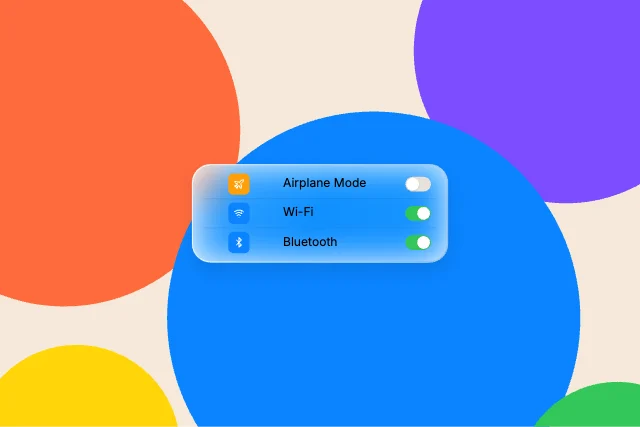
Toggle listLiquid glass component · Controls

Cross to TickCheckbox · Check Motion
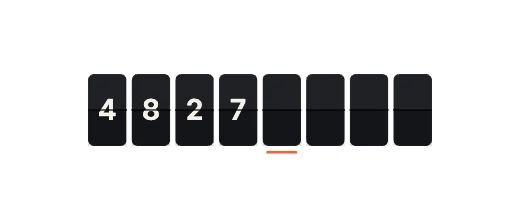
Split-Flap DisplayText field · Segmented & Stepped
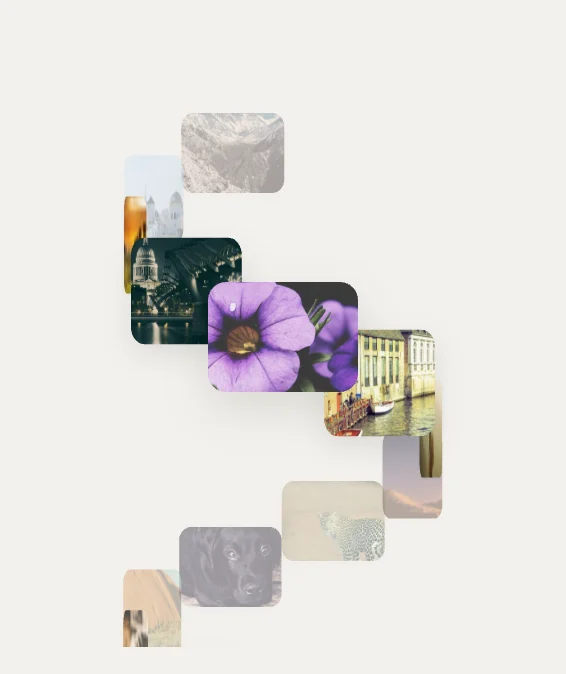
Helix TowerImage gallery · 3D Spaces
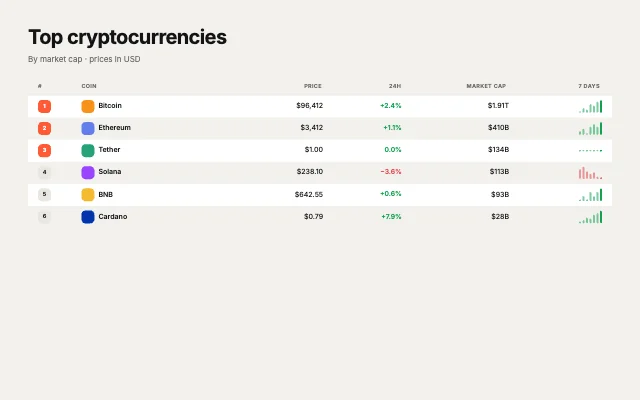
Crypto pricesTable · Markets & rankings
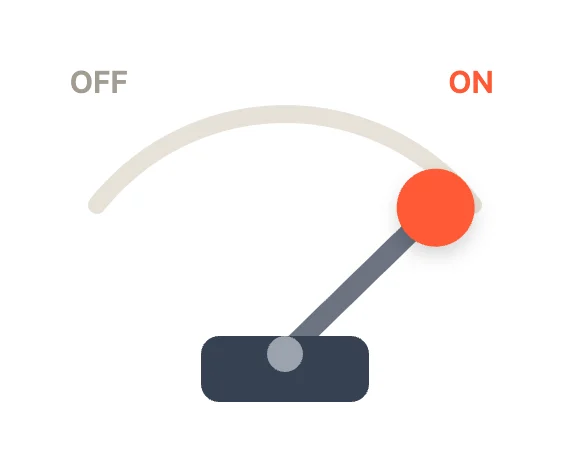
LeverToggle · Mechanical
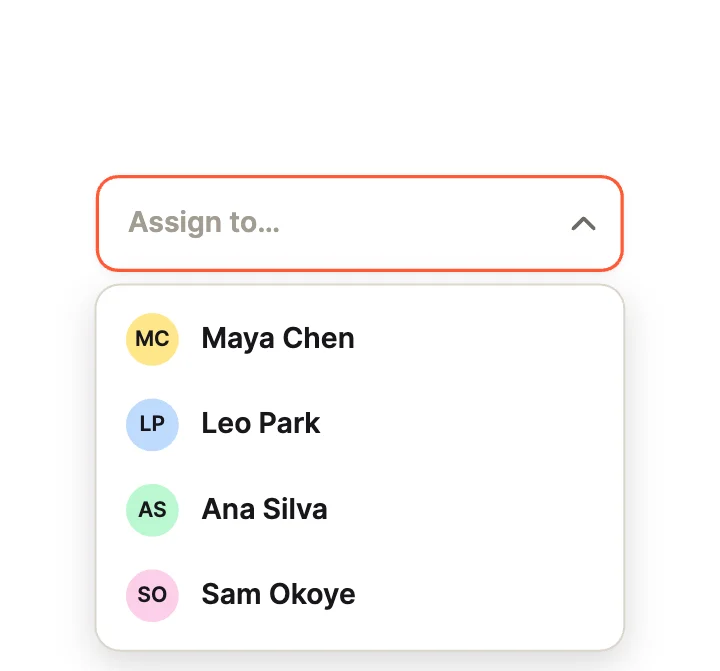
AssigneeDropdown · Rich Items
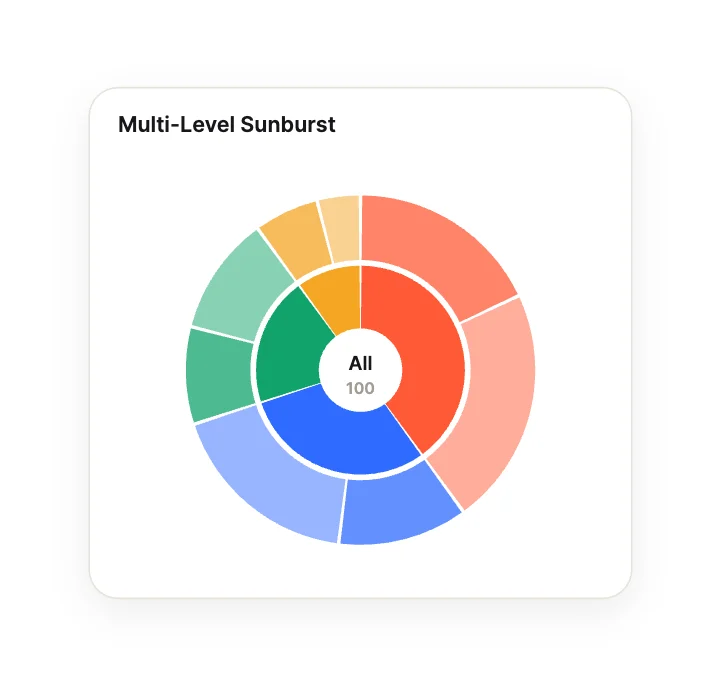
Multi-Level SunburstChart · Radial & Circular
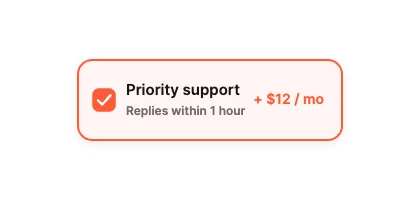
Add-On CardCheckbox · Cards & Rows
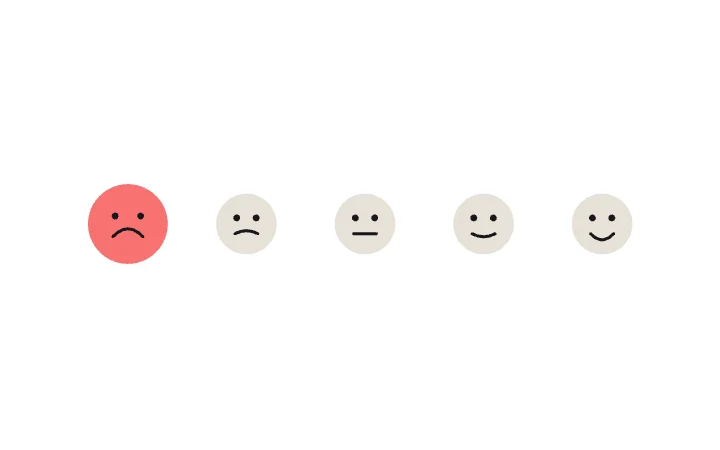
Mood FacesRadio group · Pickers
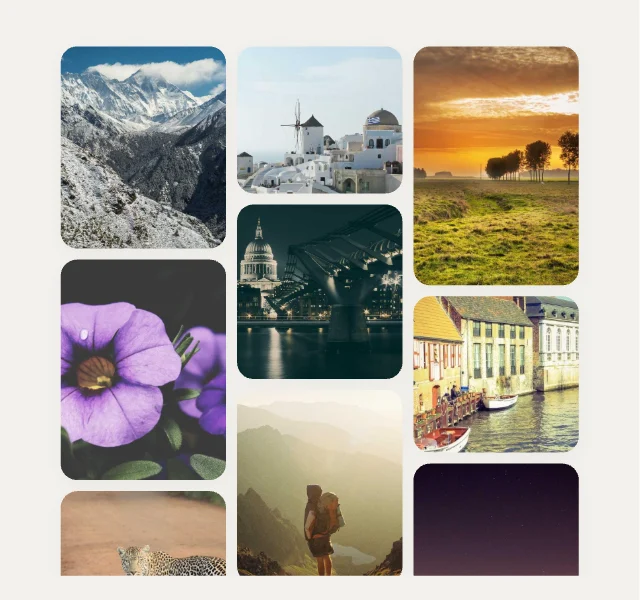
MasonryImage gallery · Grids & Mosaics
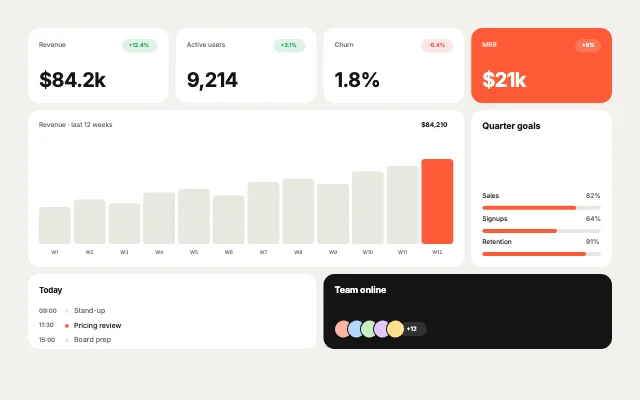
Revenue BoardBento grid · Dashboards
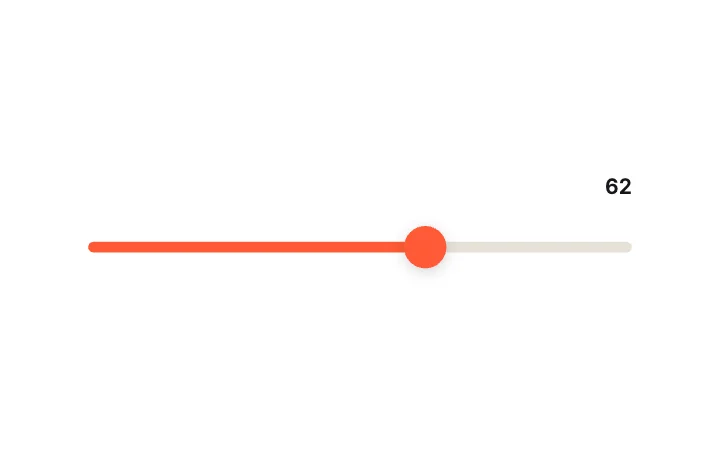
Squash & Stretch ThumbSlider · Thumb Mechanics
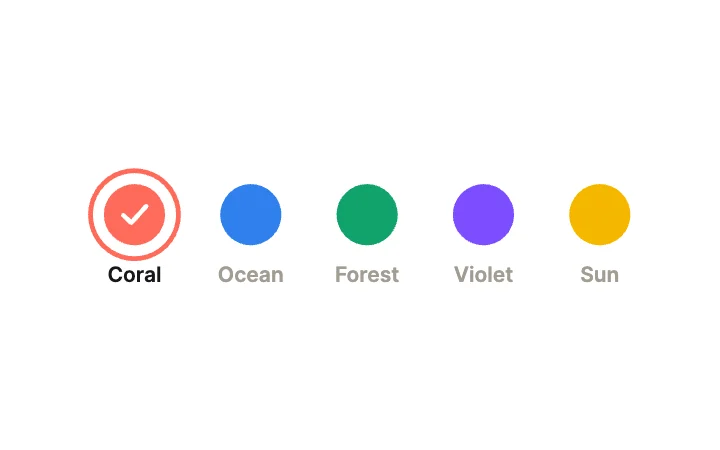
Colour SwatchesRadio group · Cards
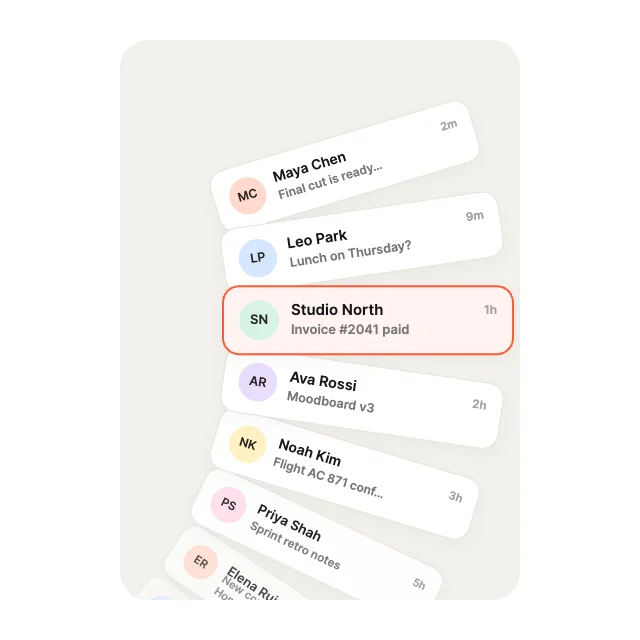
Radial WheelList view · Curves & Paths
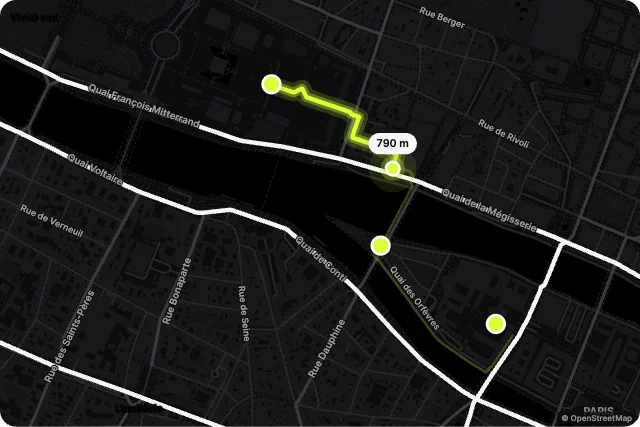
Run TraceMap · Journeys
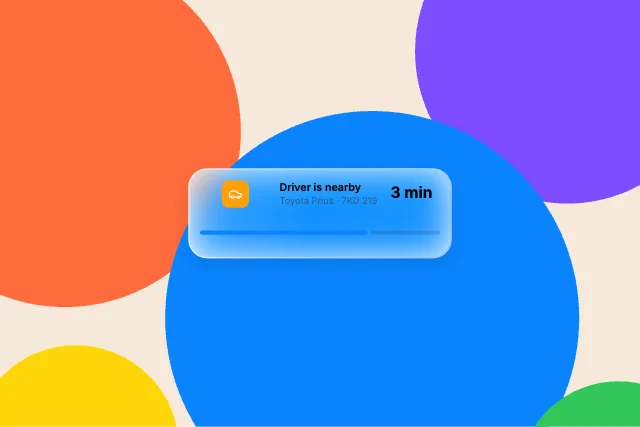
Live ActivityLiquid glass component · Lock Screen
Liquid FillCheckbox · Effects
Cursor-Tracking GlowText field · Reactive Border & Light
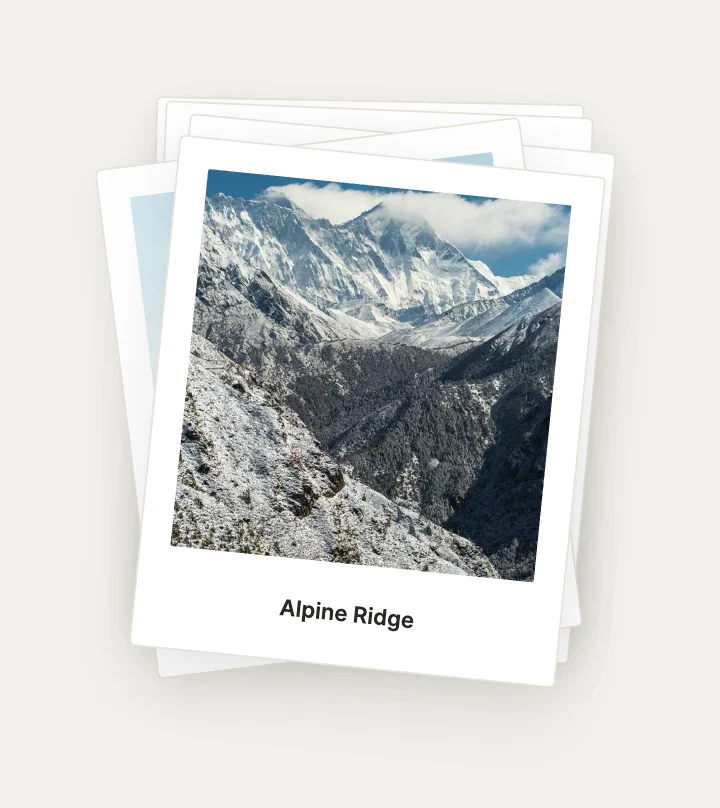
Polaroid PileImage gallery · Stacks & Piles
Loading more… 36 of 52
What to check in a React animated component
- State comes back to React, so it fits controlled components.
- It does not re-render your tree on every frame.
- It loads lazily so it stays off your first page load.
- A designer can change it without a code change.
Use it in your app
The code for Face Morph, with its real file and input names. Every component on this page works the same way.
npm install exodeuiimport { useEffect } from 'react';
import { ExodeUICanvas, useExodeUI } from 'exodeui';
export function FaceMorph() {
const { engine, setEngine, updateInput, fireTrigger } = useExodeUI();
useEffect(() => {
updateInput("Face Morph · Value", 70);
}, [engine]);
return (
<>
<ExodeUICanvas src="/face-morph.bexode" onReady={setEngine} />
</>
);
}Questions
Are these React components free?
Yes. Every design comes from a studio built into the ExodeUI editor, and the studios are part of the free Community plan. You can open and change any design without a paid plan, or download its .exode file from its page. The runtimes are free npm, Swift and Flutter packages.
How do I add one to a React app?
Run npm install exodeui, then render ExodeUICanvas with the design’s file and pass onReady={setEngine} from the useExodeUI hook. Call updateInput to set a value. The code block on this page uses a real design.
Should I use these or a React animation library?
Use a library such as Motion (Framer Motion) or React Spring when you want to animate your own JSX. Use these when you want a finished, designed control and would rather edit it visually.
Do they work in Next.js?
They are client components, so render them on the client (for example with "use client" or a dynamic import). Server rendering of the canvas is not covered here.
Can I change them?
Yes. Open it in ExodeUI and every part is a native layer: colours, type, motion curves, springs and logic. The input names stay the same, so code that already uses the design keeps working.
Related
More free components
- Animated UI components
- Interactive UI components
- Animated elements for websites
- Micro-interactions
- Animated form components
- Dark mode toggle
- Star rating
- Segmented control
- Range slider
- Knobs and dials
- Floating label input
- OTP input
- Password input
- Search bar
- Image carousel
- Donut chart
- Line chart
- Pricing table
- Liquid glass UI kit
Make your own in ExodeUI
Free to start. Every studio behind these components is built into the editor, and everything it makes stays native and editable.
Try ExodeUI for free