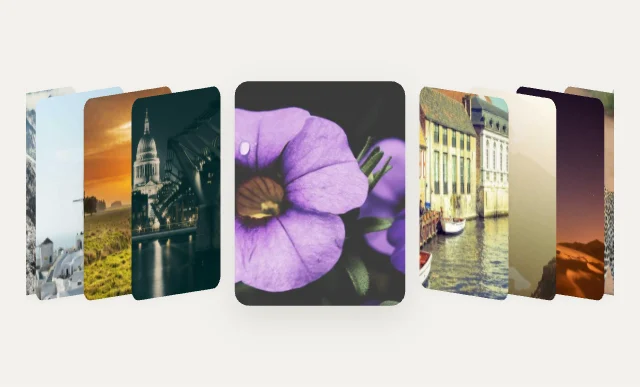
Cover FlowCarousels & Coverflow
Free · Live demos · Updated November 2026
Free image carousel
These 20 free image carousels include coverflow, 3D rings, curved rows and swipe-able sliders. Each one is live below. The photos come from one Array variable, so your app passes its own image URLs and the carousel sizes itself to them.
A carousel hides most of its content, so it works best for browsing a set of similar photos, not for key messages.
We make ExodeUI. Every component on this page comes from our own library.
Try them live 20
Every component below is running. Drag, tap or type to try it, then open it in ExodeUI or see its inputs and code.
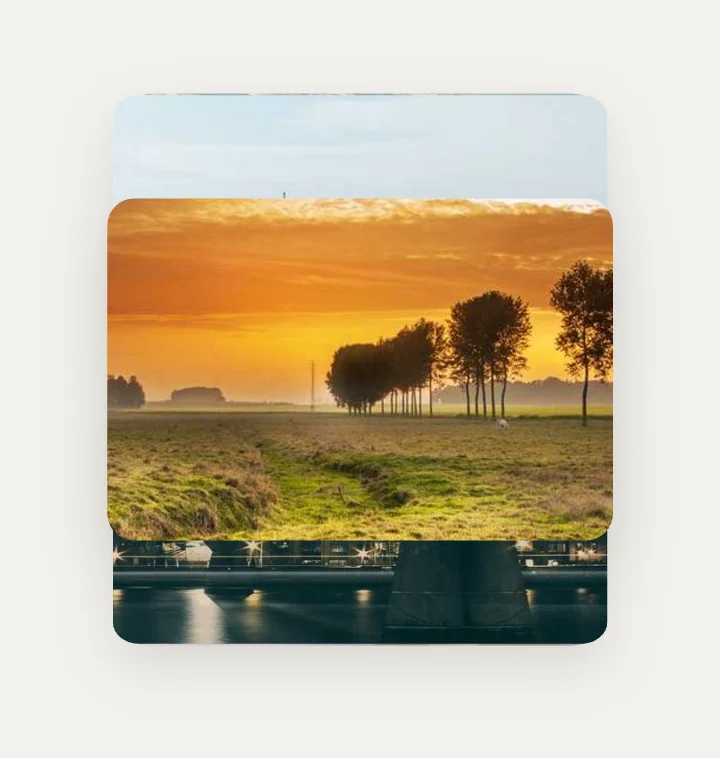
RolodexCarousels & Coverflow
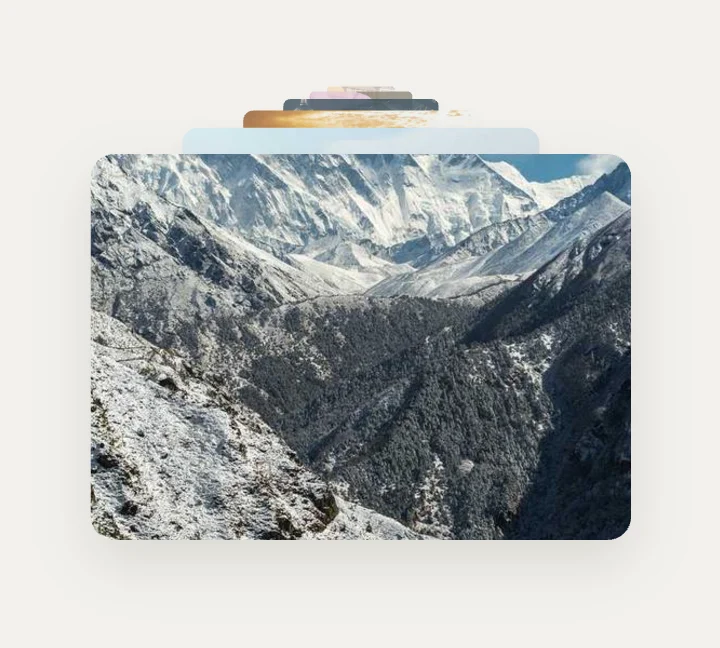
Depth ZoomCarousels & Coverflow
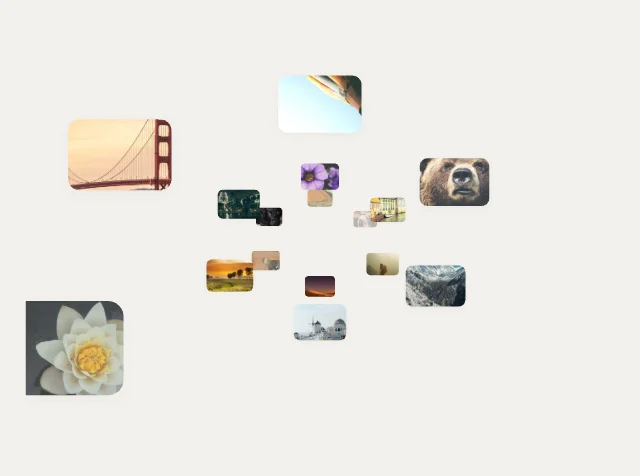
Infinite Tunnel3D Spaces
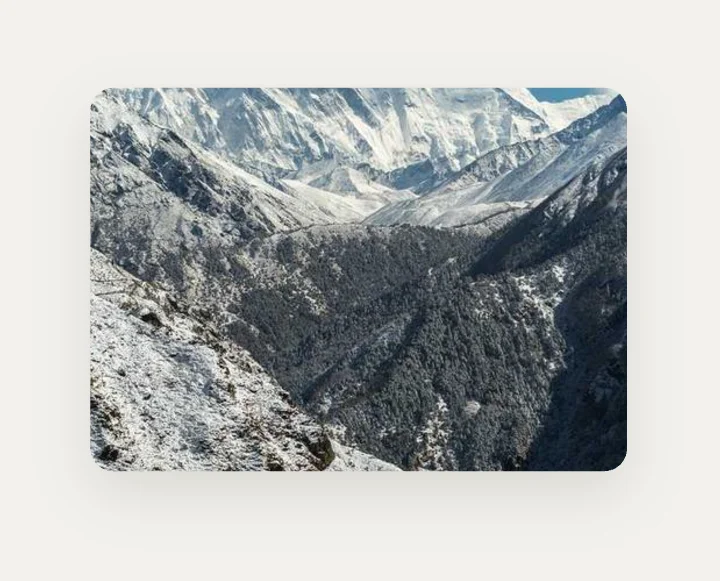
Cube Turn3D Spaces
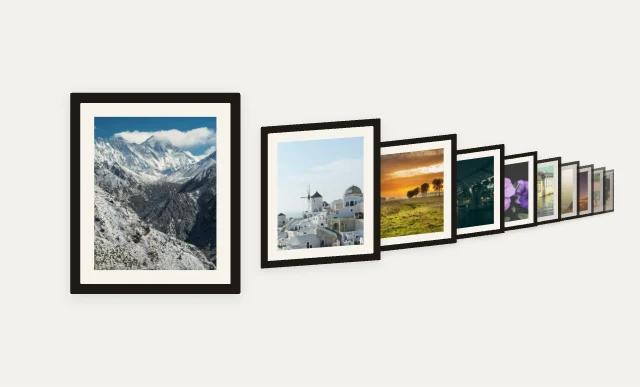
Perspective Wall3D Spaces
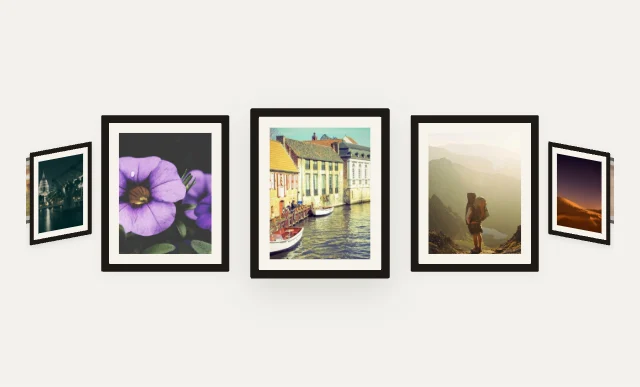
Gallery Corridor3D Spaces

Cylinder RingCarousels & Coverflow

Expanding StripsCarousels & Coverflow

Peek CarouselCarousels & Coverflow

Film Strip FocusCarousels & Coverflow

Helix Tower3D Spaces
Page Turn3D Spaces

Saturn Rings3D Spaces
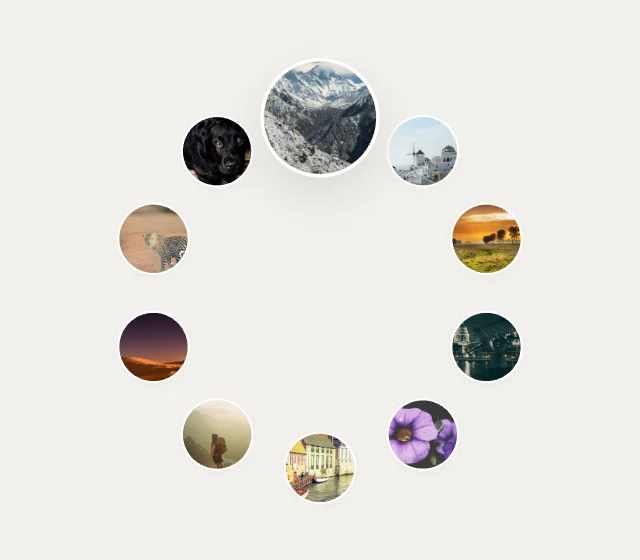
Ferris WheelCarousels & Coverflow

Parallax SliderCarousels & Coverflow
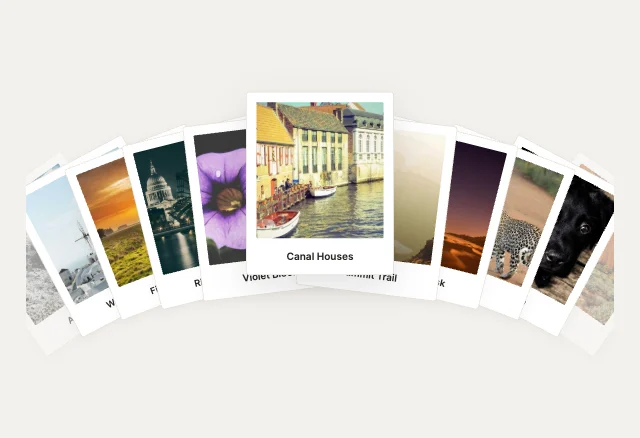
Hand of CardsCarousels & Coverflow
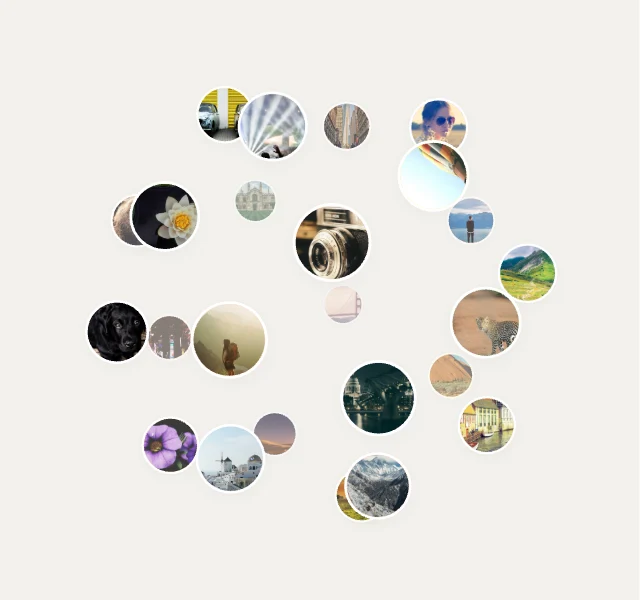
Photo Globe3D Spaces
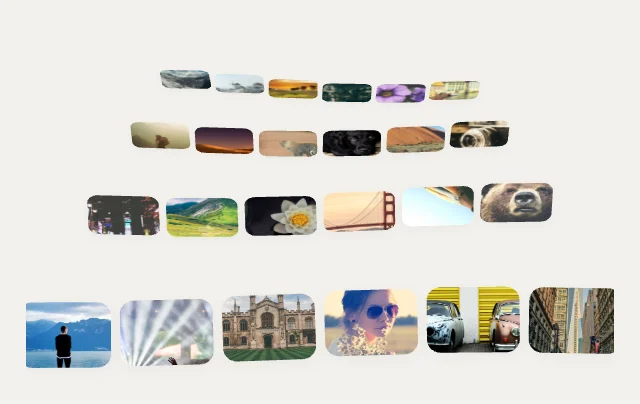
Photo Sea3D Spaces
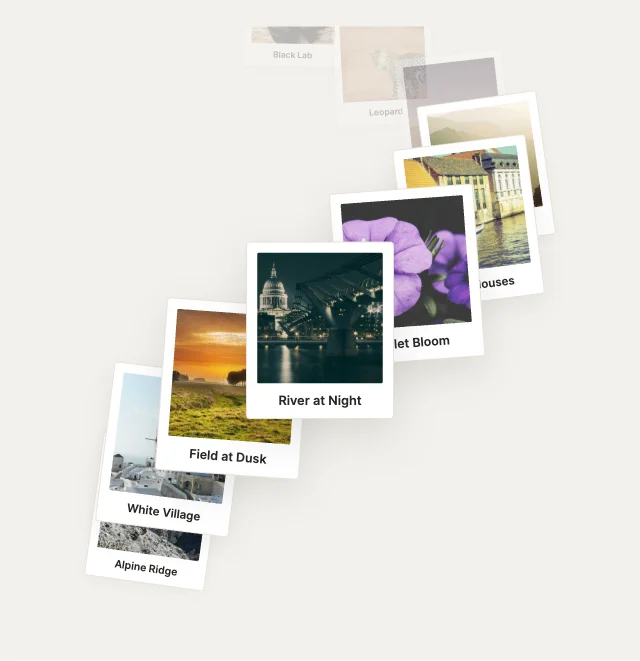
Spiral Staircase3D Spaces
What to look for in an image carousel
- Swipe and drag that keep momentum.
- Each photo keeps its shape.
- You can see that there is more to scroll.
- The selected photo is available to your code.
Use it in your app
The code for Cover Flow, with its real file and input names. Every component on this page works the same way.
npm install exodeuiimport { useEffect } from 'react';
import { ExodeUICanvas, useExodeUI } from 'exodeui';
export function GCoverFlow() {
const { engine, setEngine, updateInput, fireTrigger } = useExodeUI();
useEffect(() => {
updateInput("Cover Flow · Selected row", 8.4);
updateInput("Cover Flow Titles", myItems); // Array variable
}, [engine]);
return (
<>
<ExodeUICanvas src="/g-cover-flow.bexode" onReady={setEngine} />
<button onClick={() => fireTrigger("Cover Flow · Replay")}>Replay</button>
</>
);
}Questions
Is this image carousel free?
Yes. Every design comes from a studio built into the ExodeUI editor, and the studios are part of the free Community plan. You can open and change any design without a paid plan, or download its .exode file from its page. The runtimes are free npm, Swift and Flutter packages.
How do I use my own photos?
Set the gallery’s Image URLs Array variable to a list of your image URLs. The design page in Exode Galleries lists every variable name.
Does it work on touch screens?
Yes. Drag and swipe are part of the gallery widget.
Which frameworks does it work in?
Each design is one .exode file. The ExodeUI runtimes play the same file in React, Vue, Svelte, Angular, Solid, React Native, SwiftUI and Flutter, and the inputs have the same names in all of them.
Can I change the layout?
Yes. Open it in ExodeUI and every part is a native layer: colours, type, motion curves, springs and logic. The input names stay the same, so code that already uses the design keeps working.
Related
More free components
- Animated UI components
- Interactive UI components
- Animated elements for websites
- Animated React components
- Micro-interactions
- Animated form components
- Dark mode toggle
- Star rating
- Segmented control
- Range slider
- Knobs and dials
- Floating label input
- OTP input
- Password input
- Search bar
- Donut chart
- Line chart
- Pricing table
- Liquid glass UI kit
Make your own in ExodeUI
Free to start. Every studio behind these components is built into the editor, and everything it makes stays native and editable.
Try ExodeUI for free