
Star RatingRadio group · Pickers
Free · Live demos · Updated November 2026
Free star rating component
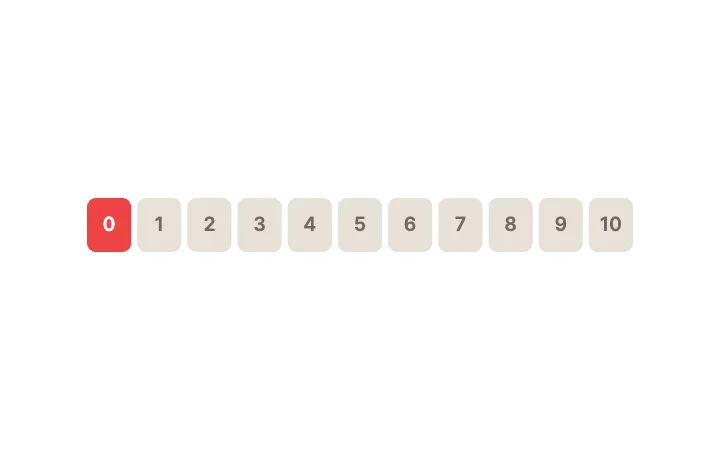
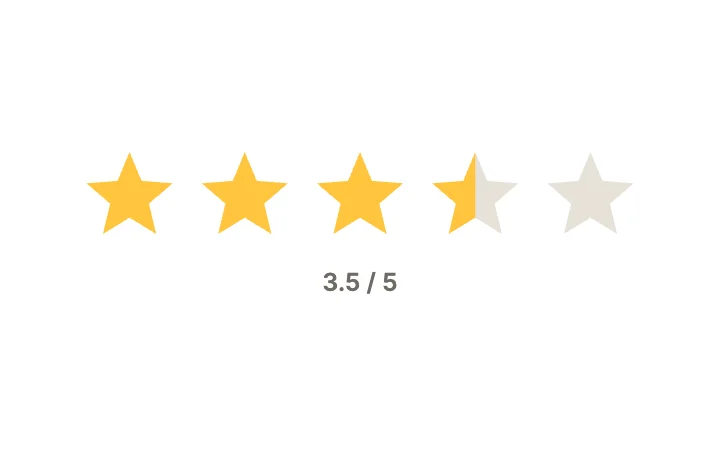
These 7 free star rating components let people rate by tapping stars, dragging across stars in half steps, picking a mood face or choosing a 0 to 10 score. Each one is live below. The rating is an input, so your app reads the value and can show an existing rating on load.
They come from the radio group, slider and checkbox studios, so you can pick the input style that fits: discrete taps, a drag, or a single favourite star.
We make ExodeUI. Every component on this page comes from our own library.
Try them live 7
Every component below is running. Drag, tap or type to try it, then open it in ExodeUI or see its inputs and code.
Star Rating SliderSlider · Value Display
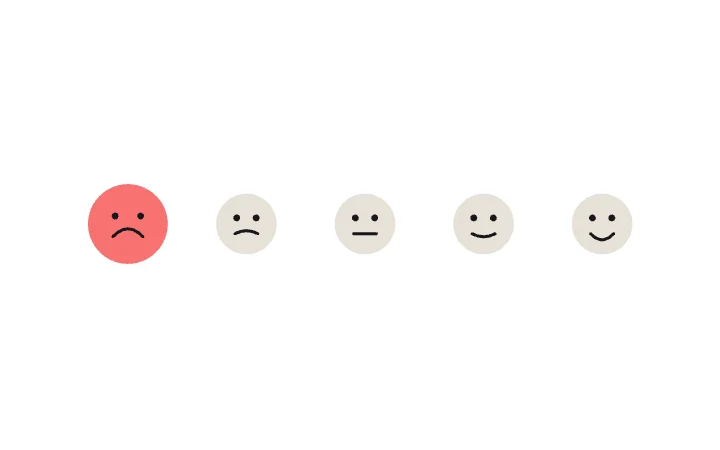
Mood FacesRadio group · Pickers

StarCheckbox · Expressive
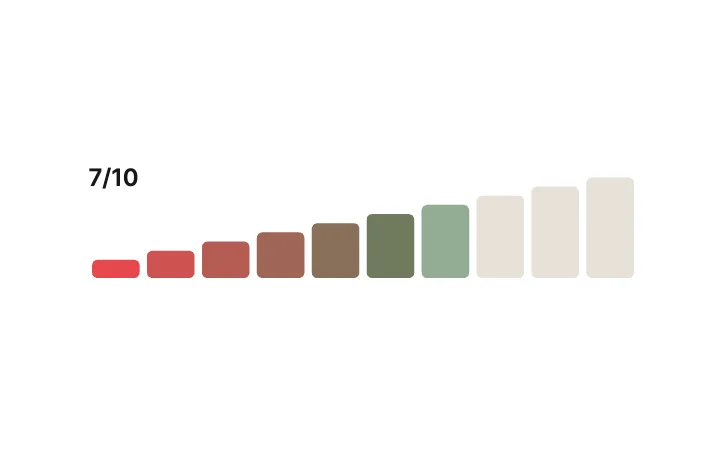
Rating BarsSlider · Stepped & Discrete
What to look for in a star rating component
- Clear feedback for the star under the finger before release.
- A value your code reads and sets, including half steps if you need them.
- Stars big enough to tap on a phone.
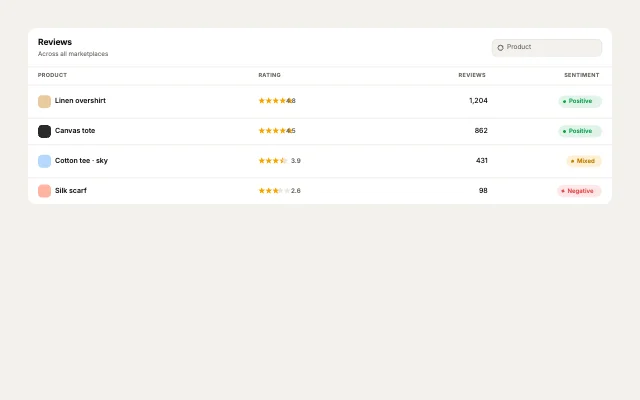
- A way to show a read-only average next to the input.
Use it in your app
The code for Star Rating, with its real file and input names. Every component on this page works the same way.
npm install exodeuiimport { useEffect } from 'react';
import { ExodeUICanvas, useExodeUI } from 'exodeui';
export function RdStars() {
const { engine, setEngine, updateInput, fireTrigger } = useExodeUI();
useEffect(() => {
updateInput("Star Rating · Selected", "Hello");
}, [engine]);
return (
<>
<ExodeUICanvas src="/rd-stars.bexode" onReady={setEngine} />
</>
);
}Questions
Is this star rating component free?
Yes. Every design comes from a studio built into the ExodeUI editor, and the studios are part of the free Community plan. You can open and change any design without a paid plan, or download its .exode file from its page. The runtimes are free npm, Swift and Flutter packages.
Can it do half stars?
Yes. The Star Rating Slider fills in half steps as you drag. The radio version picks whole stars.
How do I read the rating?
The radio version reports the selected index and the slider reports its Value. Read either from your runtime and send it to your server.
Which frameworks does it work in?
Each design is one .exode file. The ExodeUI runtimes play the same file in React, Vue, Svelte, Angular, Solid, React Native, SwiftUI and Flutter, and the inputs have the same names in all of them.
Can I change the star shape or colour?
Yes. Open it in ExodeUI and every part is a native layer: colours, type, motion curves, springs and logic. The input names stay the same, so code that already uses the design keeps working.
Related
More free components
- Animated UI components
- Interactive UI components
- Animated elements for websites
- Animated React components
- Micro-interactions
- Animated form components
- Dark mode toggle
- Segmented control
- Range slider
- Knobs and dials
- Floating label input
- OTP input
- Password input
- Search bar
- Image carousel
- Donut chart
- Line chart
- Pricing table
- Liquid glass UI kit
Make your own in ExodeUI
Free to start. Every studio behind these components is built into the editor, and everything it makes stays native and editable.
Try ExodeUI for free