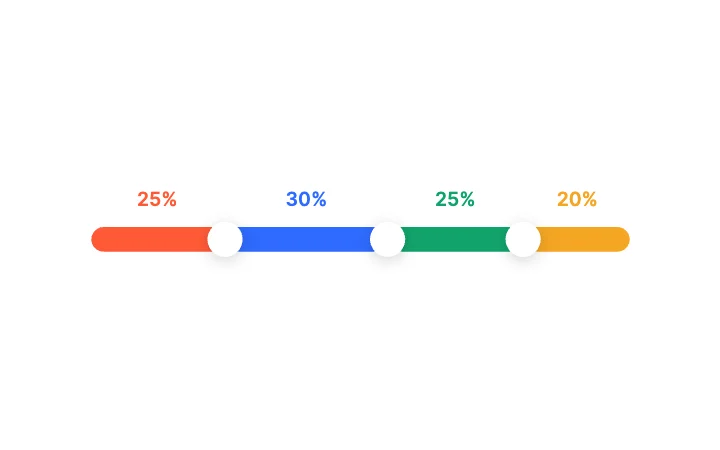
Three-Way SplitSlider · Range & Multi-Thumb
Free · Live demos · Updated November 2026
Free interactive UI components
These 40 free interactive UI components have the most inputs in Exode Galleries, the values your app sets and reads. A chart returns the point under the finger, a map returns the selected place, a list returns the selected row. Try each one below, then open it in ExodeUI and wire the same inputs in your own code.
The list is sorted by how many state machine inputs a design exposes, so the components at the top give your code the most to work with.
We make ExodeUI. Every component on this page comes from our own library.
Try them live 40
Every component below is running. Drag, tap or type to try it, then open it in ExodeUI or see its inputs and code.
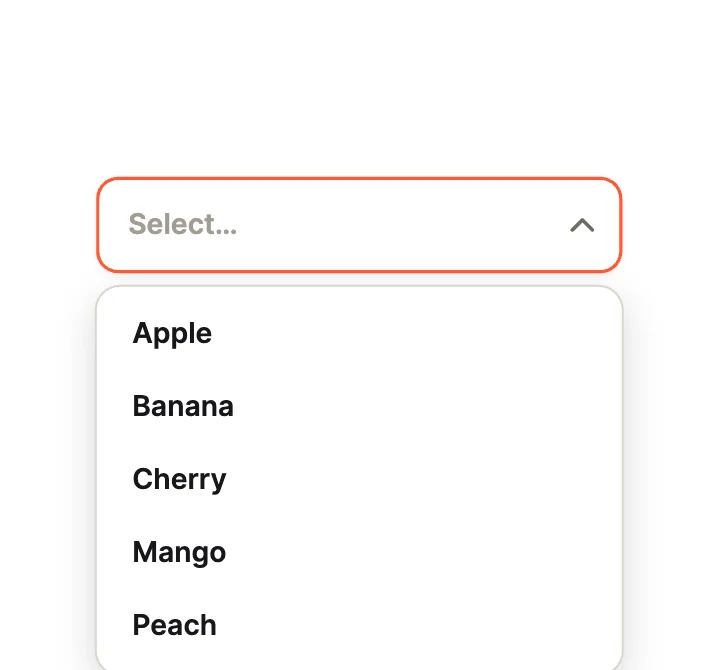
Simple SelectDropdown · Classic Fields
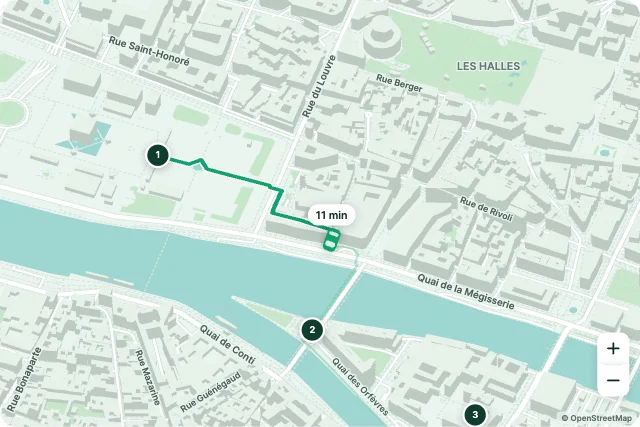
Live DeliveryMap · Journeys
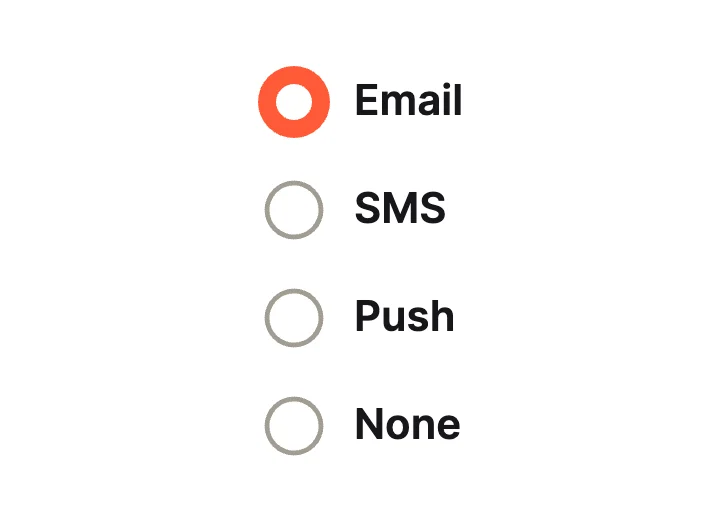
Thick RingRadio group · Classic Lists
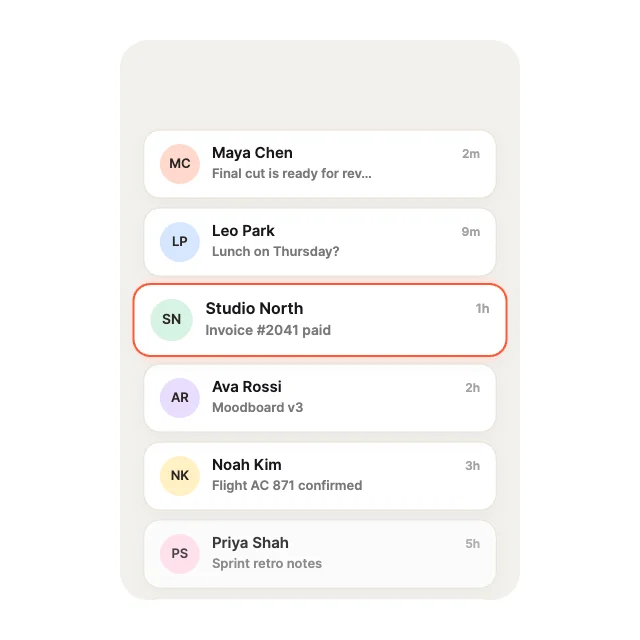
Magnetic SnapList view · Elastic Physics
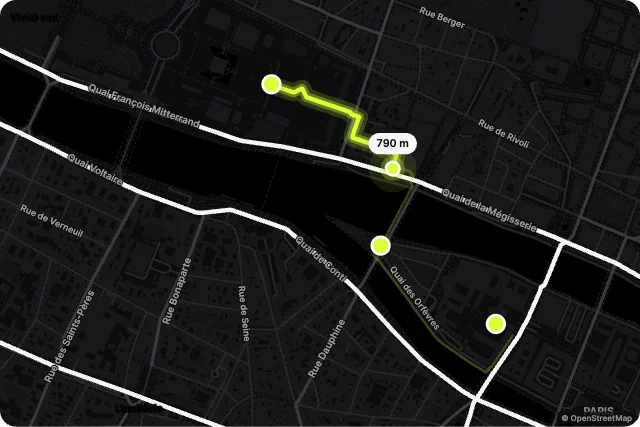
Run TraceMap · Journeys

Square SwitchToggle · Classic Switches

Breathing Ambient GlowText field · Reactive Border & Light
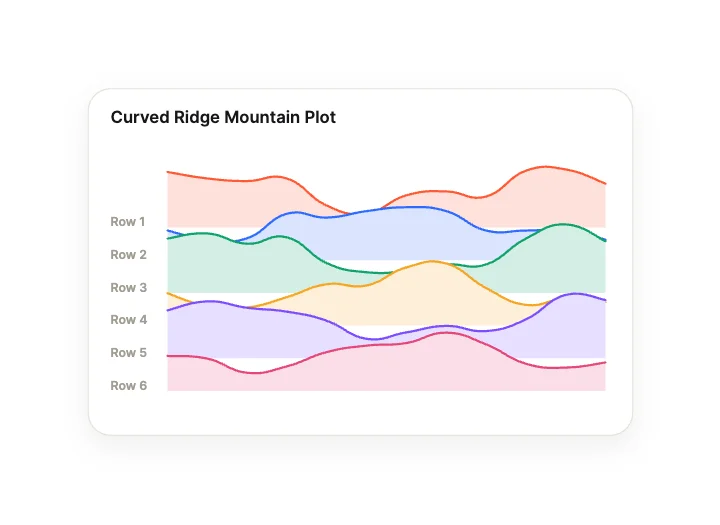
Curved Ridge Mountain PlotChart · Curves, Lines & Areas
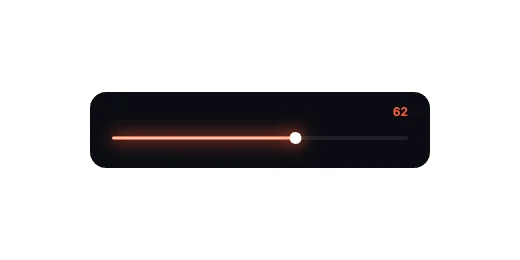
Neon LineSlider · Track & Fill

Thin TrackToggle · Classic Switches

Red-Line Pulse BleedText field · Physics & Validation
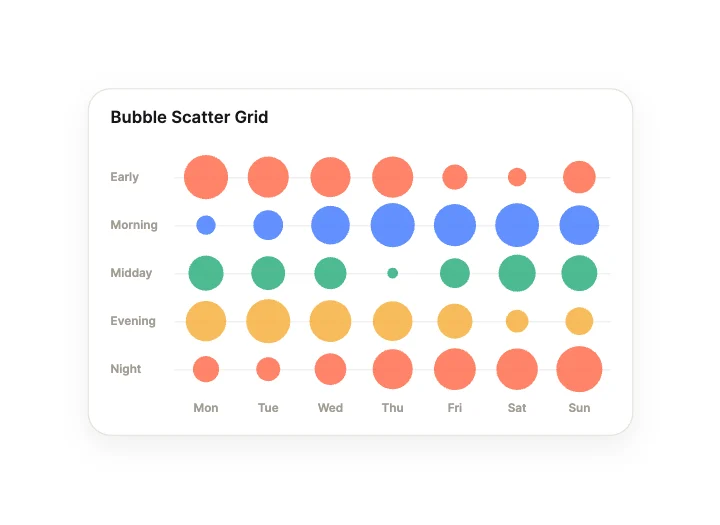
Bubble Scatter GridChart · Grids, Matrices & Density

Classic SwitchToggle · Classic Switches

Sliding Underline RailText field · Label & Frame Morphing

Autoplay Ken BurnsImage gallery · Marquees & Loops
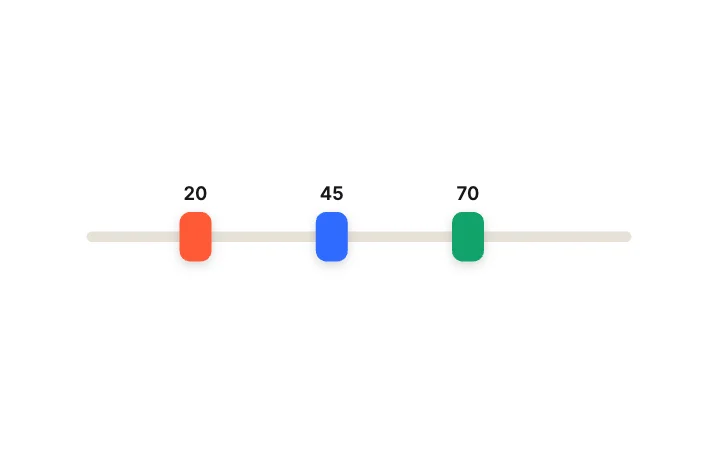
Pushing ThumbsSlider · Range & Multi-Thumb
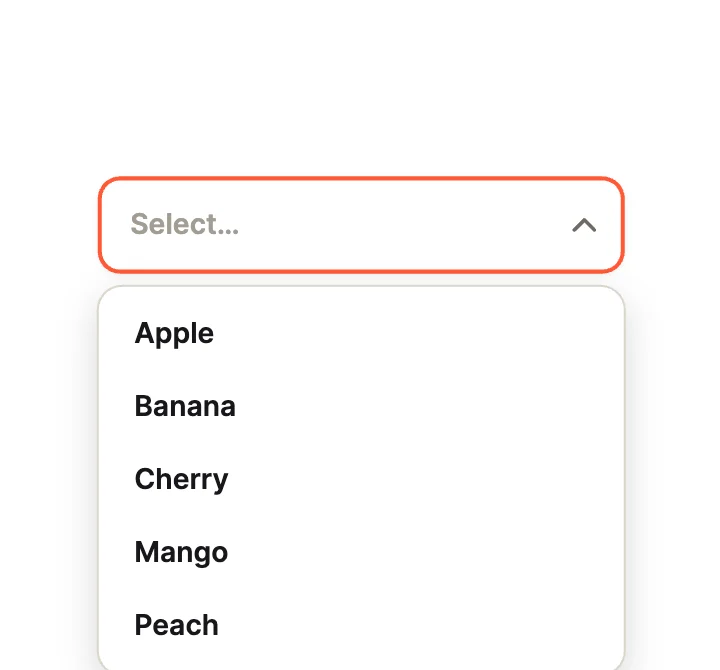
OutlinedDropdown · Classic Fields
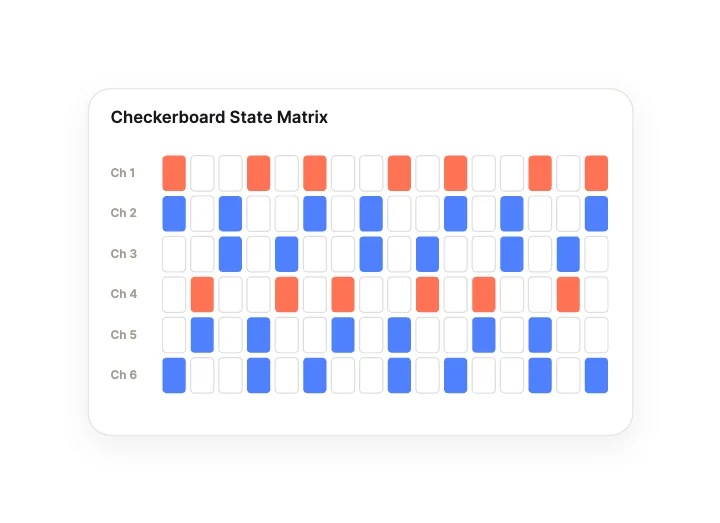
Checkerboard State MatrixChart · Grids, Matrices & Density
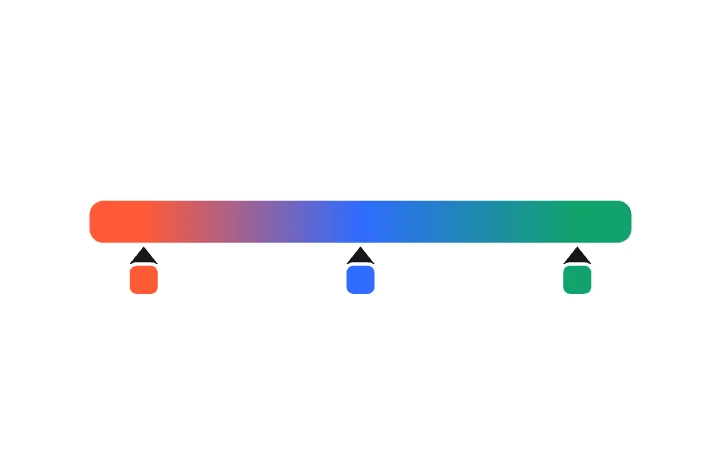
Colour Stop EditorSlider · Range & Multi-Thumb
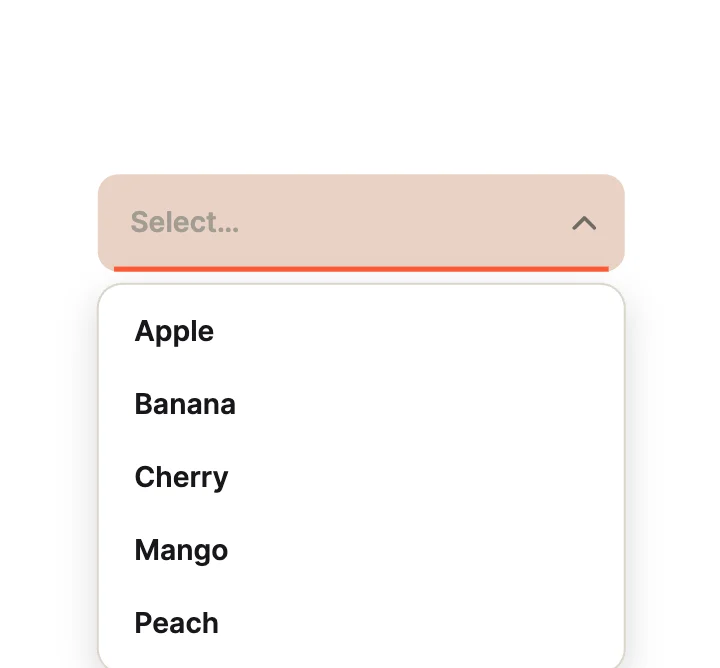
FilledDropdown · Classic Fields

Stories CubeImage gallery · Editorial & Story
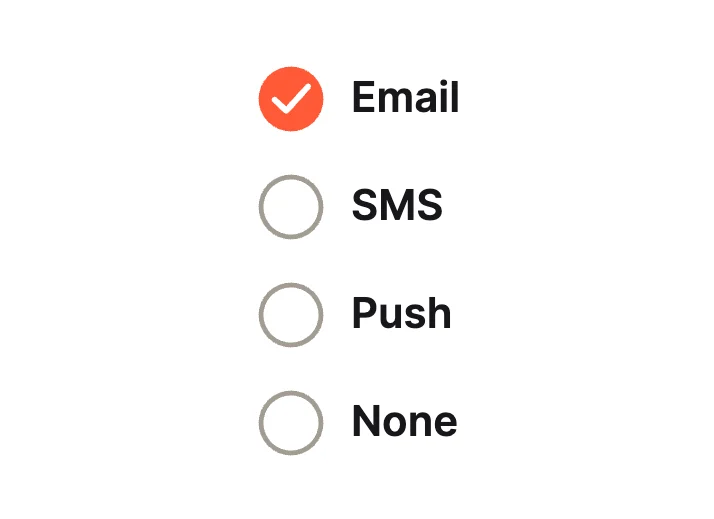
Check ListRadio group · Classic Lists
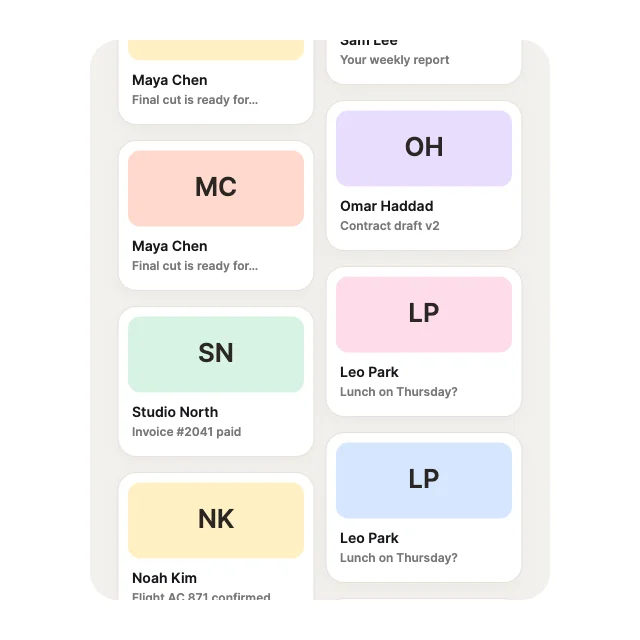
Dual RollerList view · Multi-Axis
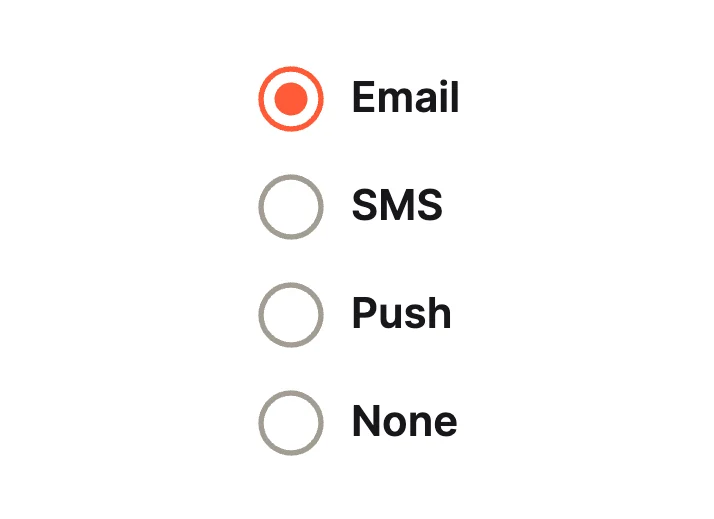
Dot ListRadio group · Classic Lists
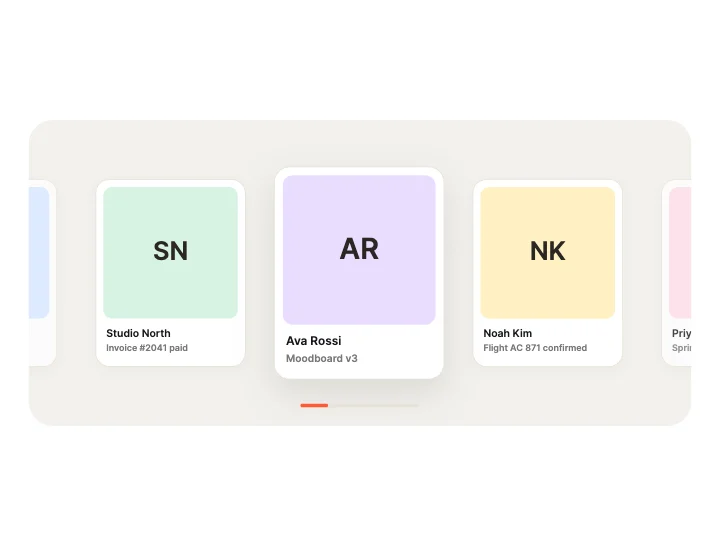
Snapping RibbonList view · Loops & Marquees
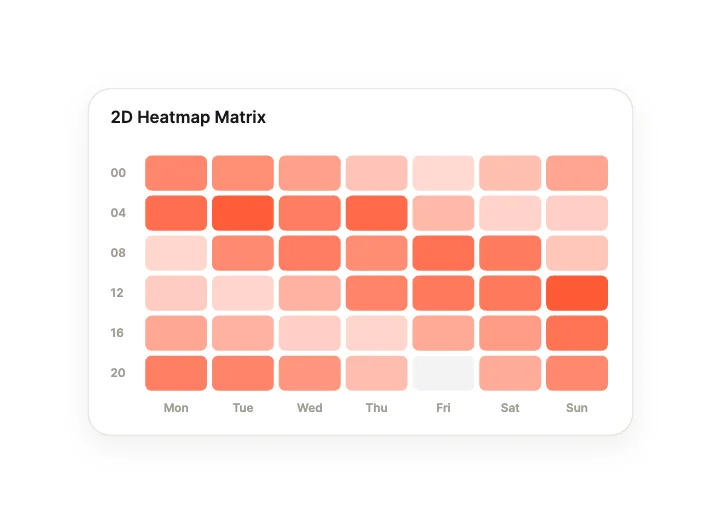
2D Heatmap MatrixChart · Grids, Matrices & Density

Thumb HaloToggle · Classic Switches

Harmonic Spring ShakeText field · Physics & Validation

Auto FeedImage gallery · Marquees & Loops
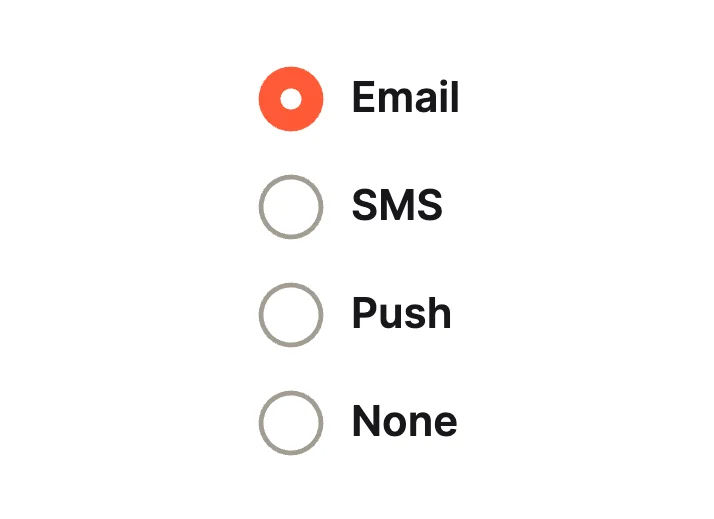
Filled CircleRadio group · Classic Lists
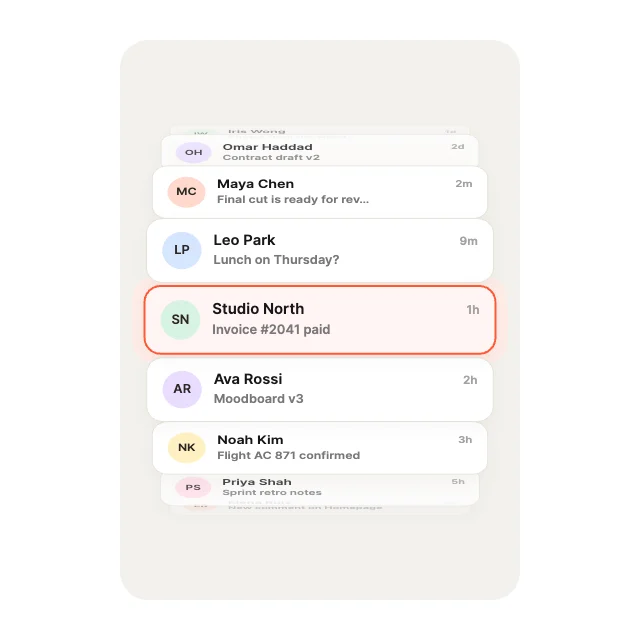
Heavy FlywheelList view · Elastic Physics
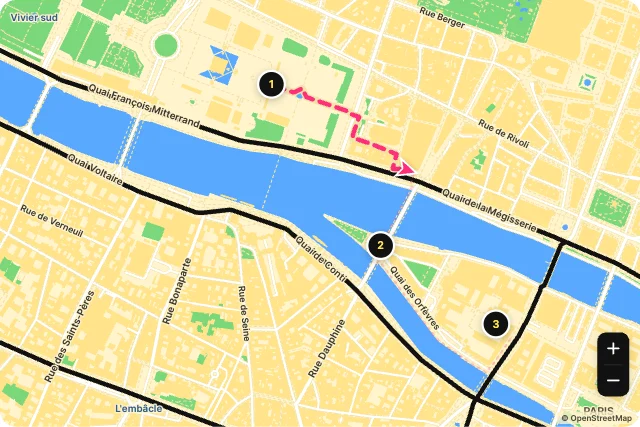
Road TripMap · Journeys
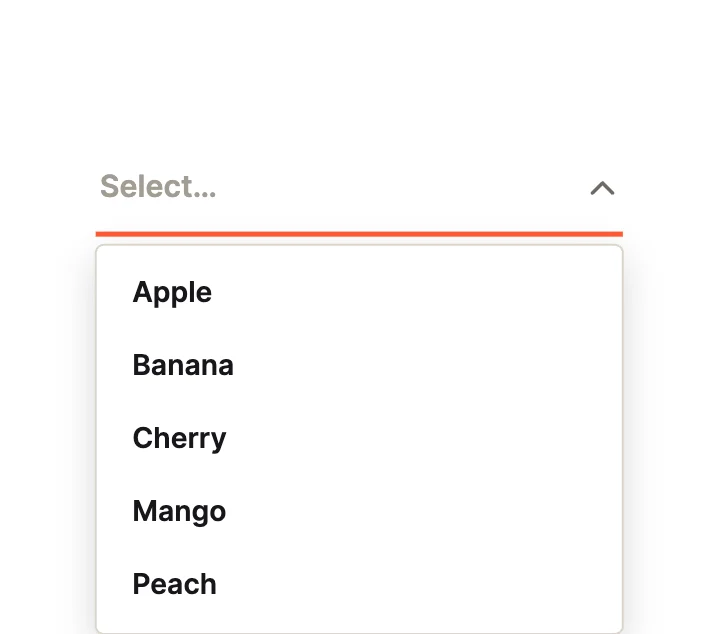
UnderlineDropdown · Classic Fields

Throw & CoastImage gallery · Physics & Elastic

CommuteMap · Journeys
Loading more… 36 of 40
What makes a UI component interactive
- It reports what the user did: a value, a selection, a press.
- Your code can set its state too, from settings or a server.
- Hover, drag and tap all give feedback.
- The logic lives in the component, not in glue code around it.
Use it in your app
The code for Three-Way Split, with its real file and input names. Every component on this page works the same way.
npm install exodeuiimport { useEffect } from 'react';
import { ExodeUICanvas, useExodeUI } from 'exodeui';
export function ThreeThumbs() {
const { engine, setEngine, updateInput, fireTrigger } = useExodeUI();
useEffect(() => {
updateInput("Three-Way Split · Value (start)", 70);
}, [engine]);
return (
<>
<ExodeUICanvas src="/three-thumbs.bexode" onReady={setEngine} />
</>
);
}Questions
What is an interactive UI component?
A part of an interface that responds to the user and reports back. In ExodeUI this is done with state machine inputs: numbers, booleans, text and triggers your code reads and sets.
Are these interactive components free?
Yes. Every design comes from a studio built into the ExodeUI editor, and the studios are part of the free Community plan. You can open and change any design without a paid plan, or download its .exode file from its page. The runtimes are free npm, Swift and Flutter packages.
How does my app read the user’s choice?
Each runtime gives you the input values. In React you call updateInput to set one and read the values the engine reports; the other runtimes use the same input names.
Which frameworks do they work in?
Each design is one .exode file. The ExodeUI runtimes play the same file in React, Vue, Svelte, Angular, Solid, React Native, SwiftUI and Flutter, and the inputs have the same names in all of them.
Can an AI coding tool wire them up?
Yes. The ExodeUI MCP server lets Claude Code, Cursor and other AI coding tools list the library and add a design to your file from a plain-language prompt.
Related
More free components
- Animated UI components
- Animated elements for websites
- Animated React components
- Micro-interactions
- Animated form components
- Dark mode toggle
- Star rating
- Segmented control
- Range slider
- Knobs and dials
- Floating label input
- OTP input
- Password input
- Search bar
- Image carousel
- Donut chart
- Line chart
- Pricing table
- Liquid glass UI kit
Make your own in ExodeUI
Free to start. Every studio behind these components is built into the editor, and everything it makes stays native and editable.
Try ExodeUI for free