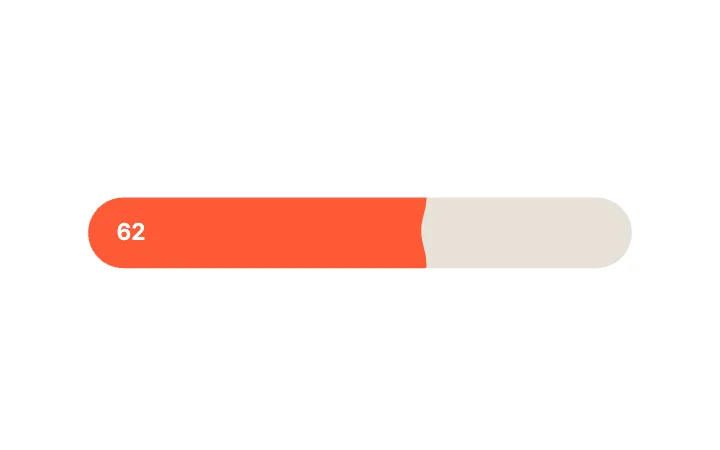
Liquid Wave FillSlider · Physics & Fluid
Free · Live demos · Updated November 2026
Free animated form components
These 30 free animated form components cover a whole form: text fields, checkboxes, radio groups, dropdowns, toggles and sliders. Each one keeps real state, such as Checked, Selected or Value, that your validation and submit code reads. Try them live below, then open them in ExodeUI for free and use them in your framework.
Five picks from each form studio, so you can build a consistent form from one place.
We make ExodeUI. Every component on this page comes from our own library.
Try them live 30
Every component below is running. Drag, tap or type to try it, then open it in ExodeUI or see its inputs and code.
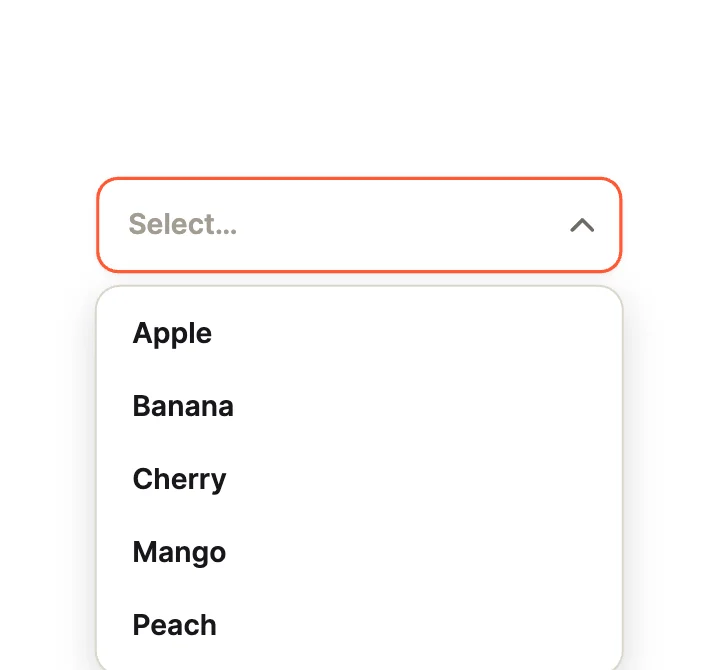
Spring DropDropdown · Open Motion

HeartCheckbox · Expressive
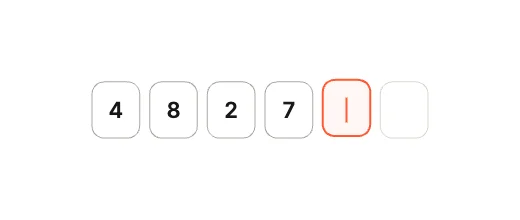
PIN Cubes, Flying CaretText field · Segmented & Stepped
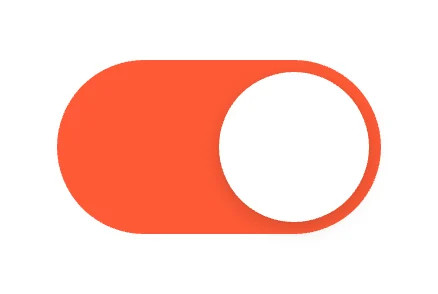
Jelly KnobToggle · Knob Physics
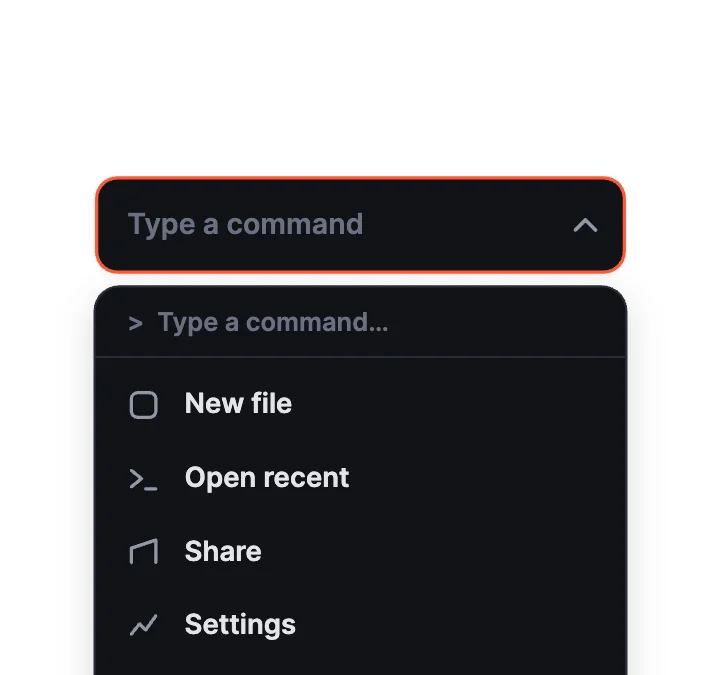
Command MenuDropdown · Pickers
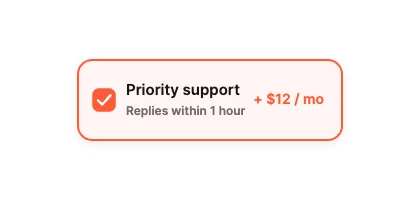
Add-On CardCheckbox · Cards & Rows
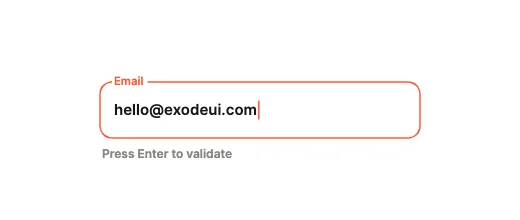
Harmonic Spring ShakeText field · Physics & Validation

City LightsToggle · Scenery
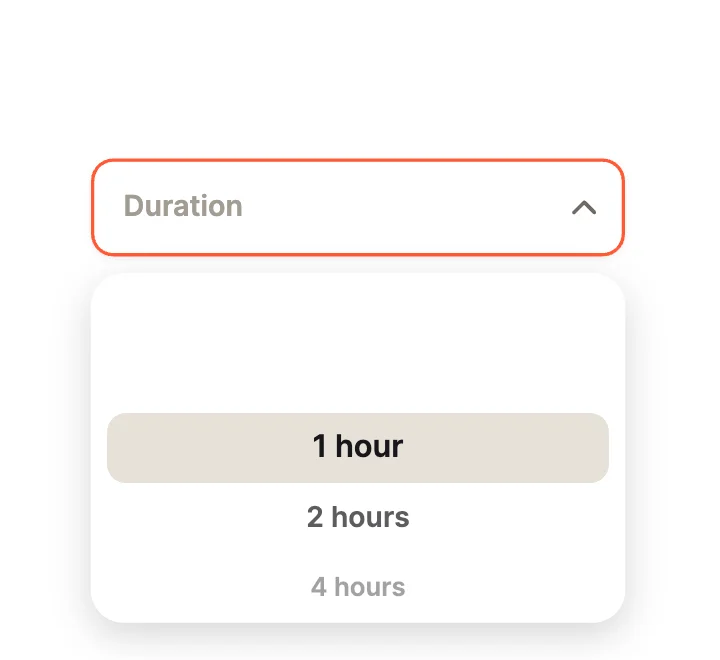
Wheel PickerDropdown · Pickers
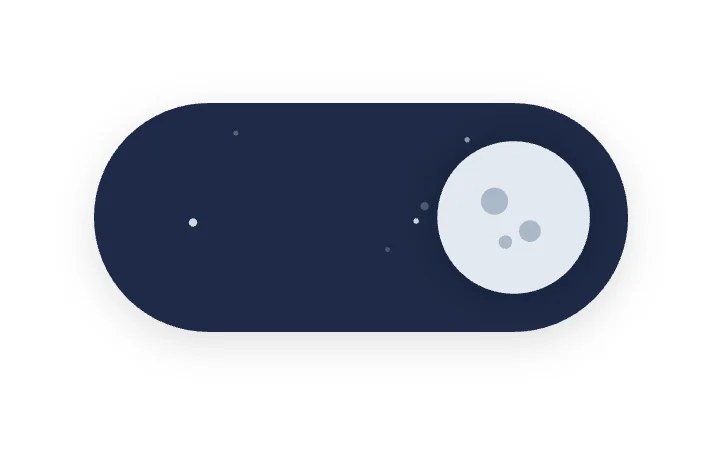
Day & NightToggle · Scenery
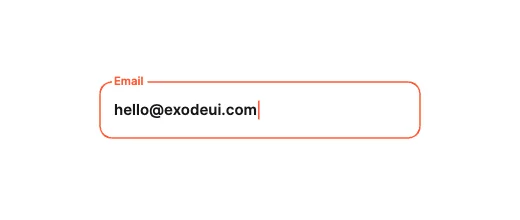
Notch CutoutText field · Label & Frame Morphing
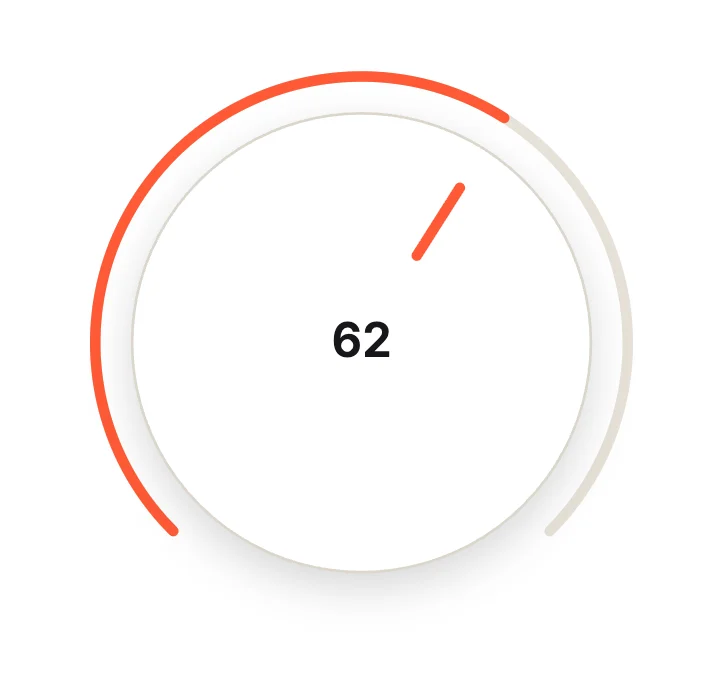
Rotary KnobSlider · Circular & Radial
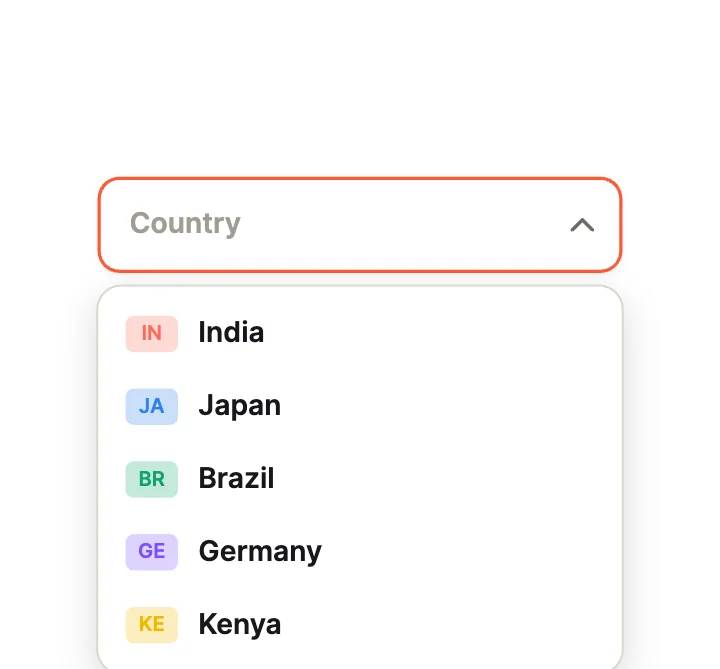
CountryDropdown · Rich Items
ConfettiCheckbox · Expressive
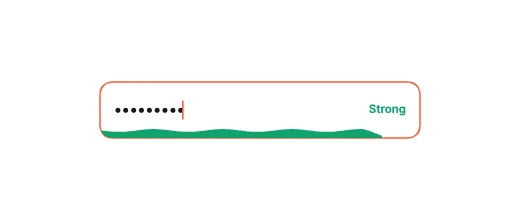
Fluid Password WaveText field · Micro-Metrics & Passwords

Sun / MoonToggle · Icon Morph
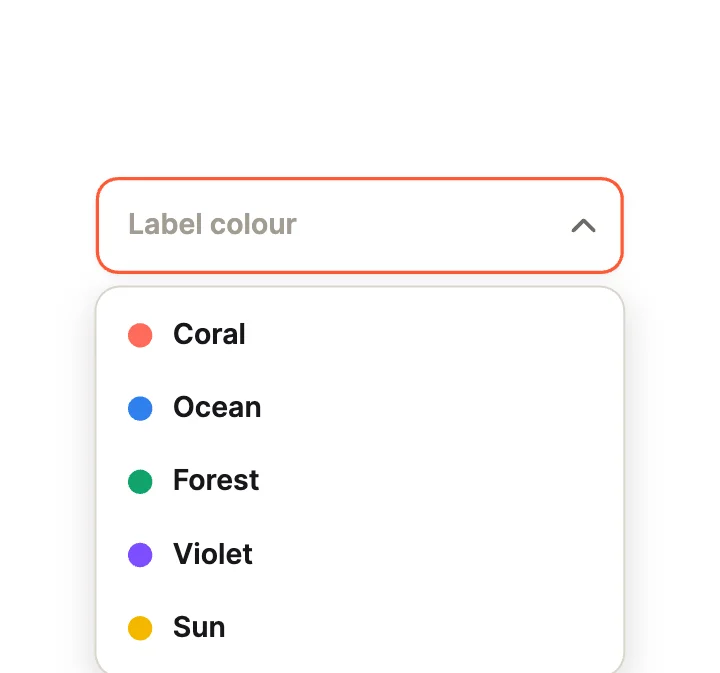
Colour LabelsDropdown · Rich Items

Cross to TickCheckbox · Check Motion
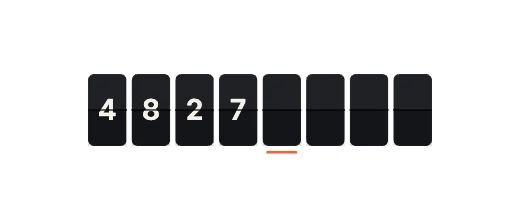
Split-Flap DisplayText field · Segmented & Stepped

Draw-On TickCheckbox · Check Motion
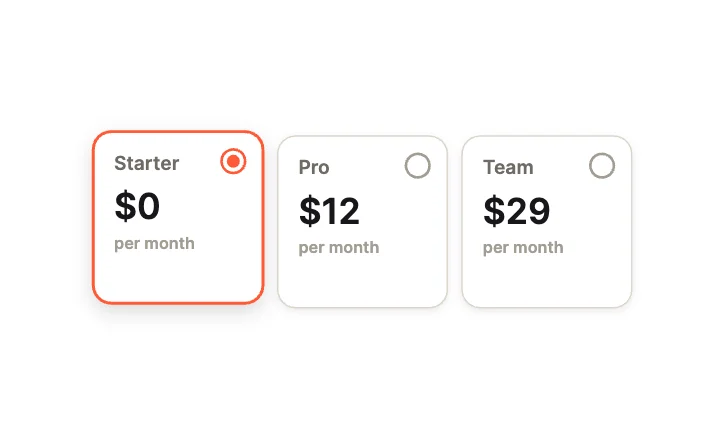
Plan CardsRadio group · Cards

Peeking CatToggle · Characters

Star RatingRadio group · Pickers
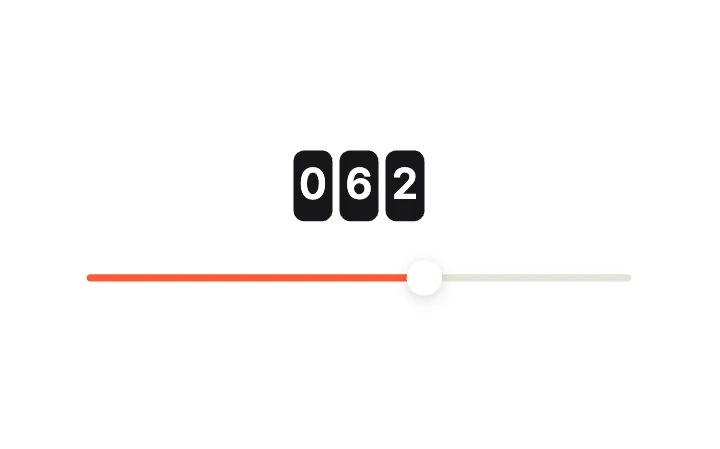
Odometer ReadoutSlider · Value Display
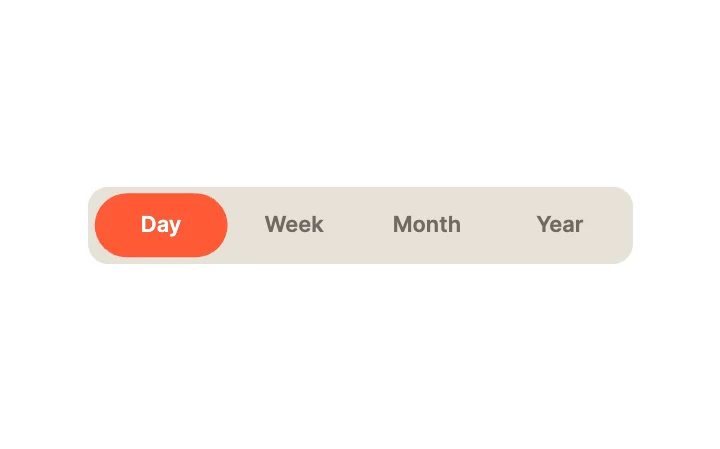
GooeyRadio group · Segmented
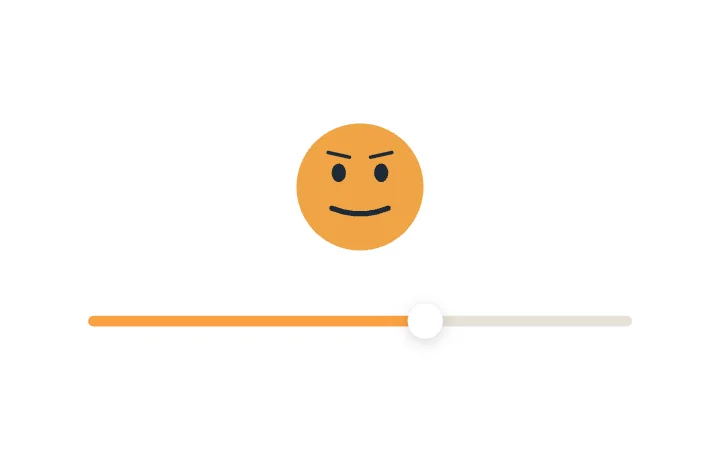
Face MorphSlider · Expressive & Kinetic
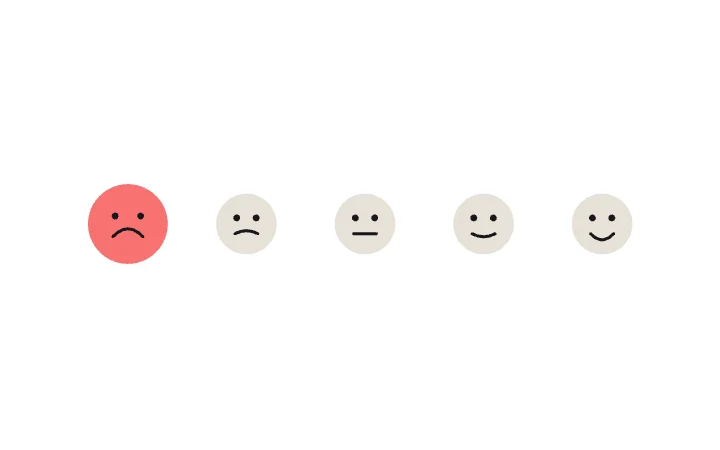
Mood FacesRadio group · Pickers
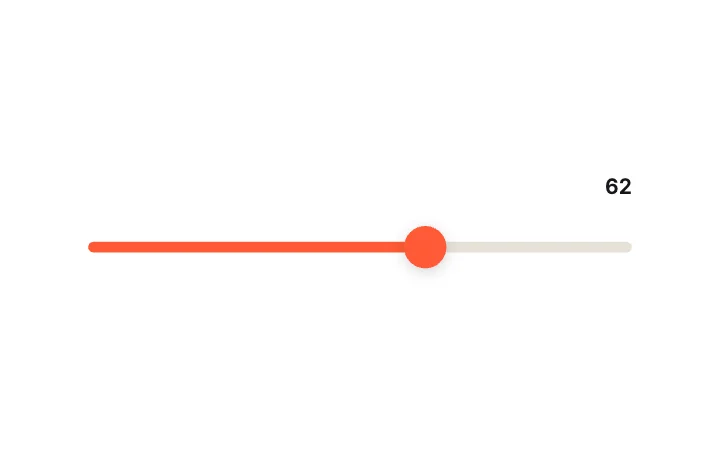
Squash & Stretch ThumbSlider · Thumb Mechanics
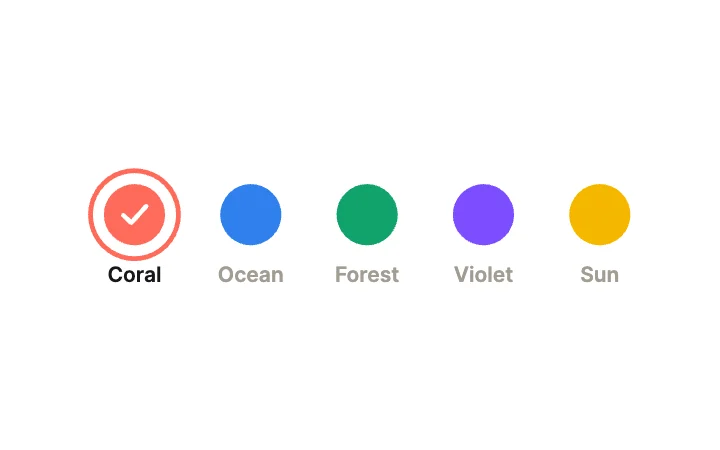
Colour SwatchesRadio group · Cards
What to check in an animated form component
- Real typing and real selection, not a picture of a field.
- Focus, error and valid states your validation can drive.
- Labels that stay readable when the field is filled.
- Tap targets big enough for a phone.
Use it in your app
The code for Liquid Wave Fill, with its real file and input names. Every component on this page works the same way.
npm install exodeuiimport { useEffect } from 'react';
import { ExodeUICanvas, useExodeUI } from 'exodeui';
export function LiquidWave() {
const { engine, setEngine, updateInput, fireTrigger } = useExodeUI();
useEffect(() => {
updateInput("Liquid Wave Fill · Value", 70);
}, [engine]);
return (
<>
<ExodeUICanvas src="/liquid-wave.bexode" onReady={setEngine} />
</>
);
}Questions
Are these form components free?
Yes. Every design comes from a studio built into the ExodeUI editor, and the studios are part of the free Community plan. You can open and change any design without a paid plan, or download its .exode file from its page. The runtimes are free npm, Swift and Flutter packages.
Can my validation code show the error state?
Yes. Text fields have Focus, Error and Valid inputs. Set Error from your validation and the field plays its error motion.
Do they replace native form inputs?
They can, where you want a custom look and motion. For a plain admin form, the browser or platform default is often the better choice.
Which frameworks do they work in?
Each design is one .exode file. The ExodeUI runtimes play the same file in React, Vue, Svelte, Angular, Solid, React Native, SwiftUI and Flutter, and the inputs have the same names in all of them.
Can I change them?
Yes. Open it in ExodeUI and every part is a native layer: colours, type, motion curves, springs and logic. The input names stay the same, so code that already uses the design keeps working.
Related
More free components
- Animated UI components
- Interactive UI components
- Animated elements for websites
- Animated React components
- Micro-interactions
- Dark mode toggle
- Star rating
- Segmented control
- Range slider
- Knobs and dials
- Floating label input
- OTP input
- Password input
- Search bar
- Image carousel
- Donut chart
- Line chart
- Pricing table
- Liquid glass UI kit
Make your own in ExodeUI
Free to start. Every studio behind these components is built into the editor, and everything it makes stays native and editable.
Try ExodeUI for free