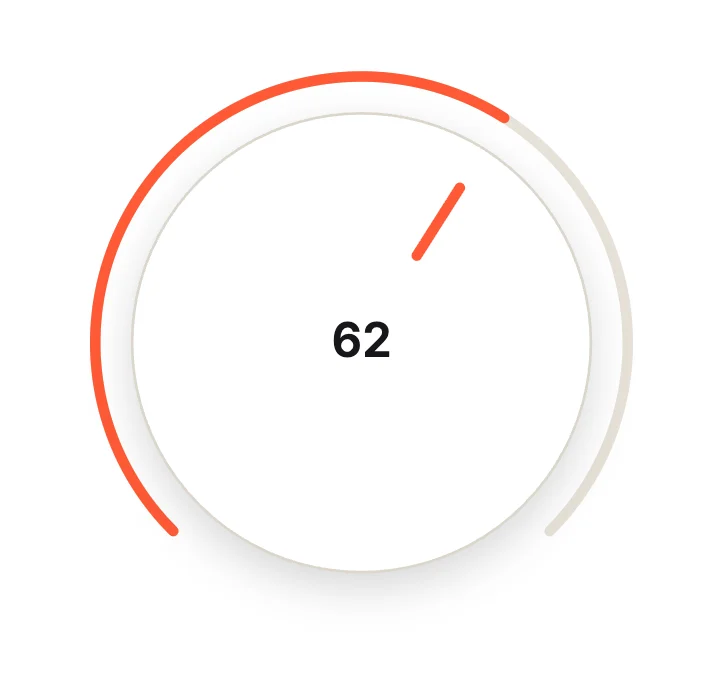
Rotary KnobCircular & Radial
Free · Live demos · Updated November 2026
Free knob and dial controls
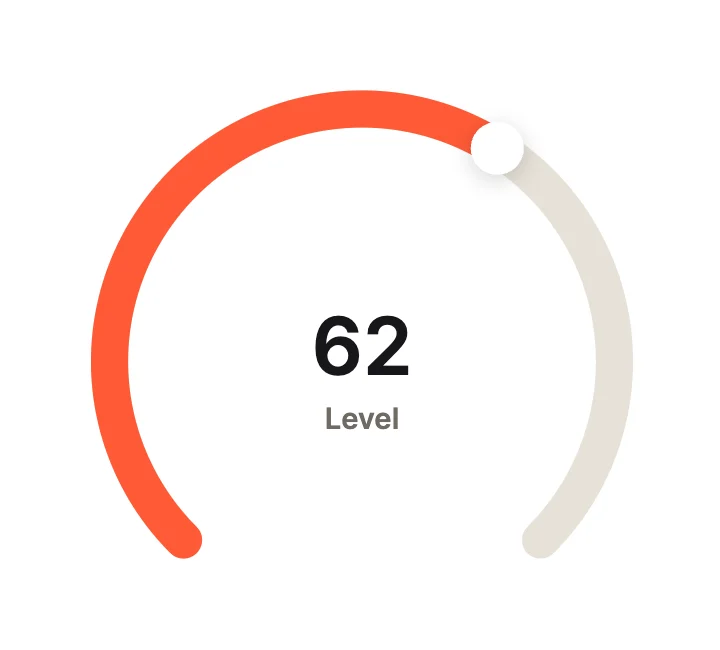
These 10 free knobs and dials turn as you drag: rotary knobs, circular sliders, gauges and timers. Each one is live below. The angle maps to a Value input, so your app reads it for volume, temperature or time, and can set it too.
A knob saves space and feels physical, which is why music, smart home and car interfaces use them.
We make ExodeUI. Every component on this page comes from our own library.
Try them live 10
Every component below is running. Drag, tap or type to try it, then open it in ExodeUI or see its inputs and code.
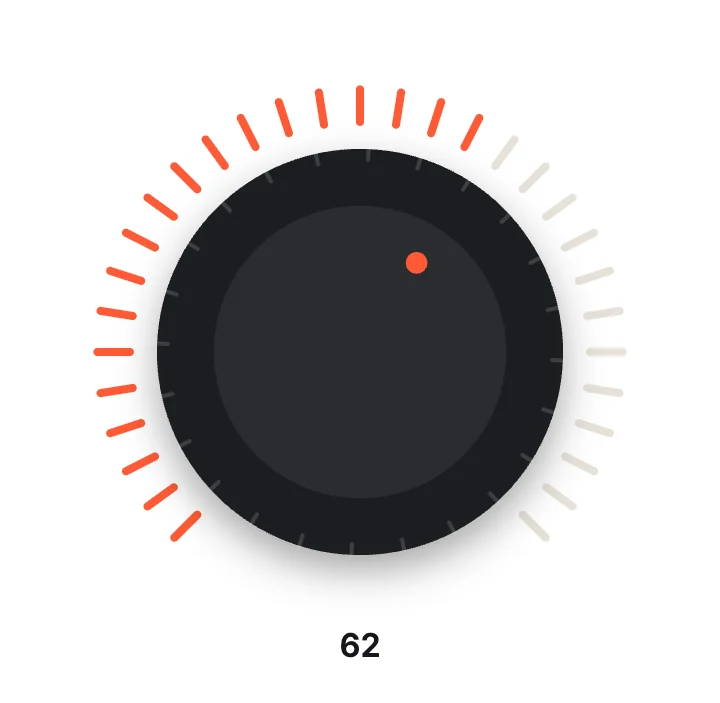
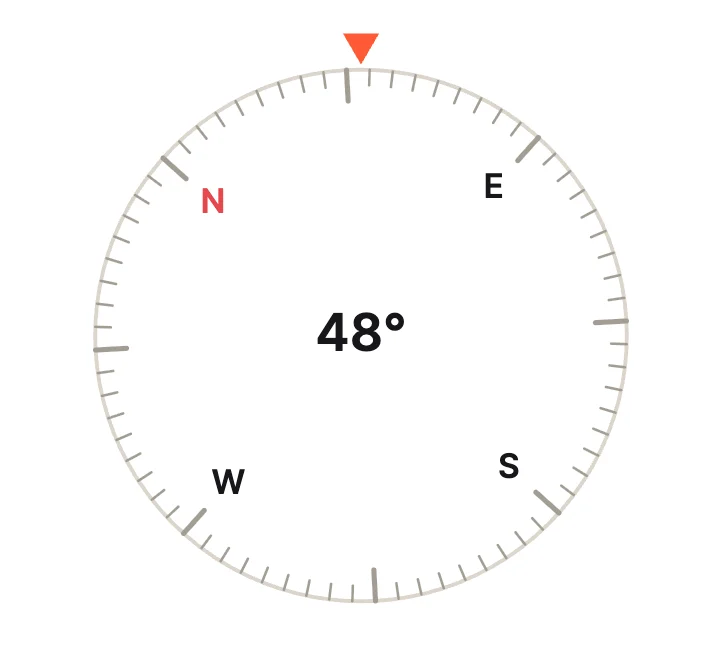
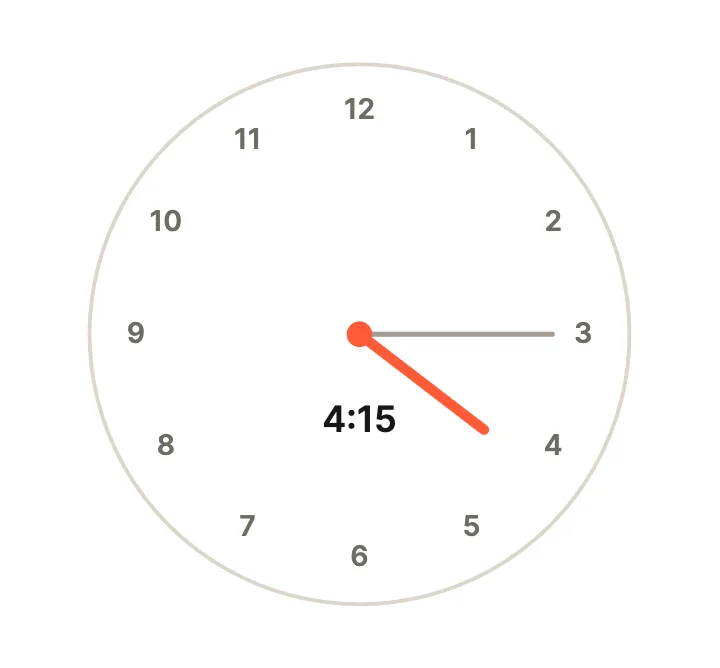
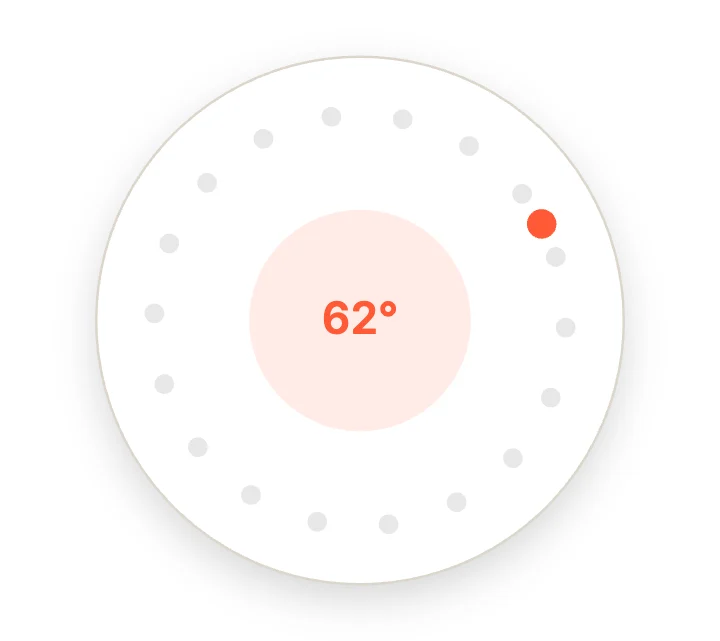
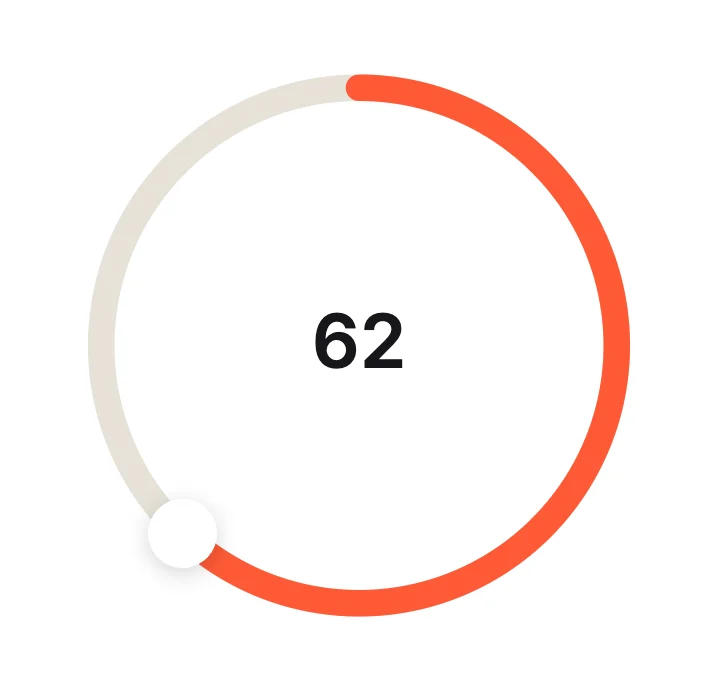
Ring SliderCircular & Radial
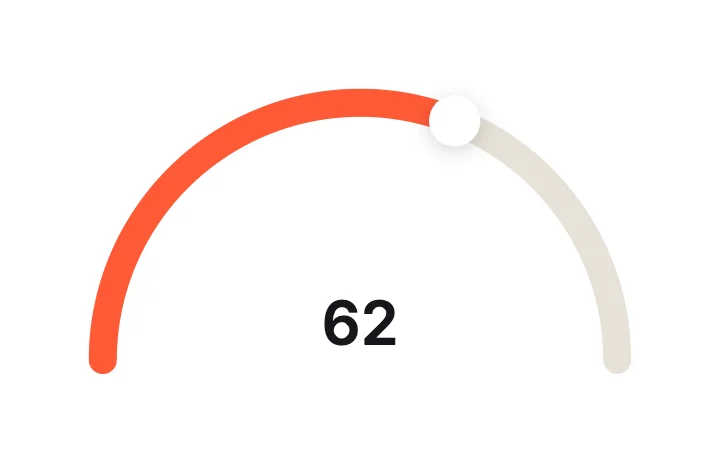
Half-Moon ArcCircular & Radial
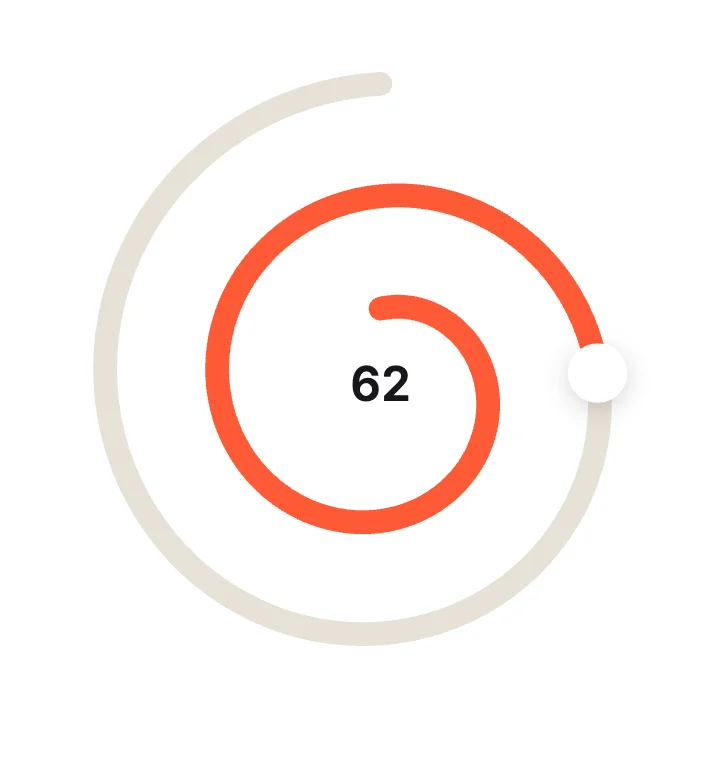
Spiral SliderCircular & Radial
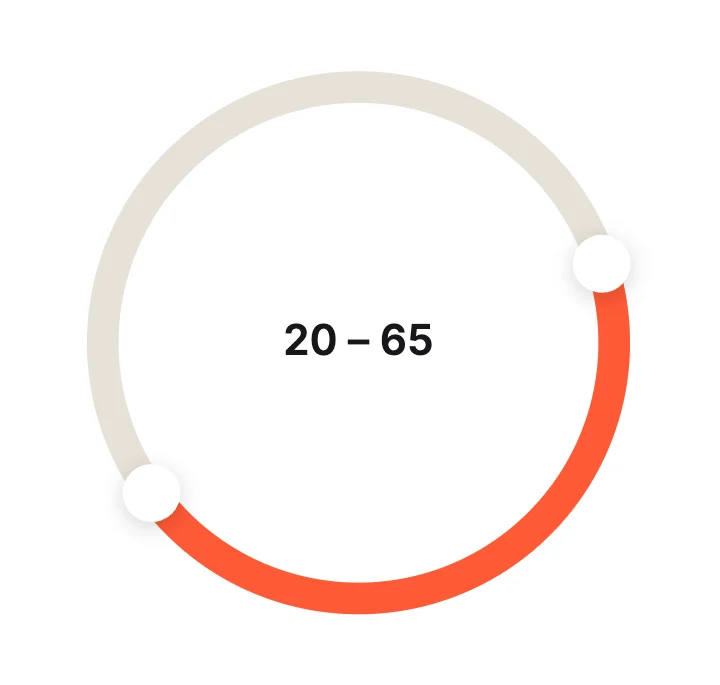
Ring RangeCircular & Radial
What to look for in a knob or dial
- Drag works in a straight line as well as in a circle.
- The value is shown, not only the angle.
- Clear start and end stops.
- Big enough to grab on a touch screen.
Use it in your app
The code for Rotary Knob, with its real file and input names. Every component on this page works the same way.
npm install exodeuiimport { useEffect } from 'react';
import { ExodeUICanvas, useExodeUI } from 'exodeui';
export function RotaryKnob() {
const { engine, setEngine, updateInput, fireTrigger } = useExodeUI();
useEffect(() => {
updateInput("Rotary Knob · Value", 70);
}, [engine]);
return (
<>
<ExodeUICanvas src="/rotary-knob.bexode" onReady={setEngine} />
</>
);
}Questions
Is this knob control free?
Yes. Every design comes from a studio built into the ExodeUI editor, and the studios are part of the free Community plan. You can open and change any design without a paid plan, or download its .exode file from its page. The runtimes are free npm, Swift and Flutter packages.
How do I read the value?
Each knob is a slider widget with a Value input. Read it from your runtime or set it to turn the knob.
Knob or slider?
Use a knob where space is tight or a physical feel matters. Use a straight slider where precision matters more.
Which frameworks does it work in?
Each design is one .exode file. The ExodeUI runtimes play the same file in React, Vue, Svelte, Angular, Solid, React Native, SwiftUI and Flutter, and the inputs have the same names in all of them.
Can I change it?
Yes. Open it in ExodeUI and every part is a native layer: colours, type, motion curves, springs and logic. The input names stay the same, so code that already uses the design keeps working.
Related
More free components
- Animated UI components
- Interactive UI components
- Animated elements for websites
- Animated React components
- Micro-interactions
- Animated form components
- Dark mode toggle
- Star rating
- Segmented control
- Range slider
- Floating label input
- OTP input
- Password input
- Search bar
- Image carousel
- Donut chart
- Line chart
- Pricing table
- Liquid glass UI kit
Make your own in ExodeUI
Free to start. Every studio behind these components is built into the editor, and everything it makes stays native and editable.
Try ExodeUI for free