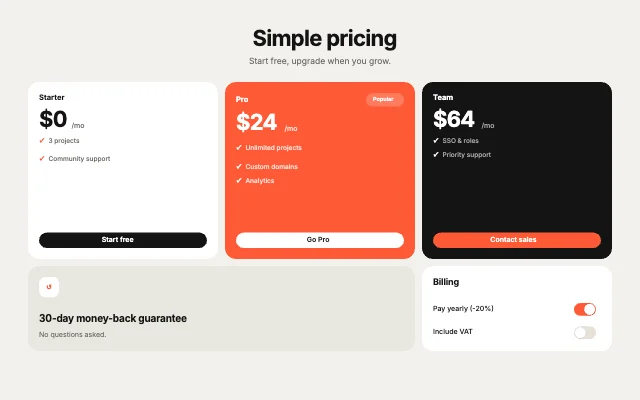
Pricing TrioBento grid · Team, pricing & about
Free · Live demos · Updated November 2026
Free pricing table
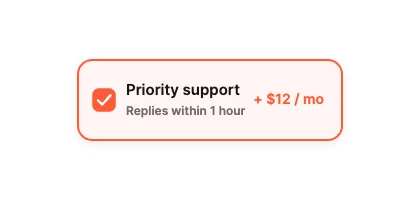
These 7 free pieces build a pricing section: three plan cards, a feature comparison table that turns into cards on phones, a monthly and yearly switch with a savings badge, add-on cards and a price slider. Each one is live below. Edit the plans and prices in ExodeUI and drop them into your site.
A pricing page is a set of parts. Use the plan cards on their own, or with the billing switch and comparison table under them.
We make ExodeUI. Every component on this page comes from our own library.
Try them live 7
Every component below is running. Drag, tap or type to try it, then open it in ExodeUI or see its inputs and code.
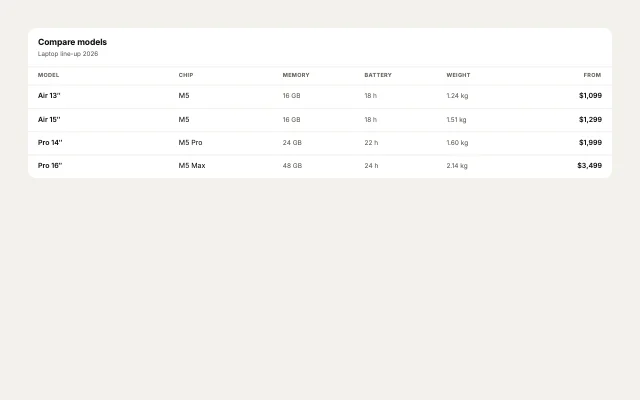
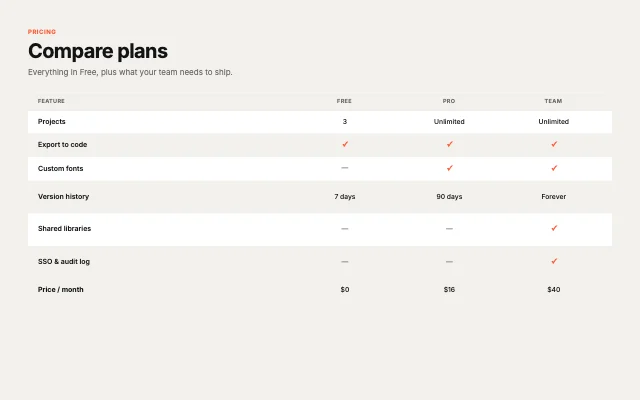
Plan comparisonTable · Compare & schedule
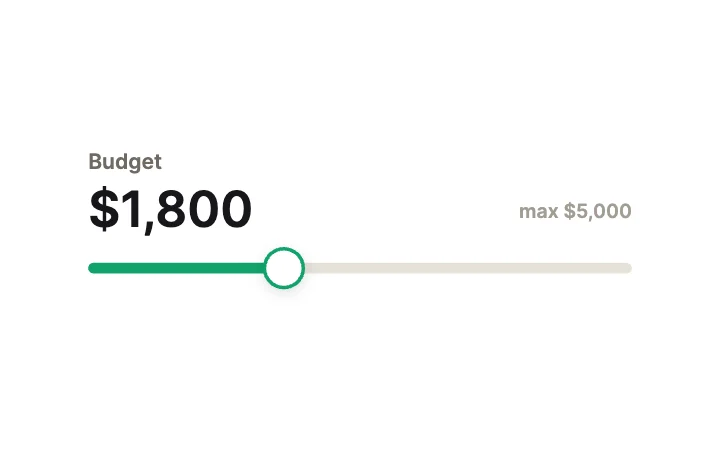
Price SliderSlider · Value Display
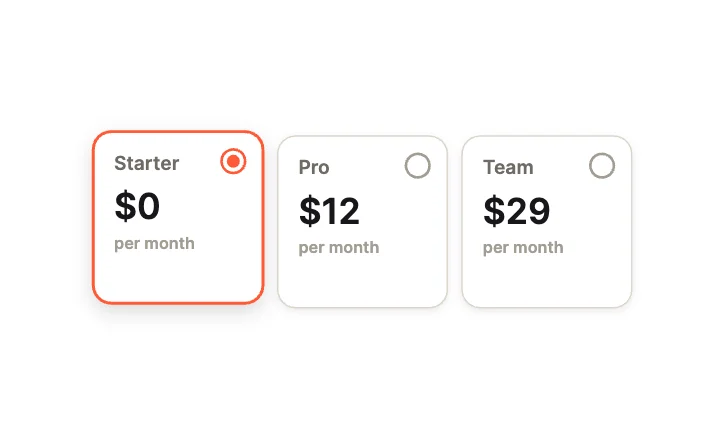
Plan CardsRadio group · Cards
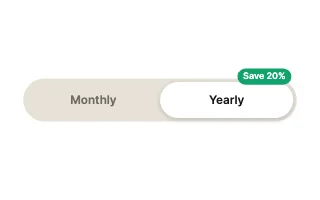
Billing PeriodToggle · Segmented & Multi-State
What to look for in a pricing table
- The recommended plan stands out, but not by hiding the others.
- Monthly and yearly prices are easy to compare.
- The comparison stays readable on a phone.
- Prices are text you can change, not part of an image.
Use it in your app
The code for Pricing Trio, with its real file and input names. Every component on this page works the same way.
npm install exodeuiimport { useEffect } from 'react';
import { ExodeUICanvas, useExodeUI } from 'exodeui';
export function PricingTrio() {
const { engine, setEngine, updateInput, fireTrigger } = useExodeUI();
useEffect(() => {
}, [engine]);
return (
<>
<ExodeUICanvas src="/pricing-trio.bexode" onReady={setEngine} />
</>
);
}Questions
Is this pricing table free?
Yes. Every design comes from a studio built into the ExodeUI editor, and the studios are part of the free Community plan. You can open and change any design without a paid plan, or download its .exode file from its page. The runtimes are free npm, Swift and Flutter packages.
Does it work on phones?
Yes. The comparison table drops columns on tablets and turns rows into labelled cards on phones.
Can I change the plans and prices?
Yes. Plans and prices are text layers you edit in ExodeUI.
Which frameworks does it work in?
Each design is one .exode file. The ExodeUI runtimes play the same file in React, Vue, Svelte, Angular, Solid, React Native, SwiftUI and Flutter, and the inputs have the same names in all of them.
Can my code know which plan was picked?
Yes. The plan cards are a radio group, so the selected plan is an input your code reads.
Related
More free components
- Animated UI components
- Interactive UI components
- Animated elements for websites
- Animated React components
- Micro-interactions
- Animated form components
- Dark mode toggle
- Star rating
- Segmented control
- Range slider
- Knobs and dials
- Floating label input
- OTP input
- Password input
- Search bar
- Image carousel
- Donut chart
- Line chart
- Liquid glass UI kit
Make your own in ExodeUI
Free to start. Every studio behind these components is built into the editor, and everything it makes stays native and editable.
Try ExodeUI for free