Square CheckClassic
Checkbox Studio · 50 designs
Animated checkboxes. Ticks that draw, pop and morph, hearts and stars, selectable cards and chips.
Each checkbox is a native Checkbox widget: the tick, the pop and the label motion come with it, and the checked state is an input your code owns.

Thick BorderClassic
Inset BoxClassic
Draw-On TickCheck Motion
Bounce InCheck Motion
Hand-DrawnCheck Motion
Cross to TickCheck Motion

BookmarkExpressive
SmileExpressive
Notify MeExpressive
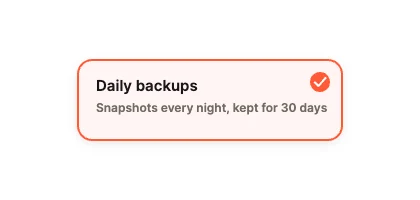
Select CardCards & Rows

Colour SwatchCards & Rows
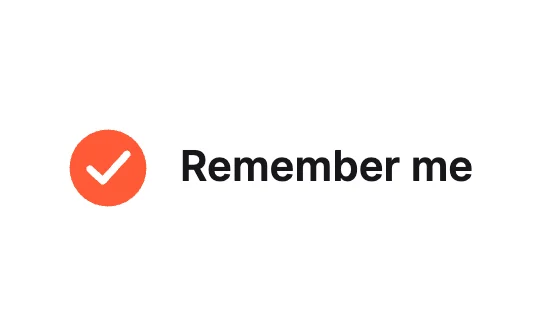
Round CheckClassic
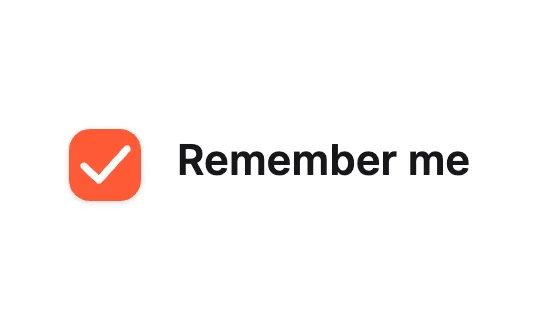
Soft RaisedClassic
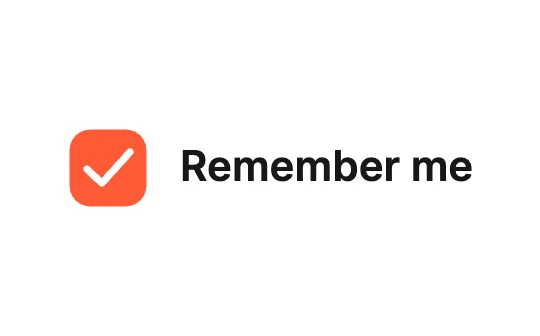
Dash to TickClassic
Mono SquareClassic
Rotate InCheck Motion
Elastic BoxCheck Motion
SparkleCheck Motion

StarExpressive
ConfettiExpressive
Show PasswordExpressive
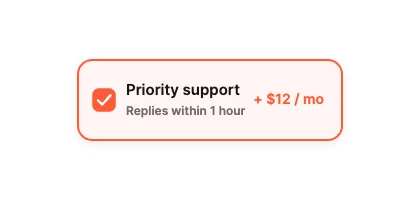
Add-On CardCards & Rows
Tag PickCards & Rows
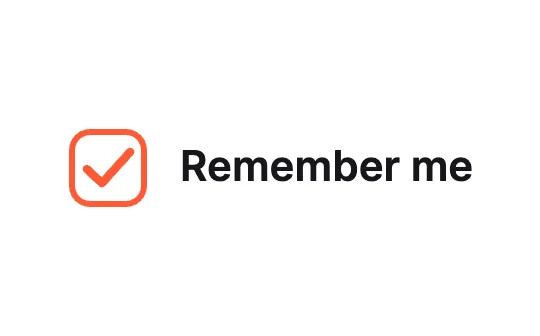
Outline TickClassic
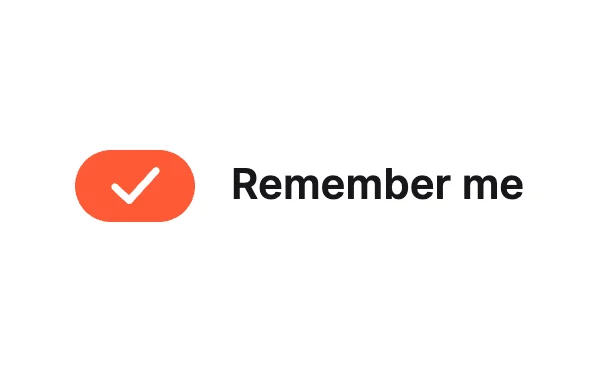
Pill CheckClassic
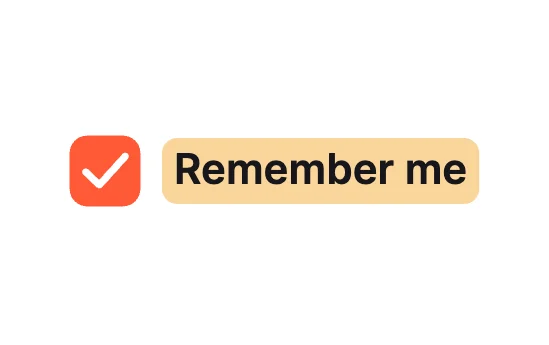
Label HighlightClassic
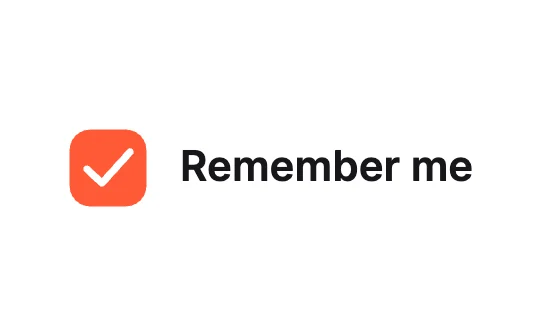
PopCheck Motion
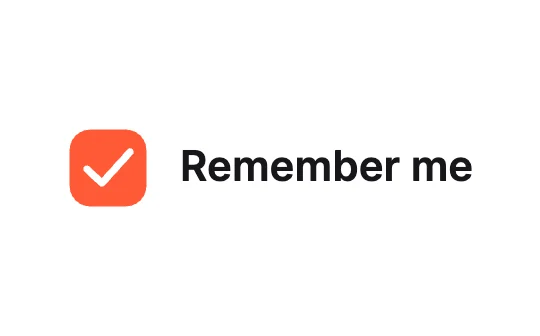
Slide FillCheck Motion
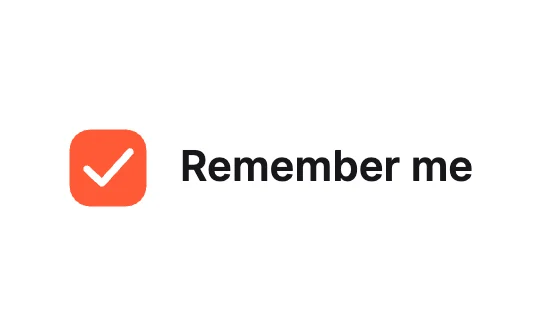
Flip BoxCheck Motion

HeartExpressive

To-Do StrikeExpressive

StampExpressive

Thumbs UpExpressive

Filter ChipCards & Rows
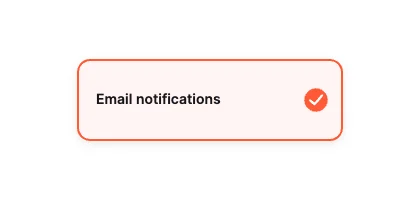
List RowCards & Rows
Loading more… 36 of 50
How to use them
- Open Checkbox Studio
It is in the Plugins menu of the editor.
- Pick a design
Classic, Check Motion, Expressive, Cards & Rows or Effects.
- Set the theme and accent
Then insert it. The label stays editable.
- Connect it
Set Checked from your app and read it back.
Best checkboxes, by runtime
Questions
How do I use these checkboxes in my app?
Open one in ExodeUI, export the file and play it with the ExodeUI runtime for your stack. Tap it. Checked is an input your app reads or sets.
Are these checkboxes free?
Yes. Checkbox Studio is built into the ExodeUI editor and included in the free Community plan.
Can I change the design?
Yes. Every part is a native layer in the editor: colours, type, motion and logic, and the input names your code uses stay the same.
More kinds
Make your own in ExodeUI
Free to start. Every studio behind this library is built into the editor, and everything it makes stays native and editable.
Try ExodeUI for free