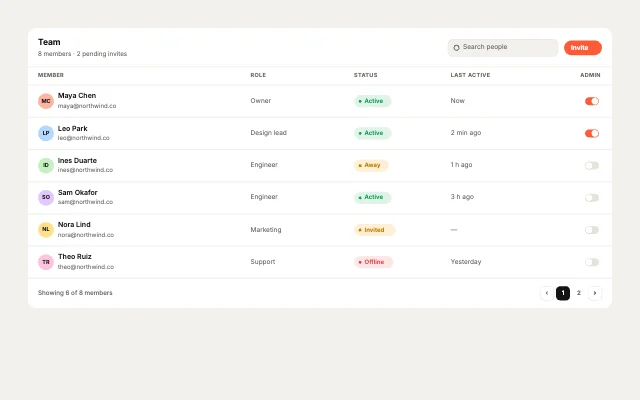
Team membersPeople & access
Table Studio · 30 designs
Animated tables. Orders, leaderboards and plan comparisons whose rows turn into cards on phones.
Each table is native rows and cells with responsive rules: columns drop on tablets and rows become labelled cards on phones.
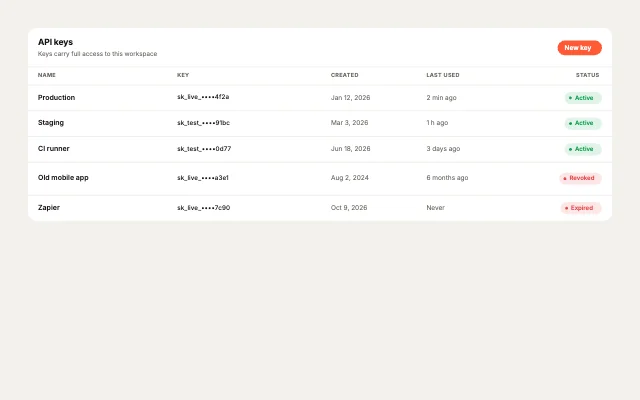
API keysPeople & access
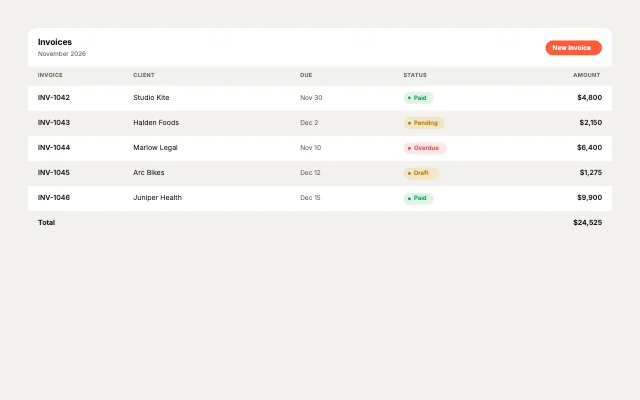
InvoicesCommerce & money
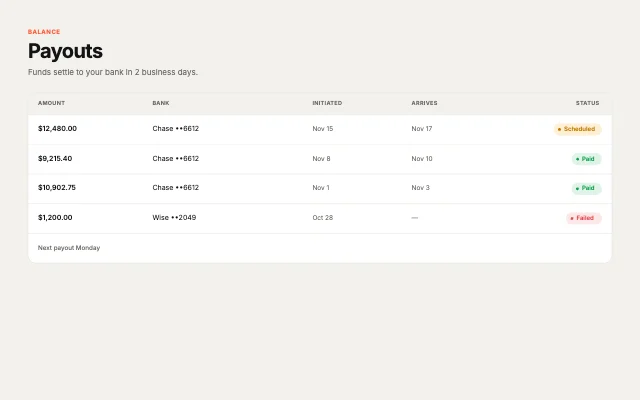
PayoutsCommerce & money
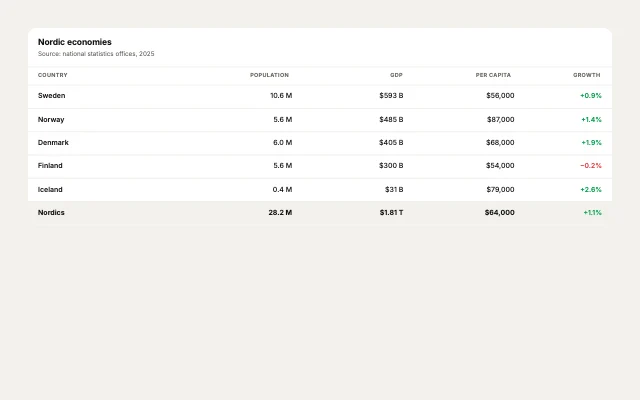
Country dataMarkets & rankings
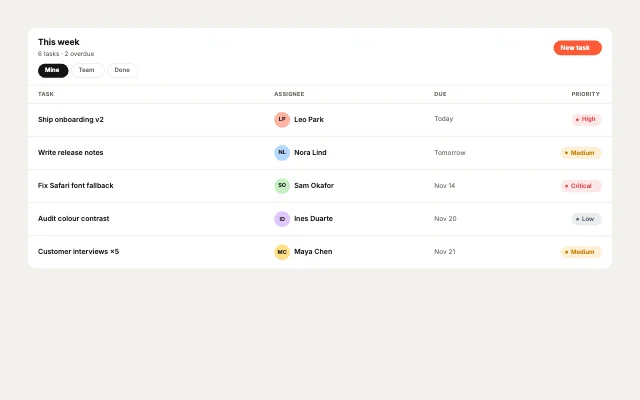
Task listProjects & engineering
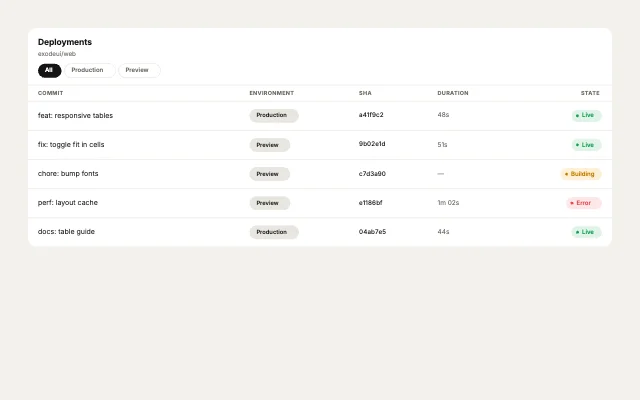
DeploymentsProjects & engineering
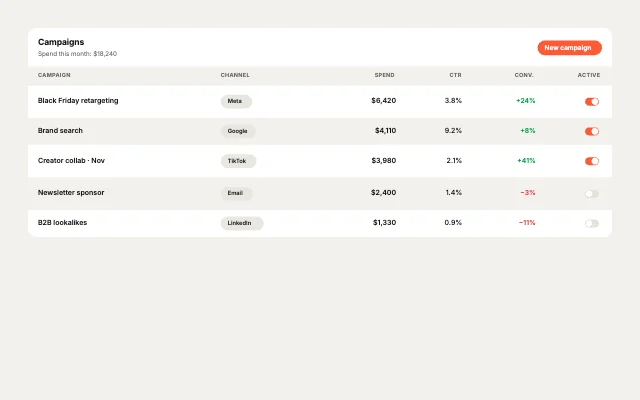
CampaignsAnalytics & growth
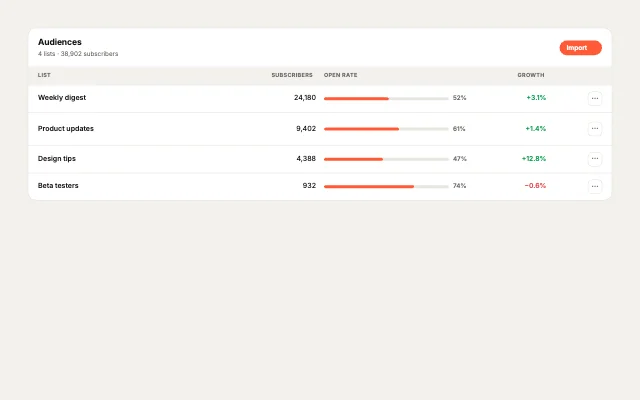
Email listsAnalytics & growth
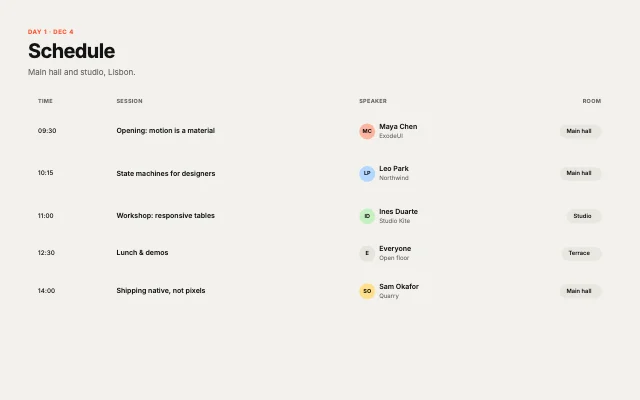
Event scheduleCompare & schedule
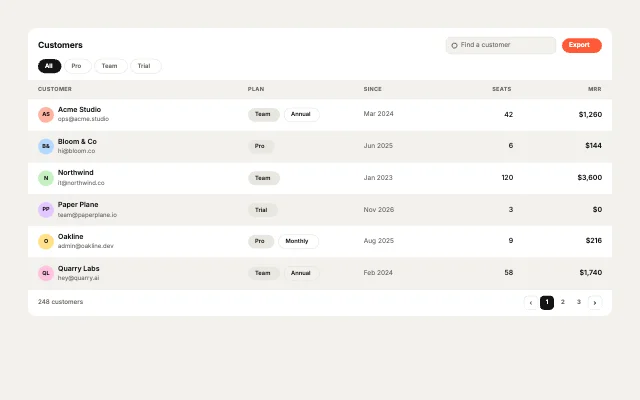
CustomersPeople & access
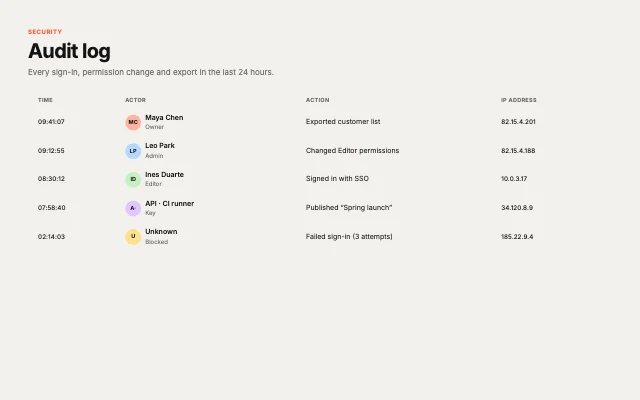
Audit logPeople & access
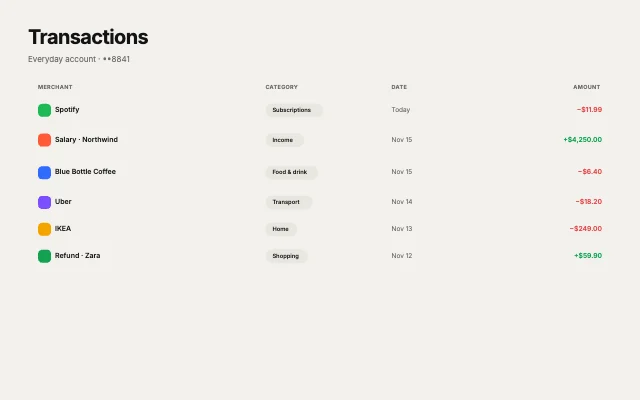
TransactionsCommerce & money
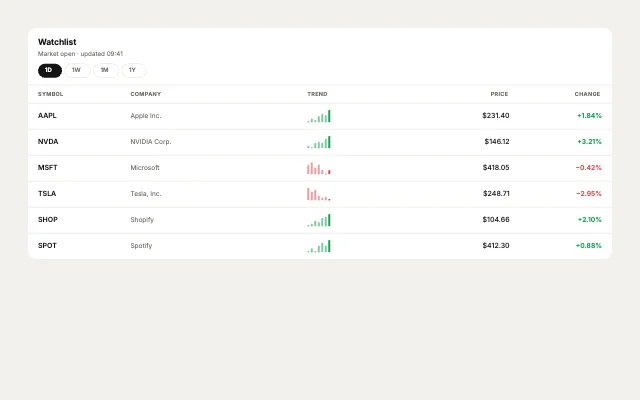
Stock watchlistMarkets & rankings
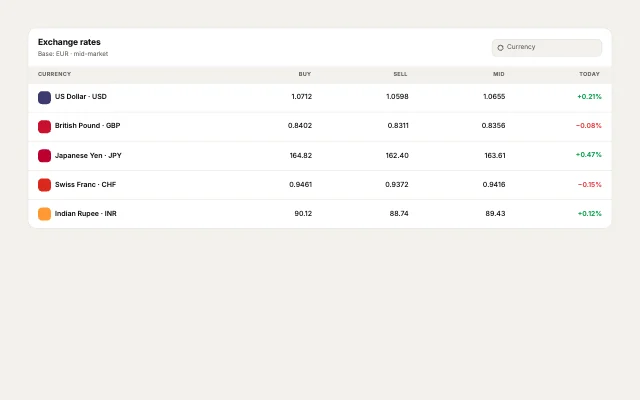
Exchange ratesMarkets & rankings
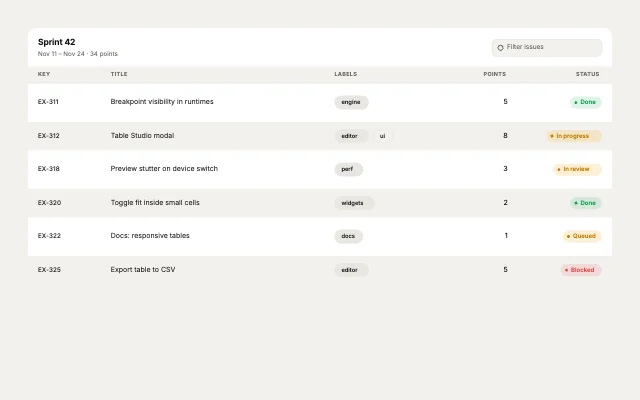
Sprint backlogProjects & engineering
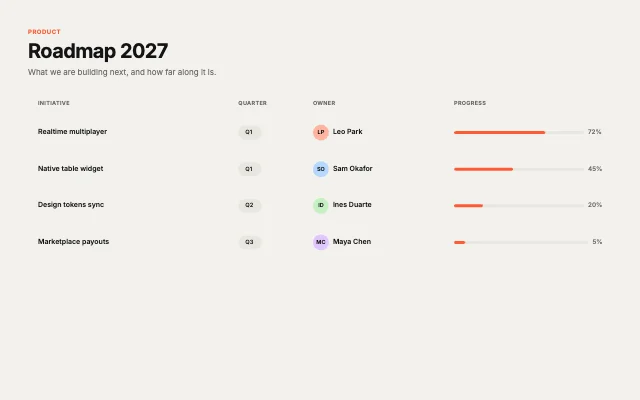
RoadmapProjects & engineering
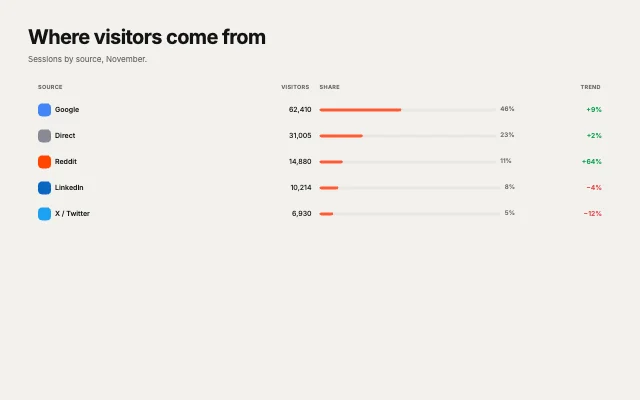
Traffic sourcesAnalytics & growth
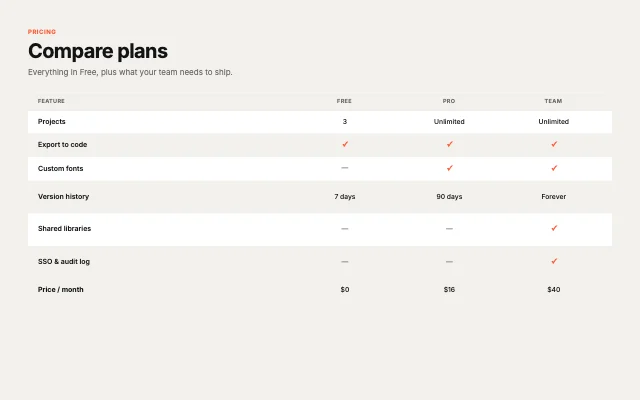
Plan comparisonCompare & schedule
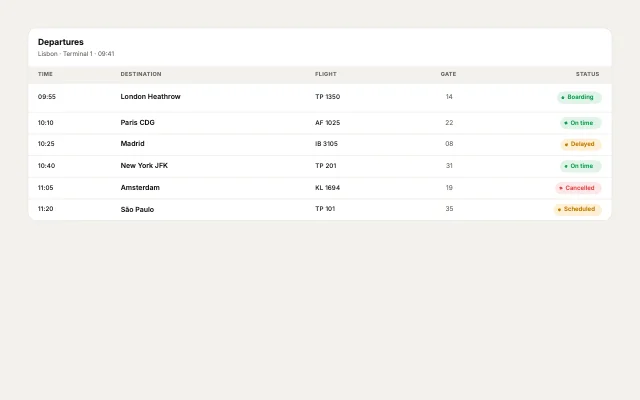
Departures boardCompare & schedule
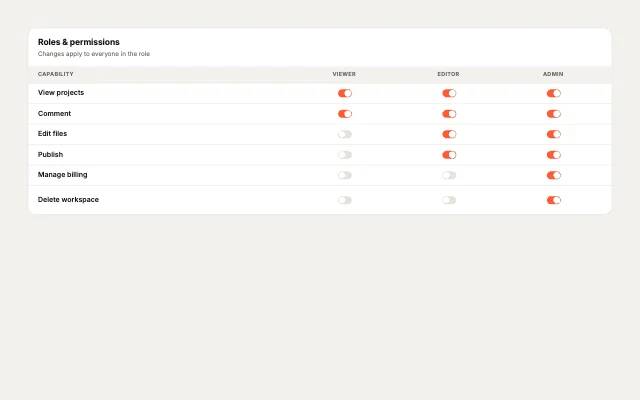
Permissions matrixPeople & access
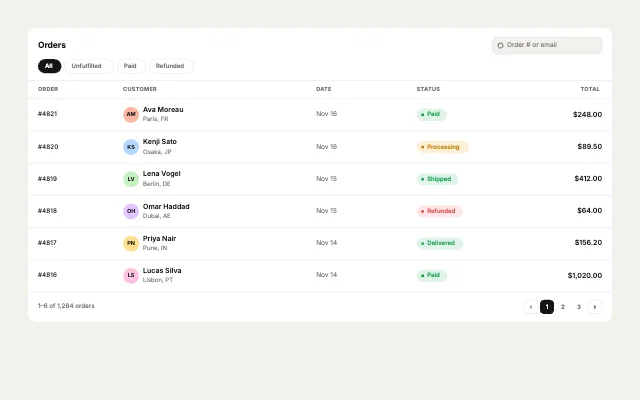
Recent ordersCommerce & money
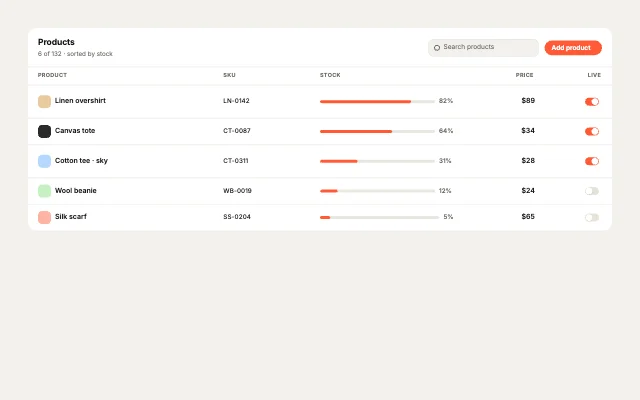
InventoryCommerce & money
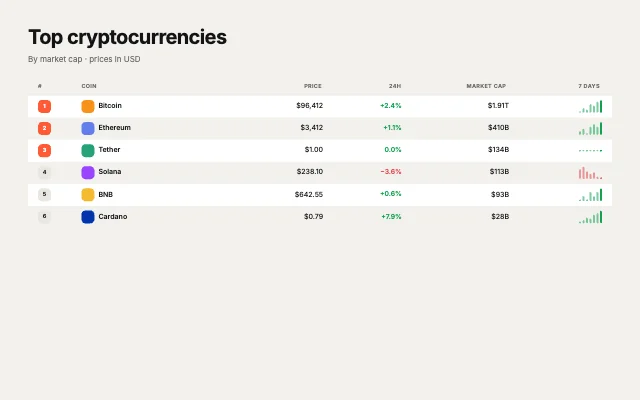
Crypto pricesMarkets & rankings
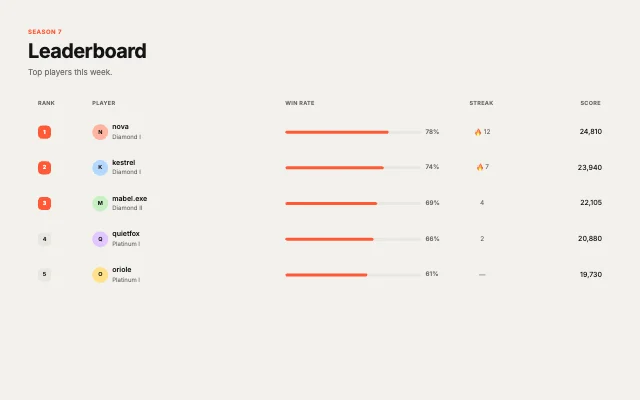
LeaderboardMarkets & rankings
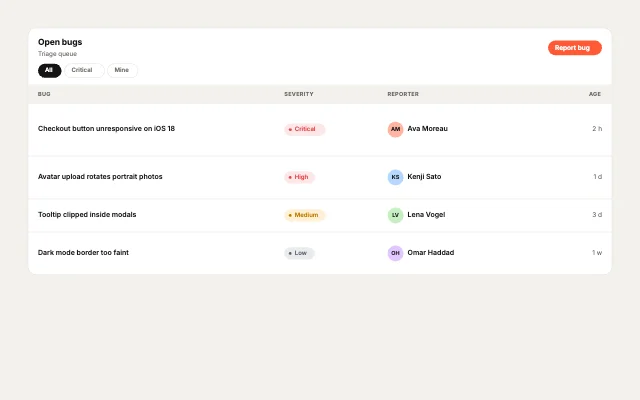
Bug trackerProjects & engineering
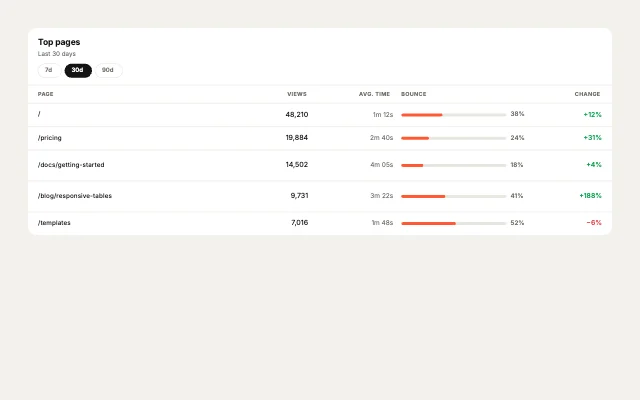
Top pagesAnalytics & growth
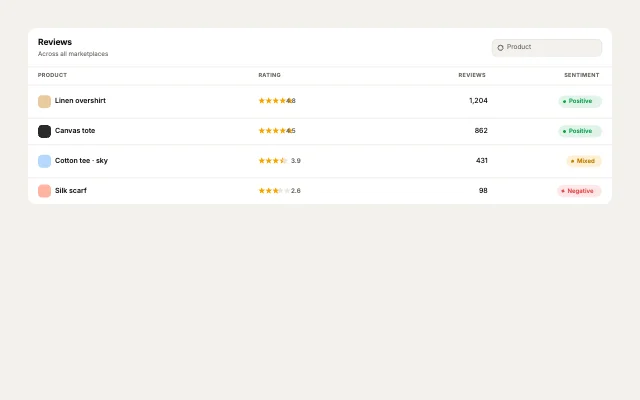
Product reviewsAnalytics & growth
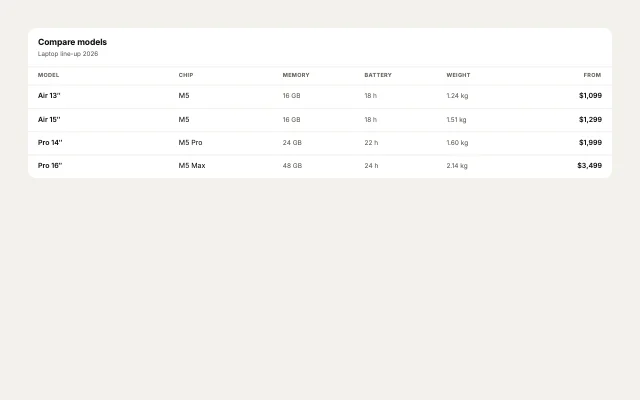
Spec sheetCompare & schedule
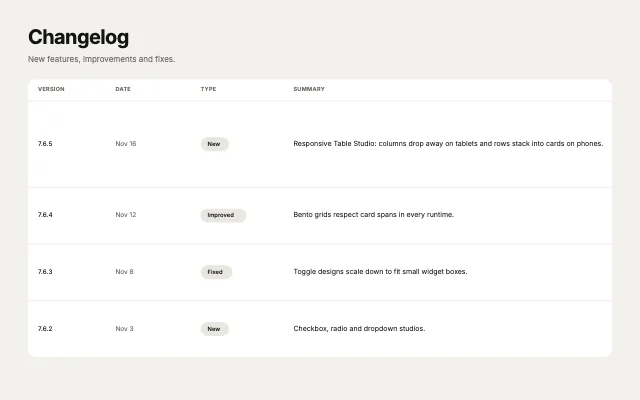
ChangelogCompare & schedule
How to use them
- Open Table Studio
It is in the Plugins menu of the editor.
- Pick a table
People & access, Commerce & money, Markets & rankings, Projects & engineering, Analytics & growth or Compare & schedule.
- Set the look
Theme, accent and corner radius.
- Edit
Change the text, then check the Tablet and Mobile breakpoints.
Best tables, by runtime
Questions
How do I use these tables in my app?
Open one in ExodeUI, export the file and play it with the ExodeUI runtime for your stack. Hover rows and flip the toggles. It reflows on smaller screens.
Are these tables free?
Yes. Table Studio is built into the ExodeUI editor and included in the free Community plan.
Can I change the design?
Yes. Every part is a native layer in the editor: colours, type, motion and logic, and the input names your code uses stay the same.
More kinds
Make your own in ExodeUI
Free to start. Every studio behind this library is built into the editor, and everything it makes stays native and editable.
Try ExodeUI for free