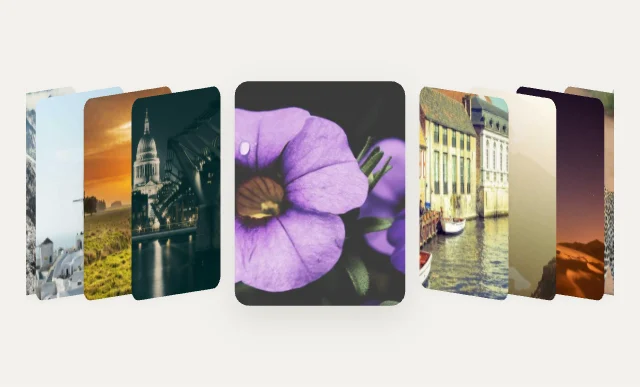
Cover FlowCarousels & Coverflow
Gallery Studio · 100 designs
Animated image galleries. Carousels, coverflow, stacks, masonry, lightboxes and photo walls.
Each gallery is a native ListView in gallery mode. The photos are one Array variable, so your app passes its image URLs and the gallery sizes itself to them.
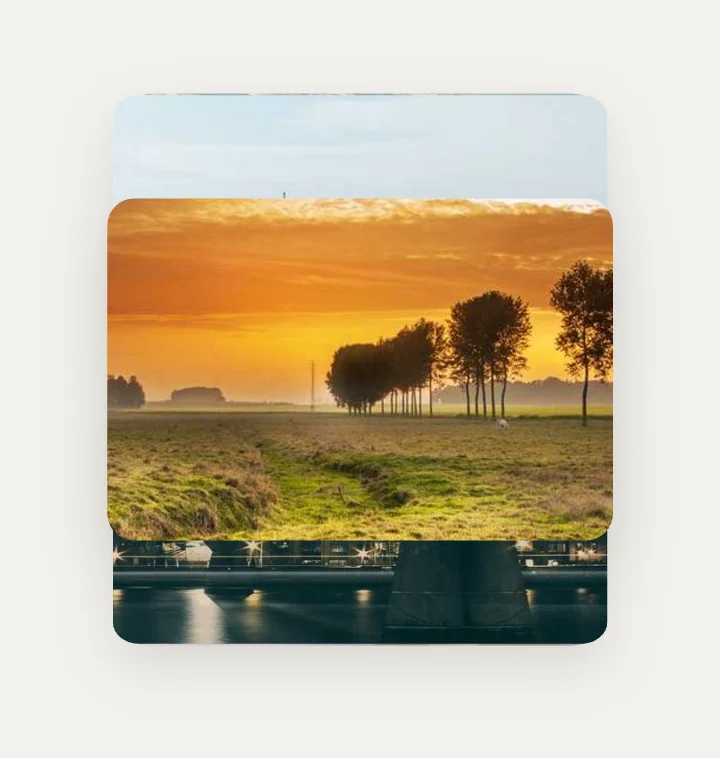
RolodexCarousels & Coverflow
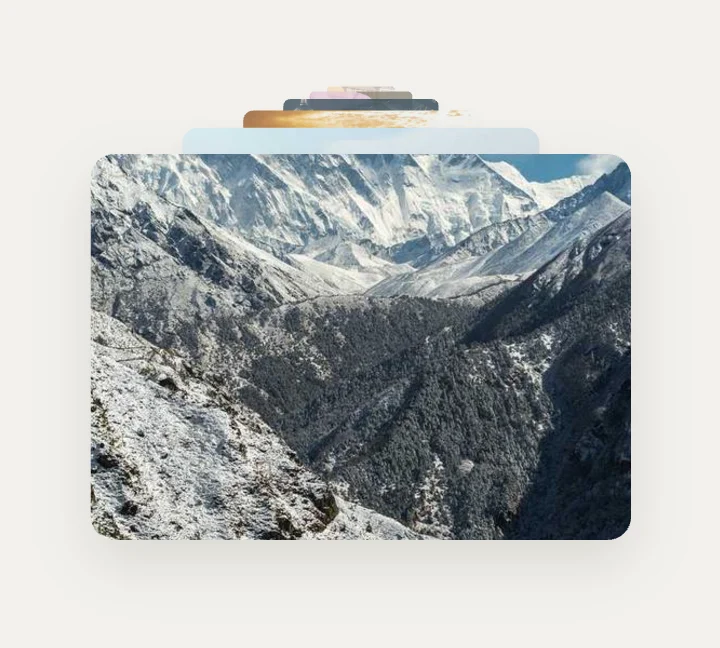
Depth ZoomCarousels & Coverflow
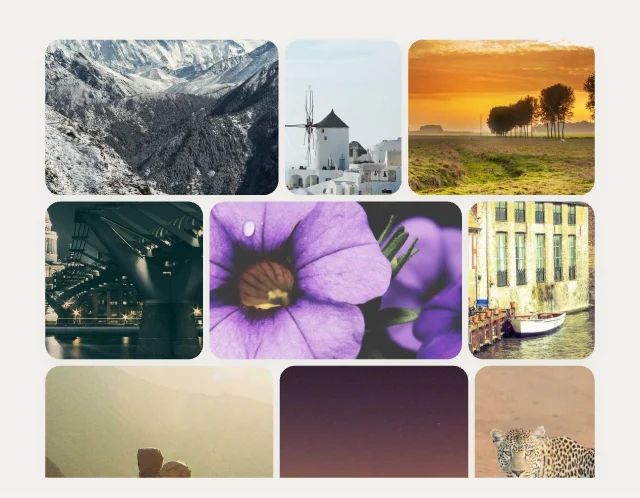
Justified RowsGrids & Mosaics
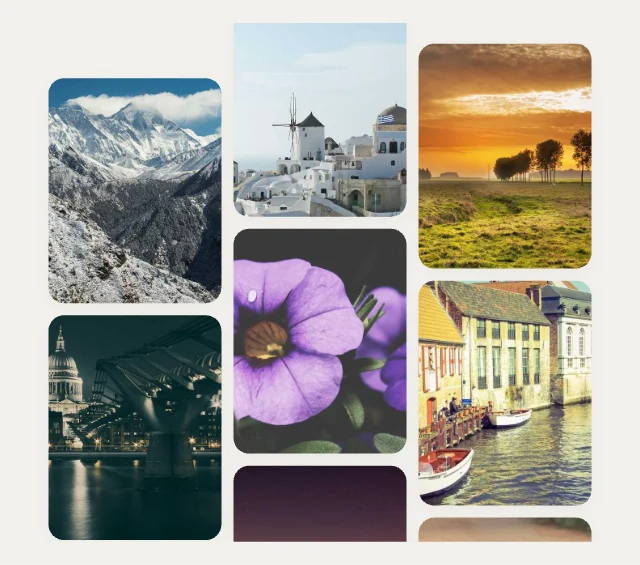
Staggered ColumnsGrids & Mosaics
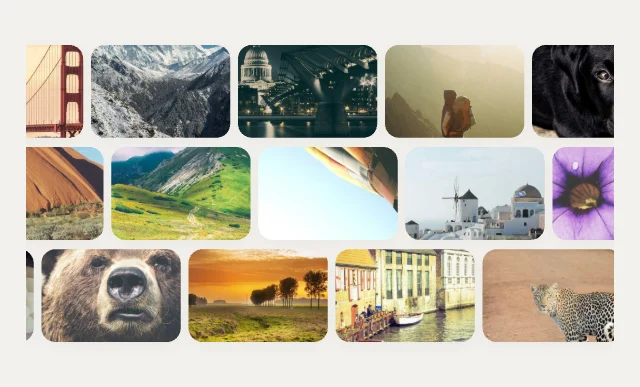
Brick WallGrids & Mosaics
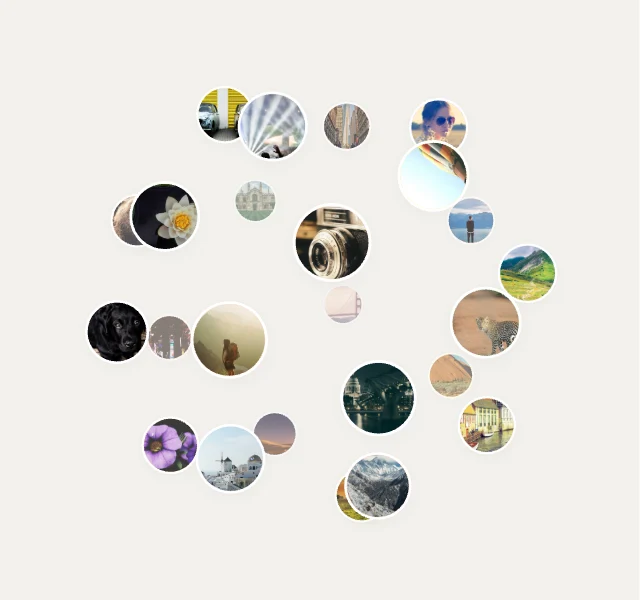
Photo Globe3D Spaces
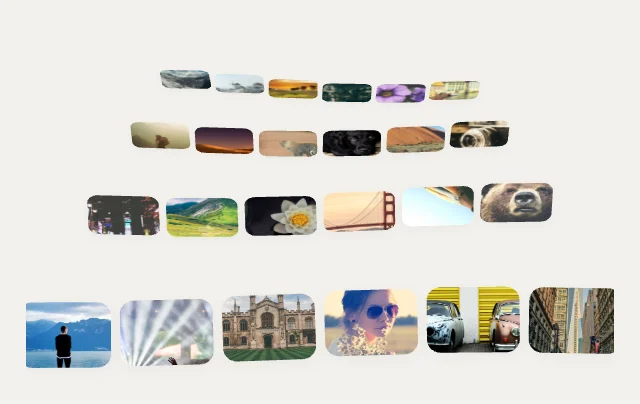
Photo Sea3D Spaces
Spiral Staircase3D Spaces
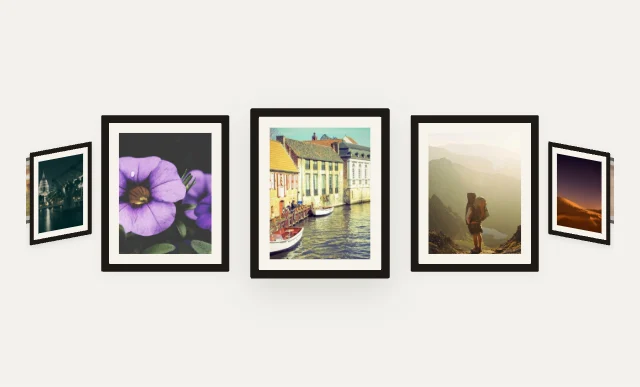
Gallery Corridor3D Spaces
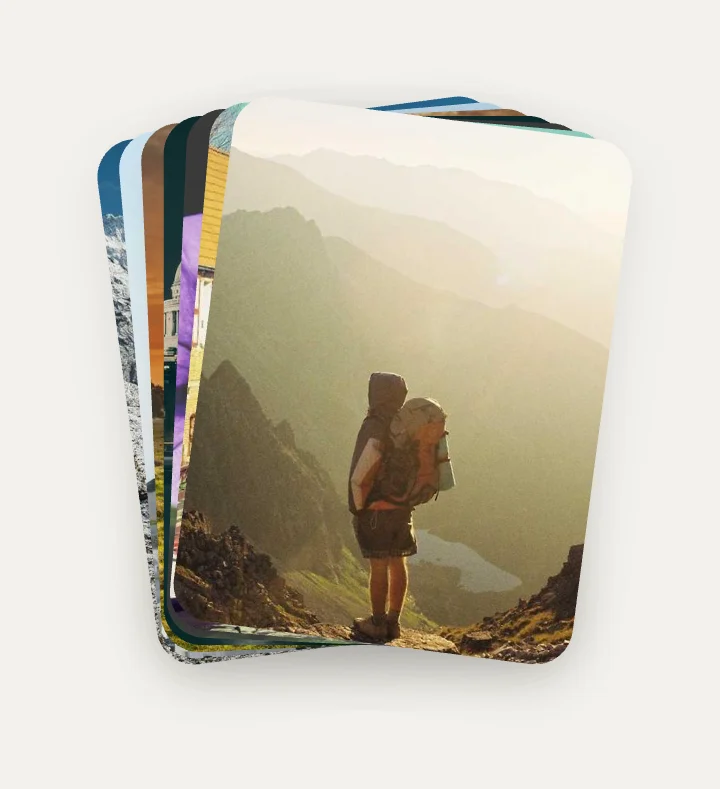
Hover FanStacks & Piles
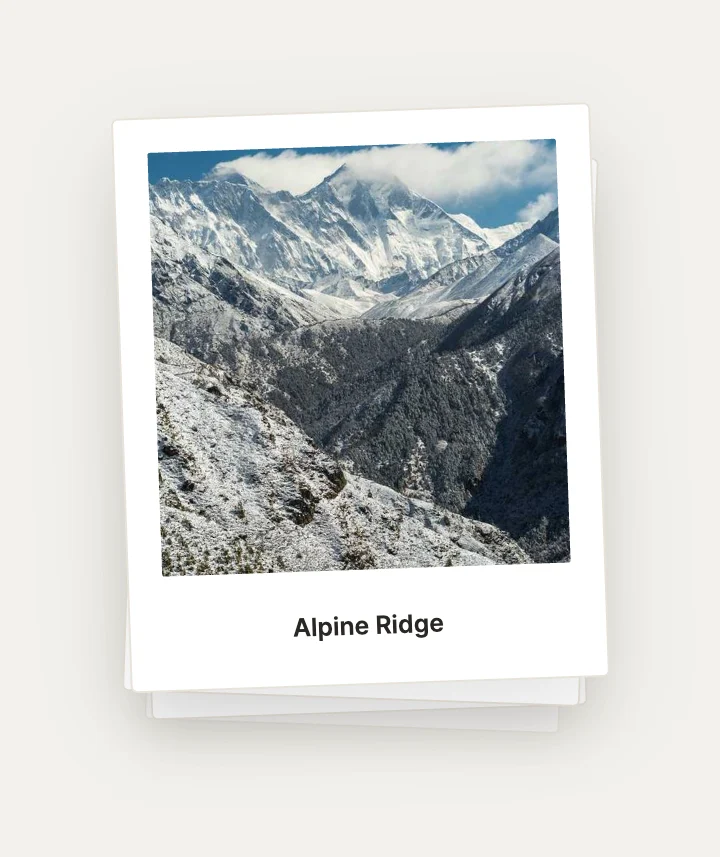
Shuffle DeckStacks & Piles
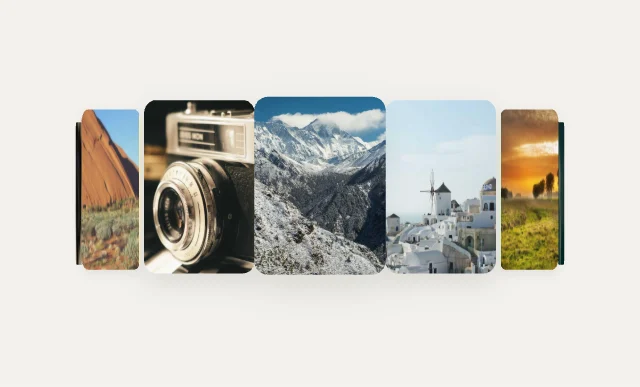
Cylinder RingCarousels & Coverflow

Expanding StripsCarousels & Coverflow
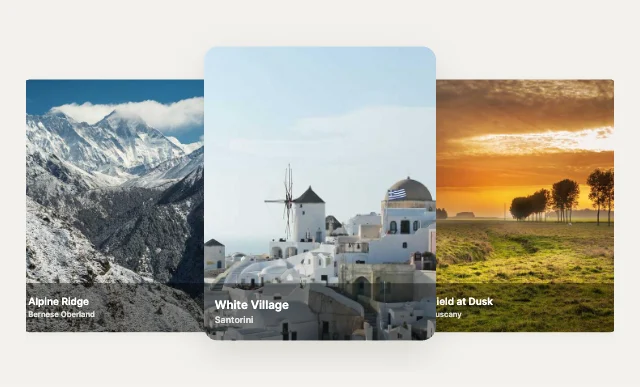
Peek CarouselCarousels & Coverflow
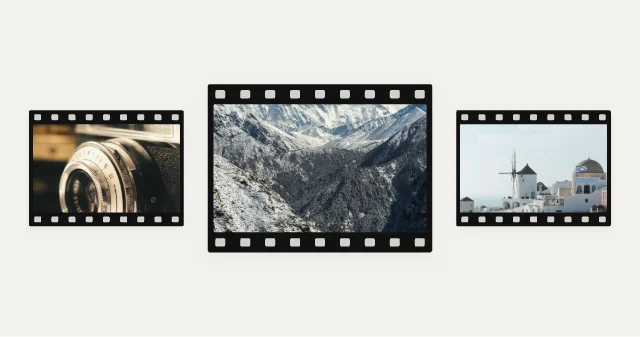
Film Strip FocusCarousels & Coverflow
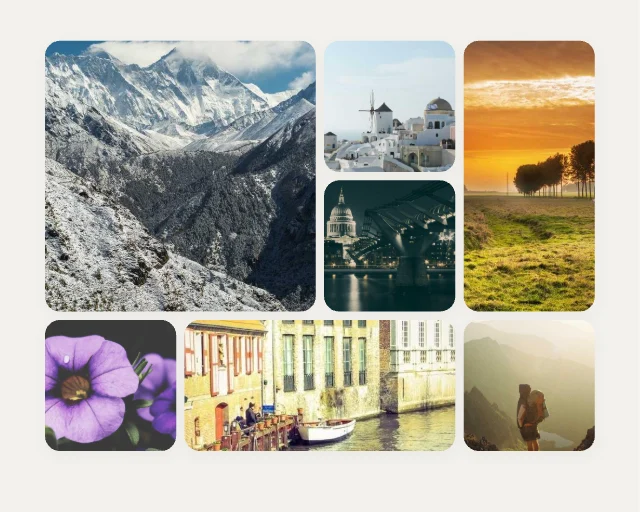
Bento MosaicGrids & Mosaics

Diamond LatticeGrids & Mosaics
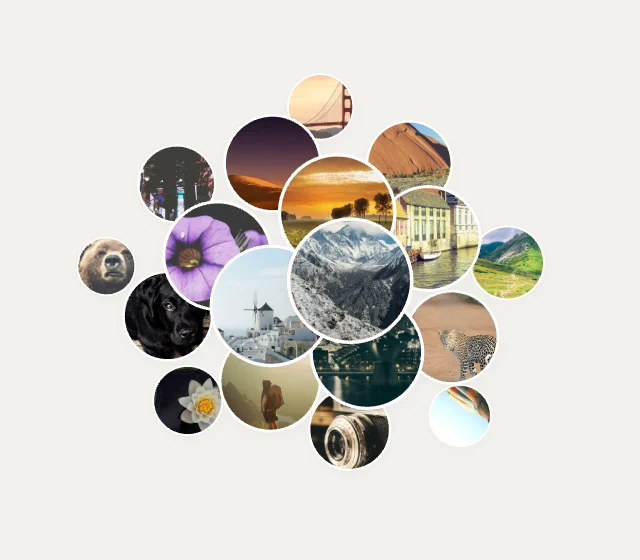
Bubble ClusterGrids & Mosaics
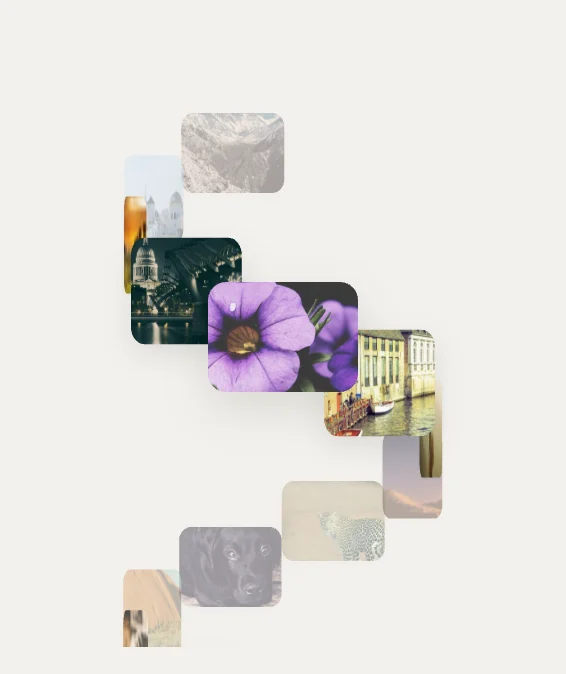
Helix Tower3D Spaces
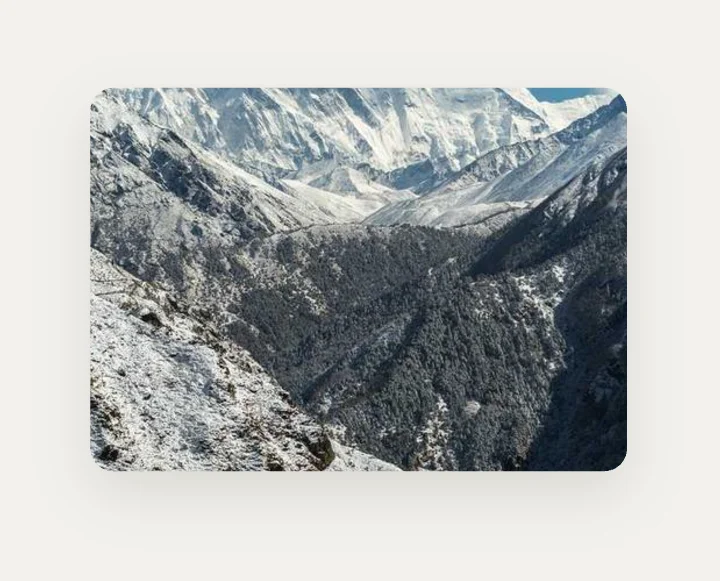
Cube Turn3D Spaces
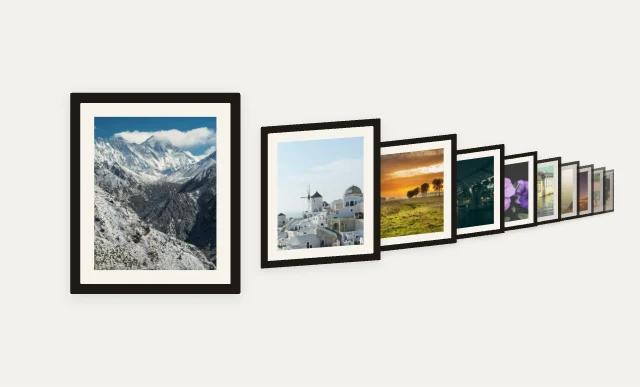
Perspective Wall3D Spaces
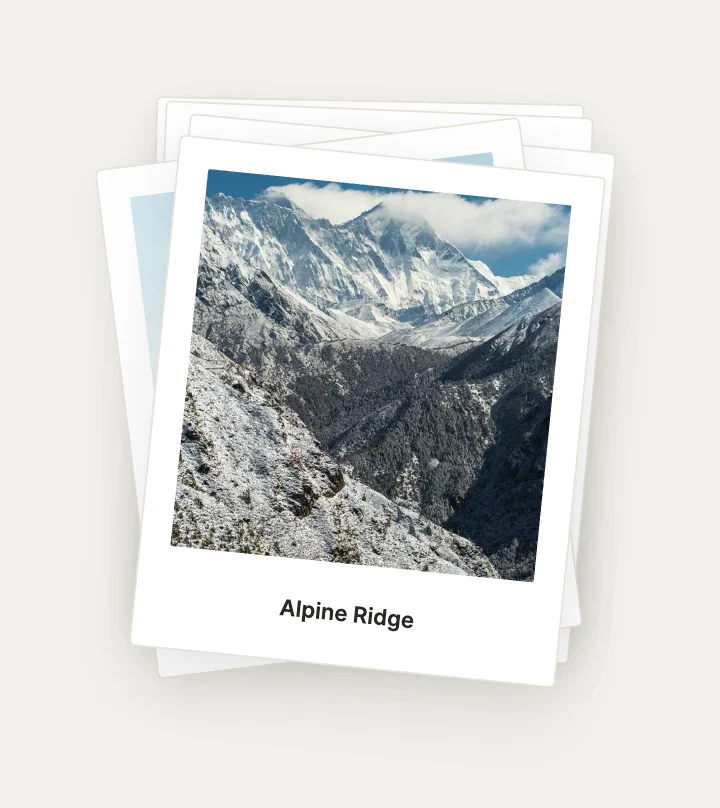
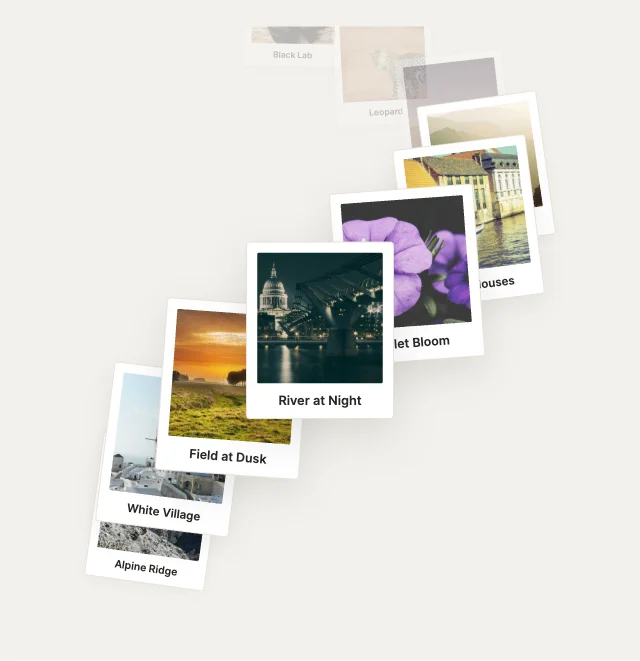
Polaroid PileStacks & Piles
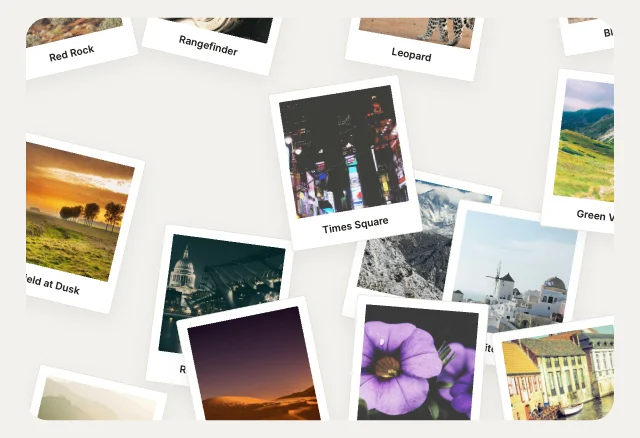
Messy DeskStacks & Piles
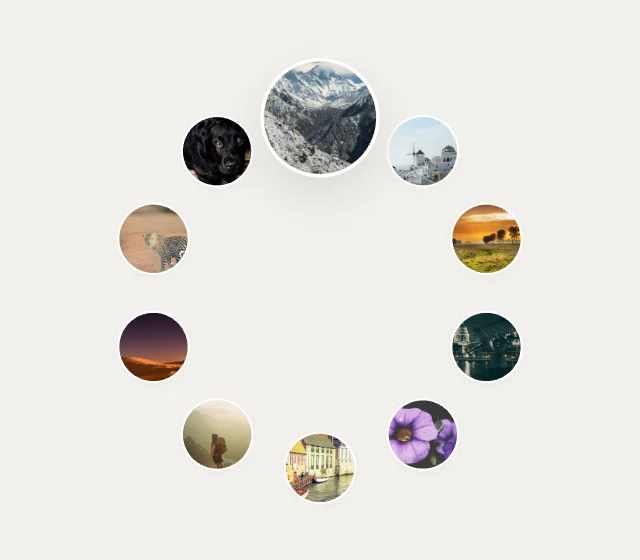
Ferris WheelCarousels & Coverflow

Parallax SliderCarousels & Coverflow
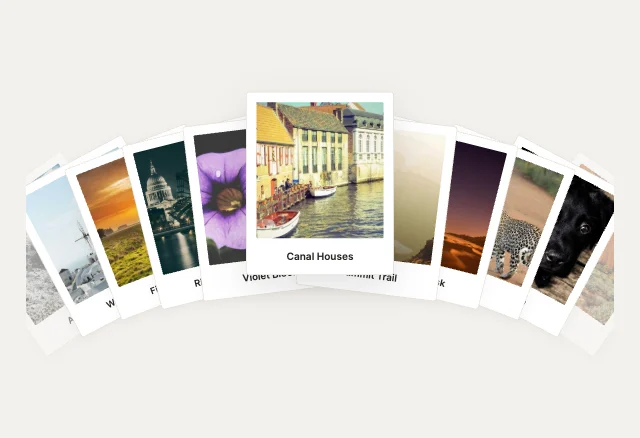
Hand of CardsCarousels & Coverflow
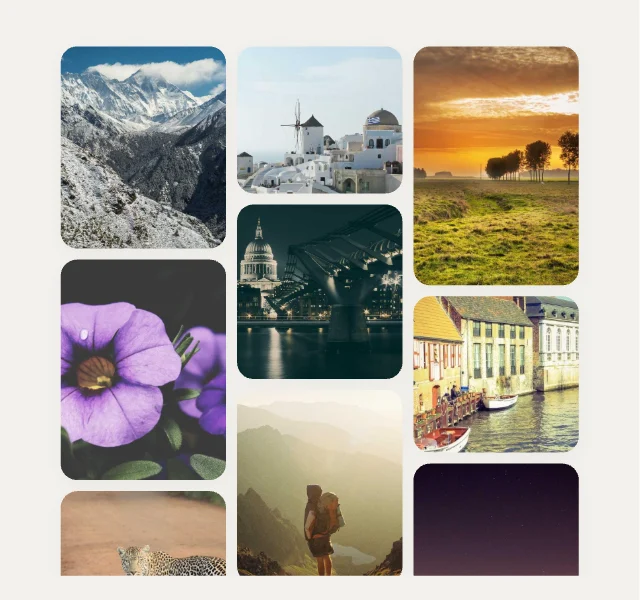
MasonryGrids & Mosaics
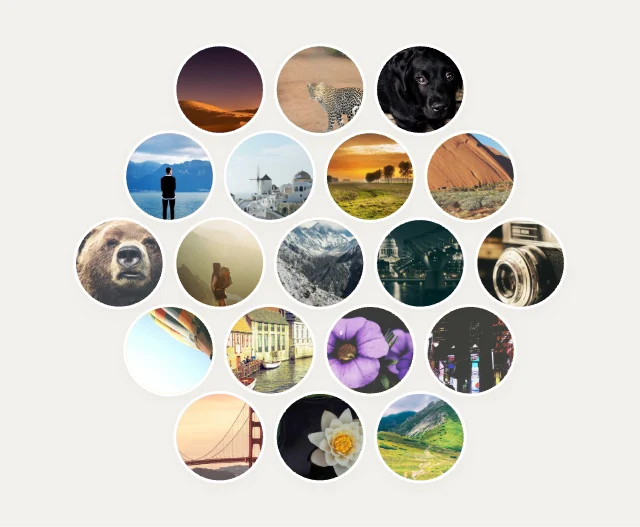
Hex HiveGrids & Mosaics
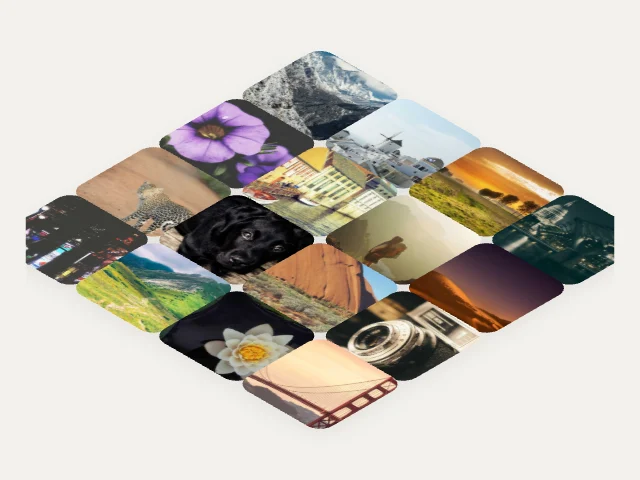
Isometric FloorGrids & Mosaics
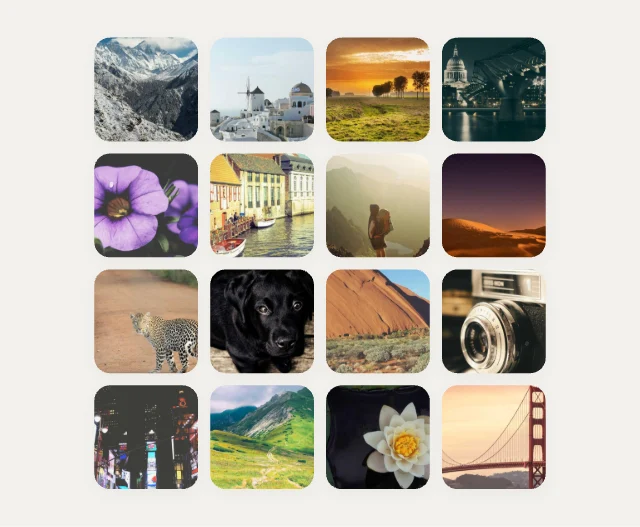
Magnetic GridGrids & Mosaics
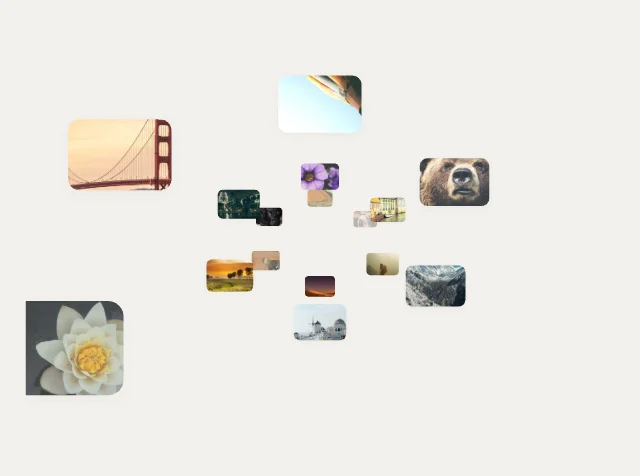
Infinite Tunnel3D Spaces
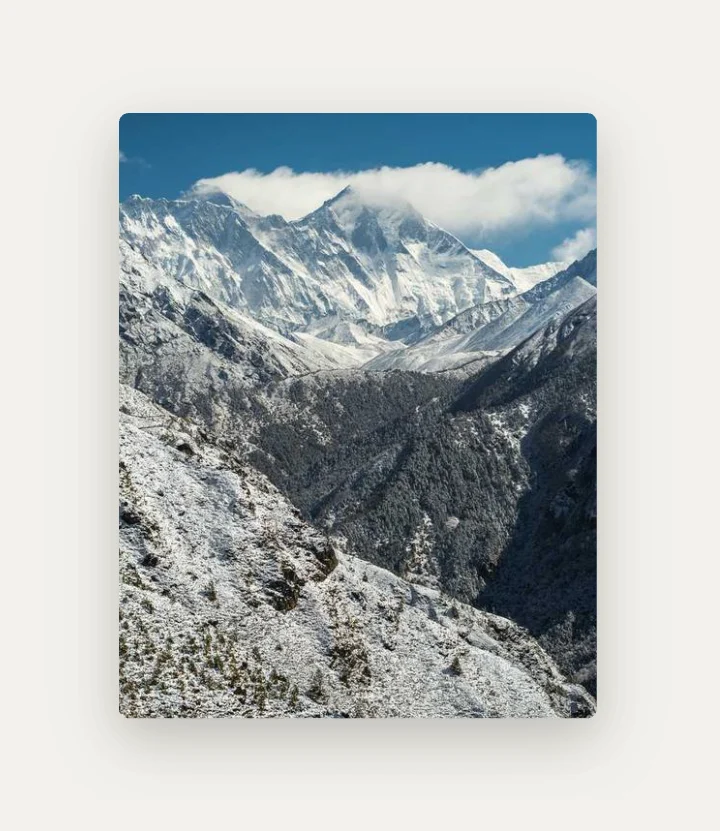
Page Turn3D Spaces
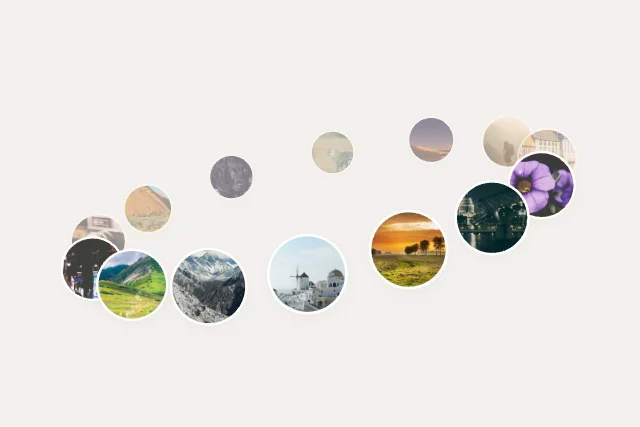
Saturn Rings3D Spaces
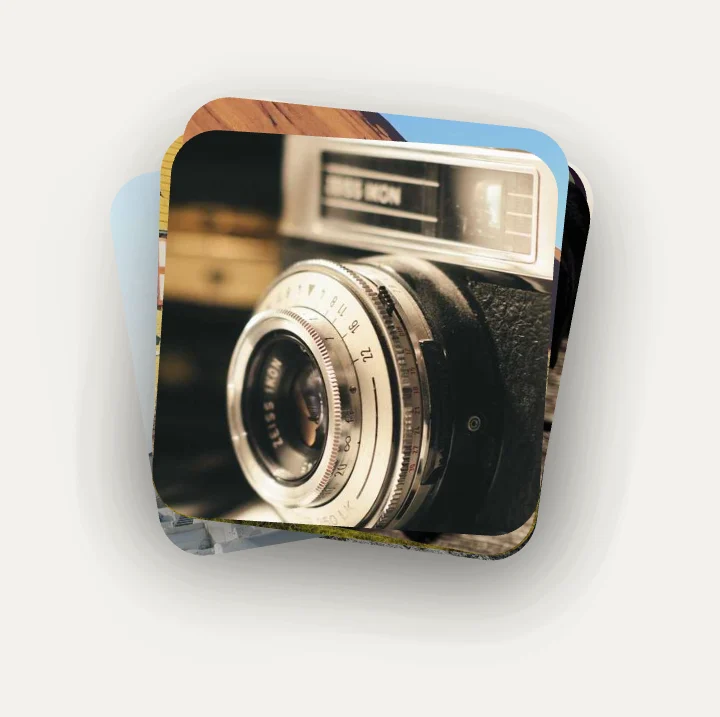
Pile ↔ GridStacks & Piles
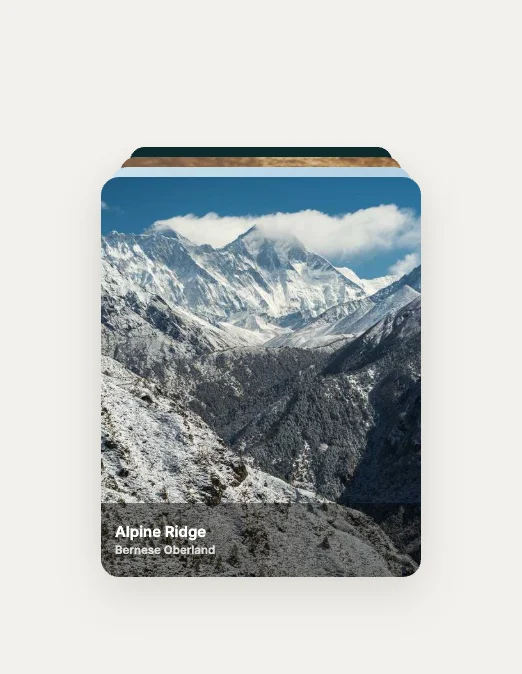
Peek StackStacks & Piles
Loading more… 36 of 100
How to use them
- Open Gallery Studio
It is in the Plugins menu of the editor. Nothing to install.
- Pick a design
Browse by category and insert. It lands as a native widget with its inputs.
- Make it yours
Change colours, type and motion. The inputs keep their names.
- Connect it
Set and read its inputs from your code in any runtime.
Best image galleries, by runtime
Questions
How do I use these image galleries in my app?
Open one in ExodeUI, export the file and play it with the ExodeUI runtime for your stack. Drag, swipe or tap a photo. Photos come from one Array variable.
Are these image galleries free?
Yes. Gallery Studio is built into the ExodeUI editor and included in the free Community plan.
Can I change the design?
Yes. Every part is a native layer in the editor: colours, type, motion and logic, and the input names your code uses stay the same.
More kinds
Make your own in ExodeUI
Free to start. Every studio behind this library is built into the editor, and everything it makes stays native and editable.
Try ExodeUI for free