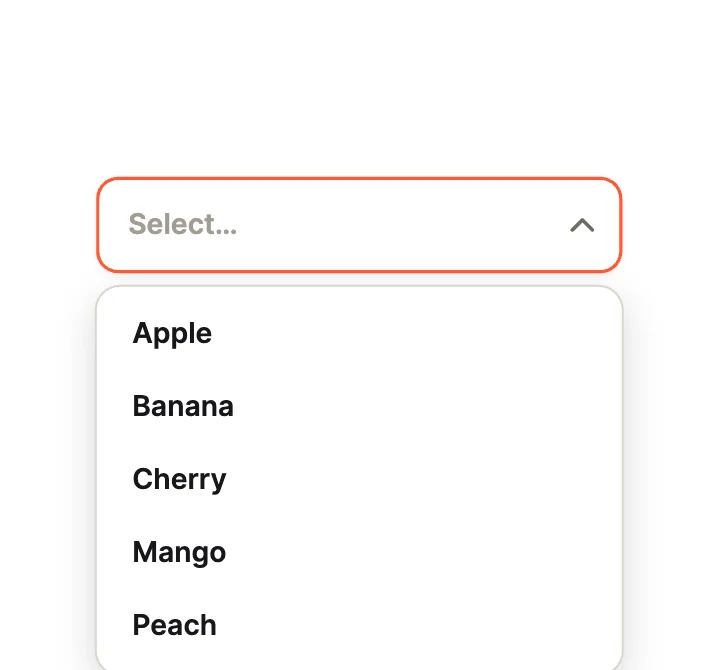
Simple SelectClassic Fields
Dropdown Studio · 50 designs
Animated dropdowns. Springy reveals, rich items with icons and flags, command menus and colour grids.
Each dropdown is a native Dropdown widget. Open and the selected item are inputs, and the options come from a variable your app can fill.
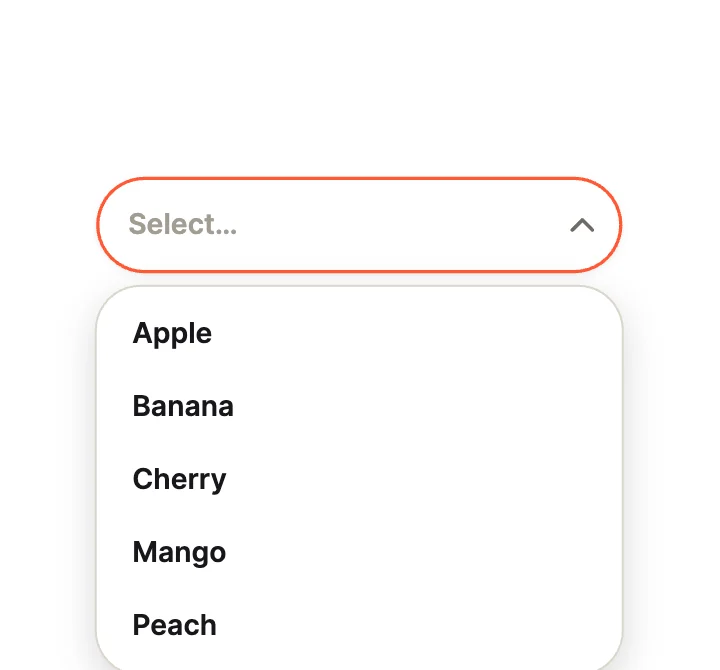
PillClassic Fields
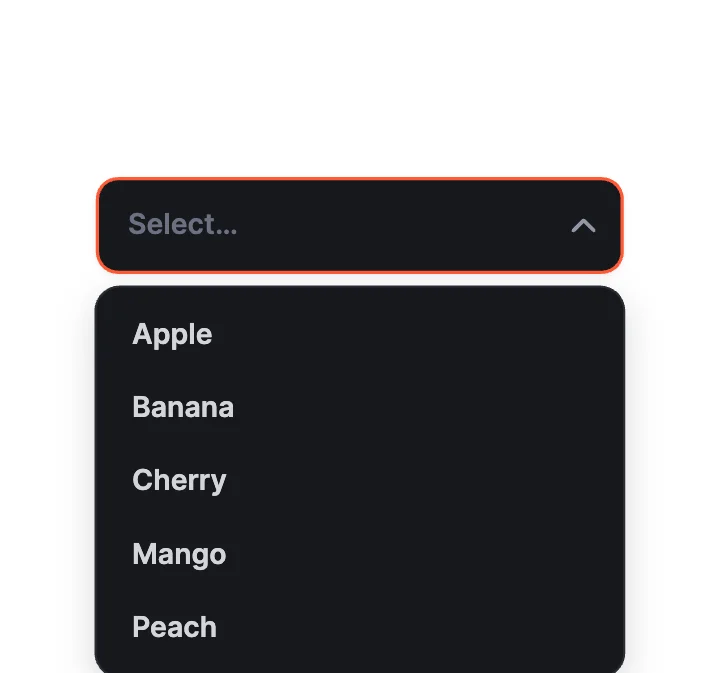
Dark PanelClassic Fields
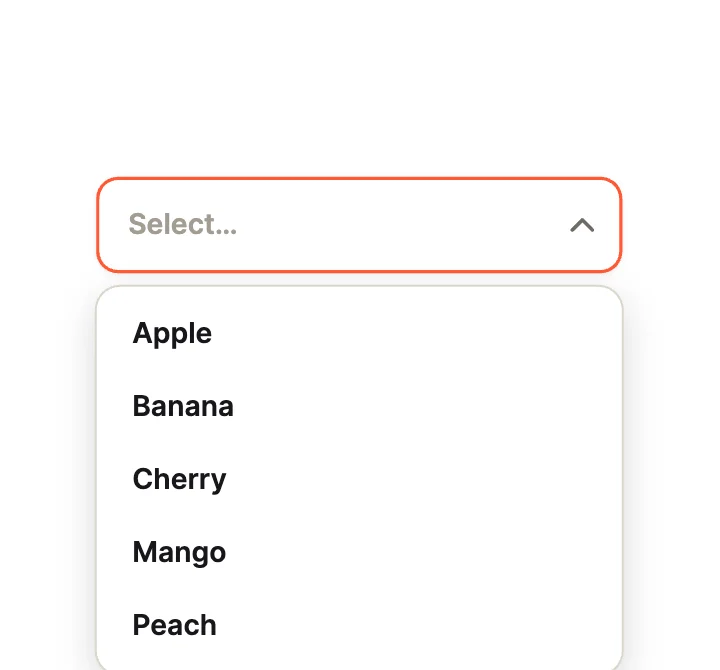
Fade DownOpen Motion
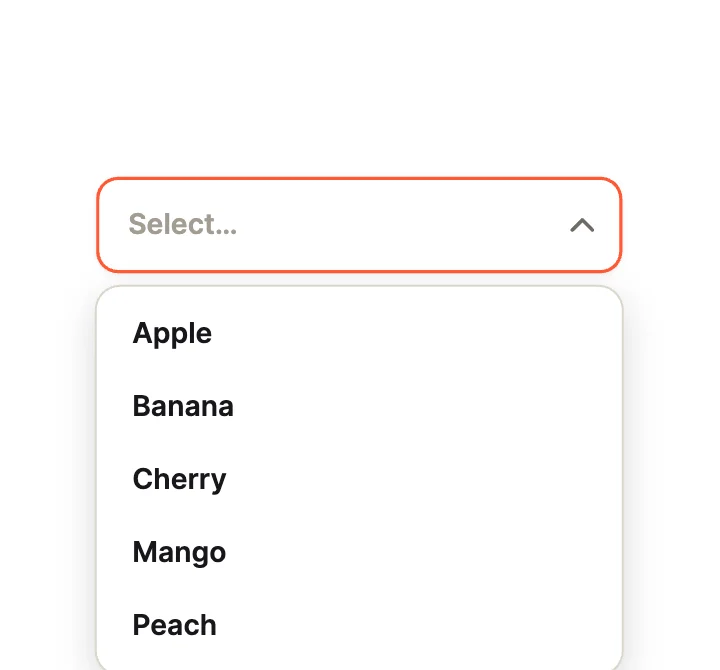
StaggerOpen Motion
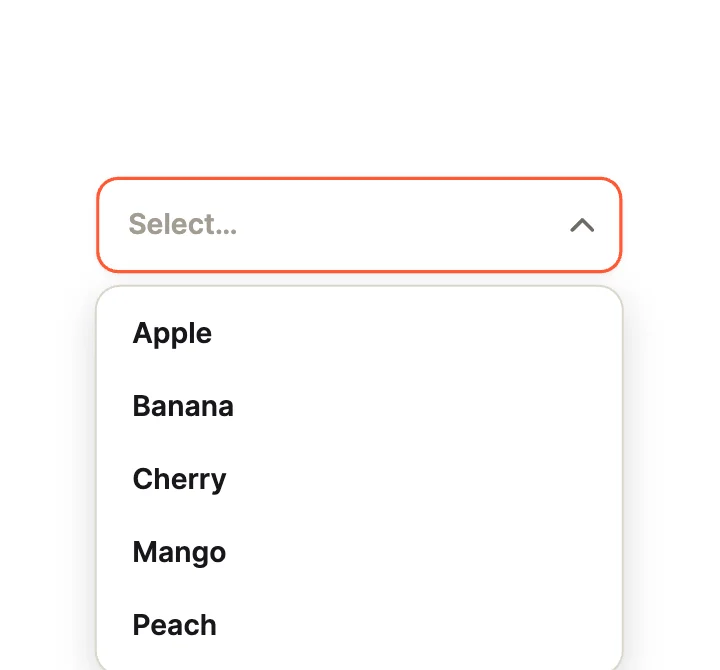
Slide InOpen Motion
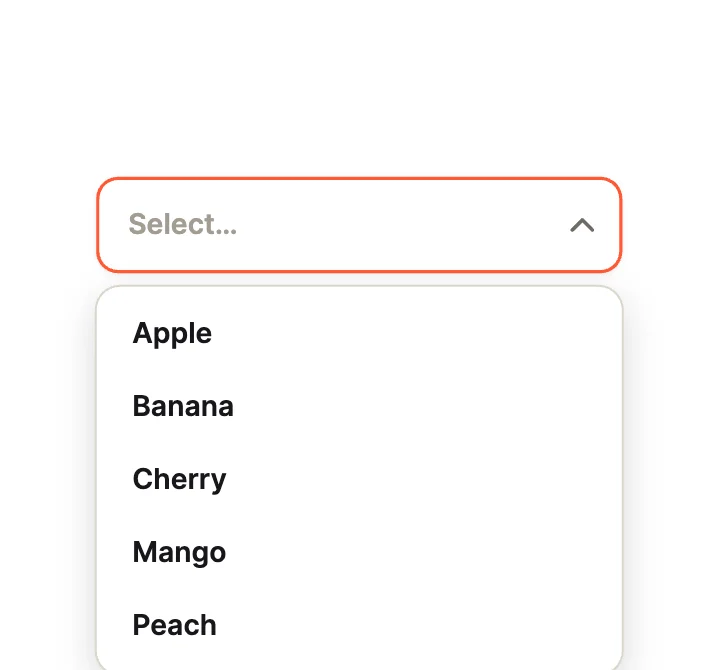
Cascade BounceOpen Motion
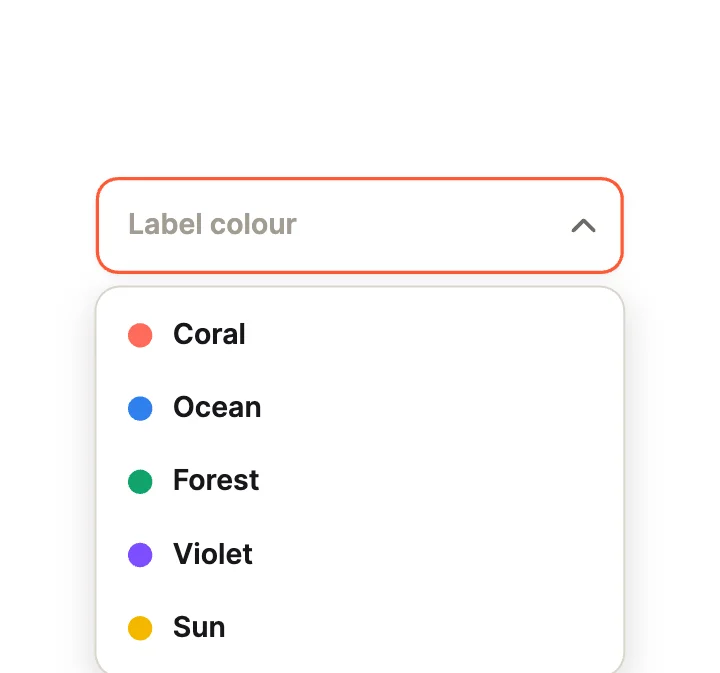
Colour LabelsRich Items
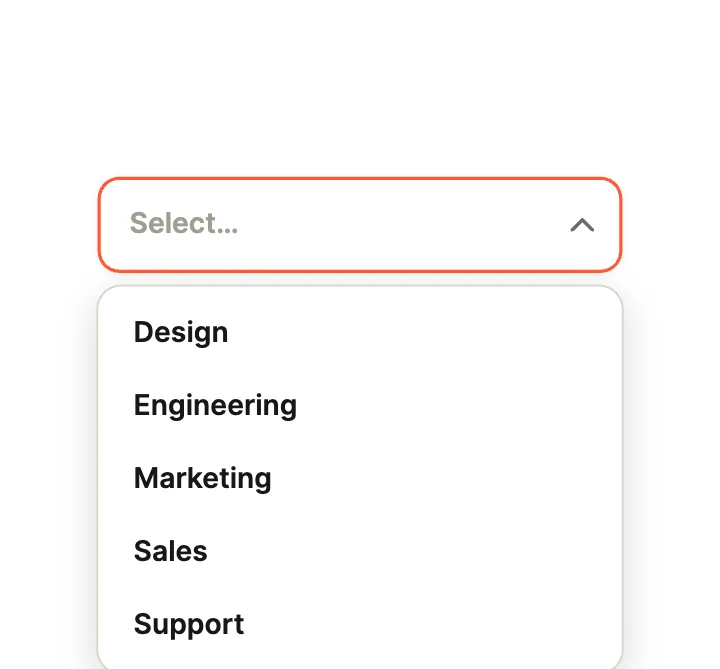
CheckmarkRich Items
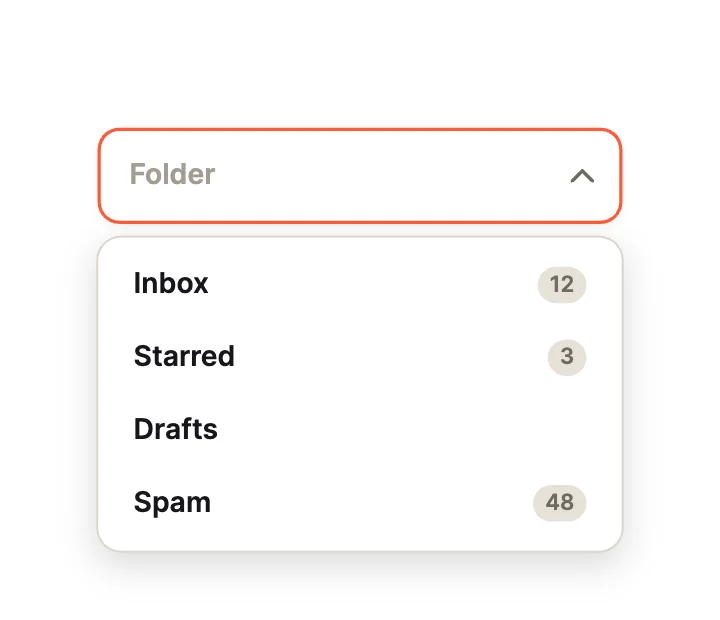
Badge CountsRich Items
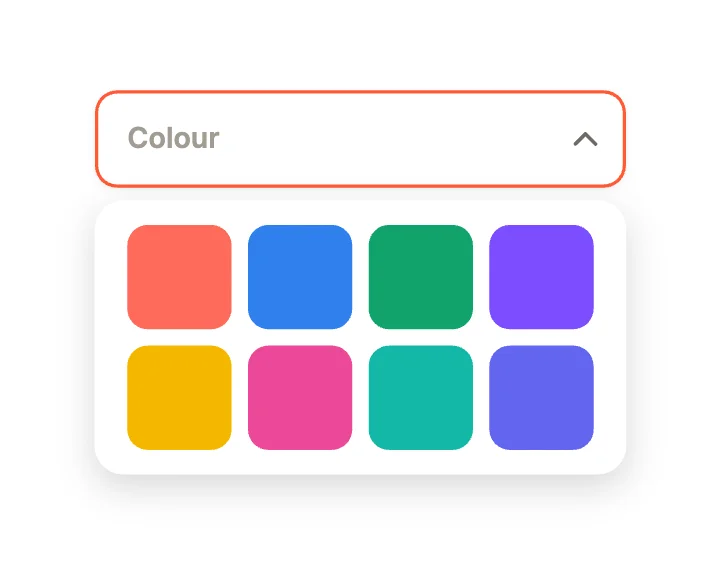
Colour GridPickers
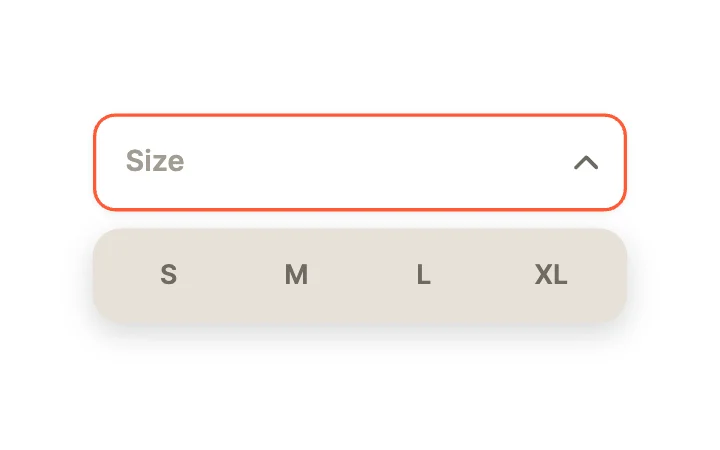
Segmented PopoverPickers
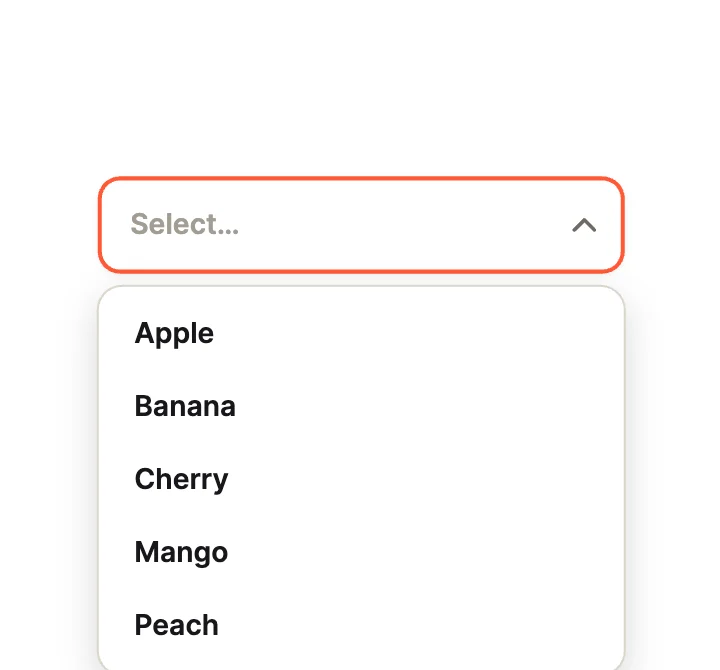
OutlinedClassic Fields
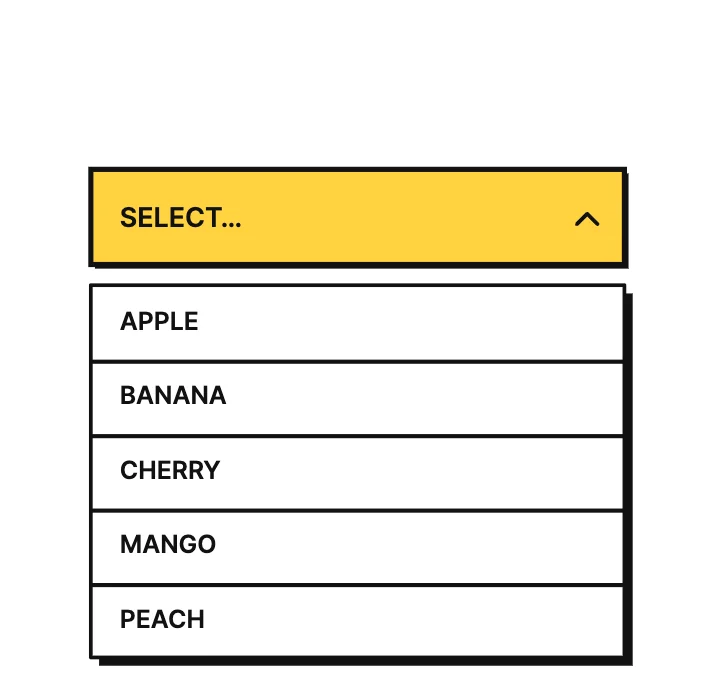
BrutalClassic Fields
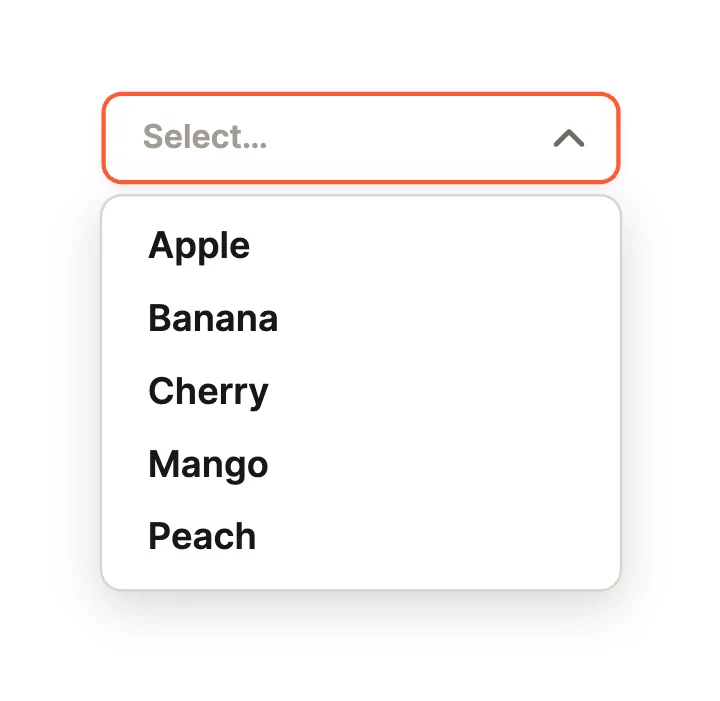
CompactClassic Fields
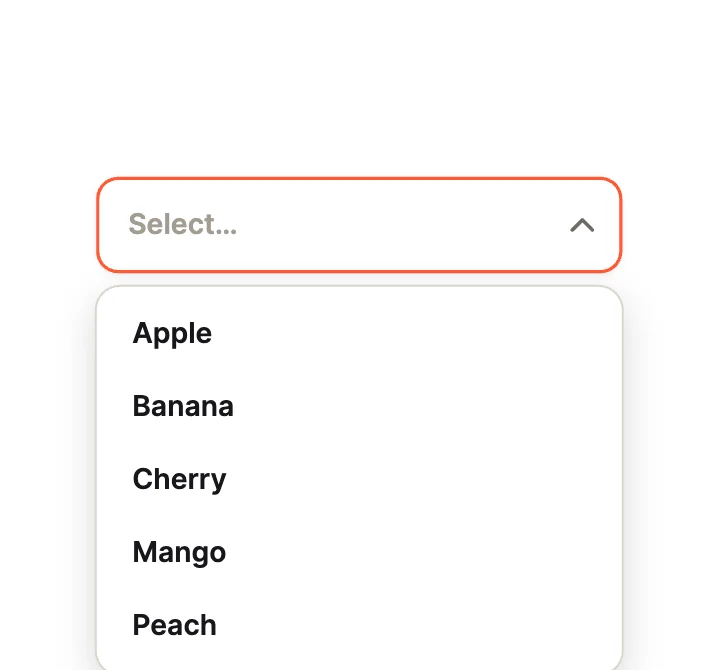
Scale InOpen Motion
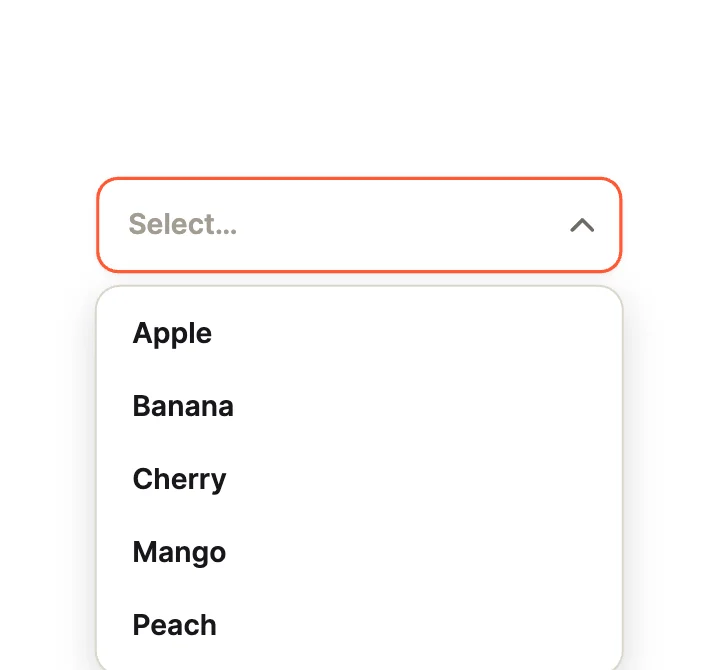
Spring DropOpen Motion
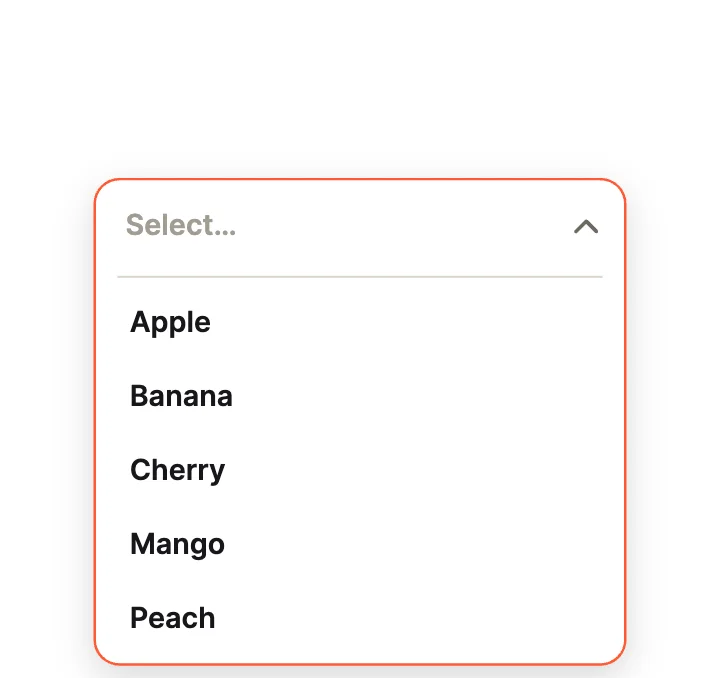
MorphOpen Motion
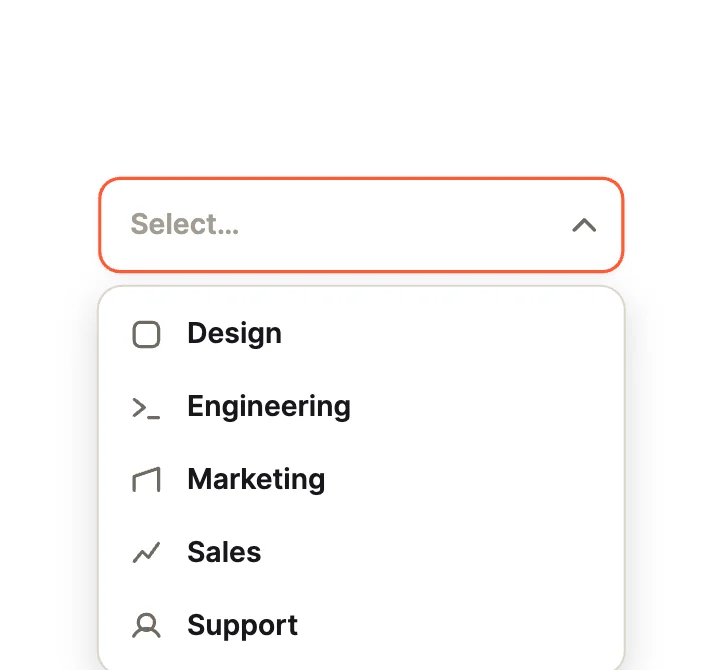
With IconsRich Items
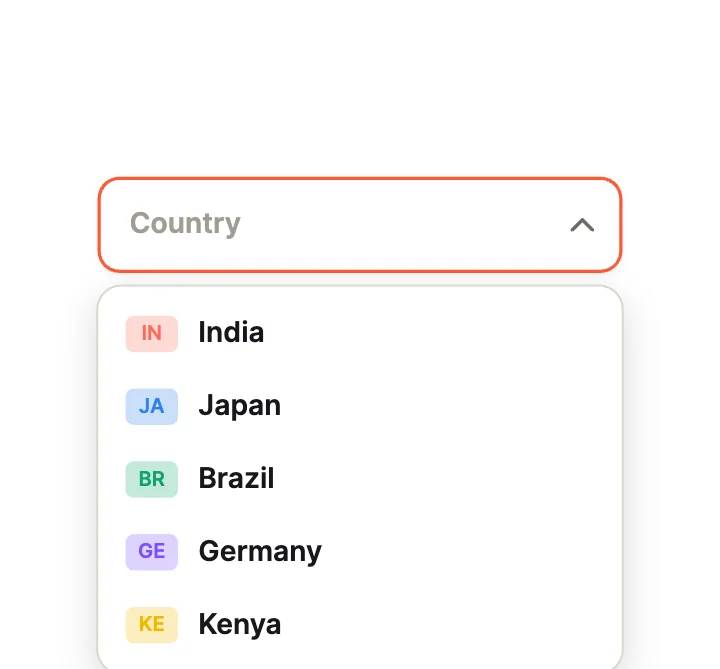
CountryRich Items
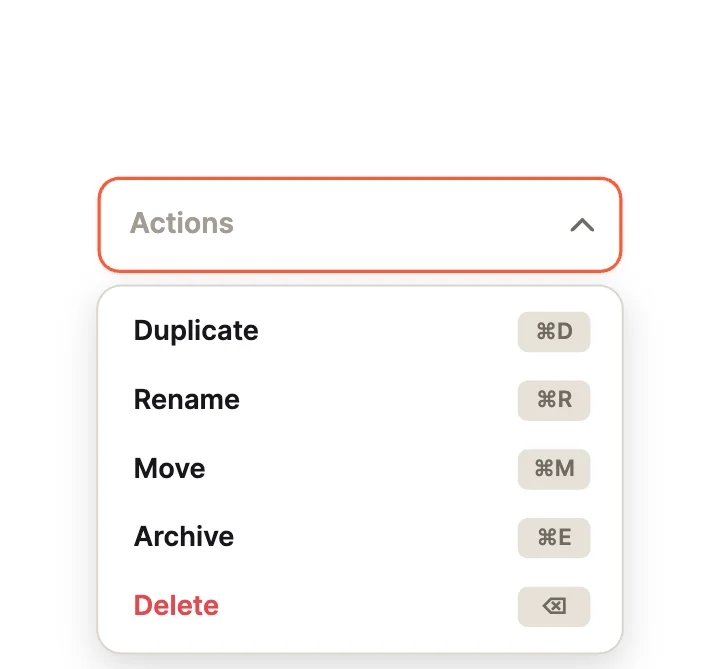
ShortcutsRich Items
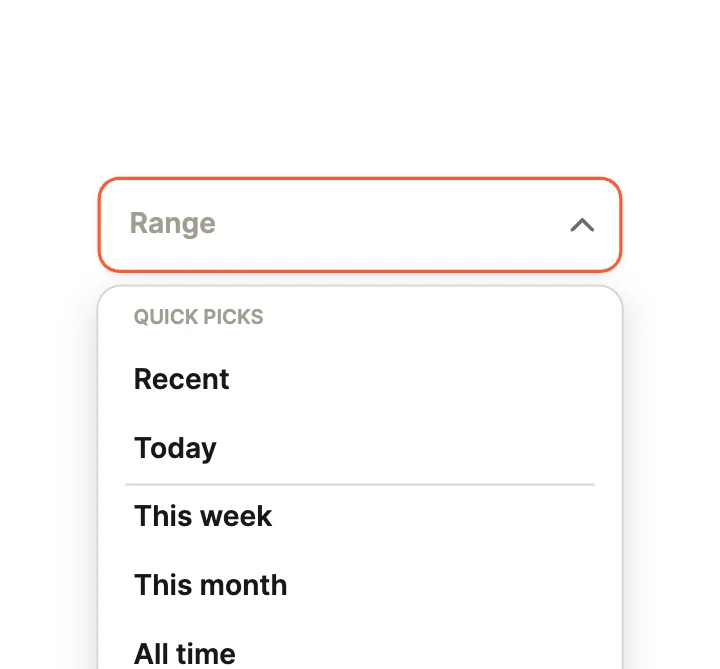
GroupedRich Items
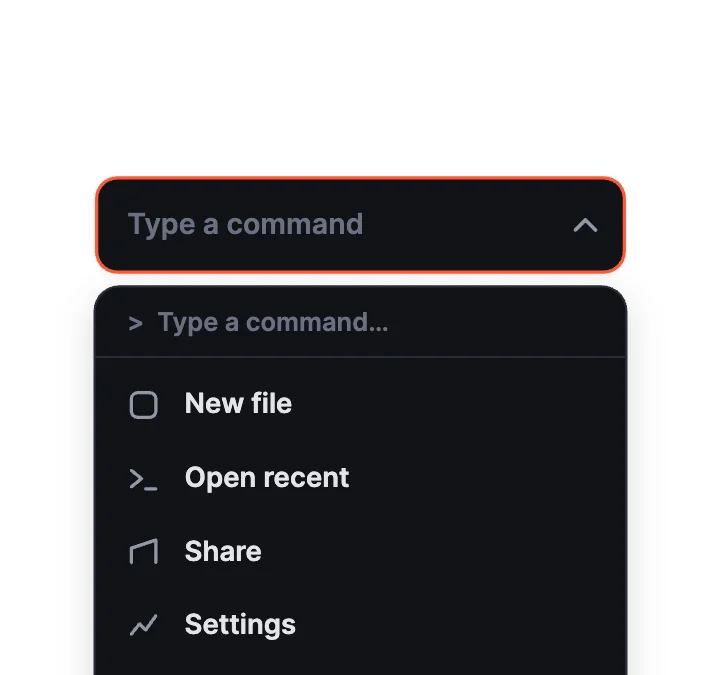
Command MenuPickers
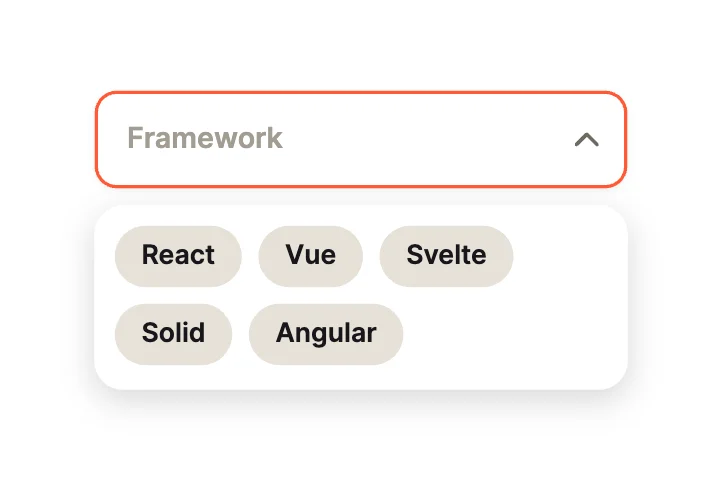
Chip CloudPickers
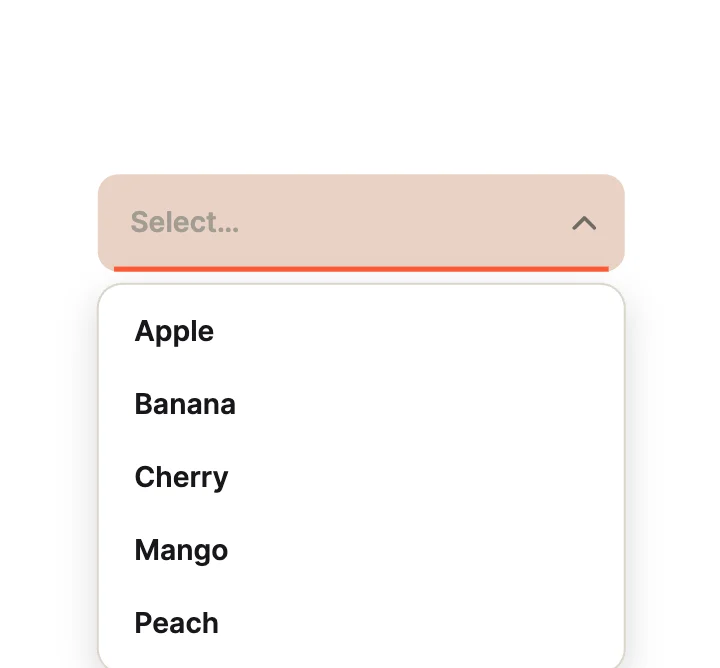
FilledClassic Fields
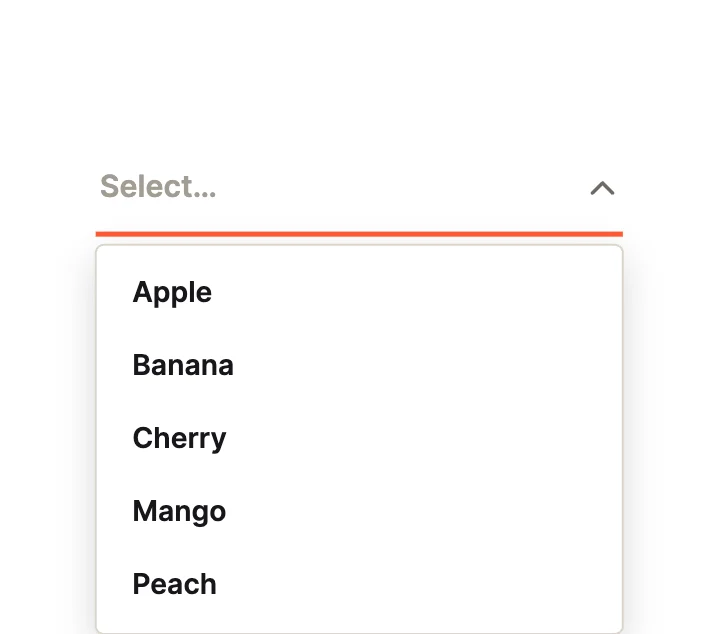
UnderlineClassic Fields
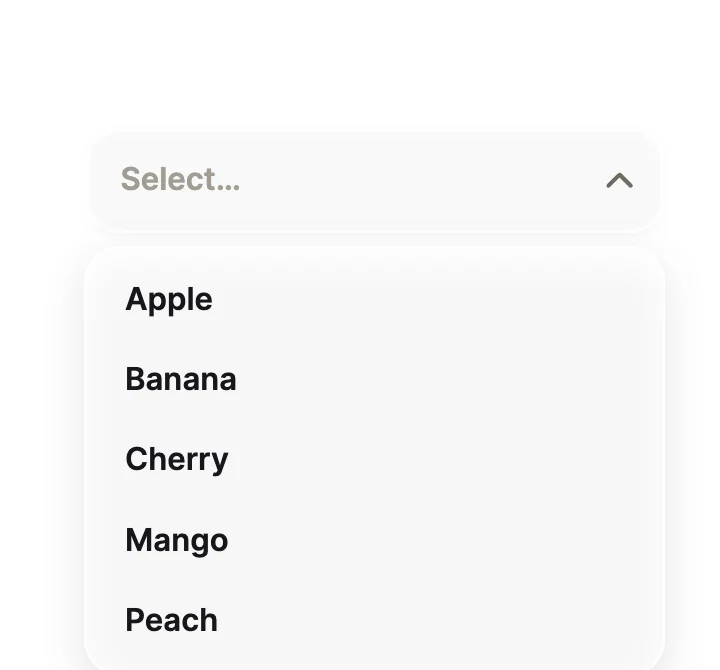
FrostedClassic Fields
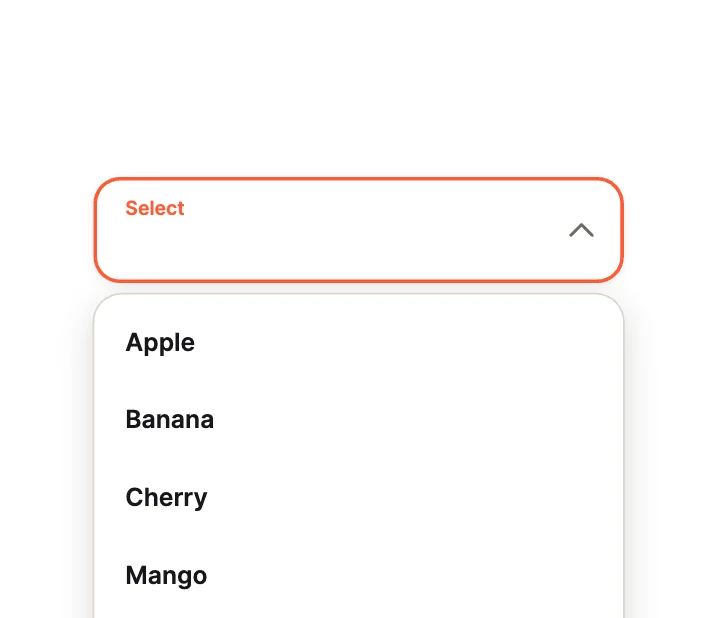
LargeClassic Fields
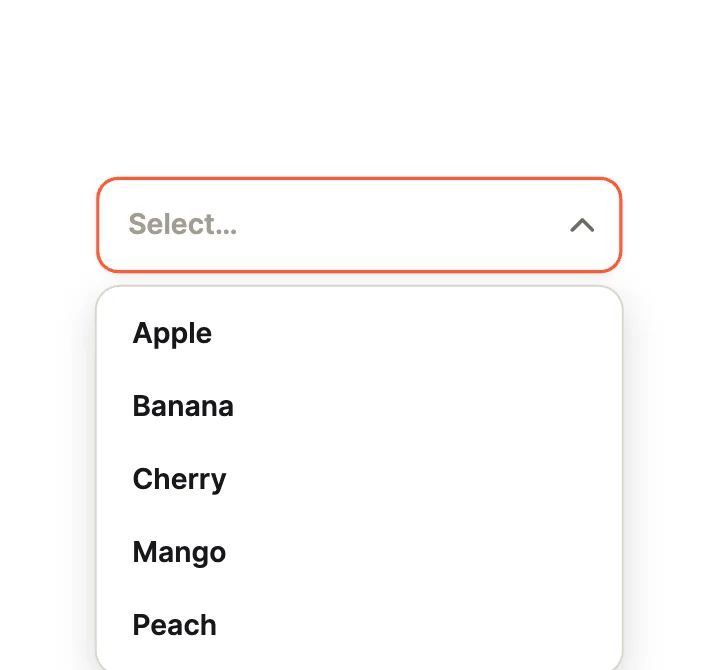
AccordionOpen Motion
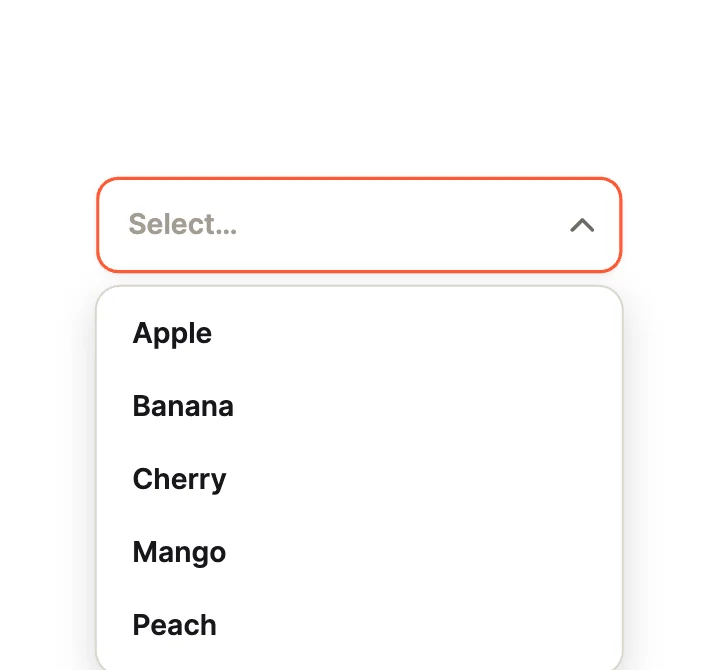
Fold OutOpen Motion
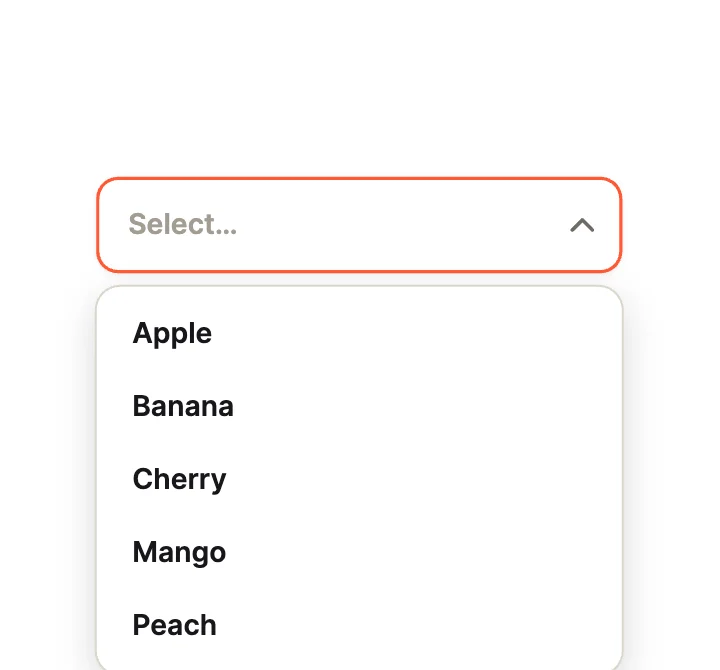
BlindsOpen Motion
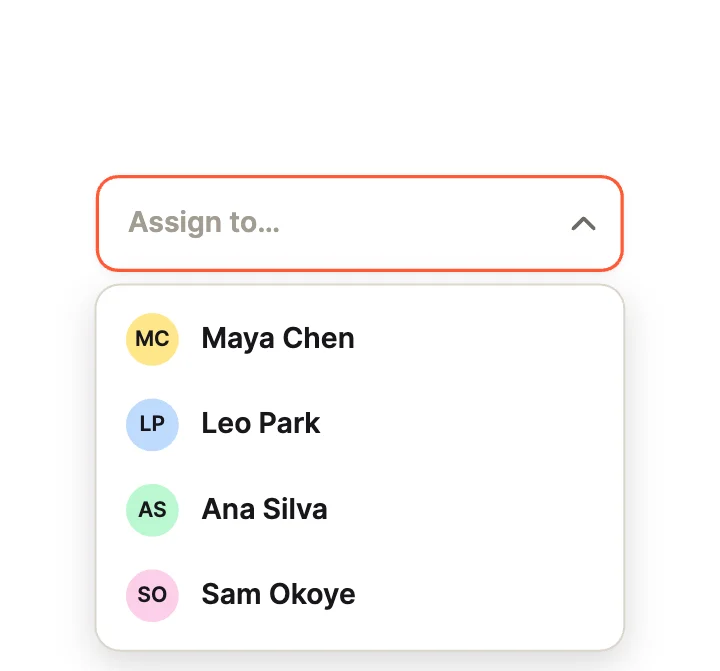
AssigneeRich Items
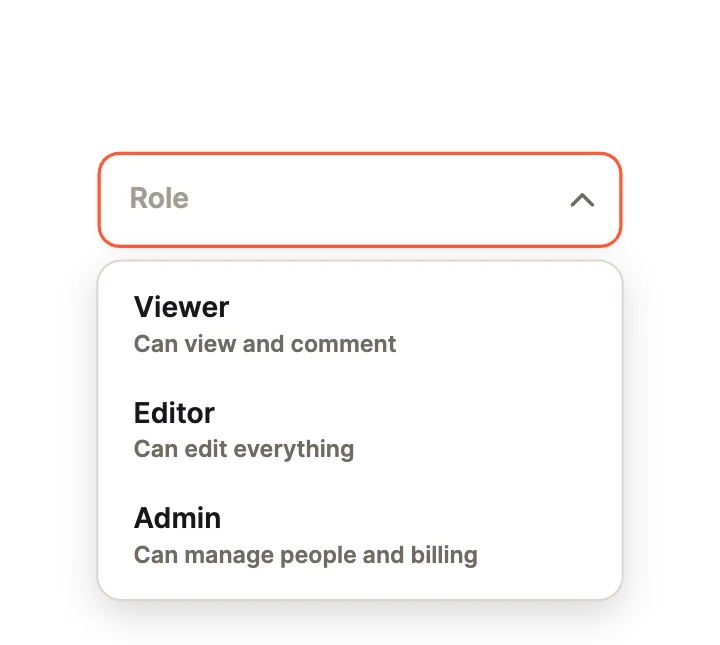
With DescriptionsRich Items
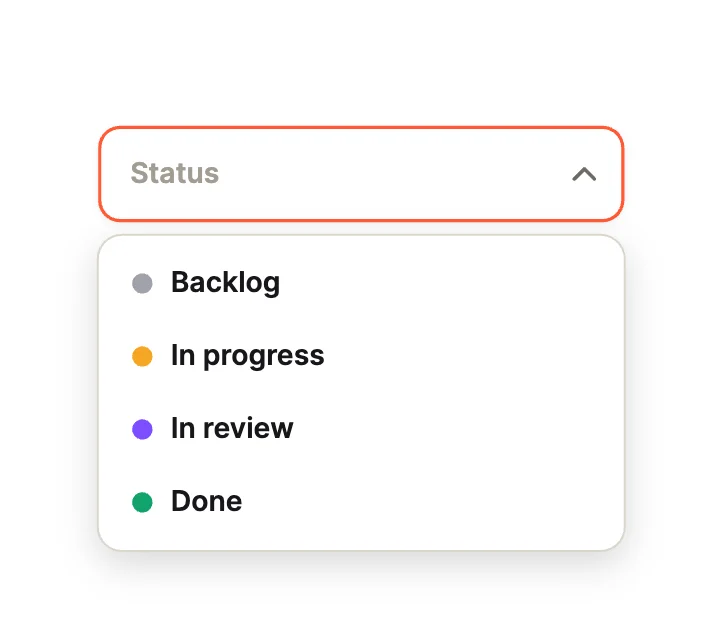
StatusRich Items
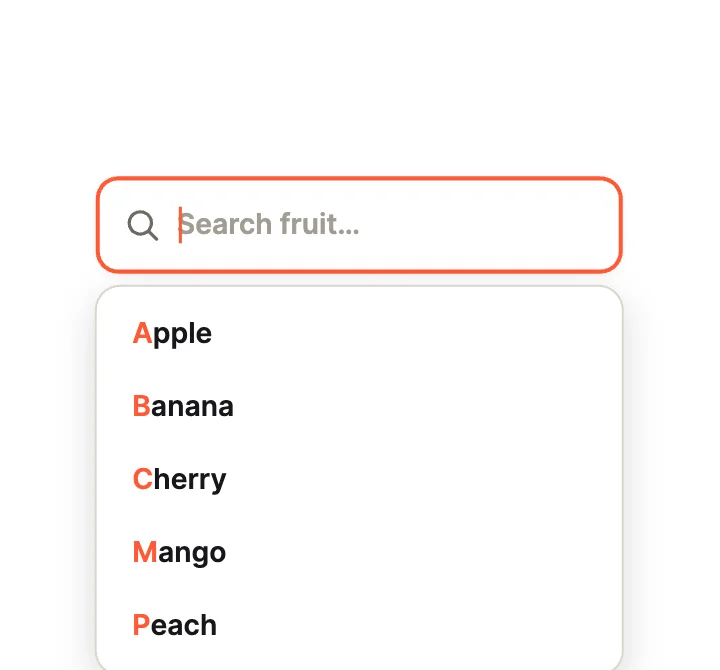
SearchablePickers
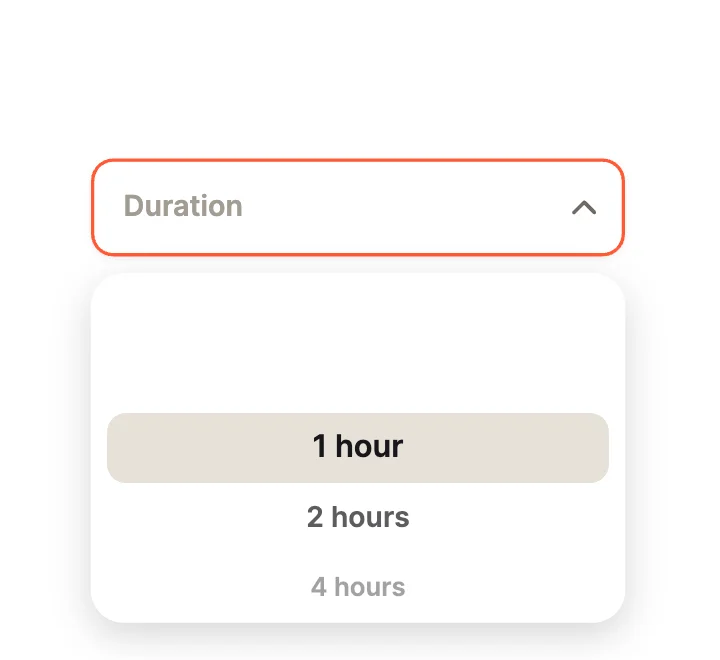
Wheel PickerPickers
Loading more… 36 of 50
How to use them
- Open Dropdown Studio
It is in the Plugins menu of the editor.
- Pick a design
Classic Fields, Open Motion, Rich Items, Pickers or Everyday (language, currency, sort, theme, time zone, font).
- Set the look
Theme and accent, then insert.
- Connect it
Supply options, open it from code and read what was picked.
Best dropdowns, by runtime
Questions
How do I use these dropdowns in my app?
Open one in ExodeUI, export the file and play it with the ExodeUI runtime for your stack. Open it and pick an item. Open and the selection are inputs.
Are these dropdowns free?
Yes. Dropdown Studio is built into the ExodeUI editor and included in the free Community plan.
Can I change the design?
Yes. Every part is a native layer in the editor: colours, type, motion and logic, and the input names your code uses stay the same.
More kinds
Make your own in ExodeUI
Free to start. Every studio behind this library is built into the editor, and everything it makes stays native and editable.
Try ExodeUI for free