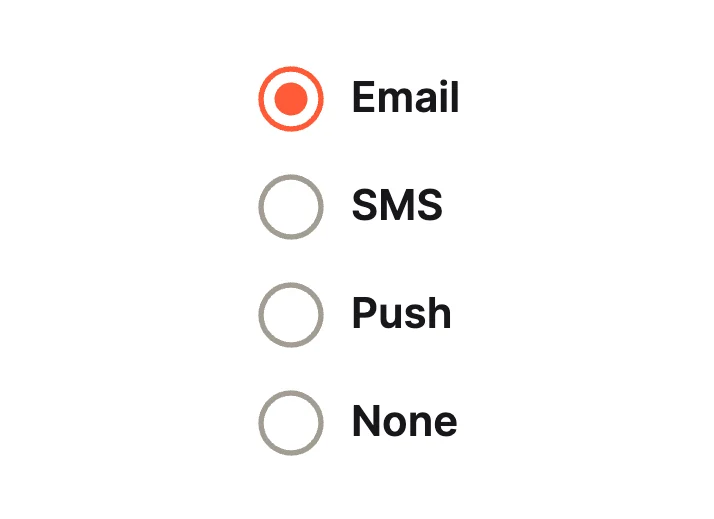
Dot ListClassic Lists
Radio Group Studio · 50 designs
Animated radio groups. Segmented controls, plan and payment cards, colour pickers, star ratings and mood faces.
Each radio group is a native RadioGroup widget whose options come from a variable. The selected option is an input, so the choice reaches your code without glue.

Check ListClassic Lists
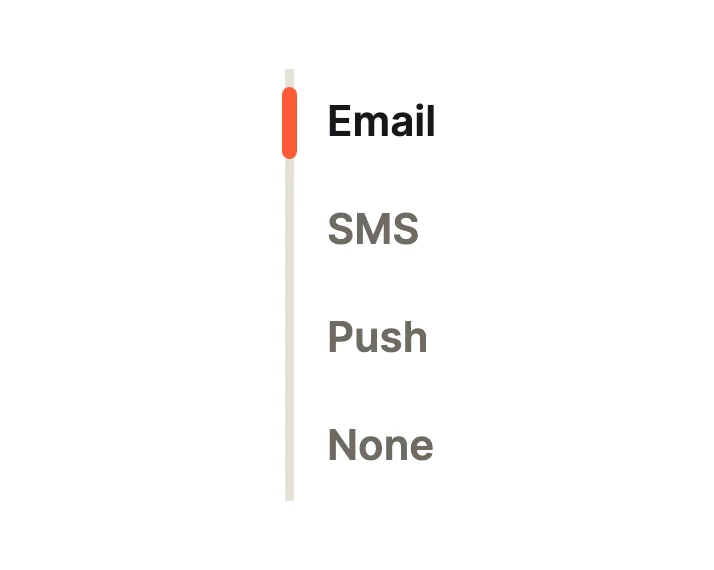
Side BarClassic Lists
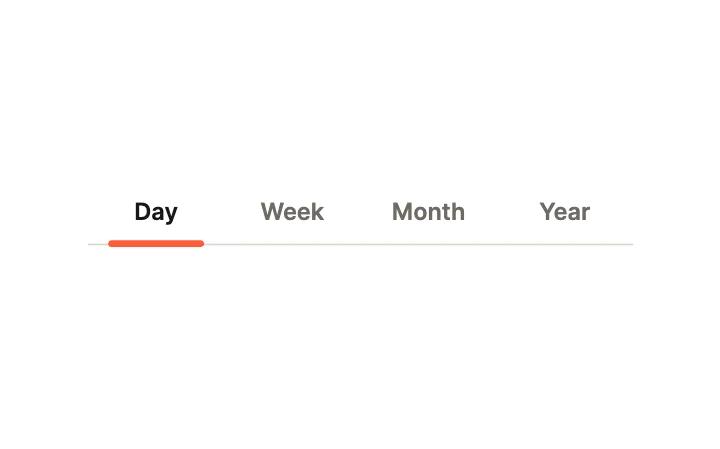
Tab UnderlineSegmented
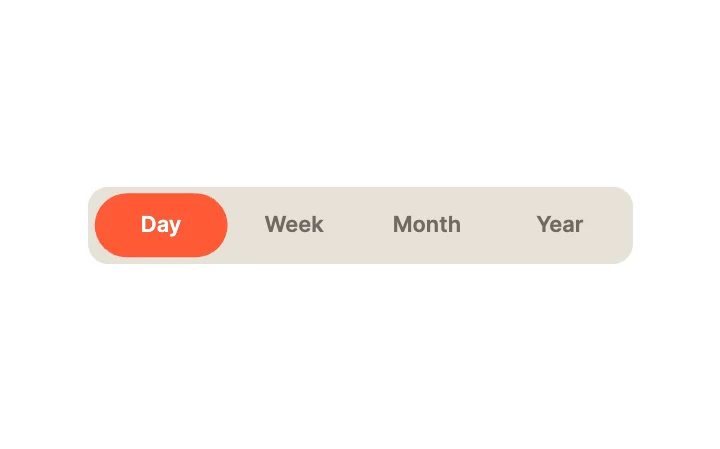
GooeySegmented
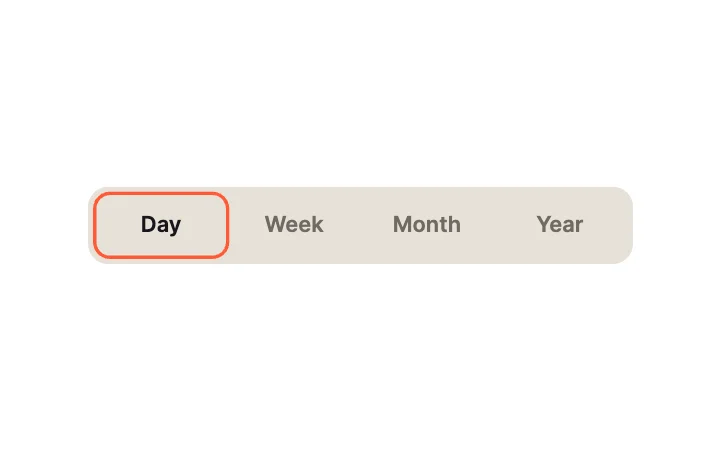
Outline SegmentsSegmented
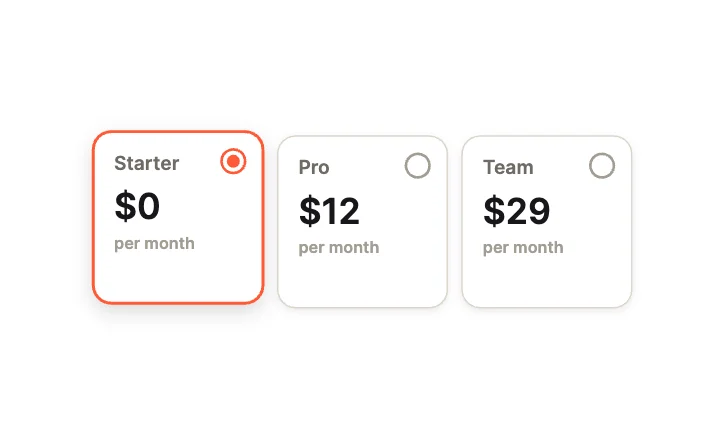
Plan CardsCards
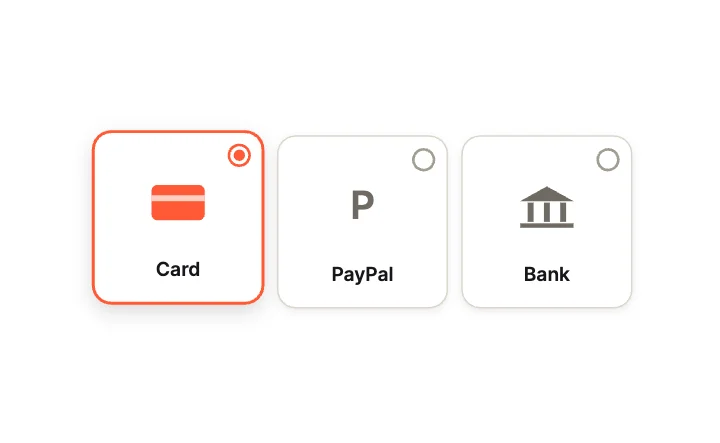
Payment MethodCards
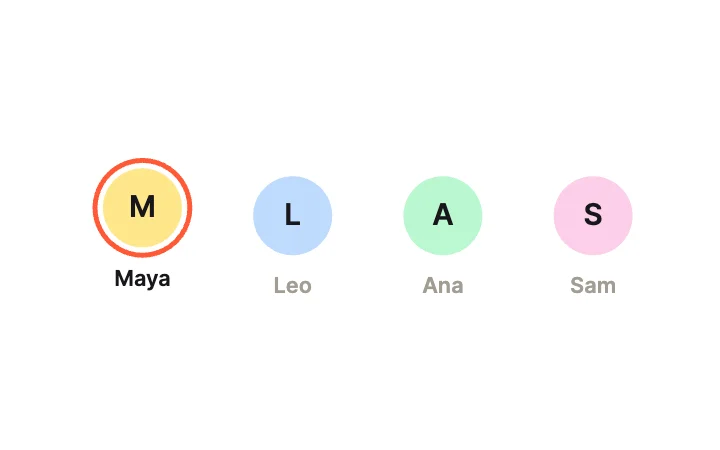
AssigneeCards
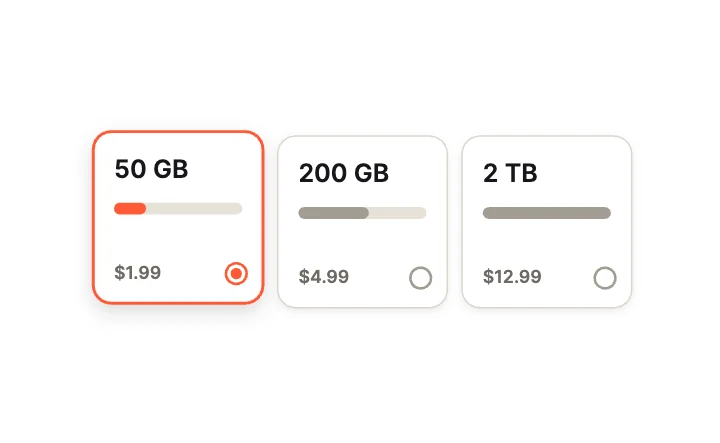
Storage TiersCards
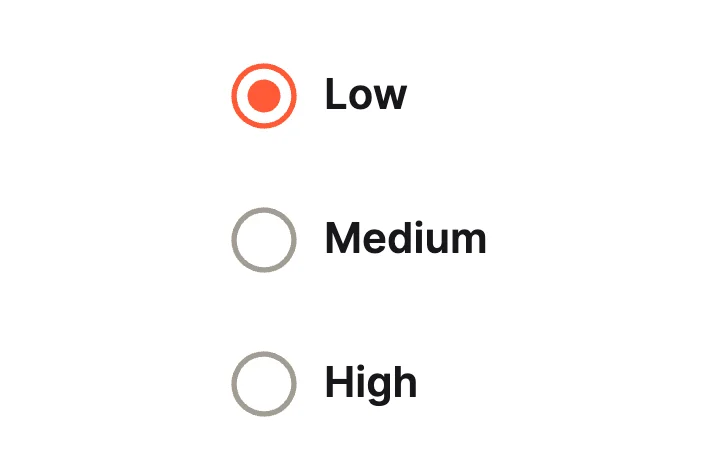
RippleMotion
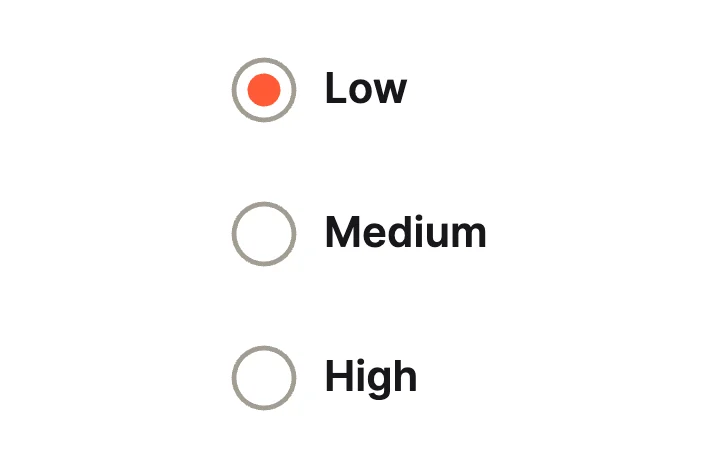
Liquid BlobMotion
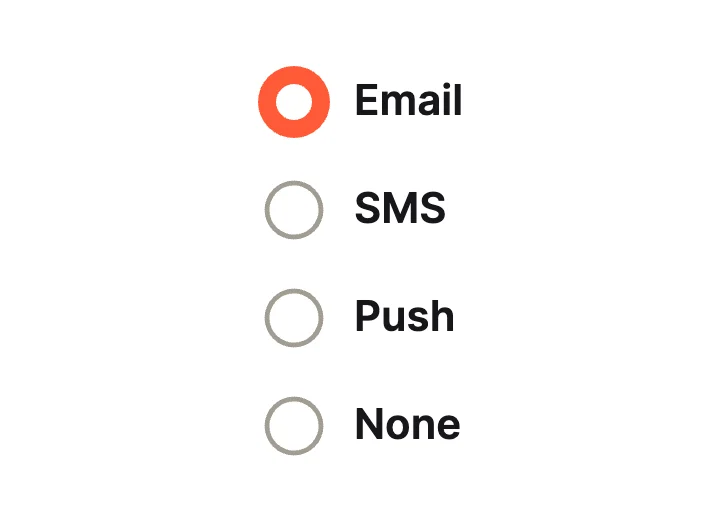
Thick RingClassic Lists
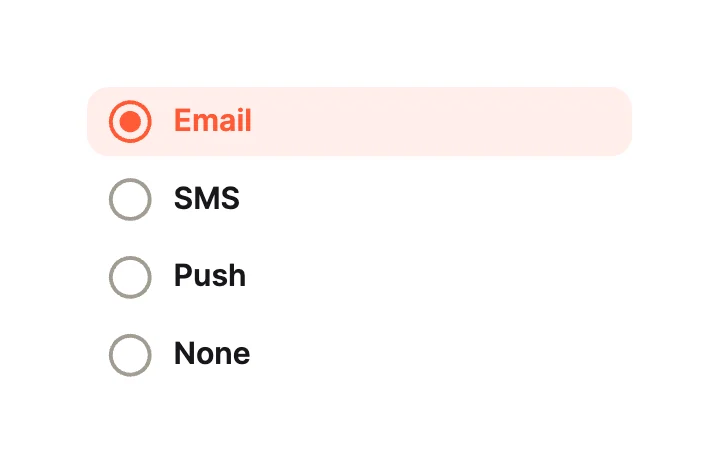
Row HighlightClassic Lists

UnderlineClassic Lists
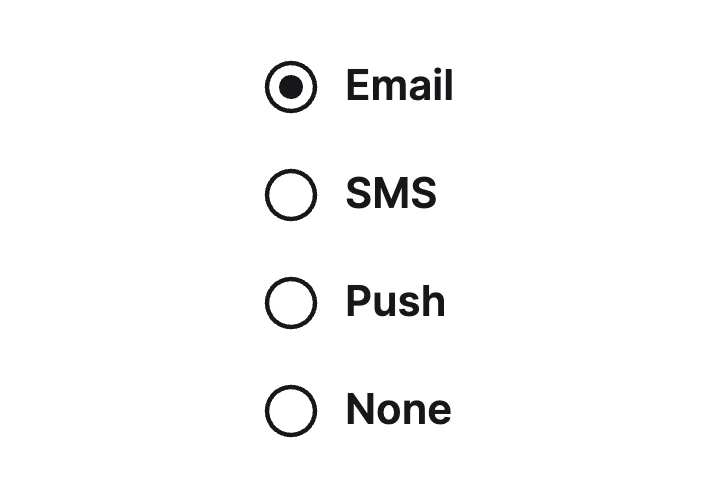
MonoClassic Lists
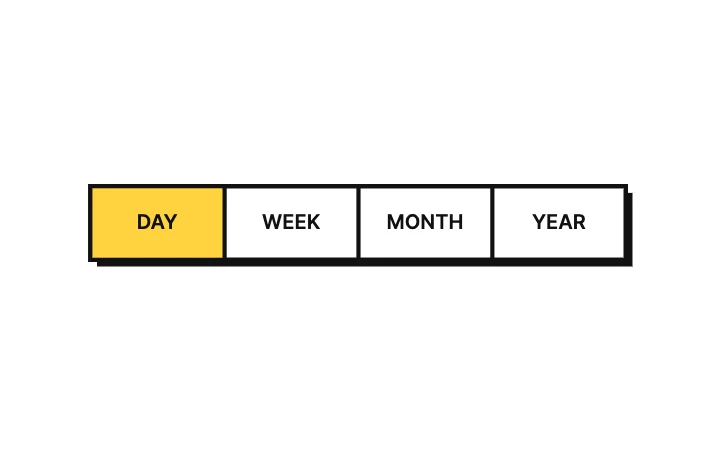
Brutal SegmentsSegmented
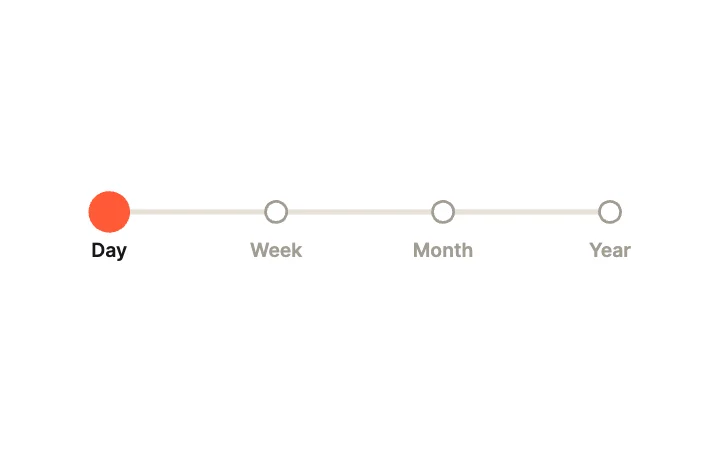
Dot StepsSegmented
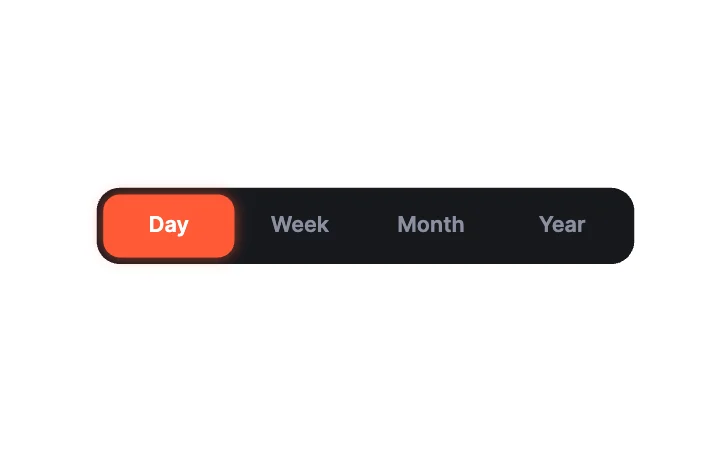
Dark SegmentsSegmented
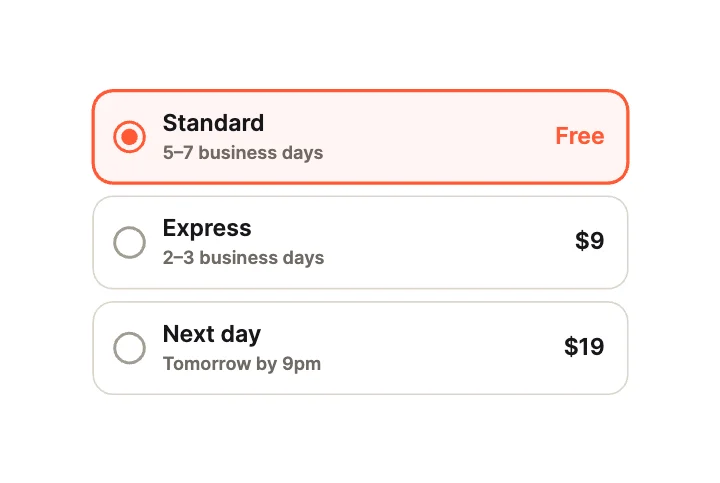
Shipping OptionsCards
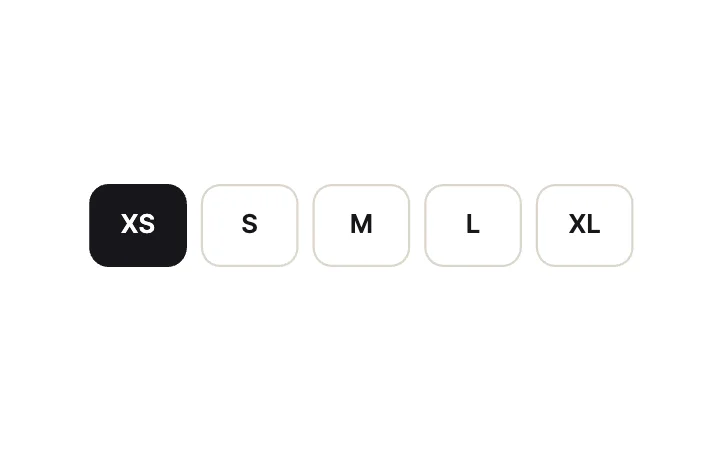
Size BoxesCards
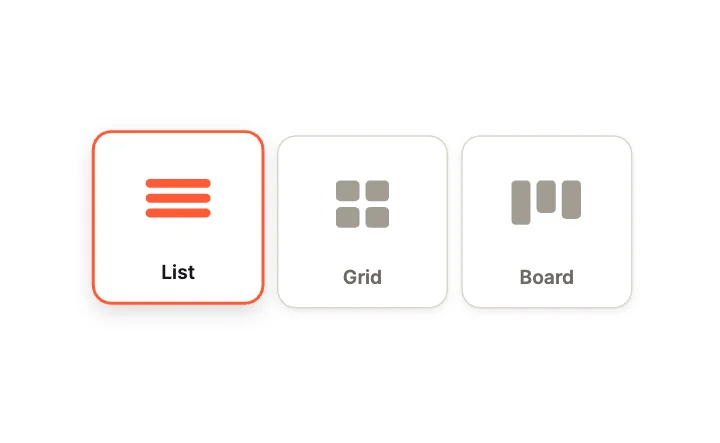
Layout PickerCards
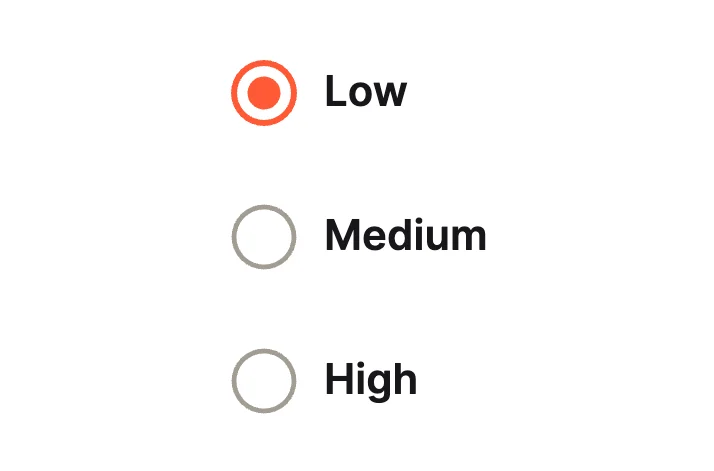
Sliding DotMotion
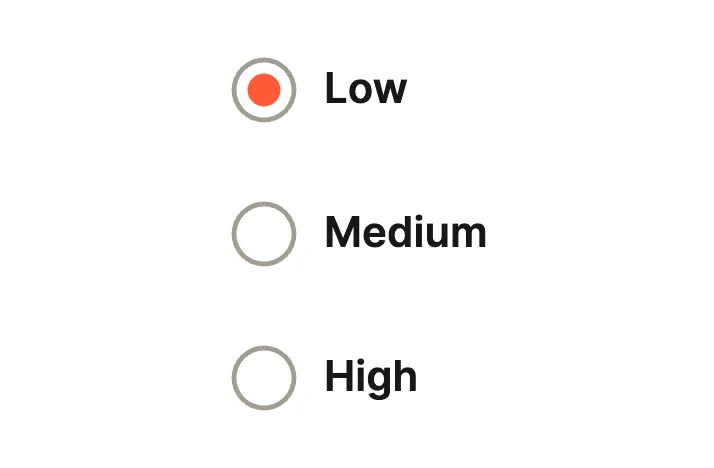
Bounce DotMotion
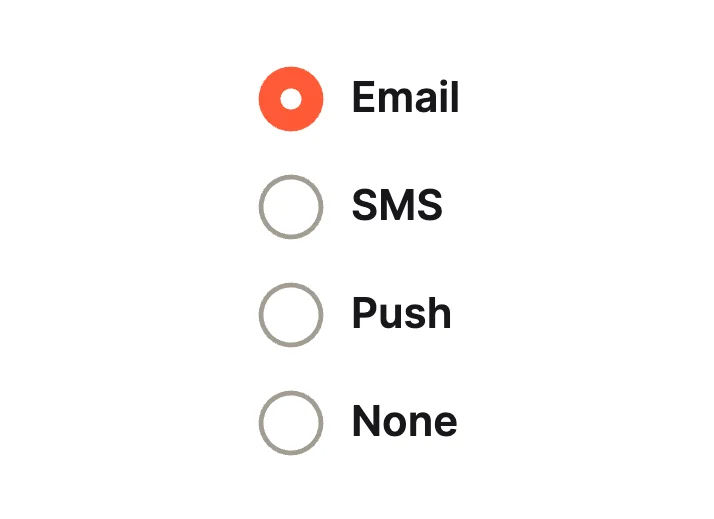
Filled CircleClassic Lists
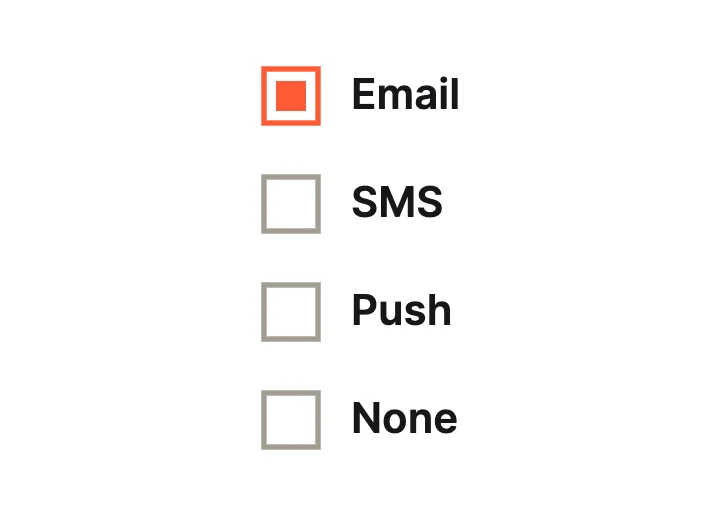
Square RadioClassic Lists
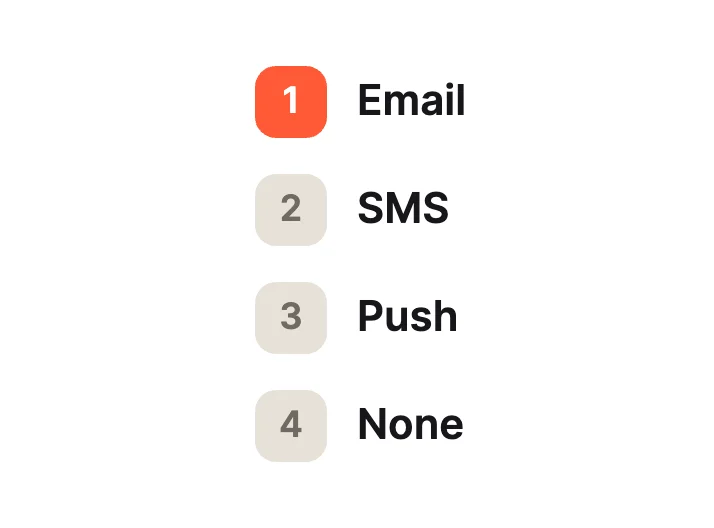
NumberedClassic Lists
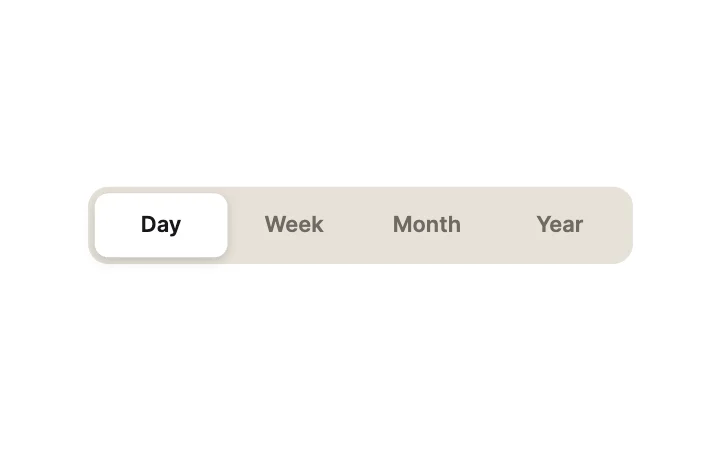
Segmented PillSegmented
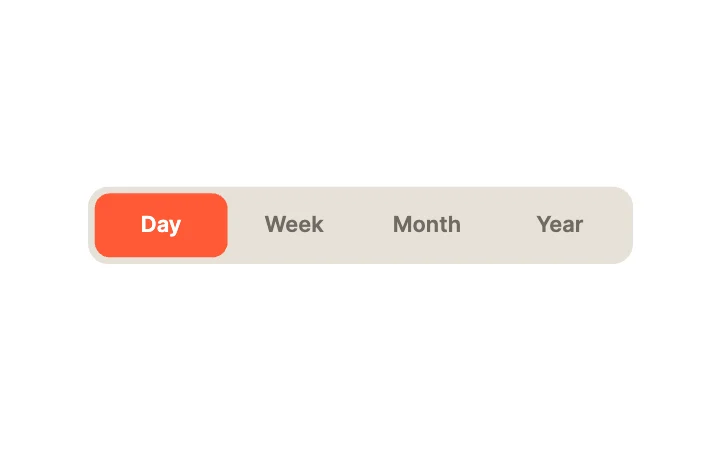
Accent FillSegmented
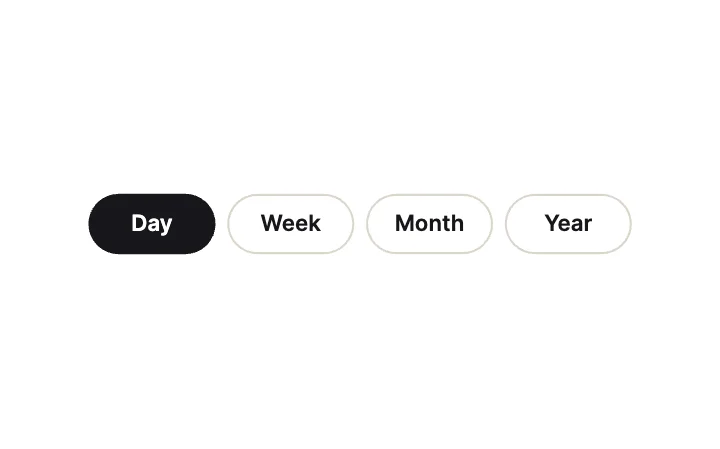
ChipsSegmented
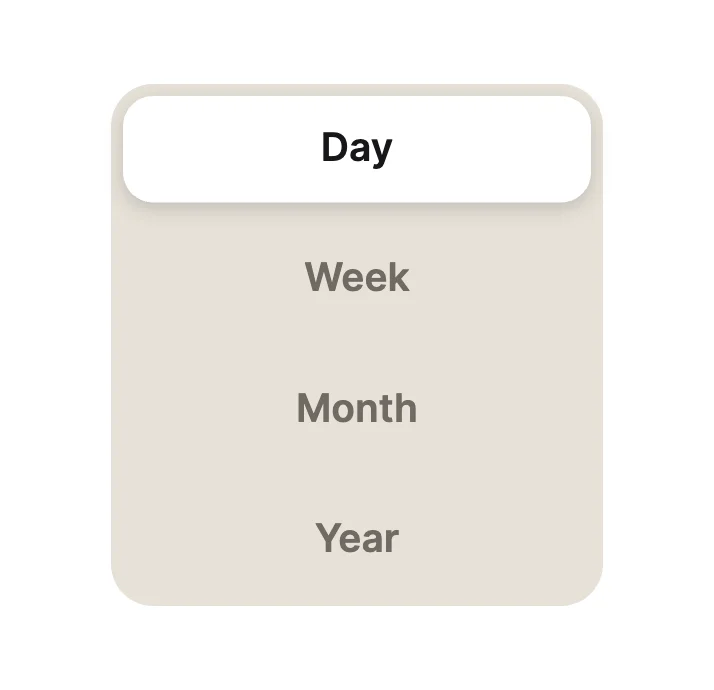
Vertical PillsSegmented
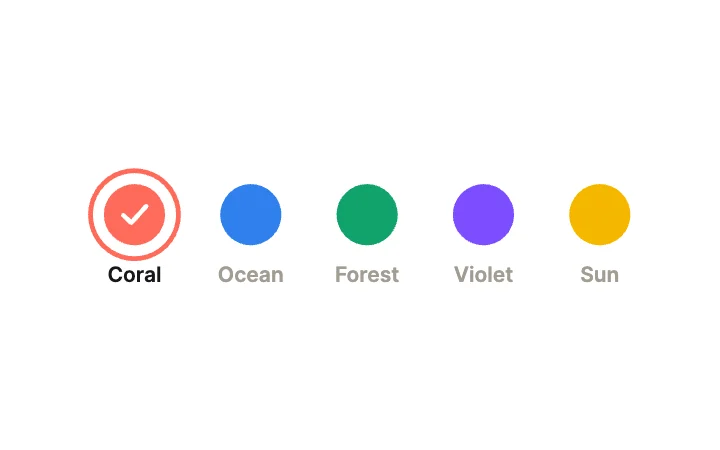
Colour SwatchesCards
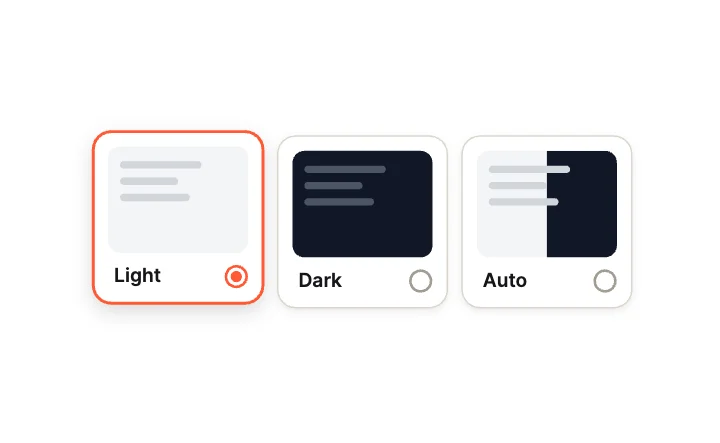
Theme CardsCards
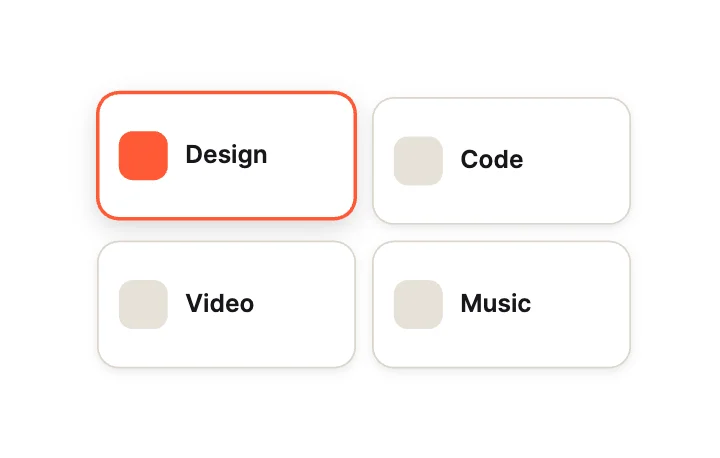
Card GridCards
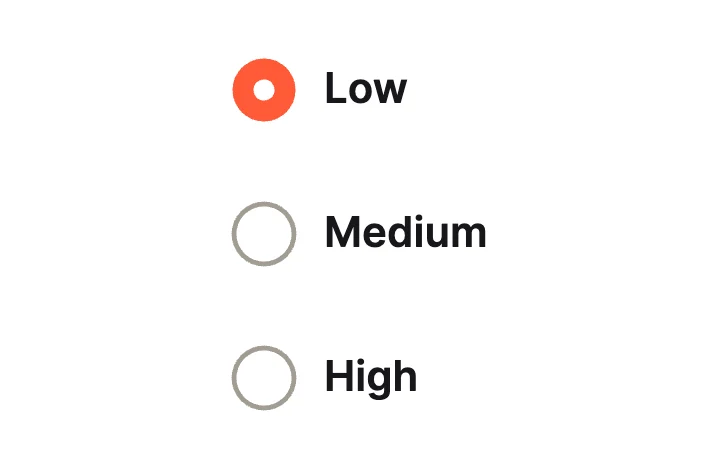
Ring to DotMotion
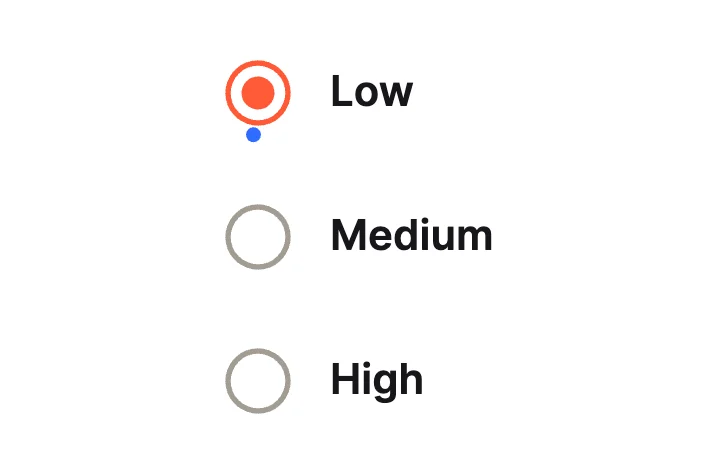
OrbitMotion
Loading more… 36 of 50
How to use them
- Open Radio Group Studio
It is in the Plugins menu of the editor.
- Pick a design
Classic Lists, Segmented, Cards, Motion or Pickers.
- Set the look
Theme and accent, then insert.
- Connect it
Supply the options from your app and read the selected index.
Best radio groups, by runtime
Questions
How do I use these radio groups in my app?
Open one in ExodeUI, export the file and play it with the ExodeUI runtime for your stack. Pick an option. Your app reads the selected index.
Are these radio groups free?
Yes. Radio Group Studio is built into the ExodeUI editor and included in the free Community plan.
Can I change the design?
Yes. Every part is a native layer in the editor: colours, type, motion and logic, and the input names your code uses stay the same.
More kinds
Make your own in ExodeUI
Free to start. Every studio behind this library is built into the editor, and everything it makes stays native and editable.
Try ExodeUI for free