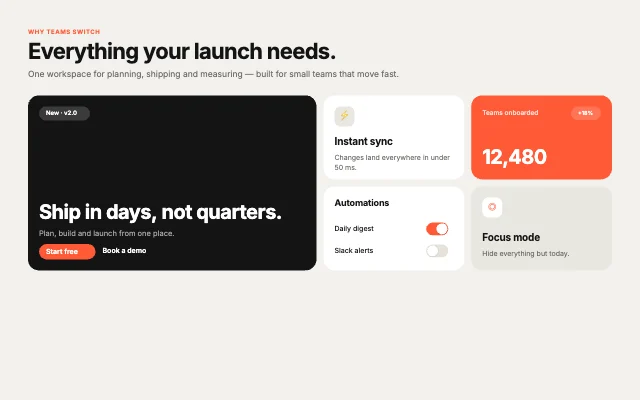
SaaS LaunchProduct features
Bento Studio · 40 designs
Animated bento grids. Feature grids, dashboards, link-in-bio and pricing pages that reflow on every screen.
Each bento is native groups with grid layout and phone, tablet and desktop breakpoints. Cards are real layers you restyle, and the toggles and buttons in them work.
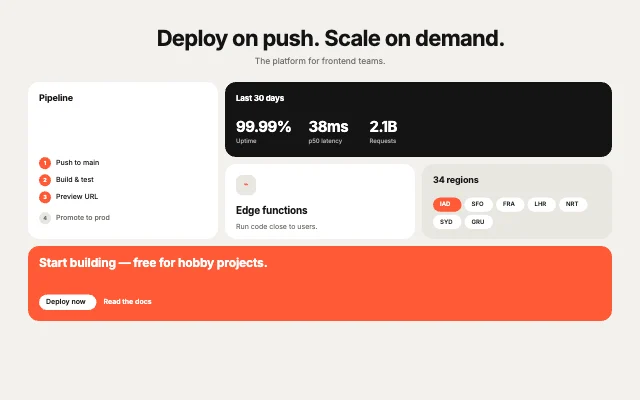
Developer PlatformProduct features
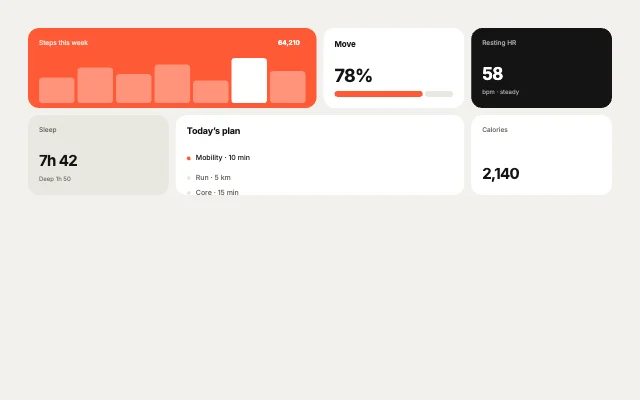
Fitness WeekDashboards
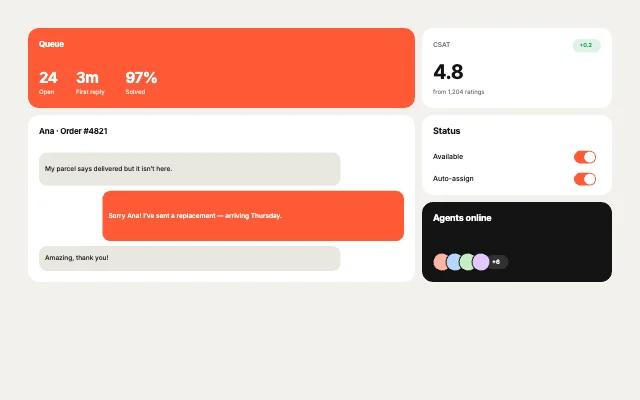
Support DeskDashboards
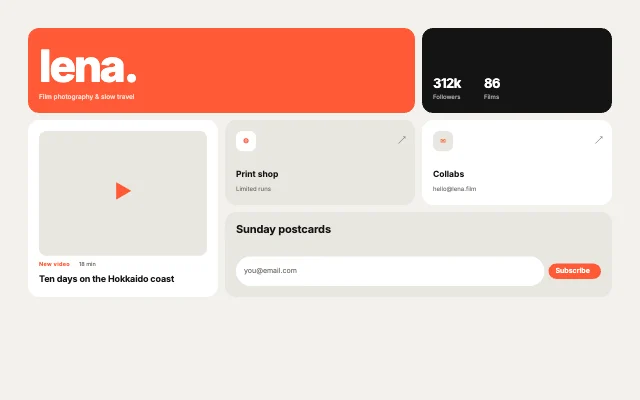
Creator HubPersonal & link-in-bio
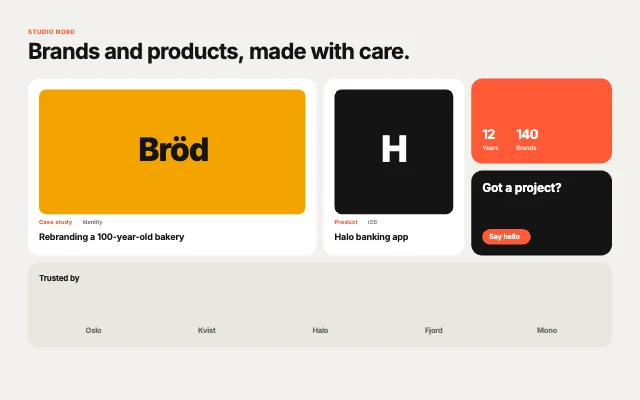
Design StudioPortfolio & studio
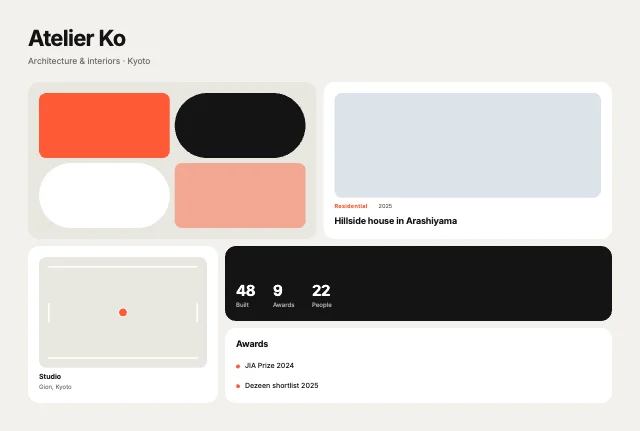
Architecture FirmPortfolio & studio
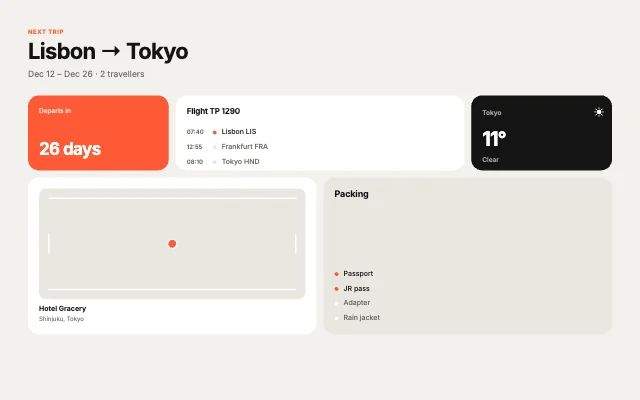
Travel AppApp showcases
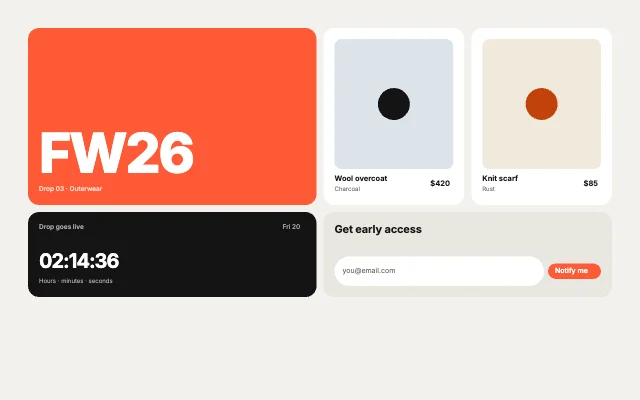
Fashion DropCommerce
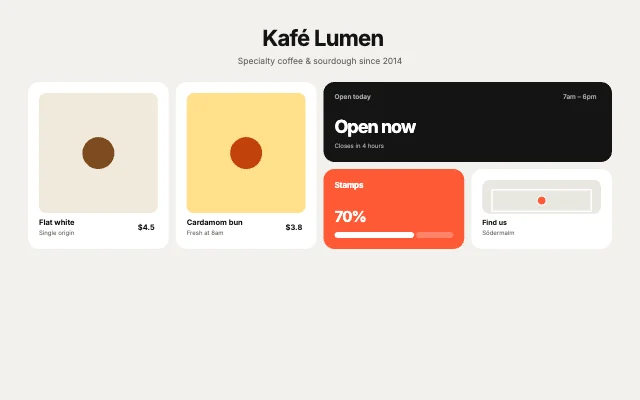
Coffee ShopCommerce
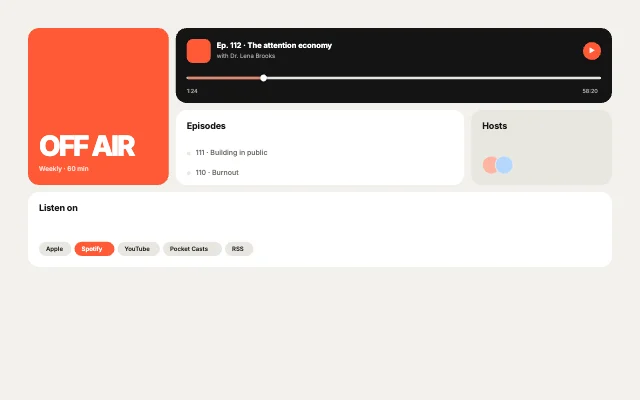
Podcast ShowEditorial
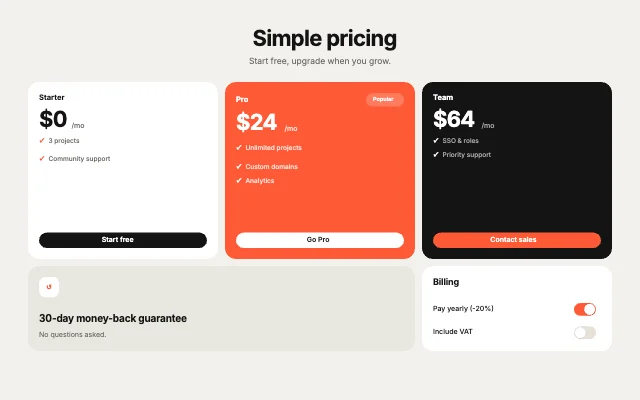
Pricing TrioTeam, pricing & about
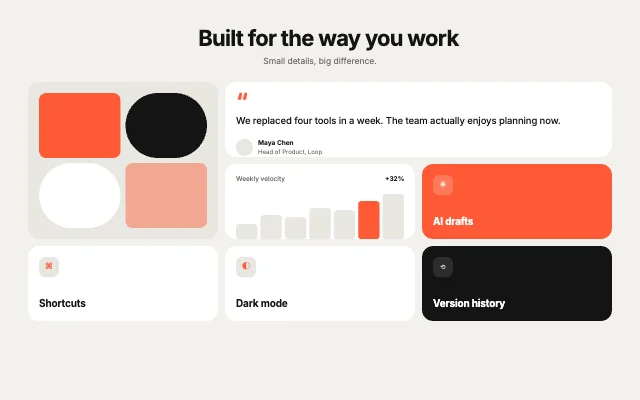
Feature MosaicProduct features
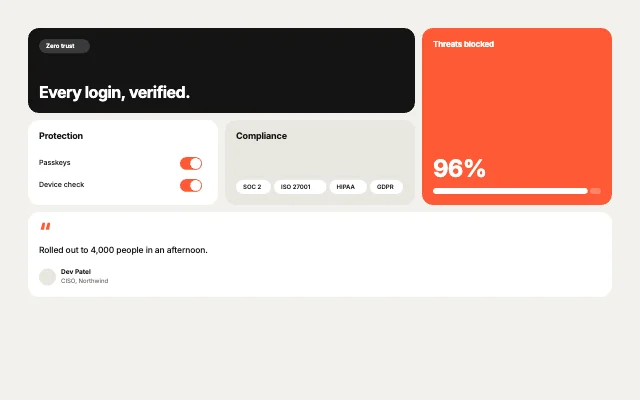
Security SuiteProduct features
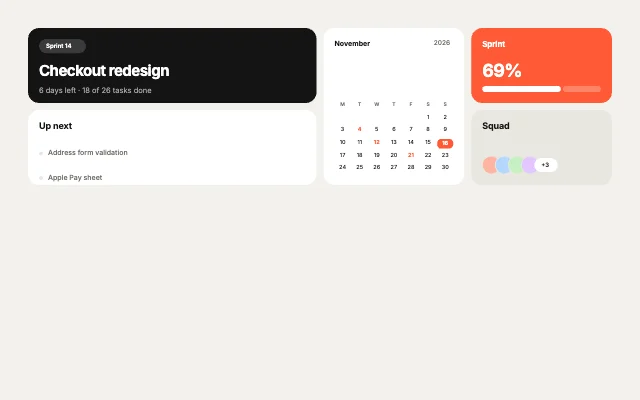
Project HubDashboards
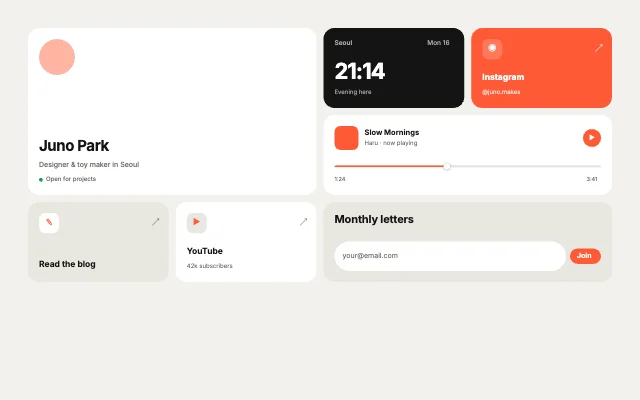
Link in BioPersonal & link-in-bio
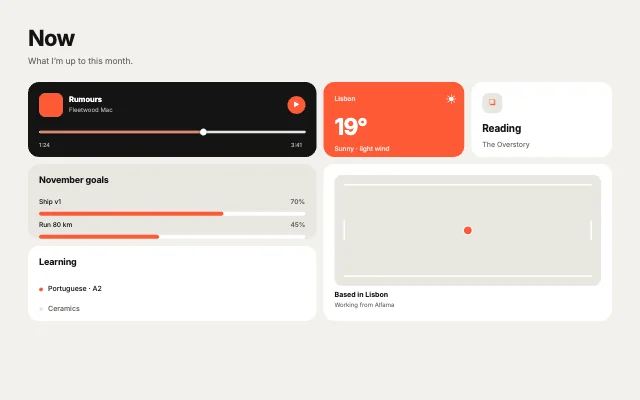
Now PagePersonal & link-in-bio
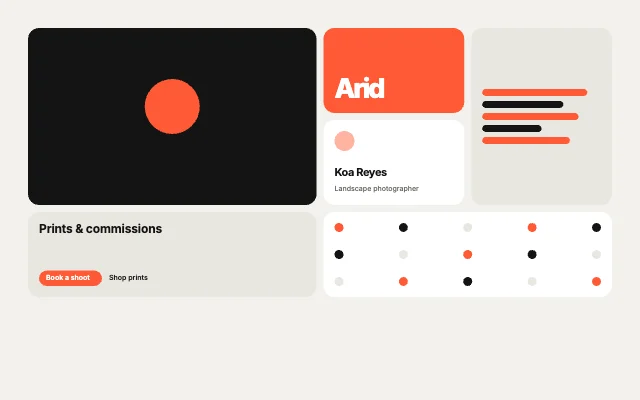
PhotographerPortfolio & studio
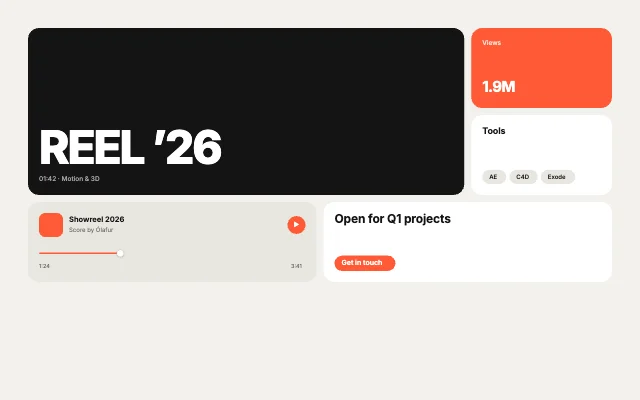
Motion ReelPortfolio & studio
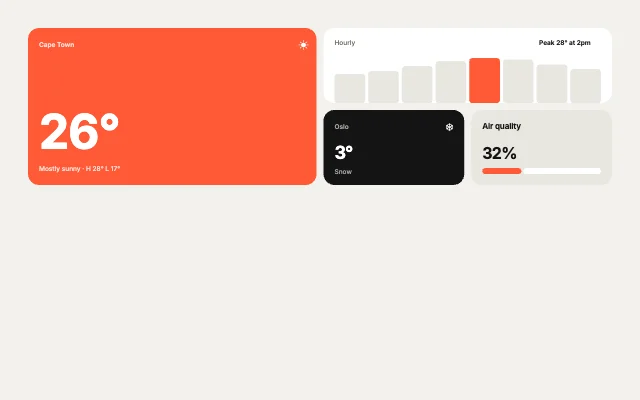
Weather AppApp showcases
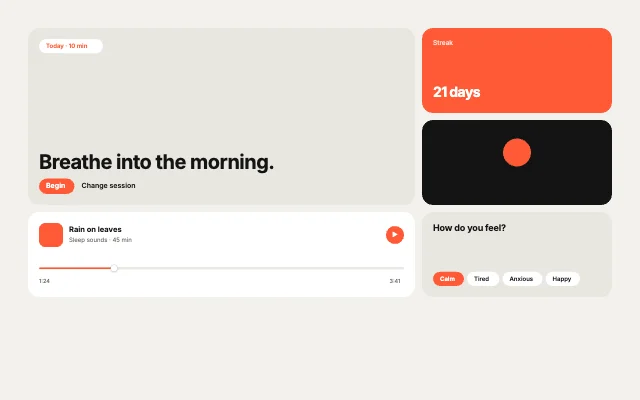
Meditation AppApp showcases
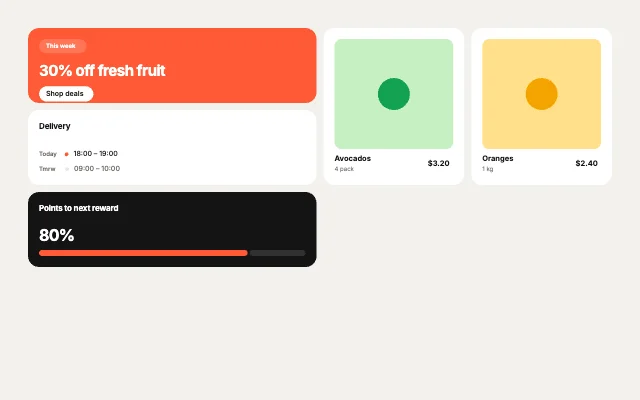
Grocery DealsCommerce
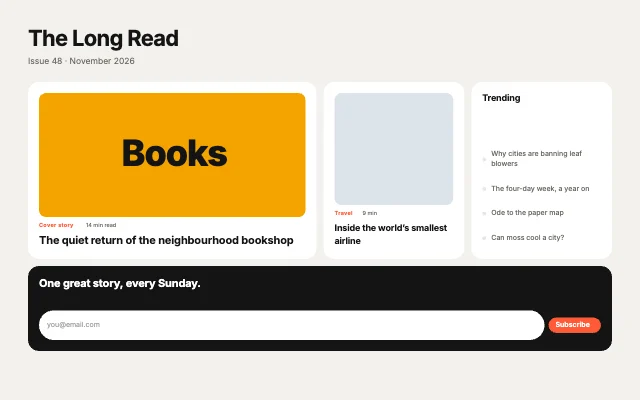
Magazine FrontEditorial
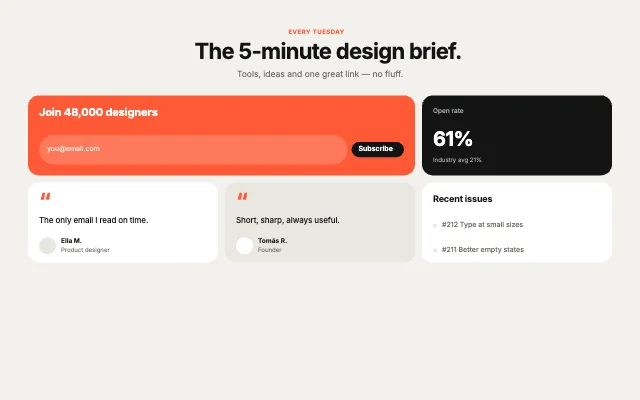
Newsletter LandingEditorial
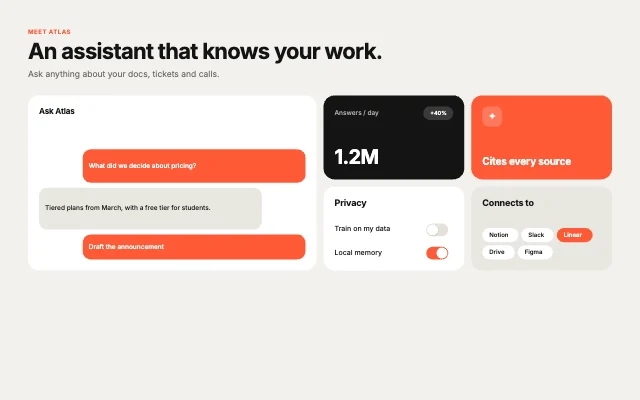
AI AssistantProduct features
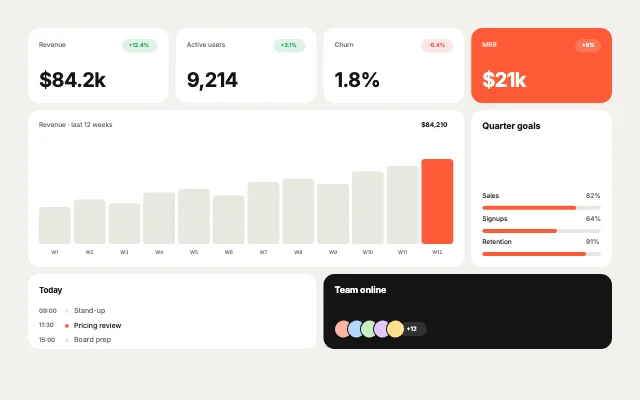
Revenue BoardDashboards
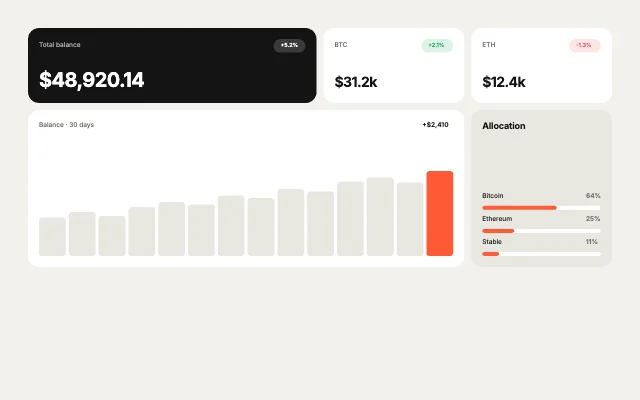
Crypto PortfolioDashboards
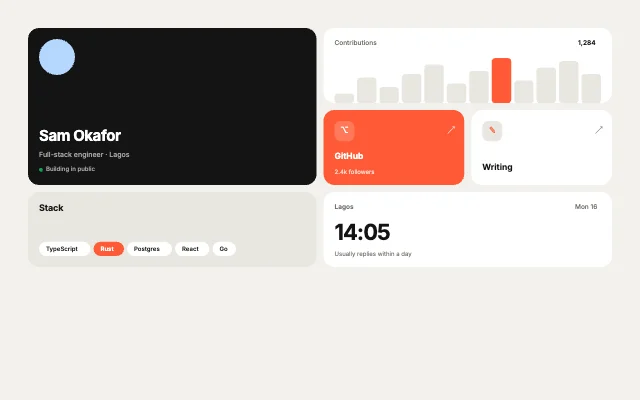
Developer CardPersonal & link-in-bio
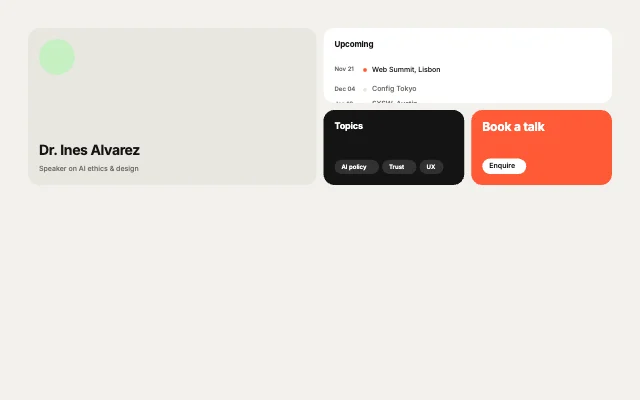
Speaker KitPersonal & link-in-bio
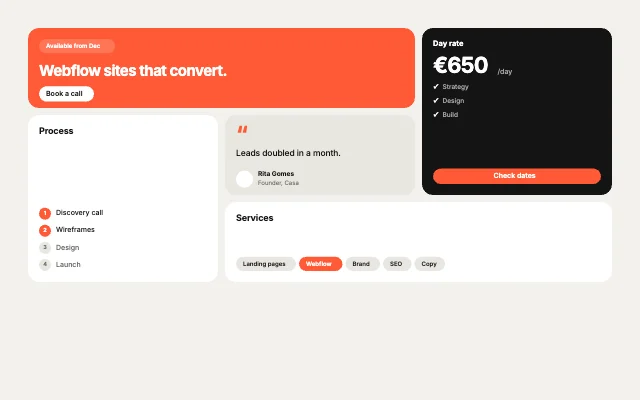
FreelancerPortfolio & studio
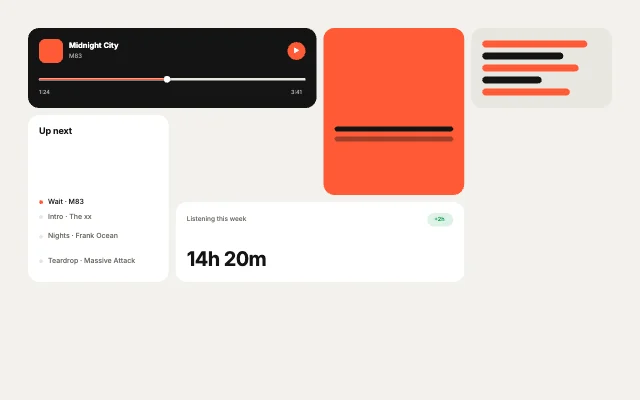
Music AppApp showcases
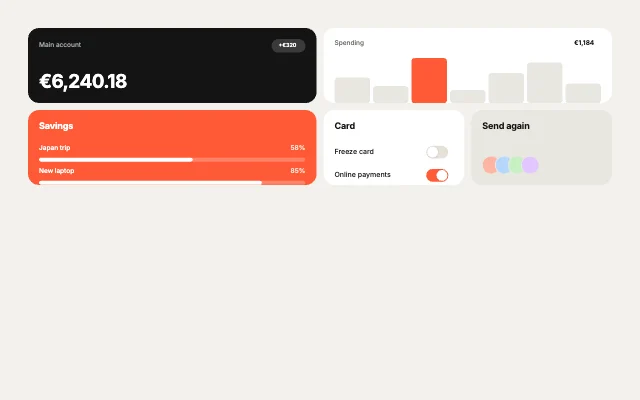
Banking AppApp showcases
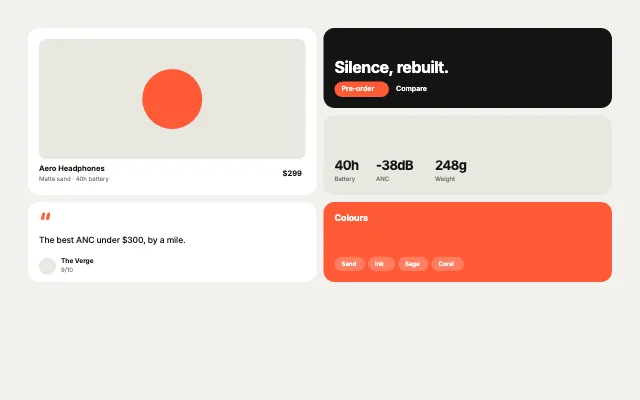
Product LaunchCommerce
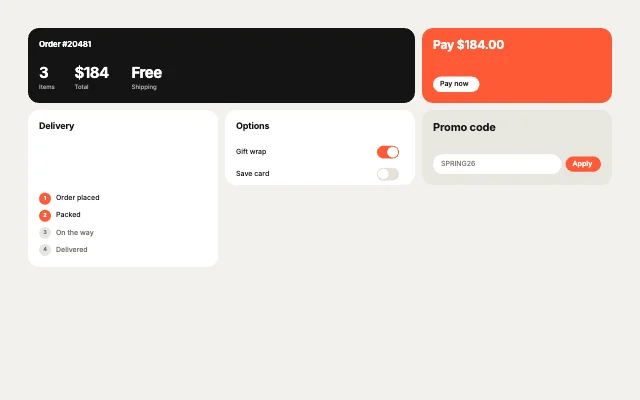
Checkout SummaryCommerce
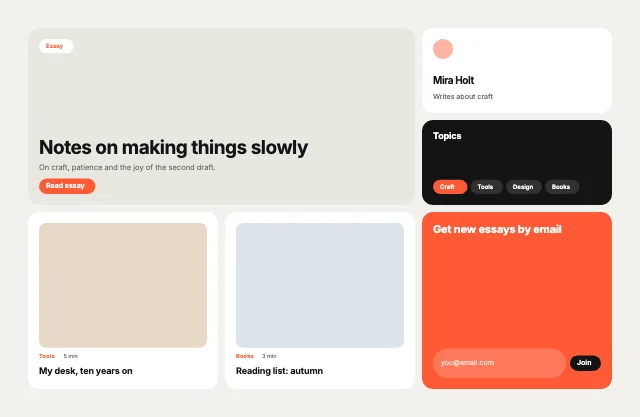
Blog HomeEditorial
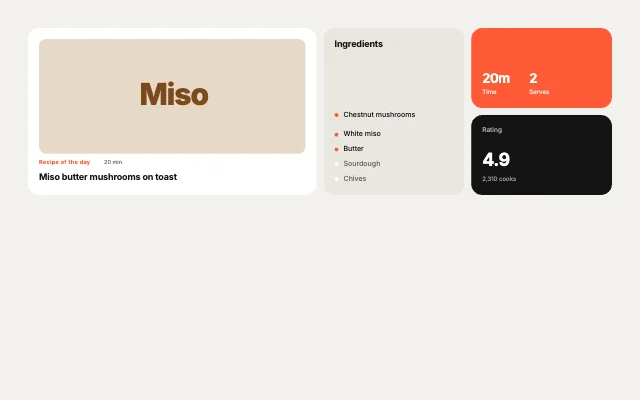
Recipe HubEditorial
Loading more… 36 of 40
How to use them
- Open Bento Studio
It is in the Plugins menu of the editor.
- Pick a layout
Product features, Dashboards, Personal & link-in-bio, Portfolio & studio, App showcases, Commerce, Editorial or Team, pricing & about.
- Set the look
Theme, accent and corner radius. By default the artboard grows to fit the page.
- Edit and animate
Replace text and images, then add motion.
Best bento grids, by runtime
Questions
How do I use these bento grids in my app?
Open one in ExodeUI, export the file and play it with the ExodeUI runtime for your stack. Hover and click the cards. It reflows at phone and tablet sizes.
Are these bento grids free?
Yes. Bento Studio is built into the ExodeUI editor and included in the free Community plan.
Can I change the design?
Yes. Every part is a native layer in the editor: colours, type, motion and logic, and the input names your code uses stay the same.
More kinds
Make your own in ExodeUI
Free to start. Every studio behind this library is built into the editor, and everything it makes stays native and editable.
Try ExodeUI for free