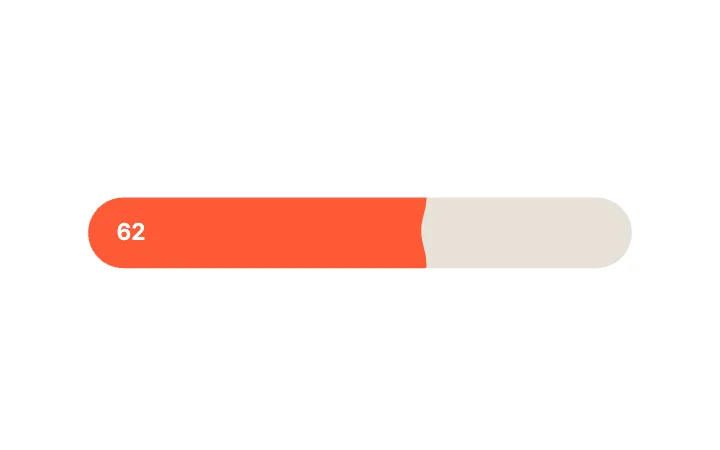
Liquid Wave FillSlider · Physics & Fluid
Free · Live demos · Updated November 2026
Free UI motion components
Here are 36 free UI motion components, picked for the motion itself: knobs that land on a spring, ticks that draw, toggles with weight, sliders with fluid thumbs, sheets that expand and lists that settle. Each one is live below. Open it in ExodeUI for free, change the spring or the curve, and the same file runs in React, Vue, Svelte, Angular, Solid, React Native, SwiftUI or Flutter.
Motion here is a setting, not a video: stiffness, damping and duration live in the file, and your code only sets and reads state.
We make ExodeUI. Every component on this page comes from our own library.
Try them live 36
Every component below is running. Drag, tap or type to try it, then open it in ExodeUI or see its inputs and code.
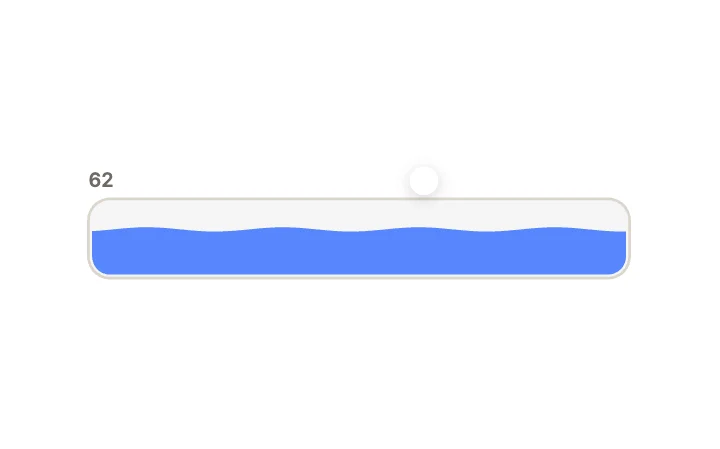
Tilting WaterSlider · Physics & Fluid
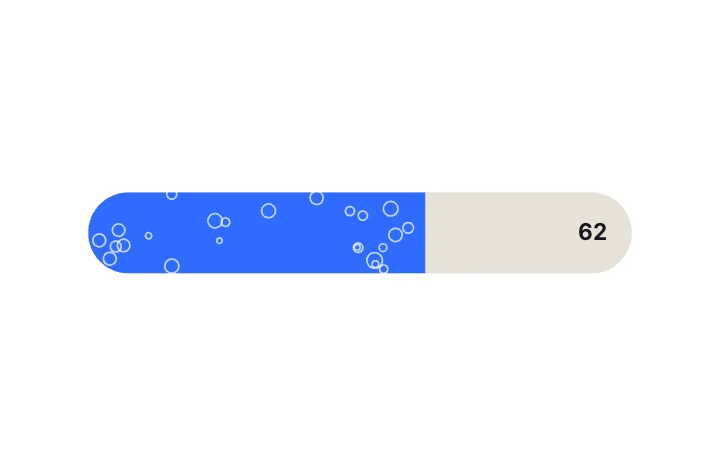
Rising BubblesSlider · Physics & Fluid
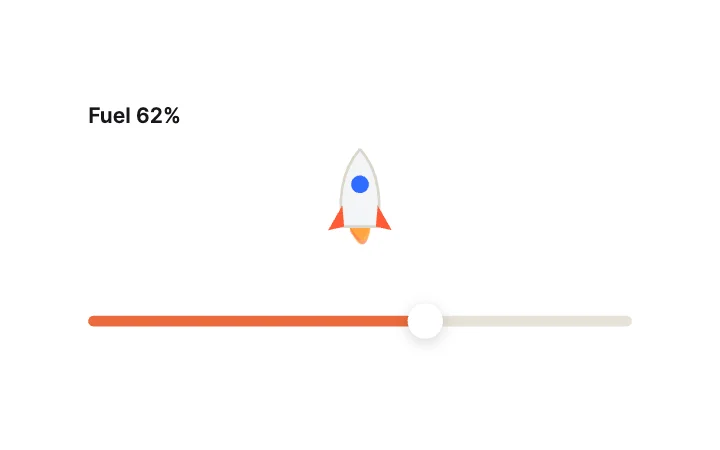
Rocket LaunchSlider · Expressive & Kinetic
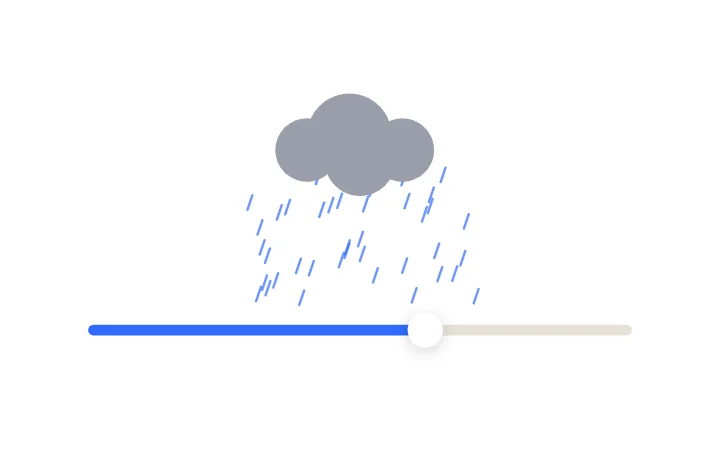
Rain IntensitySlider · Expressive & Kinetic
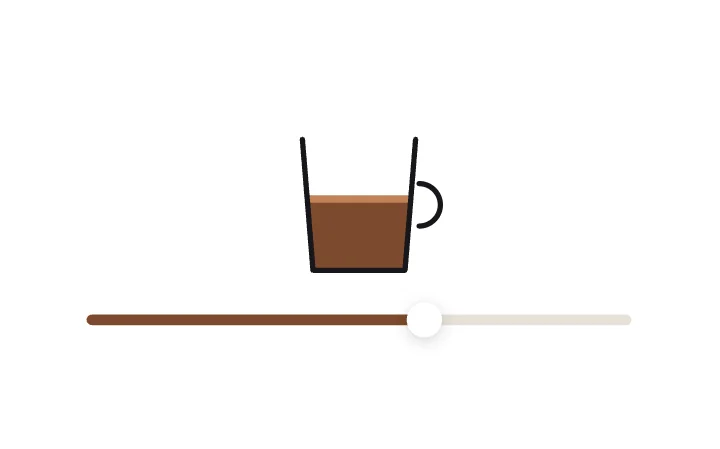
Coffee CupSlider · Expressive & Kinetic
Jelly KnobToggle · Knob Physics
Squash Against WallToggle · Knob Physics
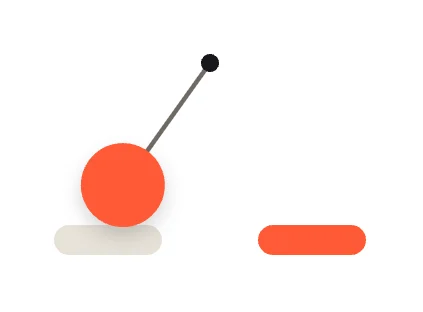
PendulumToggle · Knob Physics
Motion TrailToggle · Knob Physics
FlipToggle · Transition Effects
Ink SpreadToggle · Transition Effects
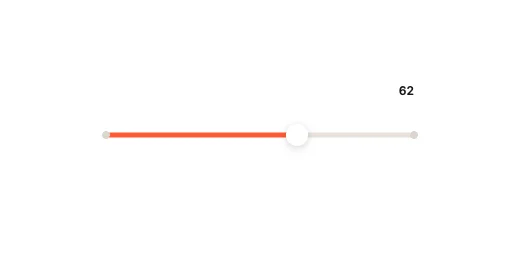
Rubber Band TrackSlider · Physics & Fluid
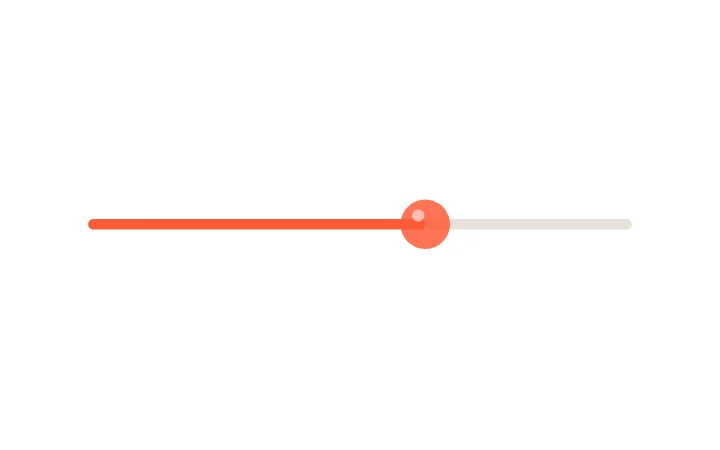
Jelly BlobSlider · Physics & Fluid
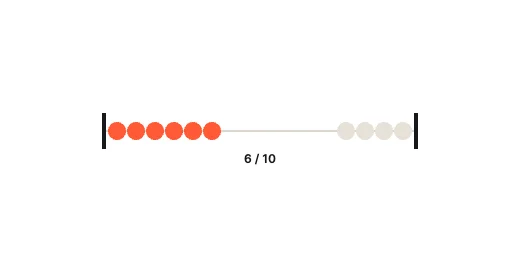
Abacus BeadsSlider · Physics & Fluid
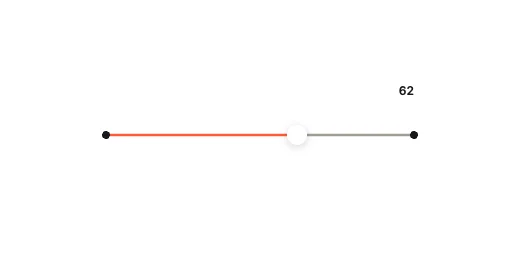
Plucked StringSlider · Physics & Fluid
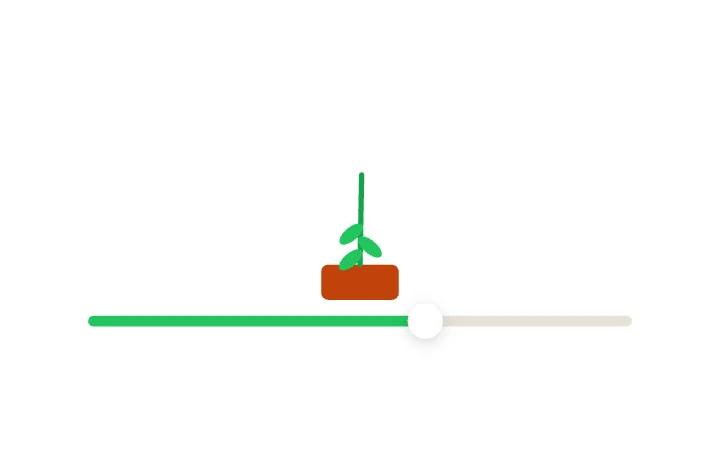
Growing PlantSlider · Expressive & Kinetic
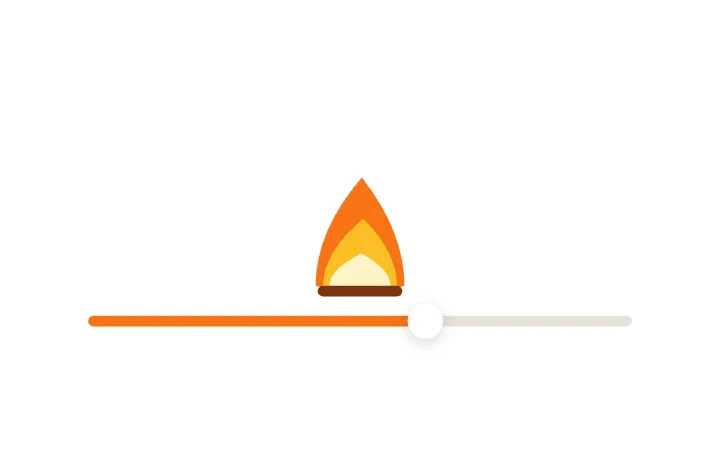
Flame SizeSlider · Expressive & Kinetic
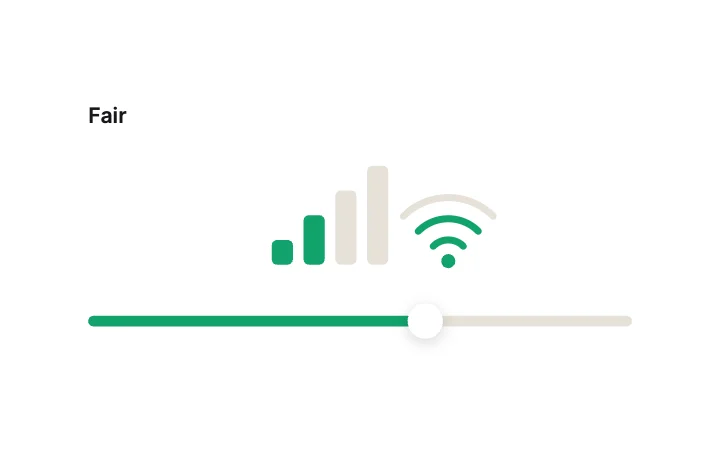
Signal StrengthSlider · Expressive & Kinetic
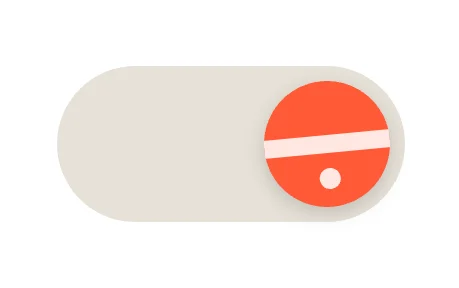
Rolling BallToggle · Knob Physics
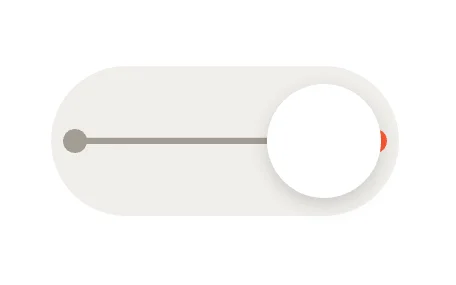
Elastic BandToggle · Knob Physics
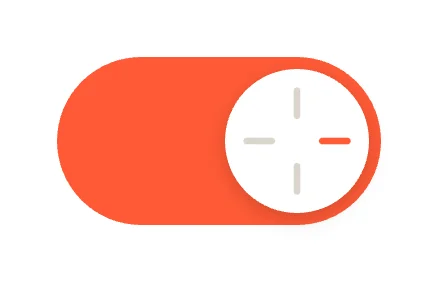
Spin KnobToggle · Knob Physics
Liquid FillToggle · Transition Effects
ConfettiToggle · Transition Effects
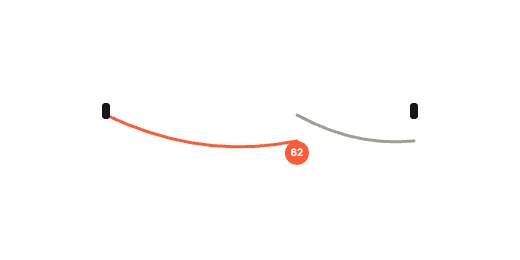
Sagging RopeSlider · Physics & Fluid
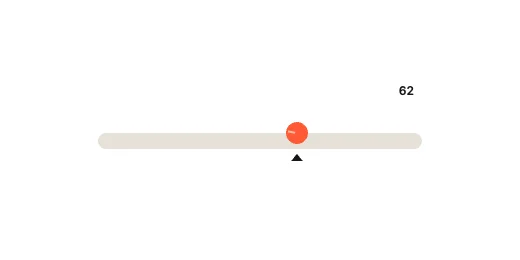
Rolling Ball GrooveSlider · Physics & Fluid
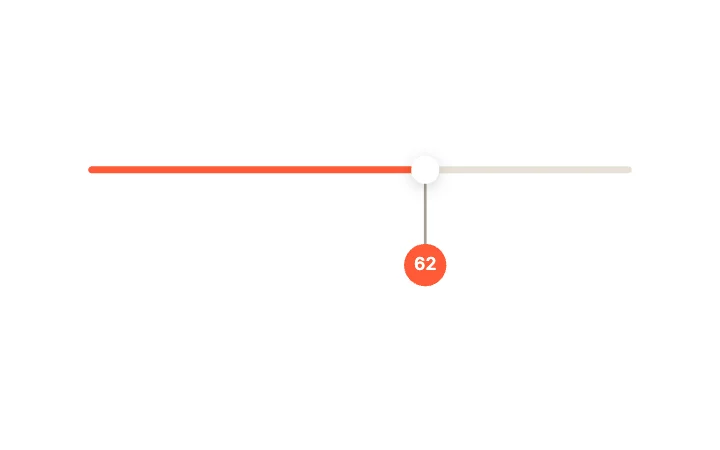
Pendulum WeightSlider · Physics & Fluid
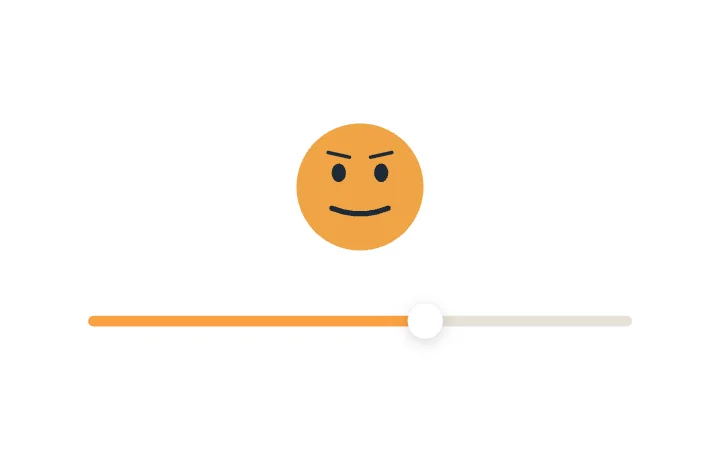
Face MorphSlider · Expressive & Kinetic

Sun to MoonSlider · Expressive & Kinetic
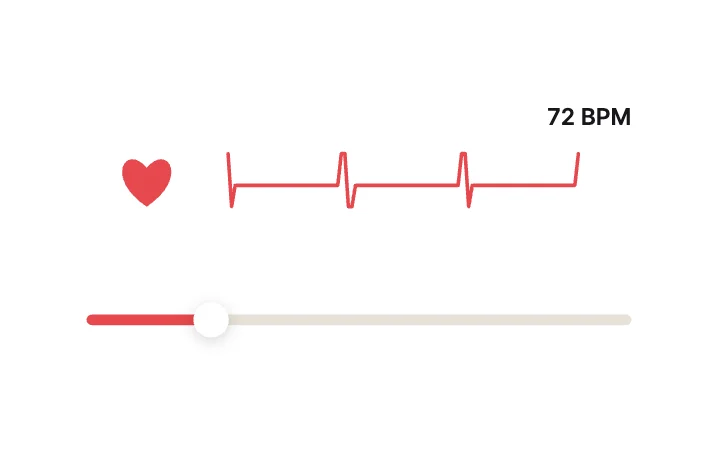
Heartbeat BPMSlider · Expressive & Kinetic
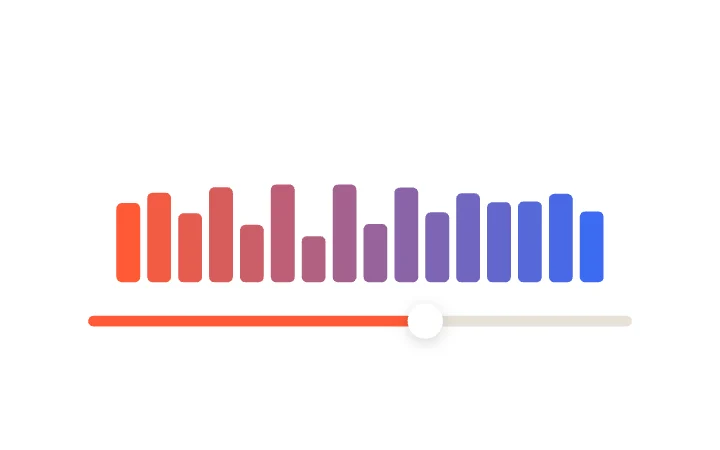
Equalizer BarsSlider · Expressive & Kinetic
Bounce KnobToggle · Knob Physics
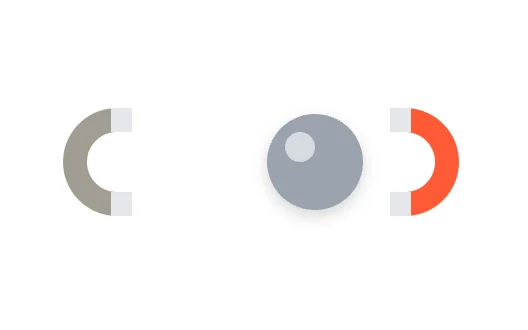
Magnet SnapToggle · Knob Physics
Gravity DropToggle · Knob Physics
Colour FloodToggle · Transition Effects
RippleToggle · Transition Effects
What to look for in a UI motion component
- Motion that starts from the element the user touched, not from the middle of the screen.
- A spring or curve you can change without rewriting the component.
- Short feedback for presses, and longer motion only when something arrives.
- A reduced-motion path for people who ask for less movement.
Use it in your app
The code for Liquid Wave Fill, with its real file and input names. Every component on this page works the same way.
npm install exodeuiimport { useEffect } from 'react';
import { ExodeUICanvas, useExodeUI } from 'exodeui';
export function LiquidWave() {
const { engine, setEngine, updateInput, fireTrigger } = useExodeUI();
useEffect(() => {
updateInput("Liquid Wave Fill · Value", 70);
}, [engine]);
return (
<>
<ExodeUICanvas src="/liquid-wave.bexode" onReady={setEngine} />
</>
);
}Questions
Are these UI motion components free?
Yes. Every design comes from a studio built into the ExodeUI editor, and the studios are part of the free Community plan. You can open and change any design without a paid plan, or download its .exode file from its page. The runtimes are free npm, Swift and Flutter packages.
What is the difference between a motion component and an animated component?
They overlap. A motion component is chosen for how it moves: the spring, the curve, the follow-through. An animated component may only play a loop. Everything here is tied to a real state, so the motion confirms an action instead of running on its own.
Can I change the spring or timing?
Yes. Springs, curves and durations are settings in ExodeUI. Change them in the editor and the file updates; your code keeps the same input names.
Which frameworks do they work in?
Each design is one .exode file. The ExodeUI runtimes play the same file in React, Vue, Svelte, Angular, Solid, React Native, SwiftUI and Flutter, and the inputs have the same names in all of them.
Do they respect reduced motion?
The runtimes expose the design’s inputs, so your app can switch to a shorter or still version when the visitor asks for reduced motion. Decide that path before you ship, since the component cannot know the setting on its own.
Can an AI coding tool add them?
Yes. The ExodeUI MCP server lets Claude Code, Cursor and other AI coding tools list the library and add a design to your file from a plain-language prompt.
Related
More free components
- Animated UI components
- Interactive UI components
- Animated elements for websites
- Animated React components
- Micro-interactions
- Animated form components
- Dark mode toggle
- Star rating
- Segmented control
- Range slider
- Knobs and dials
- Floating label input
- OTP input
- Password input
- Search bar
- Image carousel
- Donut chart
- Line chart
- Pricing table
- Liquid glass UI kit
Make your own in ExodeUI
Free to start. Every studio behind these components is built into the editor, and everything it makes stays native and editable.
Try ExodeUI for free